Broad Group Access
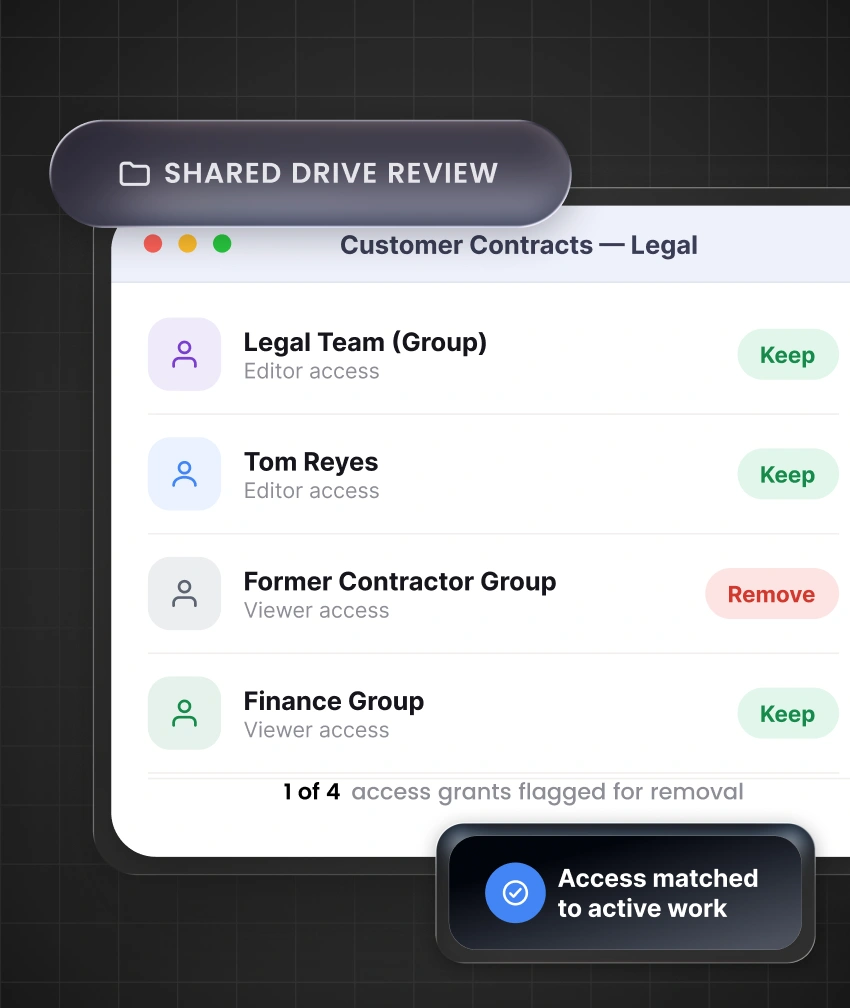
A Google Groups access assignment can open files, calendars, mailing lists, business resources, and shared drives.
Need Help? We are right here!

Search Results:
×
Groups, role changes, outside users, and app connections can create access gaps without clear ownership and follow-through.
A Google Groups access assignment can open files, calendars, mailing lists, business resources, and shared drives.
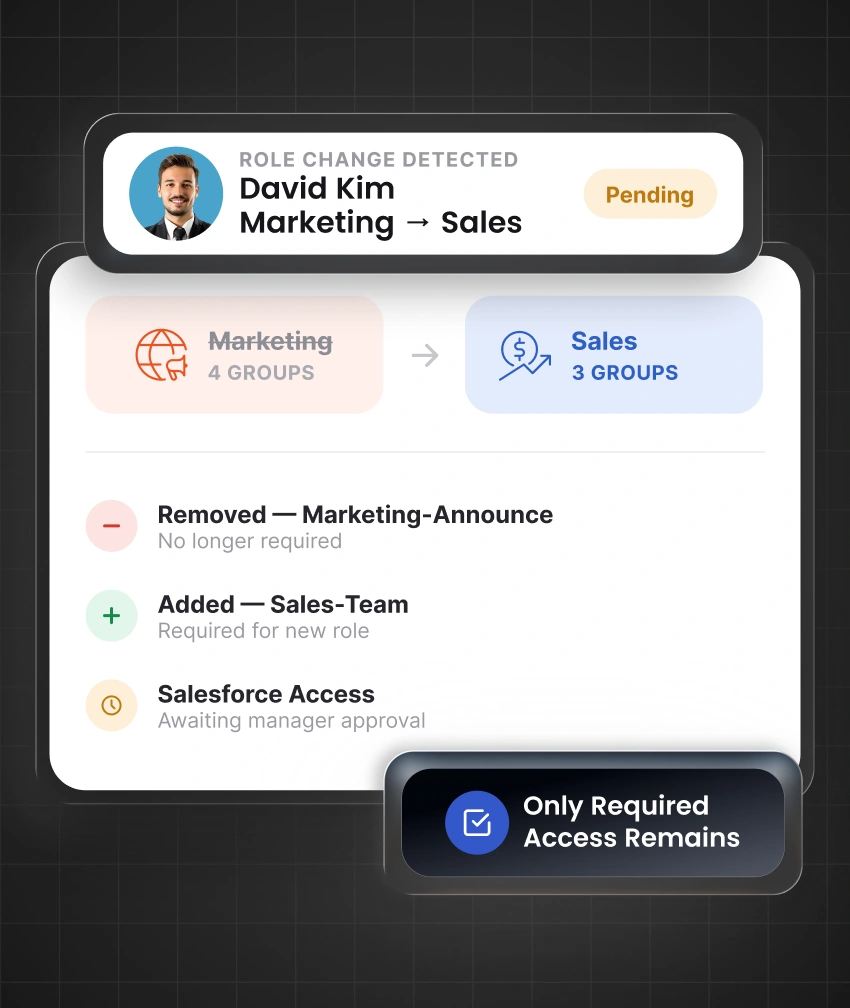
A role change access event can add new permissions while access from a previous responsibility remains active.
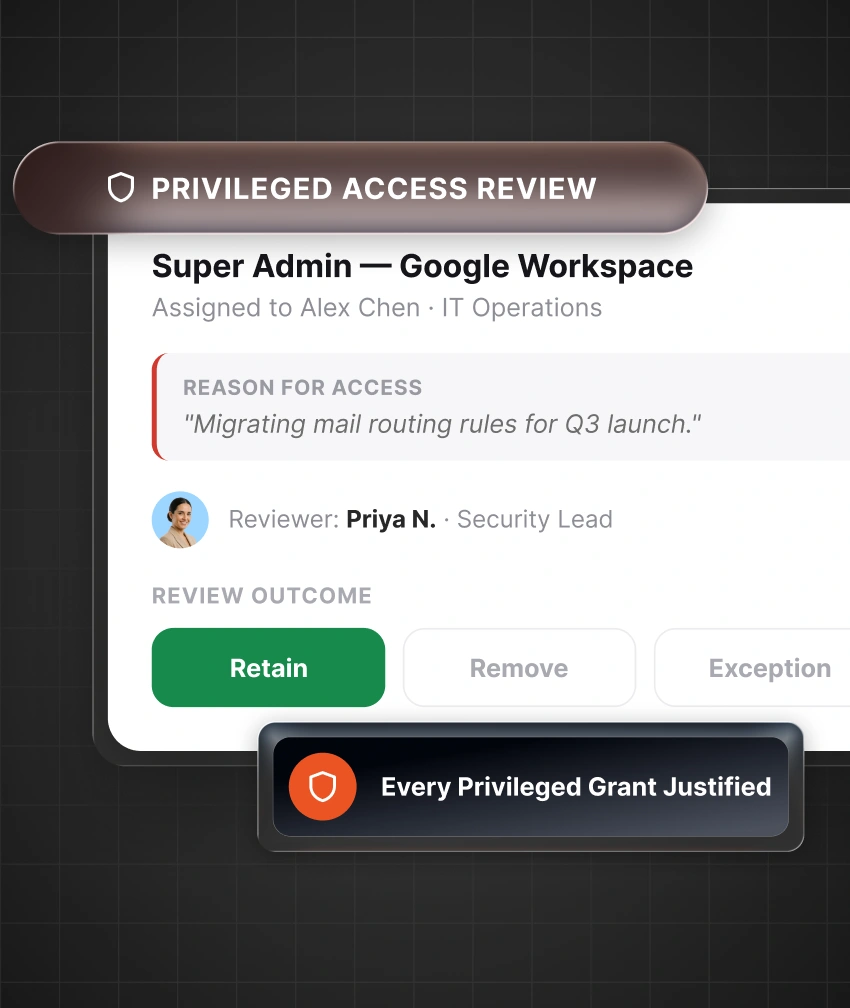
Admin roles can grant broad authority over users, services, devices, and administrative settings.
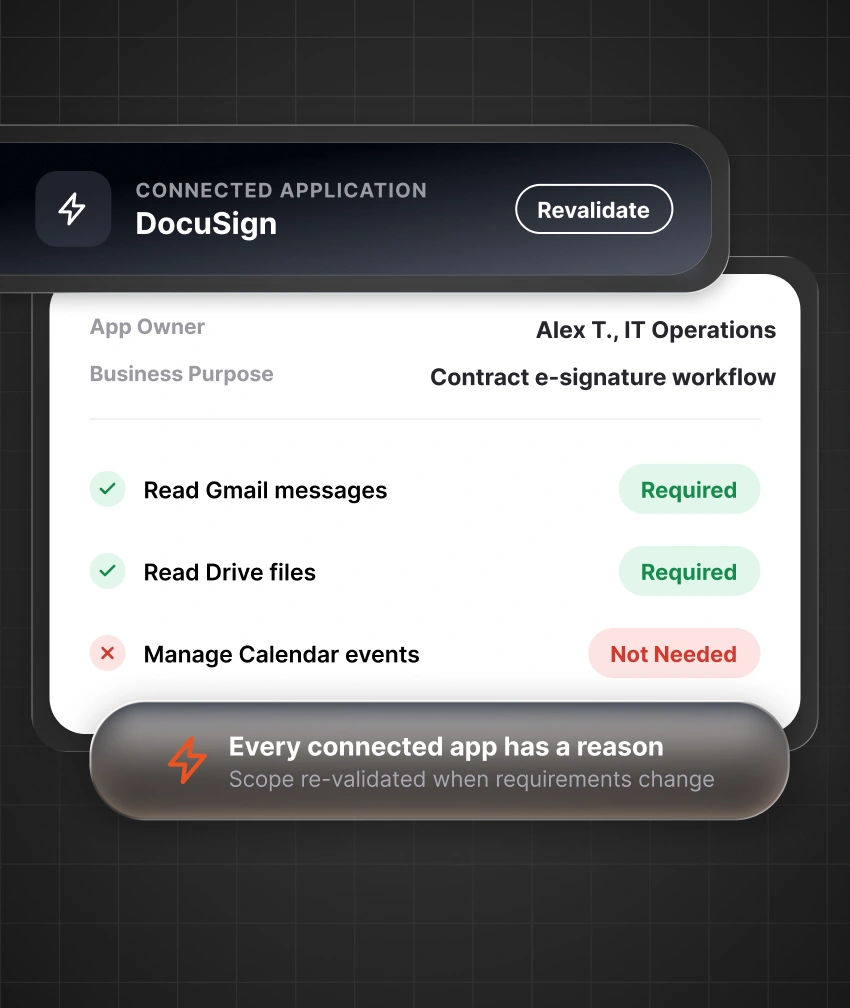
Third-party app access, OAuth app access, and external sharing can continue after ownership, scope, or business needs change.
Google Workspace governance is the process of deciding who needs access, what they should receive, who approves it, and when it should be removed. It covers users, groups, privileged roles, shared content, and connected applications throughout the user lifecycle.
Identity governance for Google Workspace works alongside the Google Admin Console. Google Workspace enforces access settings. miniOrange IGA adds ownership, lifecycle actions, policy checks, approvals, certifications, and records around those permissions.
miniOrange IGA brings Google Workspace access governance, HR data, directories, and connected applications into one governed lifecycle.

Sync Google Workspace users and groups, then connect the HR and business applications that matter.

Define job-based access, set SoDs in Google Workspace policies, and establish who approves additional access.

Run scheduled checks so access remains only when an accountable owner confirms it is still required.

Keep requests, approvals, removals, policy violations, and decision history ready for audits and control checks.
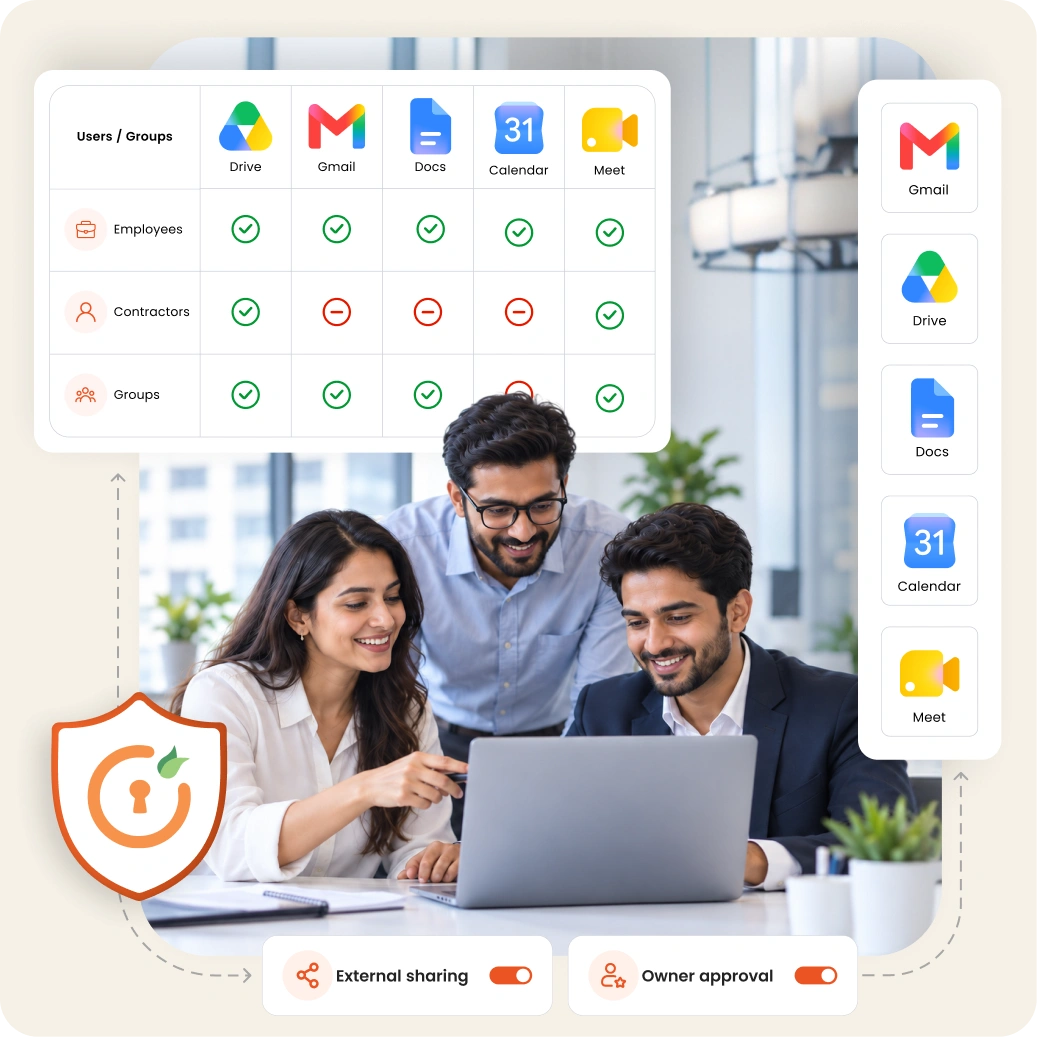
Control access for employees, groups, privileged users, outside workers, and connected applications across every stage of work.

Google Workspace user provisioning creates accounts, group memberships, and approved application access from trusted HR or directory data.

A new role should replace outdated permissions, not add to them. This supports least privilege for Google Workspace as responsibilities change.

Google Workspace SoD controls identify toxic access detection patterns and cross-app access conflict risks before sensitive access is assigned.

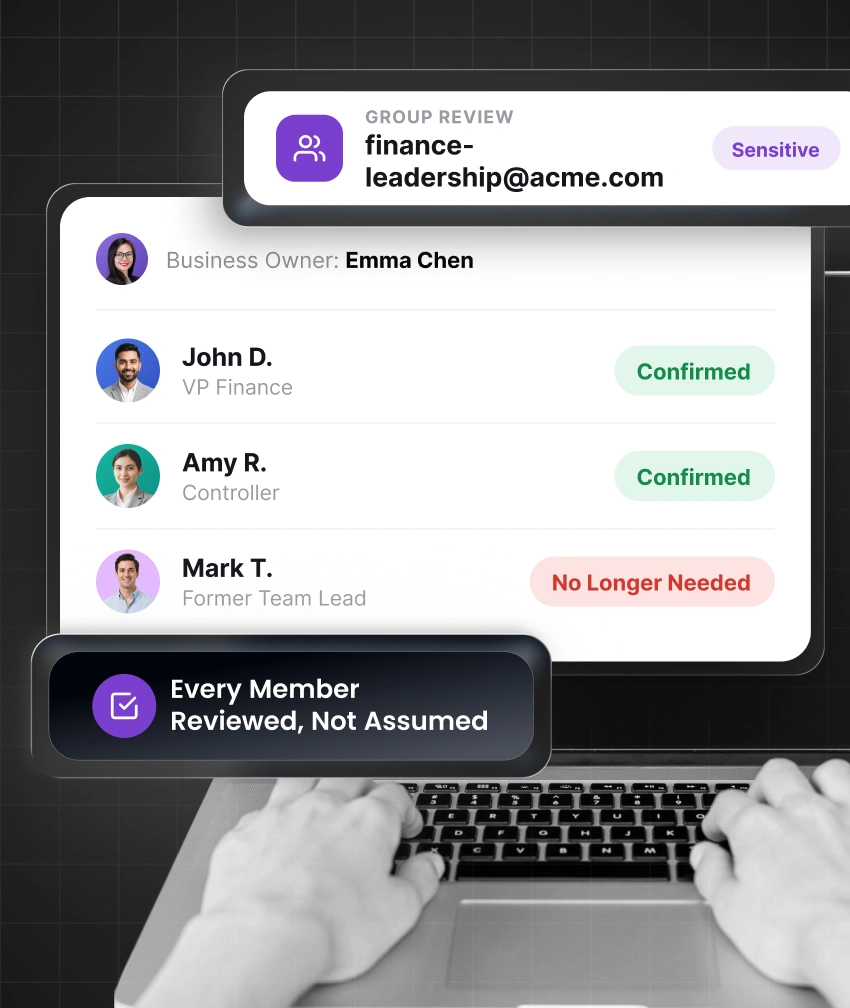
Google Workspace group governance assigns ownership, defines purpose, and runs a group membership review for access to business resources.

Employees submit access requests with business context. An approval workflow sends each request to the appropriate manager or owner.

Google Workspace access reviews help managers confirm continued need, while each recurring access review supports Google Workspace access certification.

A Google Workspace admin access review validates elevated permissions, ownership, justification, and current business need.

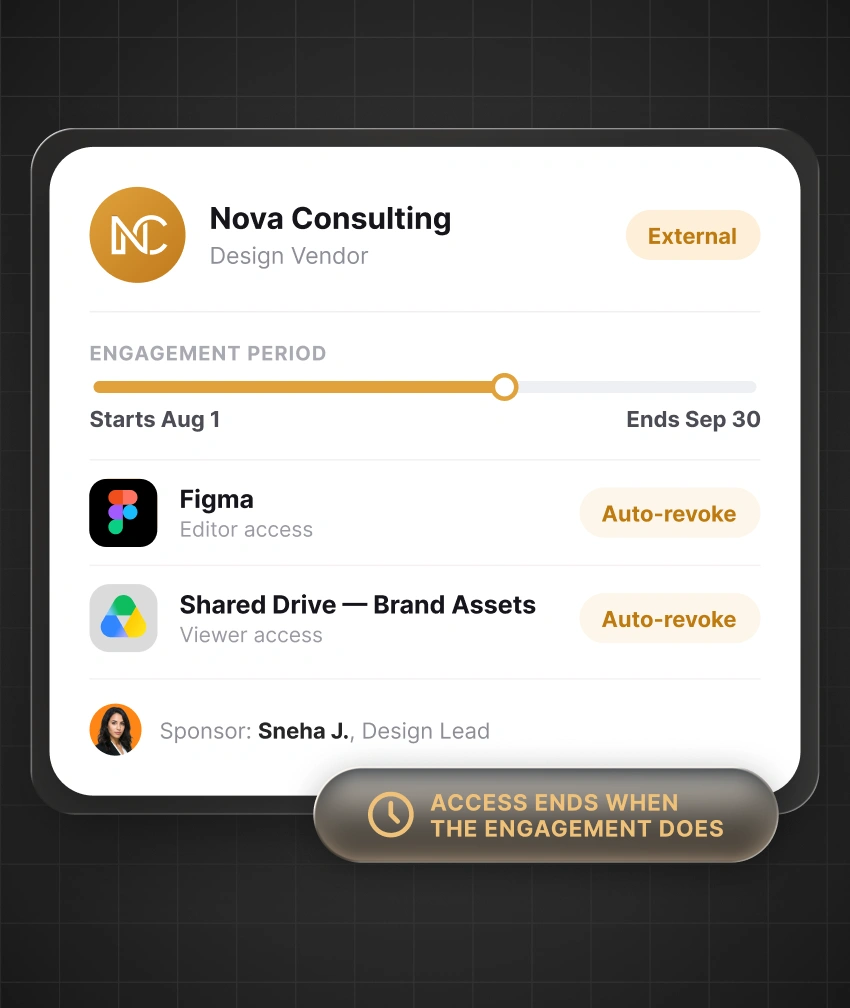
Contractor access and partner access can include sponsors, limited scope, expiry dates, and planned checks for temporary access.

Offboarding automation starts Google Workspace deprovisioning after a verified exit event and helps reduce orphaned accounts.
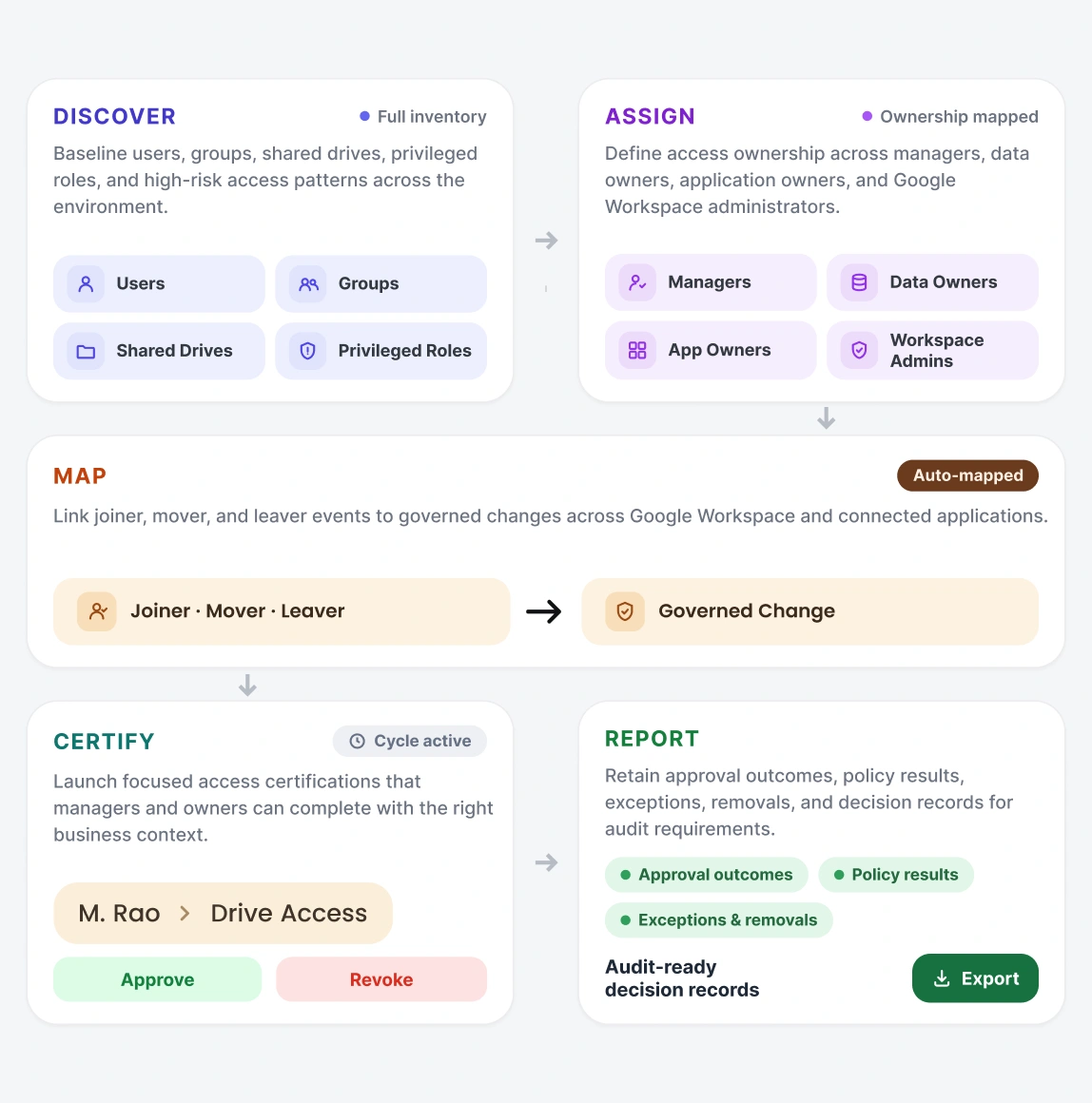
Move from identity information to controlled access actions through five practical stages.
Baseline users, groups, shared drives, privileged roles, and high-risk access patterns across the environment.
Define access ownership across managers, data owners, application owners, and Google Workspace administrators.
Link joiner, mover, and leaver events to governed changes across Google Workspace and connected applications.
Launch focused access certifications that managers and owners can complete with the right business context.
Retain approval outcomes, policy results, exceptions, removals, and decision records for audit requirements.
Apply consistent governance to workforce changes, group-based access, privileged permissions, external collaboration, and connected applications.
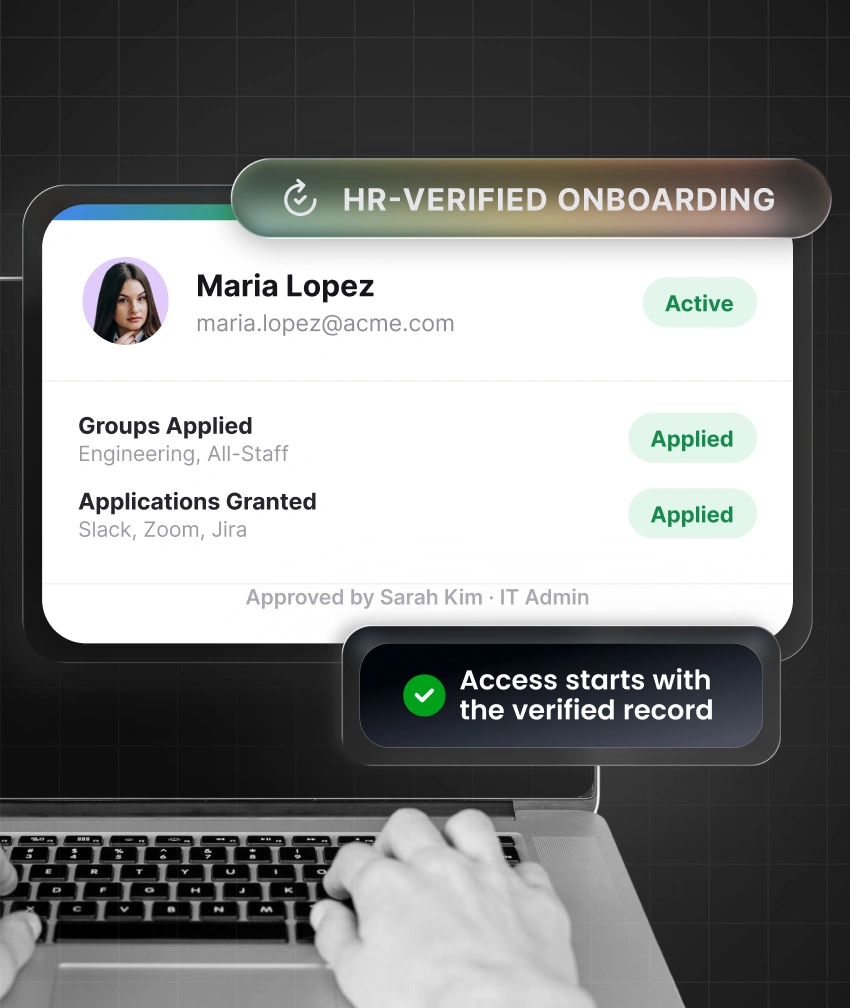
Assign Google Workspace and approved application access from a verified employee record.
Maintain access ownership, certification outcomes, policy checks, and evidence to support control and audit requirements.
View Compliance Frameworks
Financial Controls

Payment Security

ISMS

Type II

Data Privacy

Healthcare Privacy

Cybersecurity

Data Protection
Connect Google Workspace with HR systems, directories, and SaaS applications while keeping your existing IT environment intact.
Manage Google Workspace users and groups in your IGA processes with provisioning, imports, SSO, and directory integration.
Apply consistent IGA workflows across onboarding, role changes, offboarding, access requests, approvals, and access reviews.
Extend the same access policies and governance workflows across 200+ supported integrations as your IT environment grows.
Choose cloud, on-premises, or hybrid deployment to align IGA with your infrastructure, security, and compliance requirements.
Keep approvals, review decisions, and access changes organized in one place so you can produce audit evidence when needed.
Google Workspace governance covers users, groups, shared drives, privileged roles, connected applications, lifecycle changes, requests, approvals, certifications, SoDs, policy checks, and audit records.
Google Admin Console manages Google Workspace settings and permissions. IGA governs the decisions around access, including ownership, lifecycle actions, approval paths, policy checks, certifications, and evidence.
Yes, miniOrange can support user and group management through configured integrations, including account creation, updates, membership changes, and access removal.
Yes, miniOrange IGA can govern Google Workspace alongside HR platforms, directories, and supported business applications through shared lifecycle, approval, certification, SoD, and reporting processes.
Managers and resource owners assess assigned permissions and decide whether access should remain, change, or be removed. Each decision is retained for future checks and audit support.
SoDs compare assigned access against conflict rules defined by your organization. When a conflict appears, teams can remediate the issue, remove the permission, or approve and document an exception.