Leavers Retain Application Access
An employee exit or contract end may close an AD account while accounts in ERP, CRM, cloud, or legacy applications remain active.
Need Help? We are right here!

Search Results:
×
When access data is spread across HR, Active Directory (AD), ERP, cloud, SaaS, and legacy systems, teams struggle to see who can access sensitive resources.
An employee exit or contract end may close an AD account while accounts in ERP, CRM, cloud, or legacy applications remain active.
Employees moving across departments can receive new access without losing permissions from their previous role, project, or business unit.
Administrator groups, finance roles, shared accounts, and sensitive entitlements may have no named business owner responsible for regular review.
Application owners see permission names or group IDs without knowing what the entitlement allows, whether it is used, or if it creates a toxic access combination.
Enterprise Identity Governance and Administration (IGA) helps organizations manage employee identities throughout the user lifecycle. It ensures employees receive the right access for their roles, lose access when they no longer need it, and undergo regular access reviews.
IGA gives security and IT teams, managers, and application owners a clear view of access requests, approvals, permissions, reviews, and removals. It also helps identify risky access, such as toxic combinations and excessive privileges that remain active for too long.
miniOrange IGA manages access requests, approvals, reviews, and decisions throughout the access lifecycle.

Find employee, contractor, service account, group, and permission records across connected applications.

Apply RBAC, approval workflows, expiry rules, and SoD policies before access is granted.

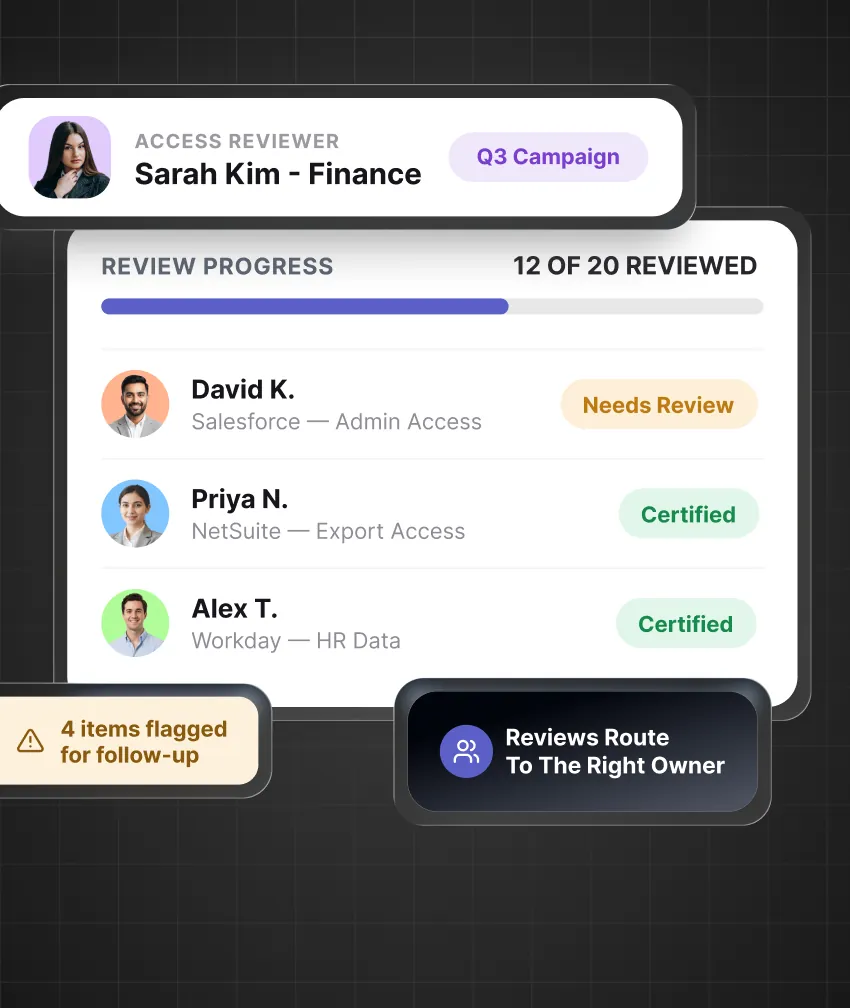
Send access reviews to managers and application owners with relevant entitlement details.

Provide complete records of access requests, approvals, changes, certifications, and exceptions.
Centralize access decisions and oversight across every identity, application, and business unit.

Automate account creation, access provisioning, role updates, and deprovisioning from approved Joiner, Mover, and Leaver events. This reduces delays in access changes across applications.

Create role models based on job function, department, and specific business requirements. Give new employees baseline access while making exceptional access easier to identify.

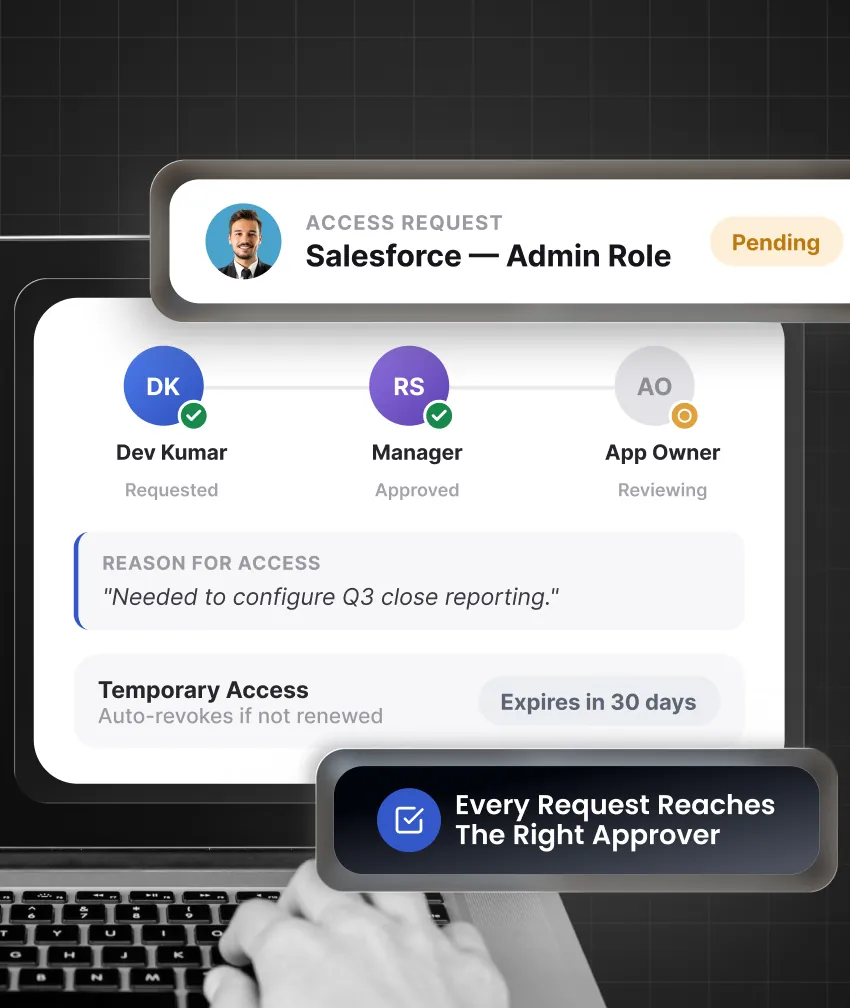
Provide an entitlement catalog where employees request access by business purpose. Requests follow approval workflows, additional controls for sensitive access, and automatic expiry rules.

Run access certification campaigns by application, department, manager, region, or risk level. Reviewers can approve, remove, or delegate decisions with complete access detail.

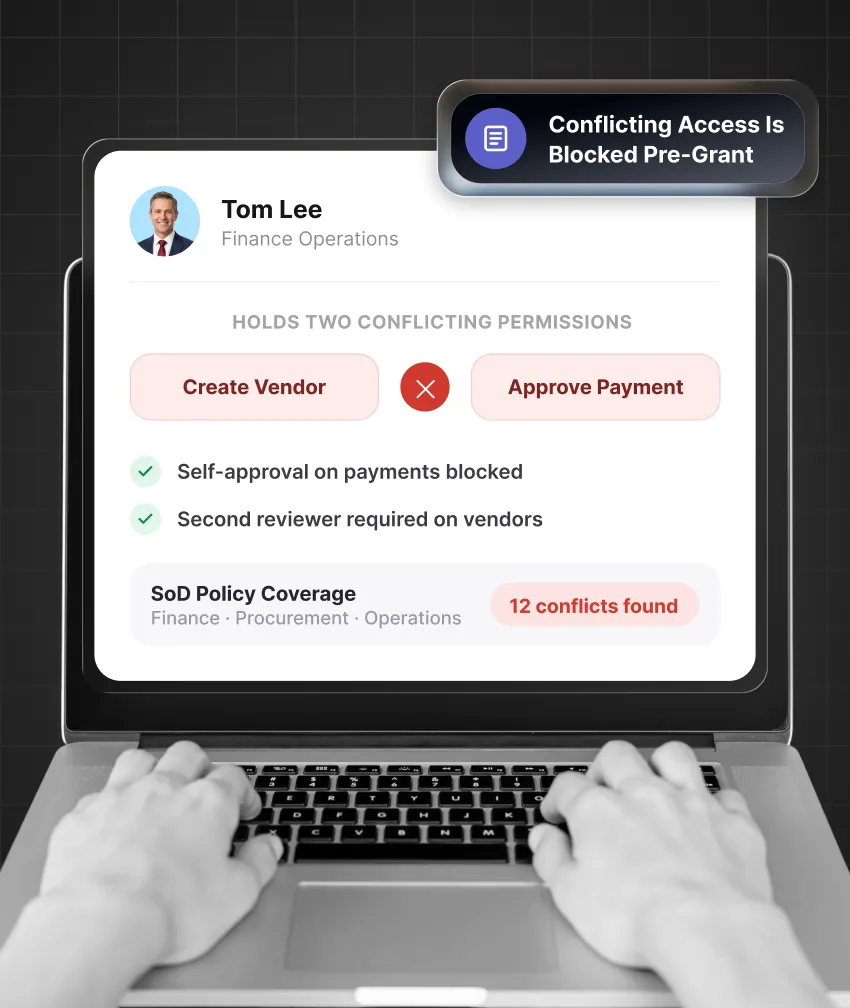
Prevent toxic access combinations, such as creating a supplier and approving its payment. Check new requests and identify existing conflicts across ERP and business applications.

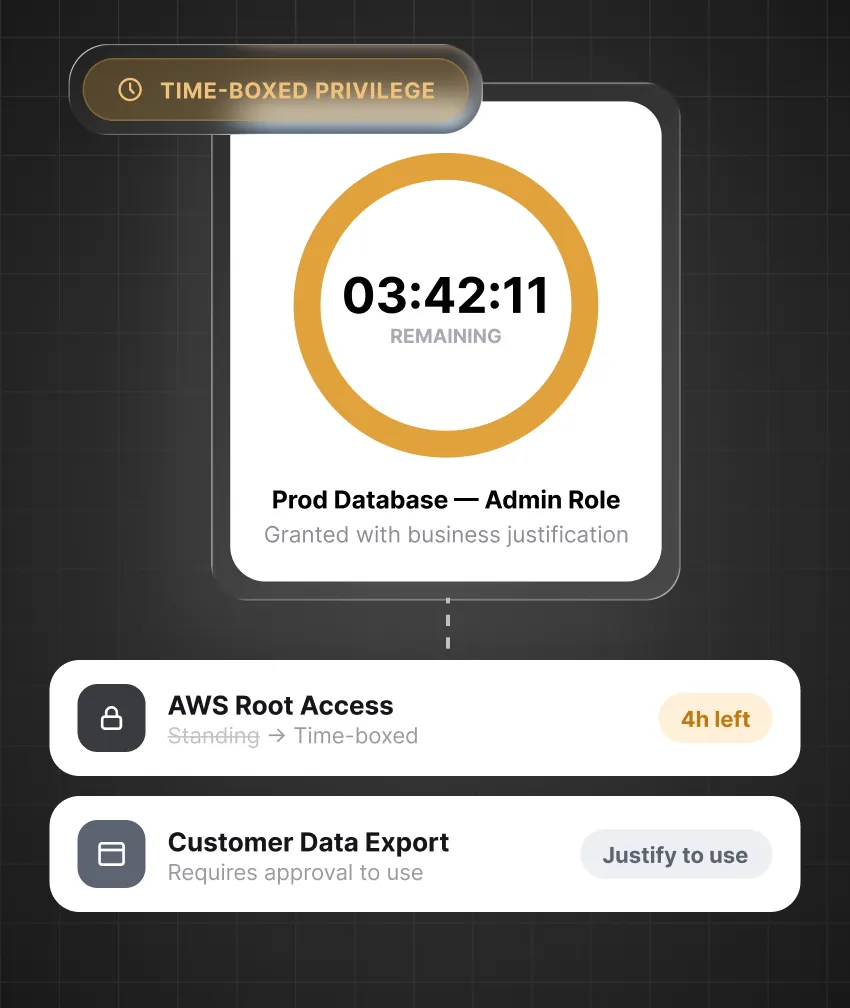
Control administration and sensitive access with request-based approvals, stated business reasons, time-bound permissions, and automatic removal after the approved window.

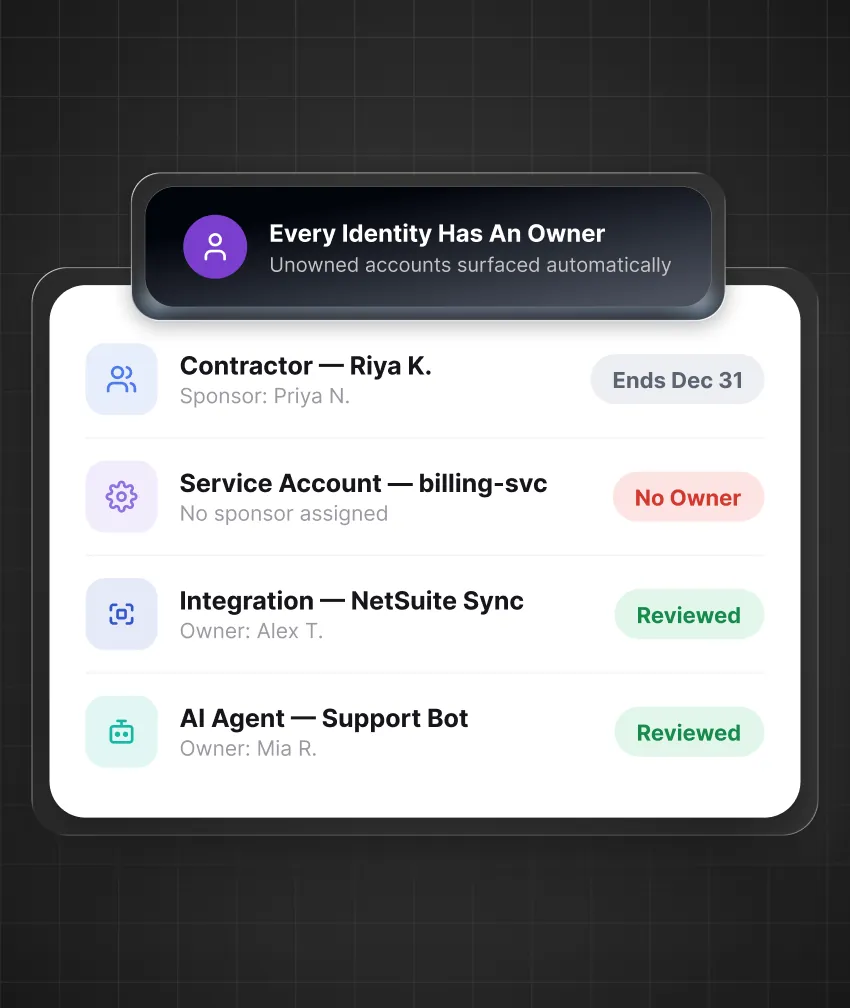
Connect contractor, vendor, and partner access to an internal sponsor, work purpose, contract date, and periodic access review.

Assign ownership and review dates to service accounts, integration accounts, API keys, bots, automation identities, and AI agents.

Bring subsidiary and acquired company accounts into the same governance program. Apply common controls without requiring immediate directory consolidation or application migration.
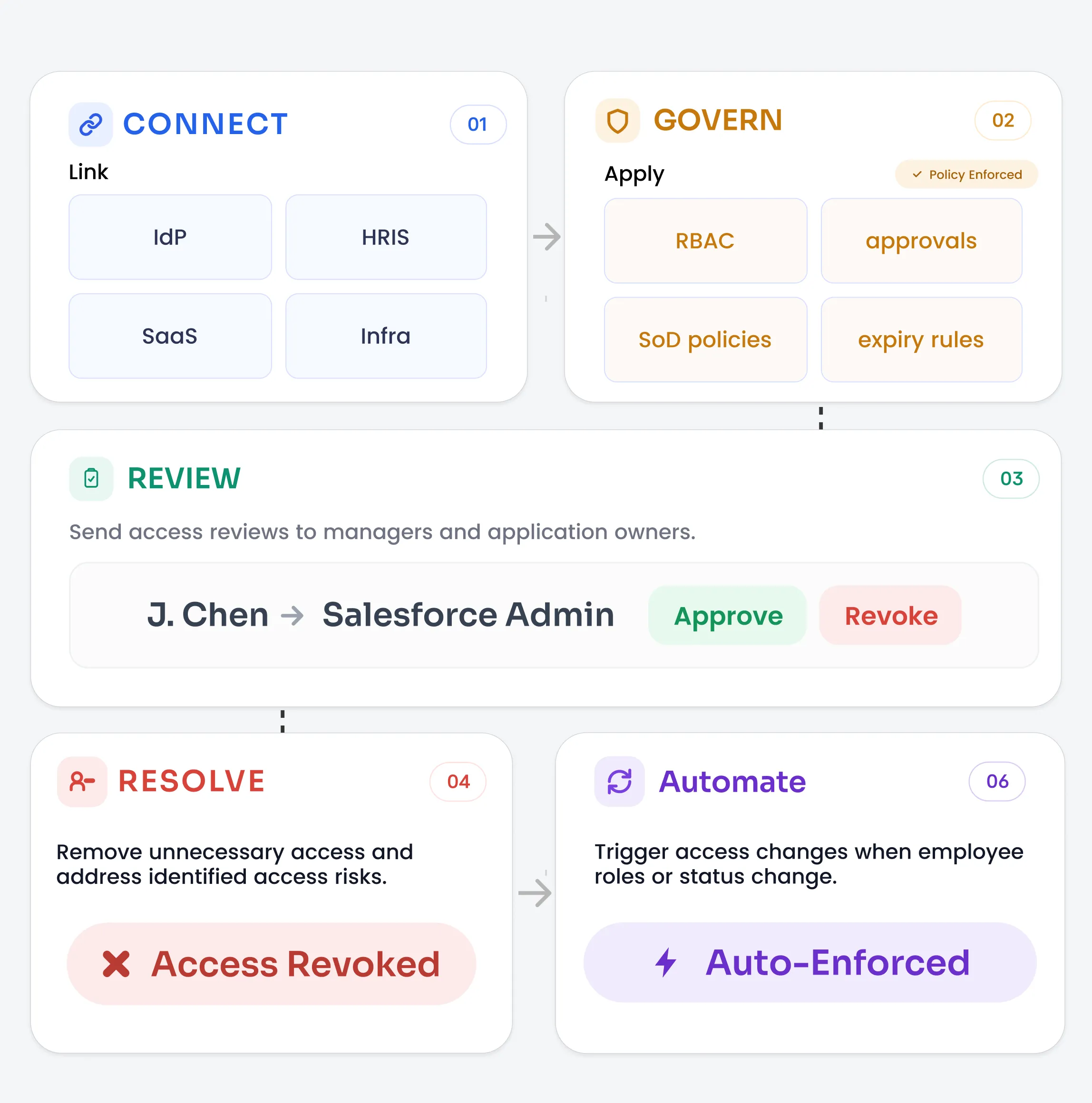
Understand how enterprise identity governance connects systems, governs user access, reviews permissions, and automates identity lifecycle management.
Link HR systems, directories, applications, and cloud platforms.
Apply RBAC, approvals, expiry rules, and SoD policies.
Send access reviews to managers and application owners.
Remove unnecessary access and address identified access risks.
Trigger access changes when employee roles or status change.
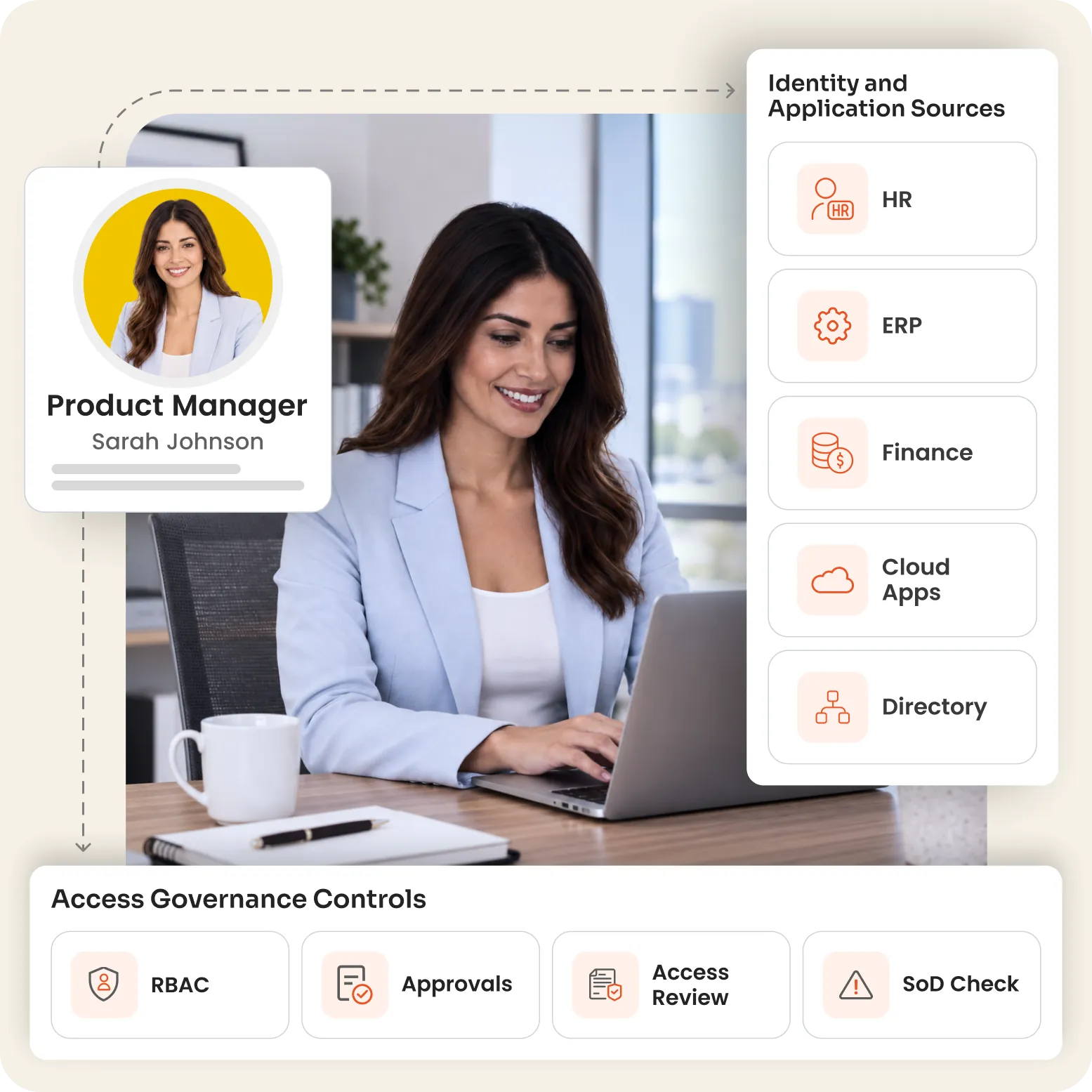
Govern everyday access changes and high-risk permissions across users, applications, and business processes.
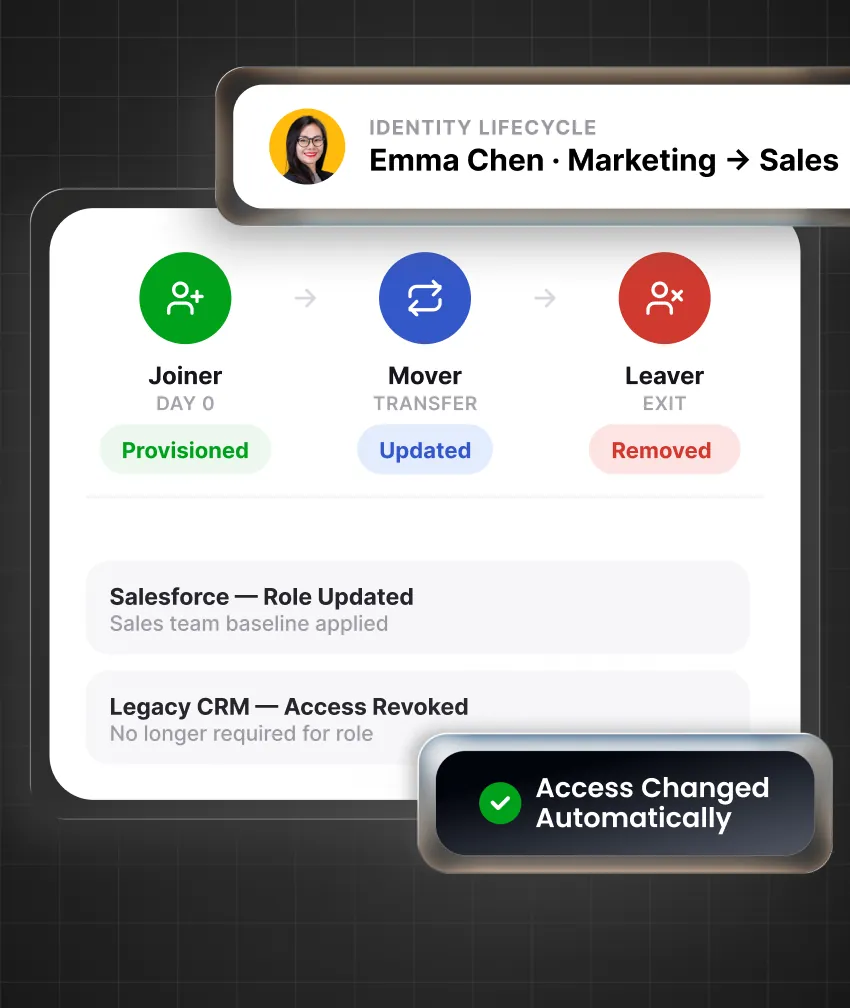
Provision role-based access for new employees, update access after transfers, and remove accounts after exits through identity lifecycle automation.
miniOrange IGA helps organizations collect access-control evidence for financial reporting, privacy, cybersecurity, operational resilience, and customer assurance obligations.
Know More




Strengthen identity security with consistent controls, continuous oversight, and clear accountability for access decisions.
Choose cloud, on-premises, or hybrid deployment to align with your infrastructure, security requirements, and operational needs.
Start with critical applications, address key access risks first, and expand governance as your organization’s needs grow.
Automate routine access tasks and reviews so IT teams spend less time on manual work and more time on risks and exceptions.
Govern access across cloud, SaaS, on-premises, and legacy applications while keeping critical business workflows running smoothly.
Get expert guidance throughout implementation, daily operations, troubleshooting, and evolving access governance requirements.
Enterprise IGA manages access from request to removal. It includes account provisioning, RBAC, approvals, access reviews, SoD checks, privileged access, third-party access, and audit records across enterprise applications.
SSO helps users sign in, and password tools manage credentials. IGA decides who should receive access, who approves it, how long it remains active, and when it must be reviewed or removed.
No, IGA can connect multiple directories, HR systems, cloud platforms, subsidiaries, and acquired environments. It creates a consolidated access view without requiring an immediate directory migration.
Yes, miniOrange IGA supports connectors, APIs, SCIM provisioning, and flexible integration methods for older applications. This helps bring manual access changes, reviews, and evidence into one process.
Yes, central teams can define policies and reporting requirements, while regional teams manage local approvers, workflows, and review campaigns. This keeps enterprise oversight while supporting local business and data-residency needs.
Reviews can be divided by application, region, manager, department, entitlement, or risk. Reviewers see relevant access details, receive reminders, can delegate decisions, and remove access that is no longer approved.