Permission Sets Grow
Users can accumulate multiple permission sets over time, making their overall Salesforce access difficult to understand and review.
Need Help? We are right here!

Search Results:
×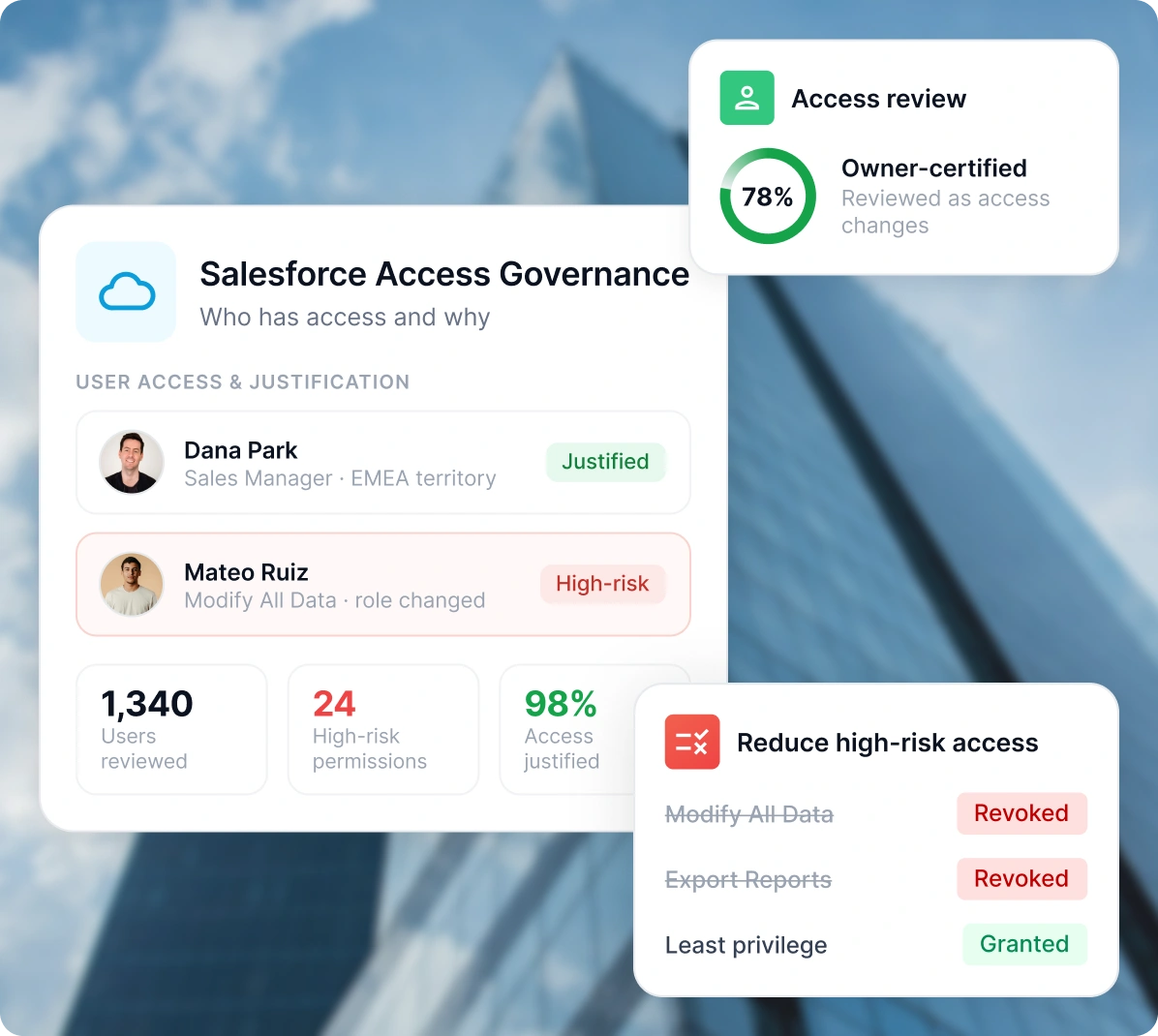
Salesforce access rarely stays the same. As employees change roles, teams expand, territories shift, and new permissions are assigned, teams need a clear way to track who has access and why.
Users can accumulate multiple permission sets over time, making their overall Salesforce access difficult to understand and review.
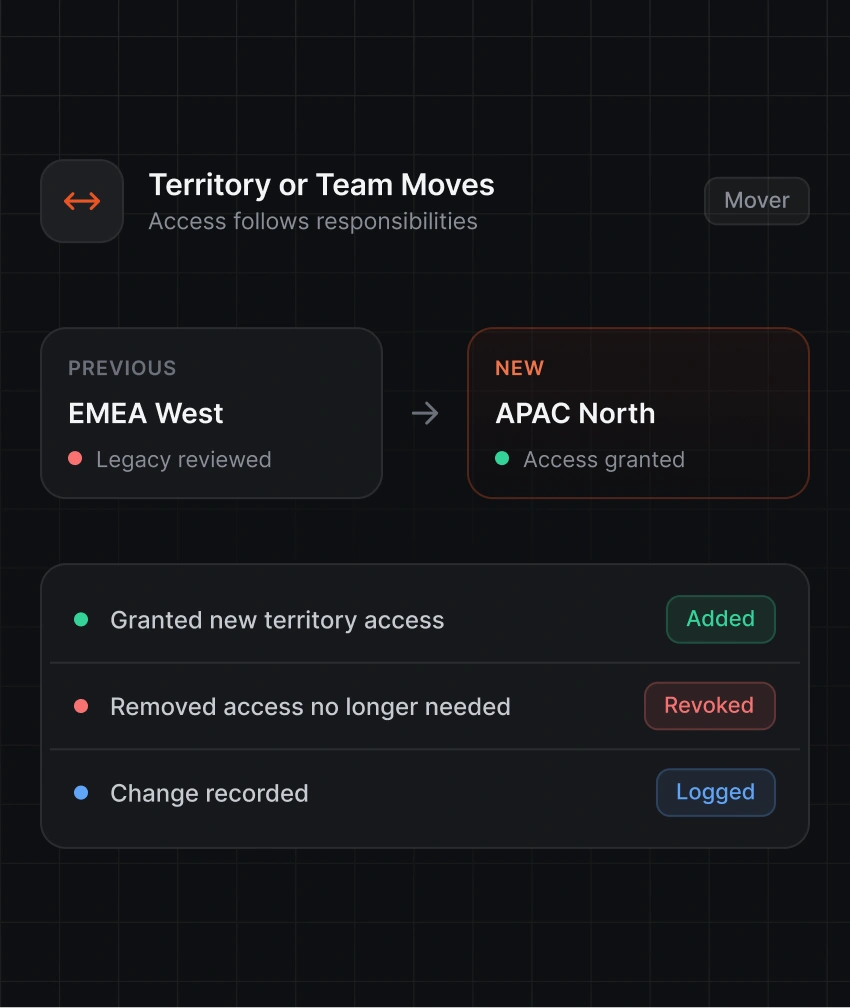
Employees moving between territories, teams, or roles may retain permissions connected to previous responsibilities and business requirements.
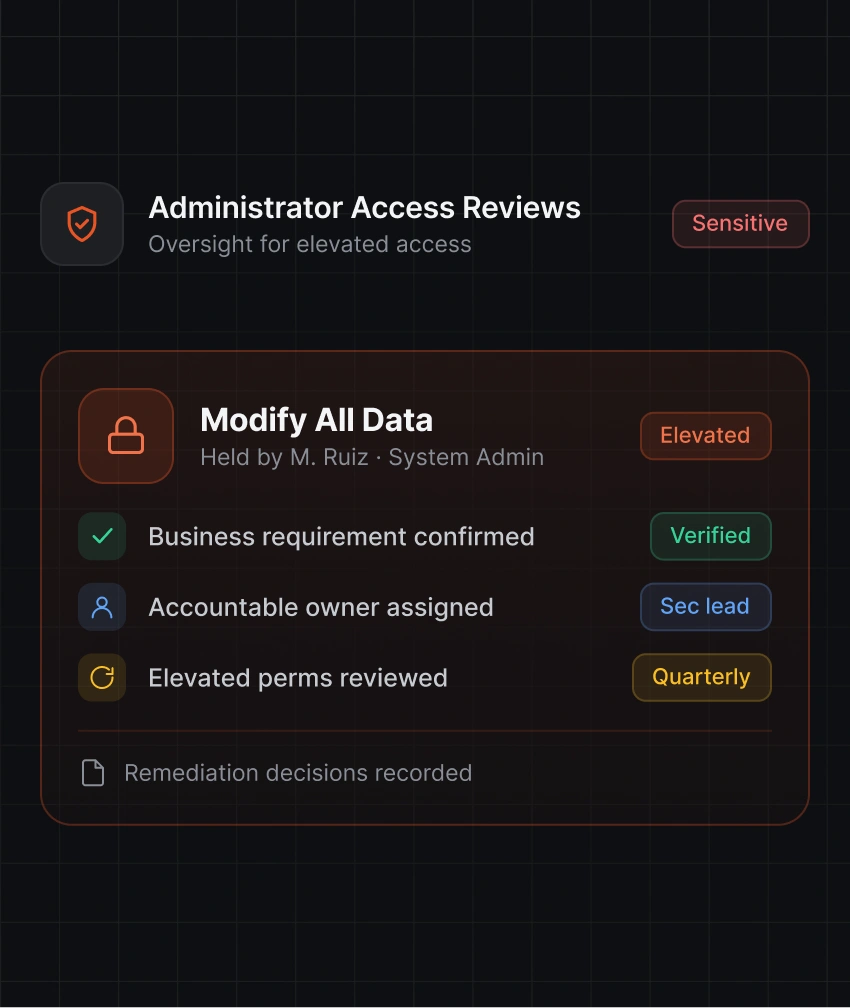
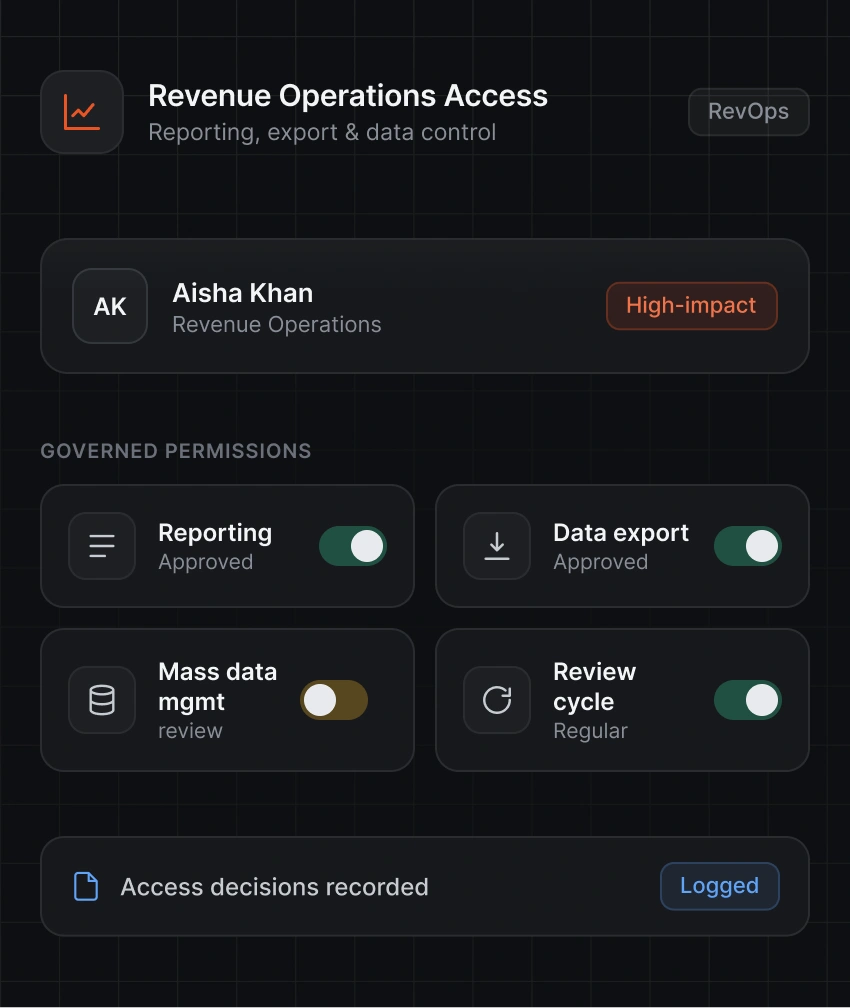
Administrator, API, export, and data-management permissions provide broader access and require closer oversight than standard Salesforce access.
Manual updates and email-based requests can leave incomplete approval trails, making access decisions harder to track and verify.
Salesforce Identity Governance brings access information, ownership, approvals, reviews, and records into one connected process.

Identify Salesforce users, profiles, roles, permission set licenses, integration accounts, and responsible owners.

Route access requests and lifecycle changes through defined approval paths and governance workflows.

Ask managers and access owners to verify that permissions remain appropriate for current responsibilities.

Maintain records of access requests, approvals, reviews, policy checks, and removals for audits.
Manage Salesforce access from the initial request through approval, lifecycle changes, periodic reviews, and permission removal.

Get a centralized view of Salesforce users, profiles, roles, permission sets, permission set licenses, account ownership, and related access information. This gives teams the context needed to understand existing permissions and identify access that needs attention.

Review permission set assignments against current responsibilities. Identify permissions that no longer match a user's role and take the appropriate action.

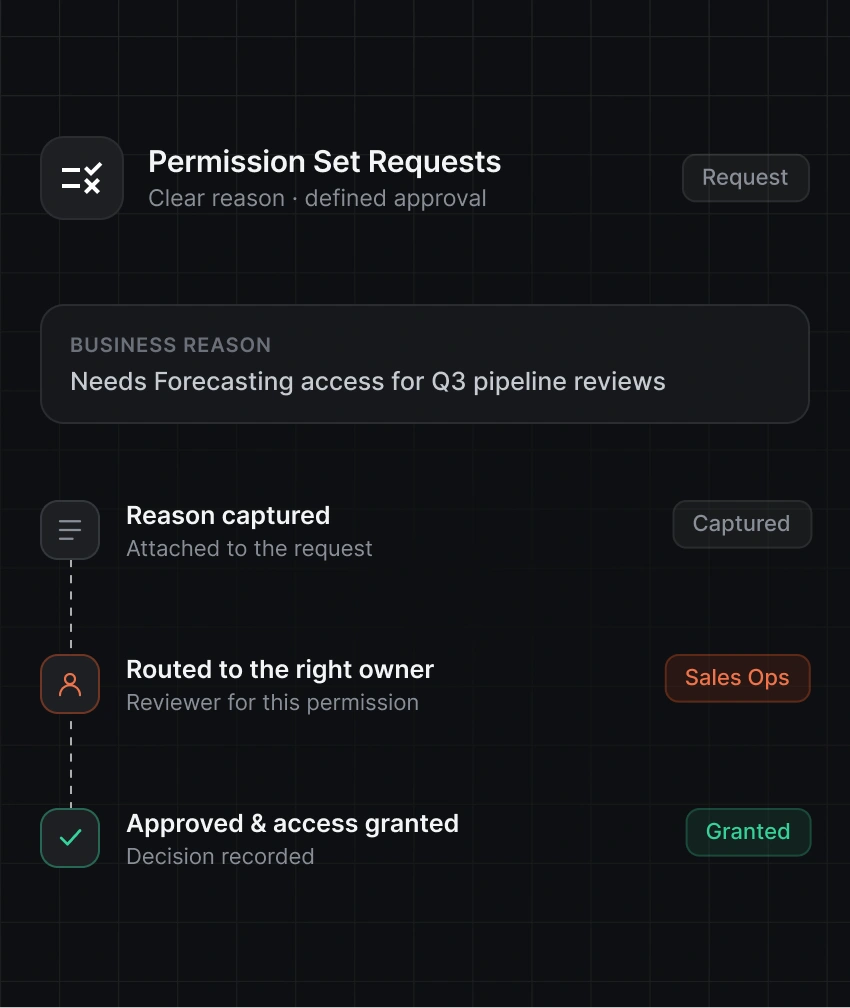
Give employees a clear way to request Salesforce access and explain the business reason. Route requests through the appropriate approval process before permissions are granted.

Send requests to the appropriate manager, Salesforce admin, application owner, data owner, or responsible reviewer based on the requested access.

Manage Salesforce access as employees join, change roles, move between teams or territories, or leave the organization. Keep permissions current as responsibilities change.

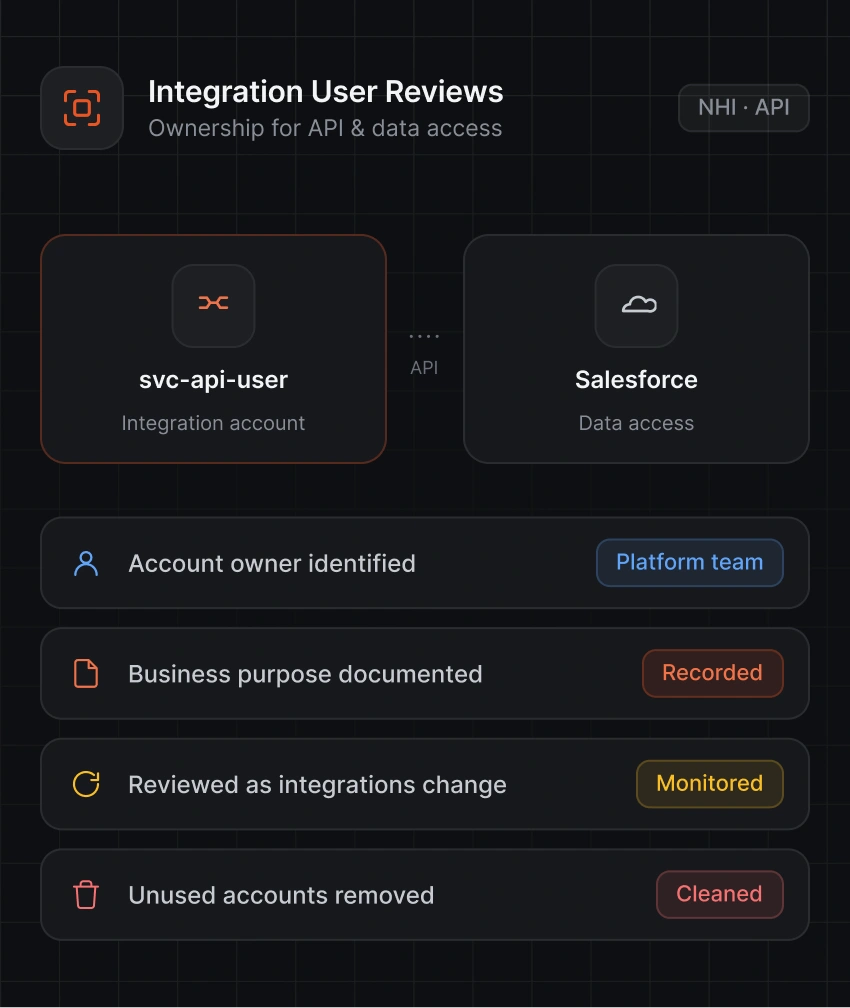
Track Salesforce integration accounts with their business purpose, accountable owner, and required access. Identify accounts that no longer have a clear purpose or owner.
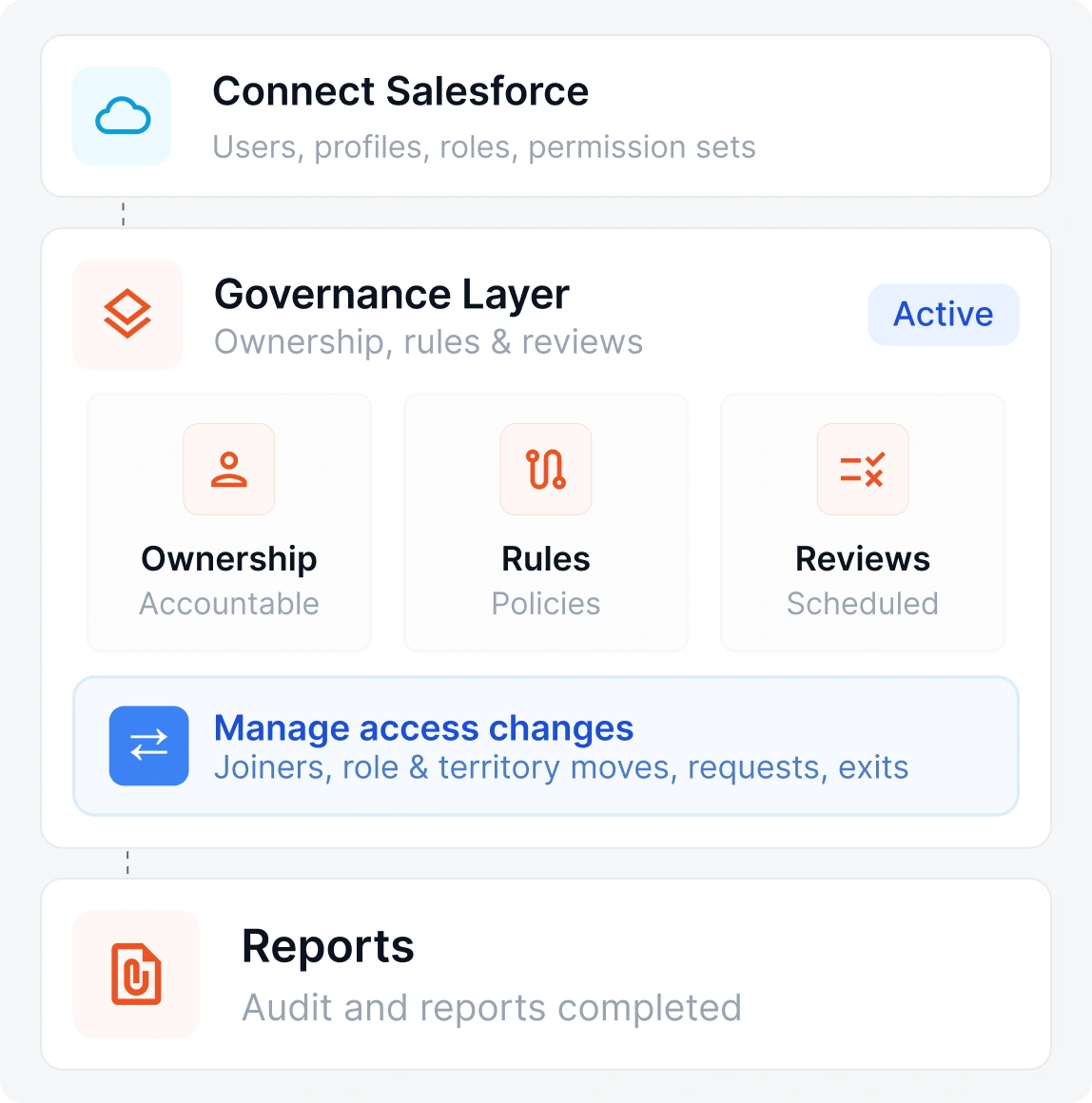
A clear governance process helps teams manage Salesforce access without changing the platform's native profiles, roles, and permission settings.
Bring users, profiles, roles, permission sets, and account details into the governance process.
Identify the people responsible for access, permissions, reviews, and approval decisions.
Define approval routes, access policies, review schedules, and rules for sensitive permissions.
Handle new hires, role changes, territory moves, access requests, and departures through defined workflows.
Confirm that access remains appropriate, remove outdated permissions, and retain records of important decisions.
Apply the governance process across common Salesforce access situations involving employees, external users, elevated permissions, and integration accounts.
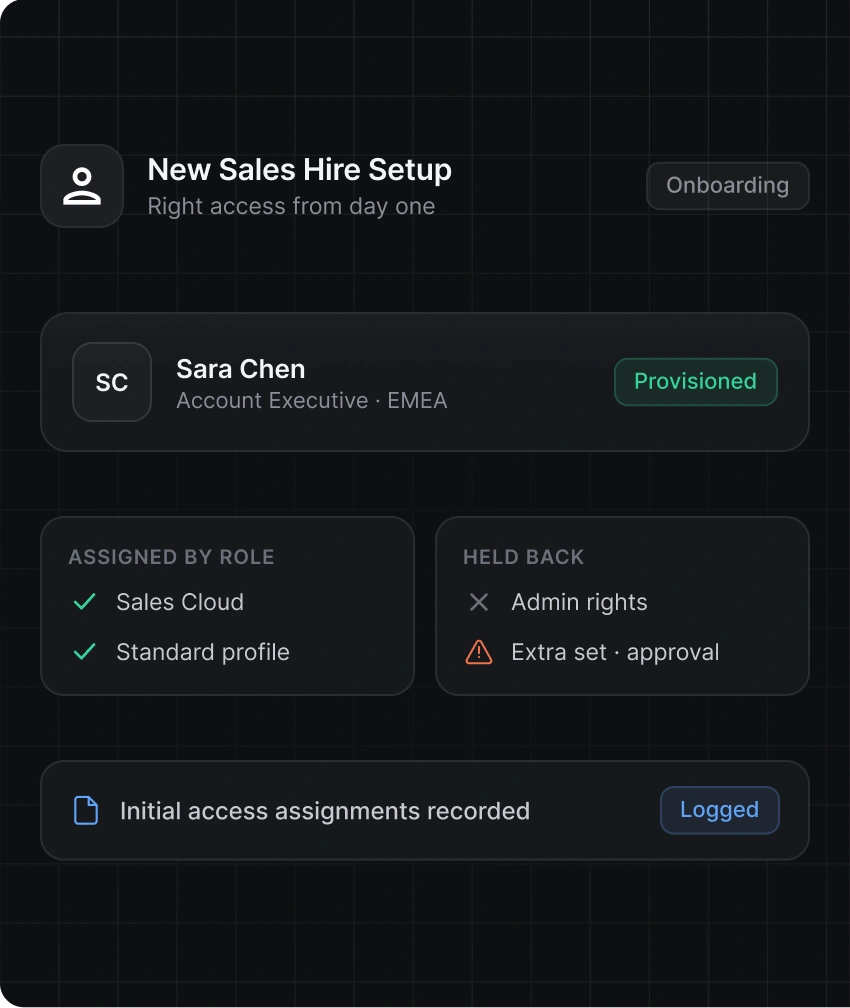
Give new sales employees the Salesforce access required for their responsibilities from the start.
Maintain the access approvals, periodic reviews, ownership, and decision records that can contribute to your organization's regulatory, compliance, and industry requirements.
View Compliance Frameworks
Type II

ISMS

Data Privacy

Healthcare Privacy

Financial Controls

Payment Security

Cybersecurity

Cloud Security
Bring access information, ownership, approvals, reviews, and records together instead of managing governance through disconnected spreadsheets and email trails.
Route requests to the appropriate manager, Salesforce admin, application owner, data owner, or responsible reviewer.
Assign accountable owners to access, permission sets, integration accounts, reviews, and approval decisions.
Manage access changes across onboarding, role changes, territory moves, team transfers, and offboarding.
Apply additional approval and review processes to administrator, API, export, finance, and integration-user access.
Maintain a clear history of requests, business reasons, approvals, reviews, policy checks, and access removals.
Salesforce identity governance gives organizations greater control over who has access, what permissions they have, why they need them, and whether that access remains appropriate. It brings access requests, approvals, ownership, reviews, lifecycle changes, and records into a connected governance process.
No, identity governance does not replace Salesforce's native access controls. Salesforce continues to enforce profiles, permission sets, roles, object permissions, field permissions, and sharing settings, while identity governance governs the decisions and processes around access.
Permission sets can add access beyond a user's assigned profile, and users may accumulate several permissions over time. Regular reviews help teams identify access that no longer matches current responsibilities and take the appropriate action.
Yes, access requests can follow different approval paths based on the requested permission, user role, department, manager, application owner, data owner, or internal governance requirements.
Governance helps teams review existing Salesforce access as an employee's responsibilities change. Teams can grant permissions required for the new role and remove access connected to previous responsibilities.
Yes, teams can apply separate approval and review requirements to Salesforce administrator access and other sensitive permissions. This gives high-impact access greater visibility, ownership, and oversight.
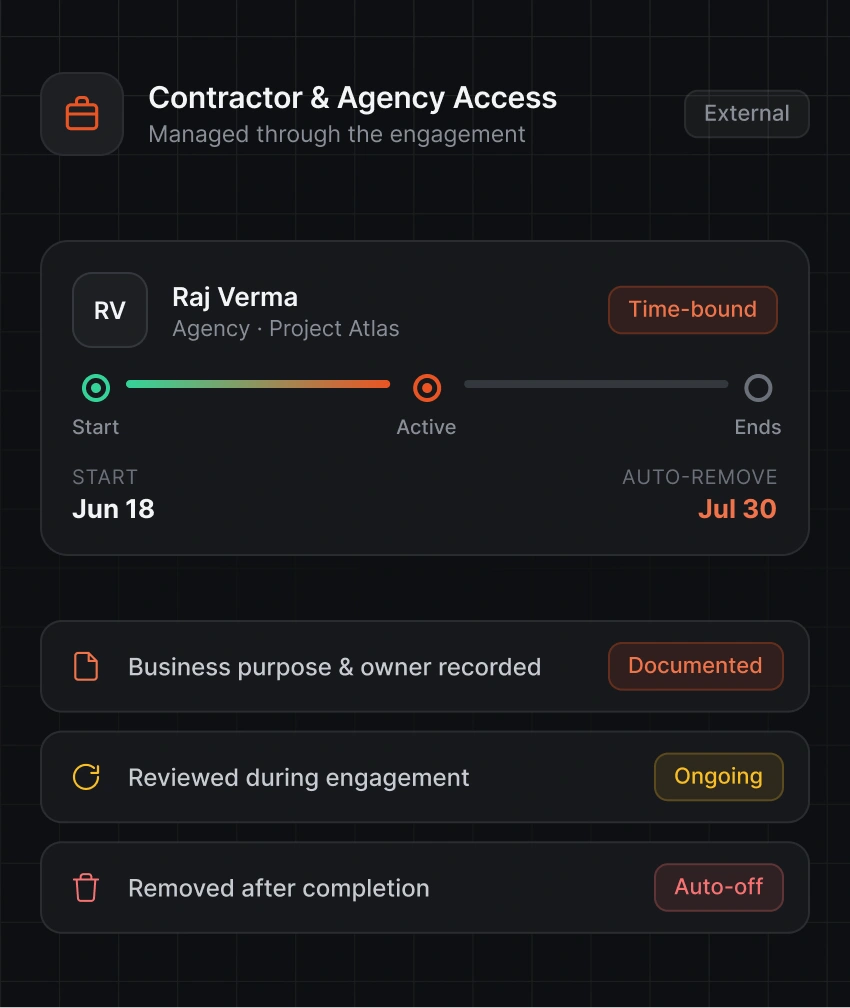
Yes, teams can document why a contractor needs Salesforce access, assign an accountable owner, route the request through the appropriate approval process, review access during the engagement, and remove permissions after the work ends.
Teams can maintain records of access requests, business justifications, approvals, access reviews, policy checks, permission changes, removals, and remediation activities. These records provide context around who received access, why it was approved, and how teams reviewed it.