Hello there!
Need Help? We are right here!

Need Help? We are right here!
Search Results:
×
Explore comprehensive PAM features, integration methods, compliance benefits, and everything you need in one place.
Your download should start now. If not, please email us at idpsupport@xecurify.com.
Please enter a valid email-id

Modern enterprises run hundreds of interconnected applications, and most struggle to keep credentials secure. Hardcoded credentials get buried in scripts and configuration files, creating silent security gaps. Secret sprawl spreads API keys and passwords across repositories, servers, and cloud environments with no central control. Excessive access lets applications retain permissions long after they're needed, widening the attack surface.
Without strong Privileged password management and secrets management practices, security teams lose visibility into who or what is accessing sensitive credentials at any given time.
miniOrange PAM secures application-to-application communication through a structured, policy-driven workflow.
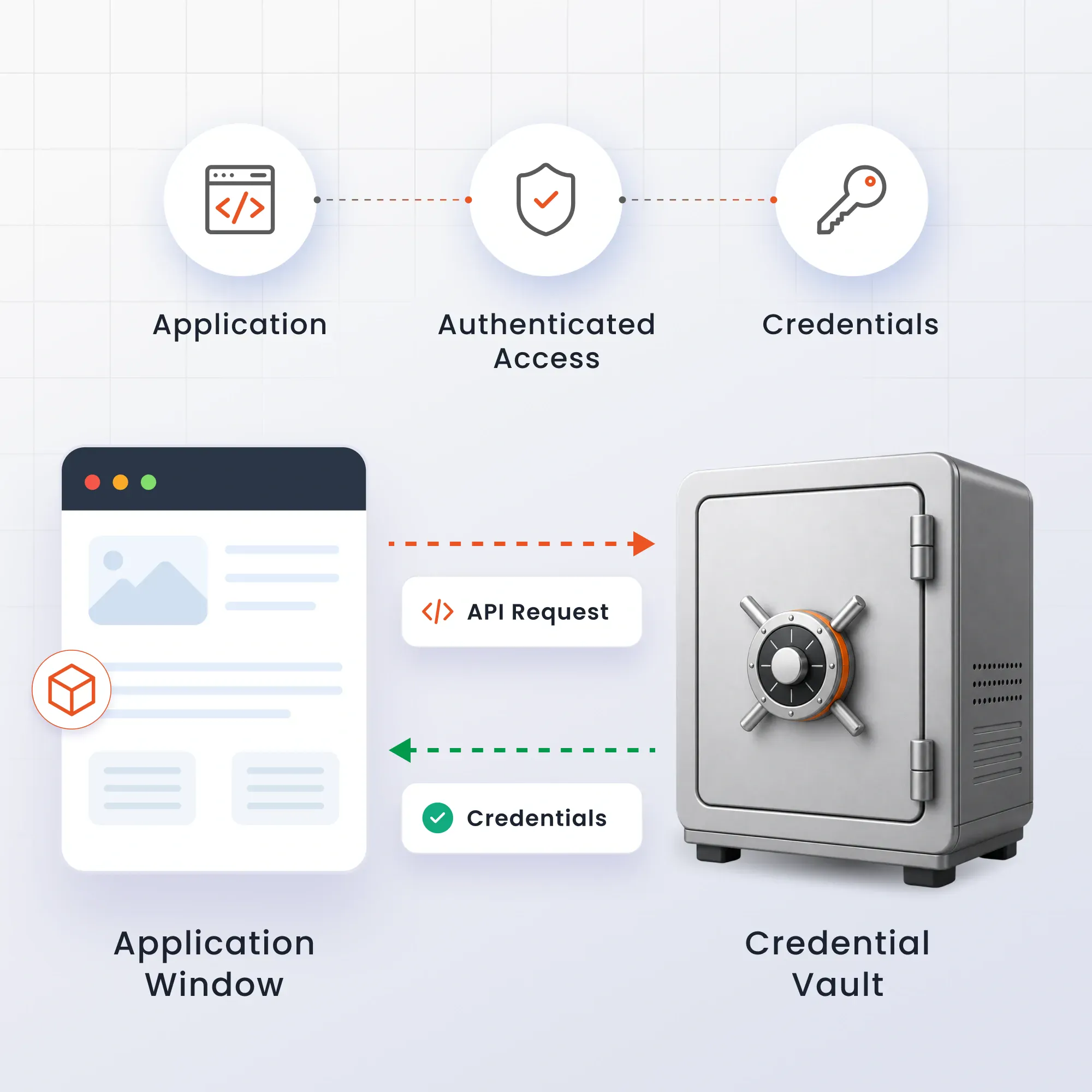
The admin starts by creating a dedicated API user in miniOrange PAM. This account exists for machine-to-machine communication and cannot log in to the PAM portal like a standard user. It acts as the secure identity through which apps request credentials.
Once the API user is set up, miniOrange PAM issues a secure API token. Applications use this token to authenticate whenever they need to retrieve credentials from the vault, removing the need to hardcode passwords or API keys anywhere in the codebase.
Admins control exactly which credentials, vault objects, or resources each API user can access. Whether it's AWS IAM credentials, Azure secrets, database passwords, or API keys, the API user sees only what's explicitly assigned, enforcing least-privilege access.
When an application needs to connect to another service, it authenticates using its API token and requests the required credential. miniOrange PAM validates the request against configured access policies, records the activity in audit logs, retrieves the credential from the encrypted vault, and securely delivers it through the API.
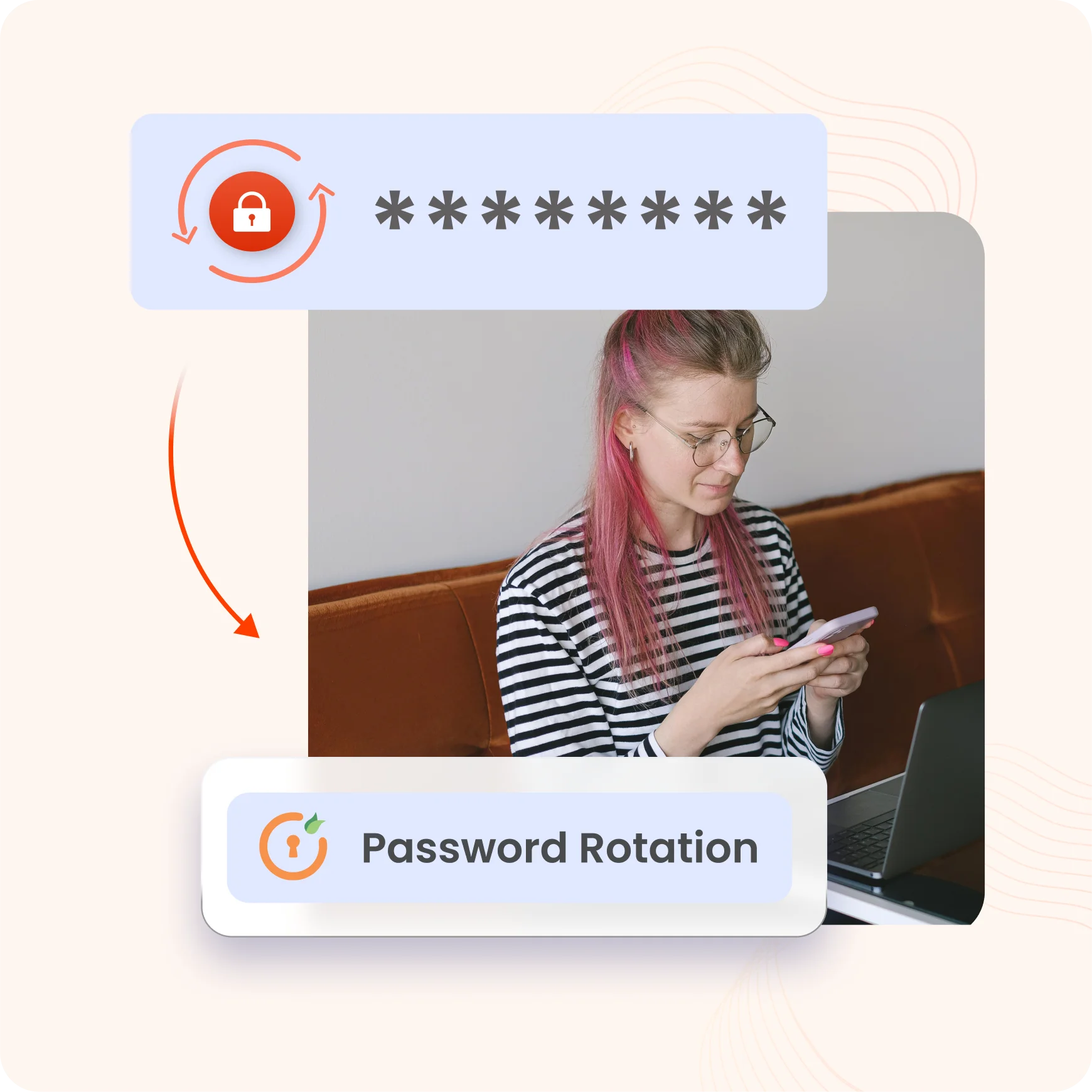
miniOrange PAM rotates credentials automatically based on predefined policies, whether after every fetch or on a fixed schedule. This limits credential exposure, cuts down manual work, and ensures applications always authenticate with current secrets.

Built to secure every connection between your applications, without slowing down operations.
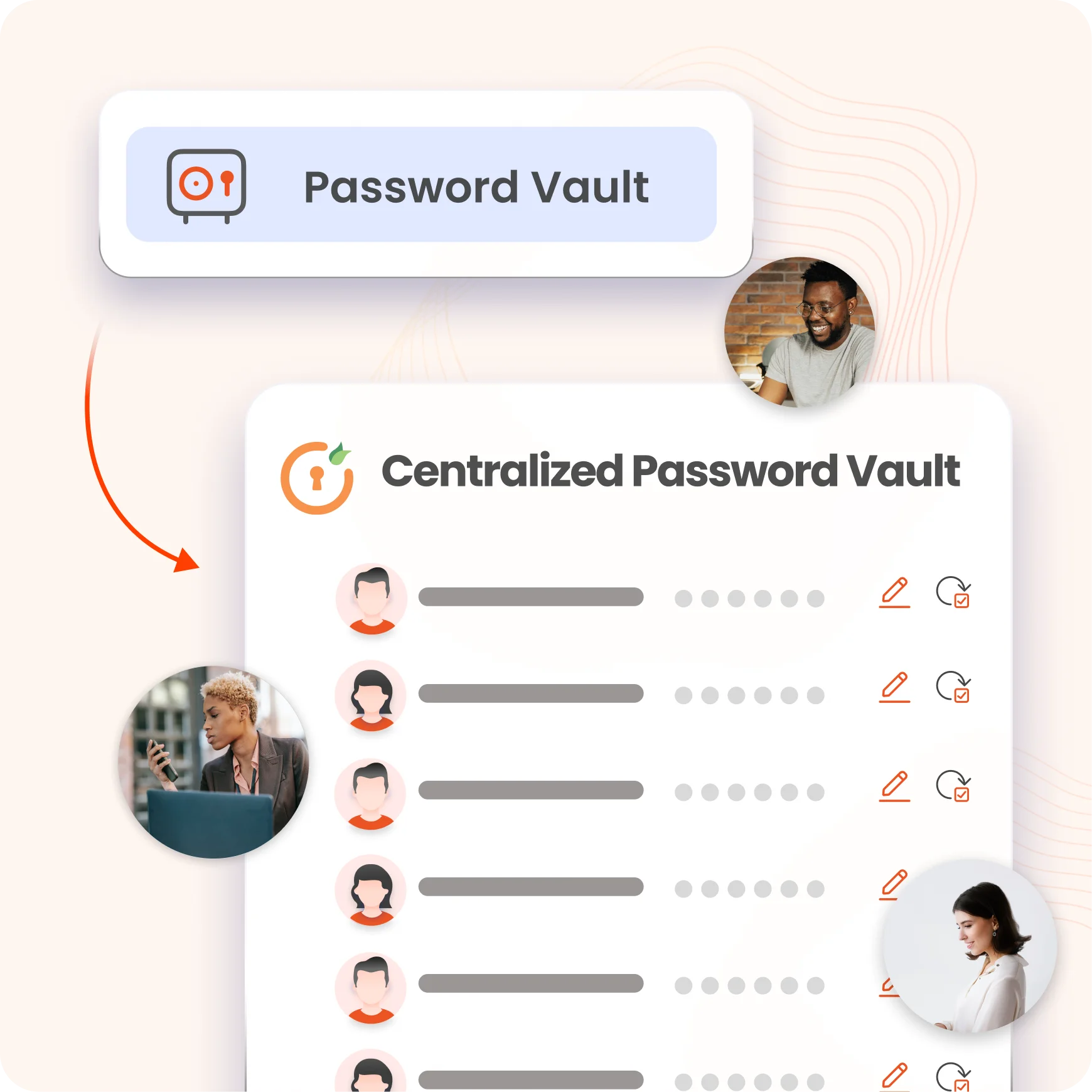
Store application credentials in encrypted format within a single, secure repository. This centralized approach eliminates scattered secrets.
Applications retrieve credentials through authenticated API requests, removing the need for hardcoded secrets.
API users access only the credentials administrators explicitly assign to them, nothing more. This granular control minimizes exposure.
Rotate credentials after every fetch or on a scheduled basis, automatically and without manual effort. This keeps secrets fresh and reduces the risk of long-lived, exposed credentials.
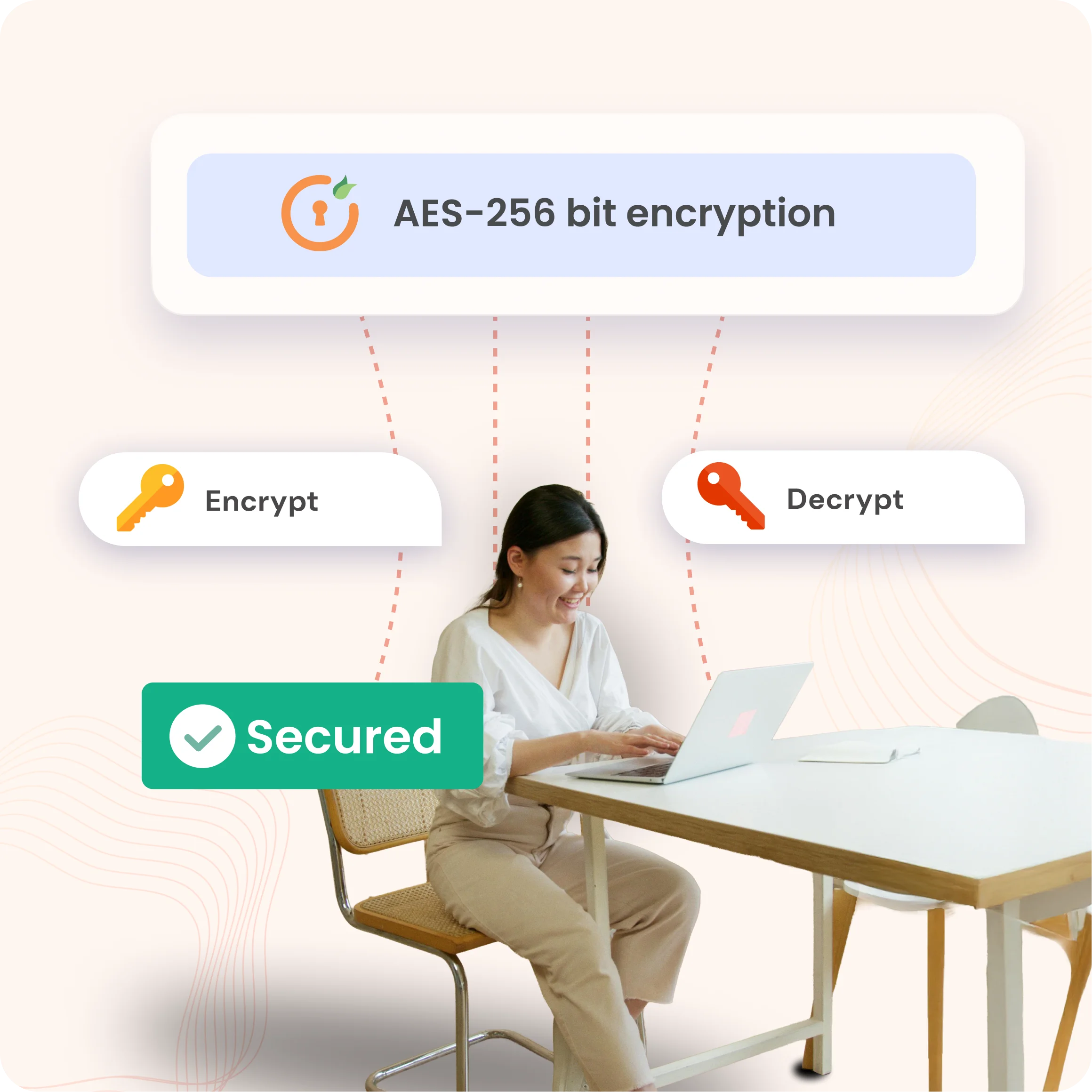
Every credential stays encrypted at rest inside the PAM vault, protected by strong cryptographic standards.
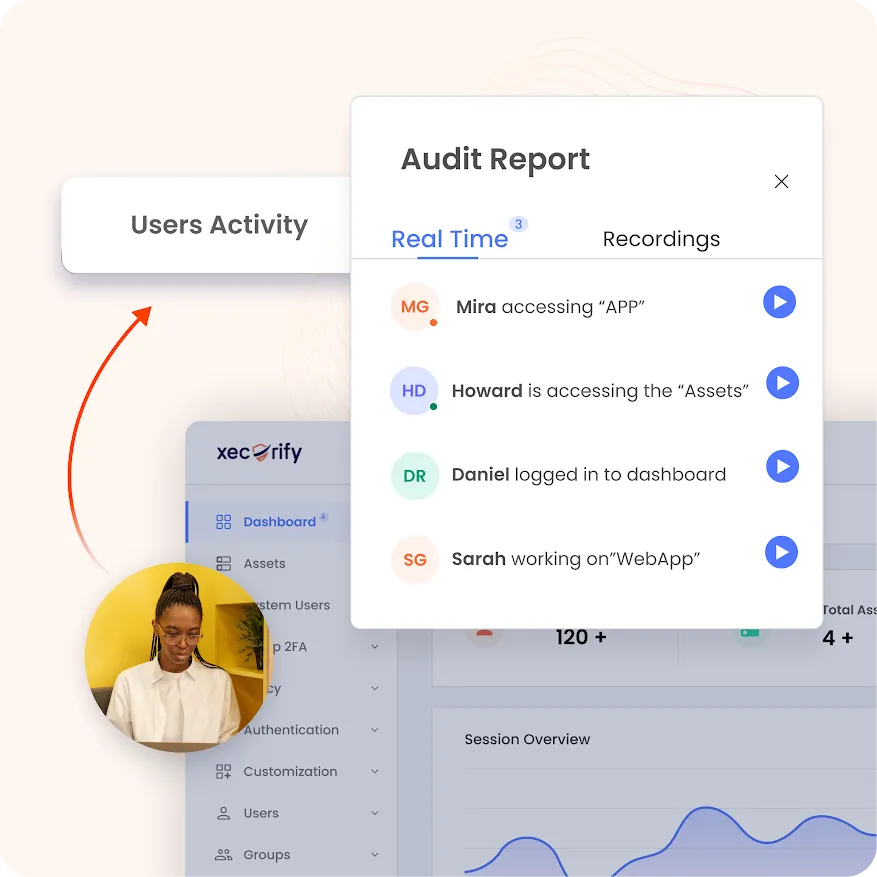
Track every credential access attempt and API request in real time, from initial grant to final retrieval. This full visibility supports compliance requirements.












No restrictions on the type of secret you store, giving you a single vault for every credential across your environment.
Application credential management works within miniOrange's broader PAM access ecosystem, so there's no need for separate tools or disconnected workflows.
Password rotation policies that protect human user accounts apply equally to application credentials, keeping every secret current and secure.
Every step, from granting access to retrieving credentials through an API call, is logged and traceable for complete accountability.