Hello there!
Need Help? We are right here!

Need Help? We are right here!
Search Results:
×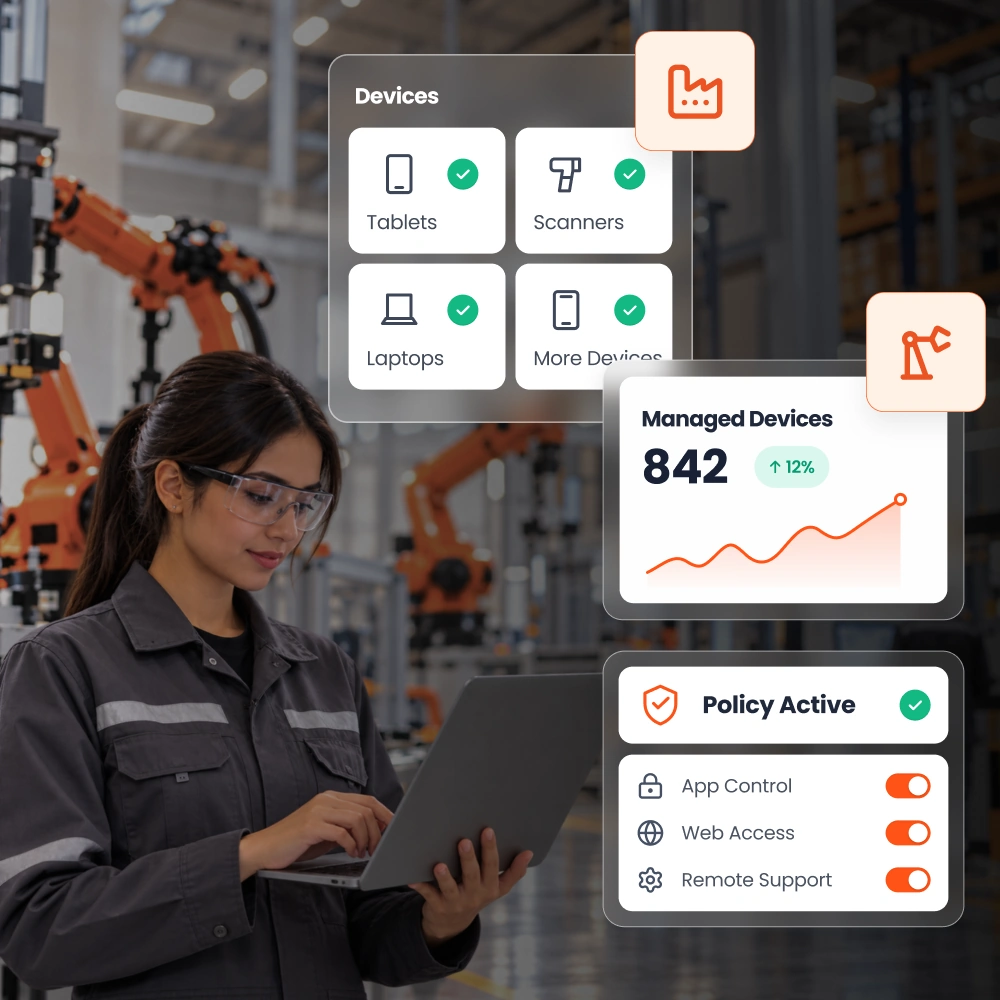
Bring Android, Windows, iOS, macOS, and ChromeOS devices under centralized management.
Apply platform-appropriate controls to support the different devices your operators, technicians, and office teams rely on.
Without MDM for manufacturing, IT teams have fewer centralized tools to keep devices configured, secure, and ready for use.

Devices outside IT's control can run unapproved apps or settings, making it harder to maintain a reliable, work-ready fleet.

Without a centralized inventory, IT teams struggle to identify which devices are enrolled, properly configured, or due for attention.

Lost devices and unrestricted usage can expose production records, inspection data, and other sensitive business information.

Setting up devices, installing apps, and troubleshooting problems one at a time consumes IT resources across plants and warehouses.

Different configurations across shared devices create security gaps and uneven experiences for operators moving between shifts.

Device issues can interrupt scanning, reporting, and inspection workflows, especially when support requires an on-site visit.
Replace repetitive setup and scattered administration with centralized enrollment, app delivery, and remote support. Give teams access to the tools they need while keeping device configurations under control.
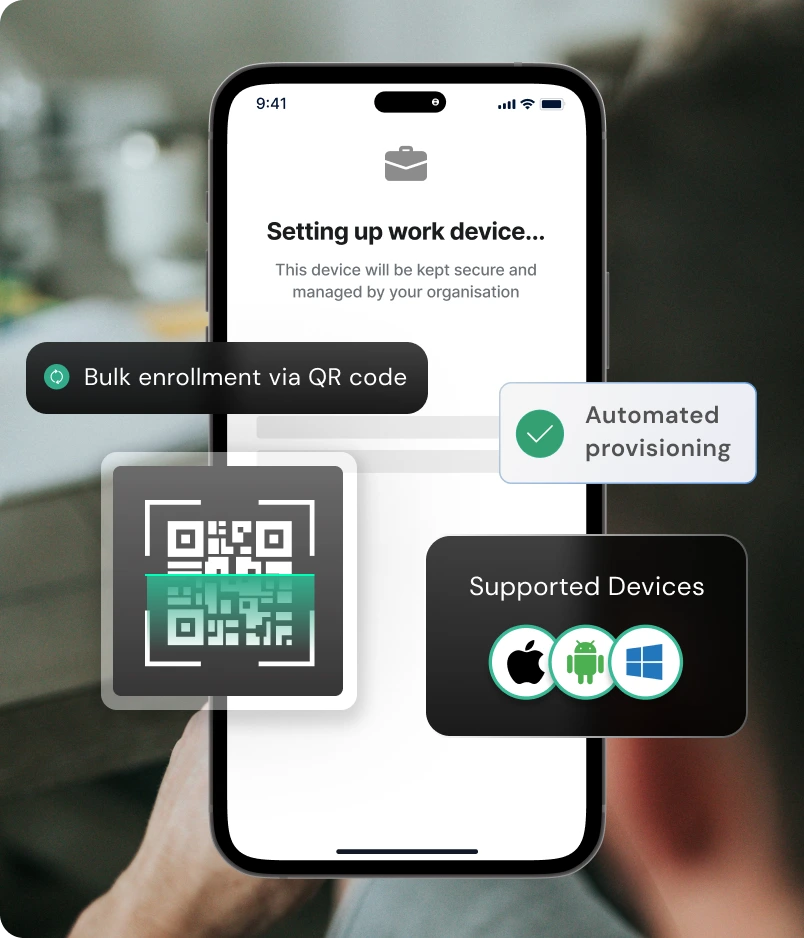
Easily provision devices with simple and easy enrollment methods.

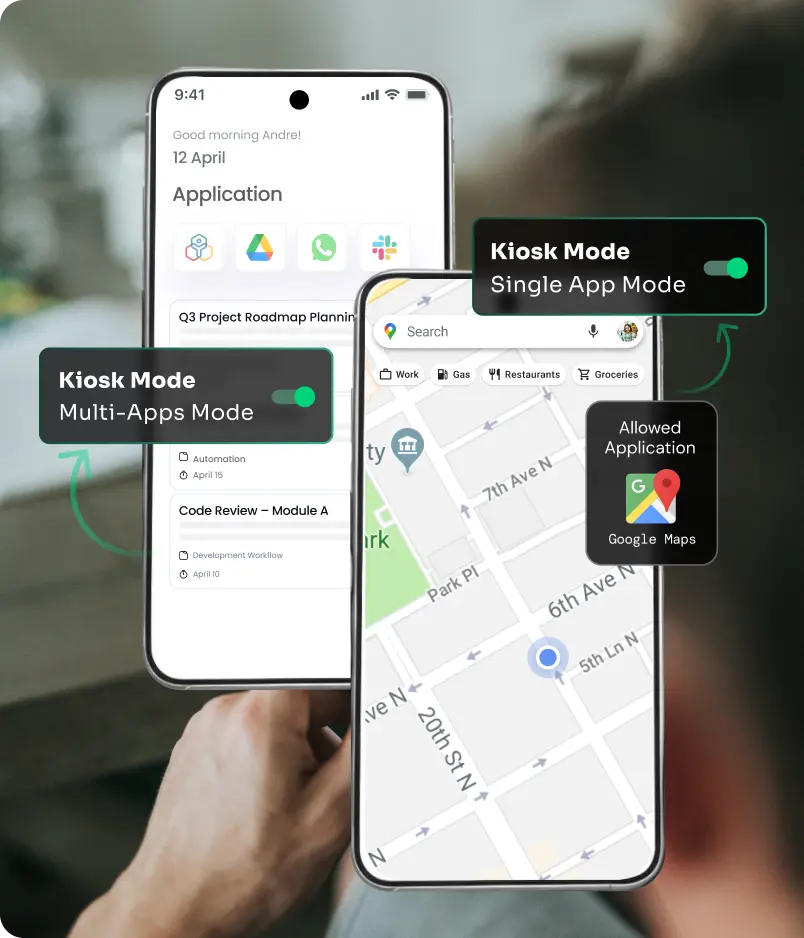
Turn supported shared devices into dedicated tools for production tasks.
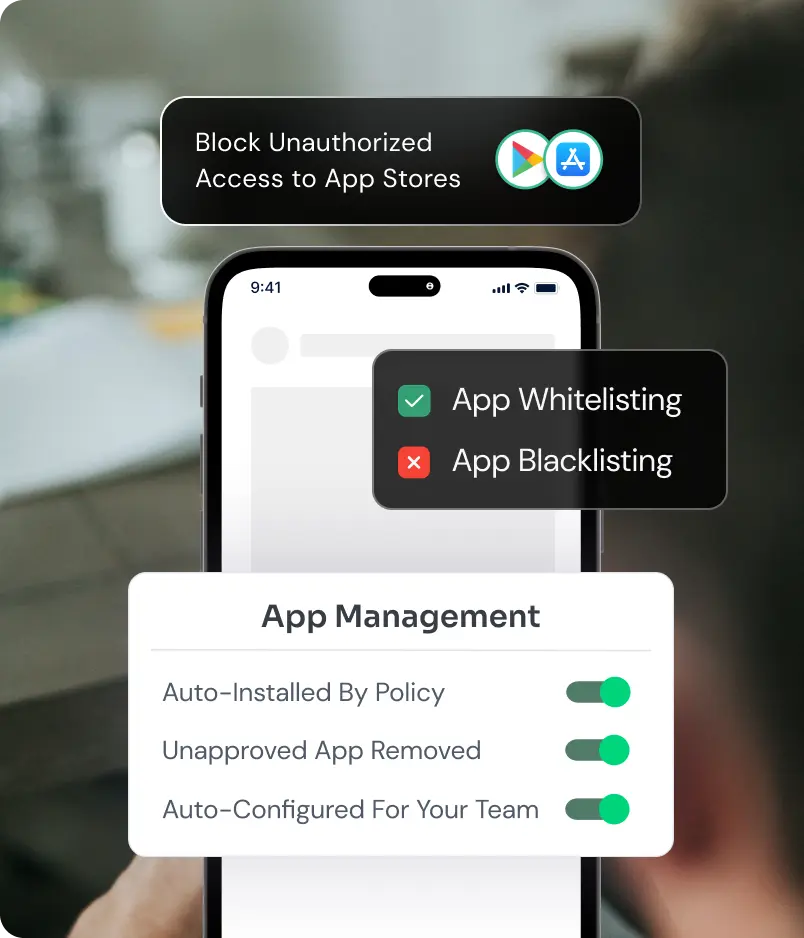
Keep approved business apps available remotely.
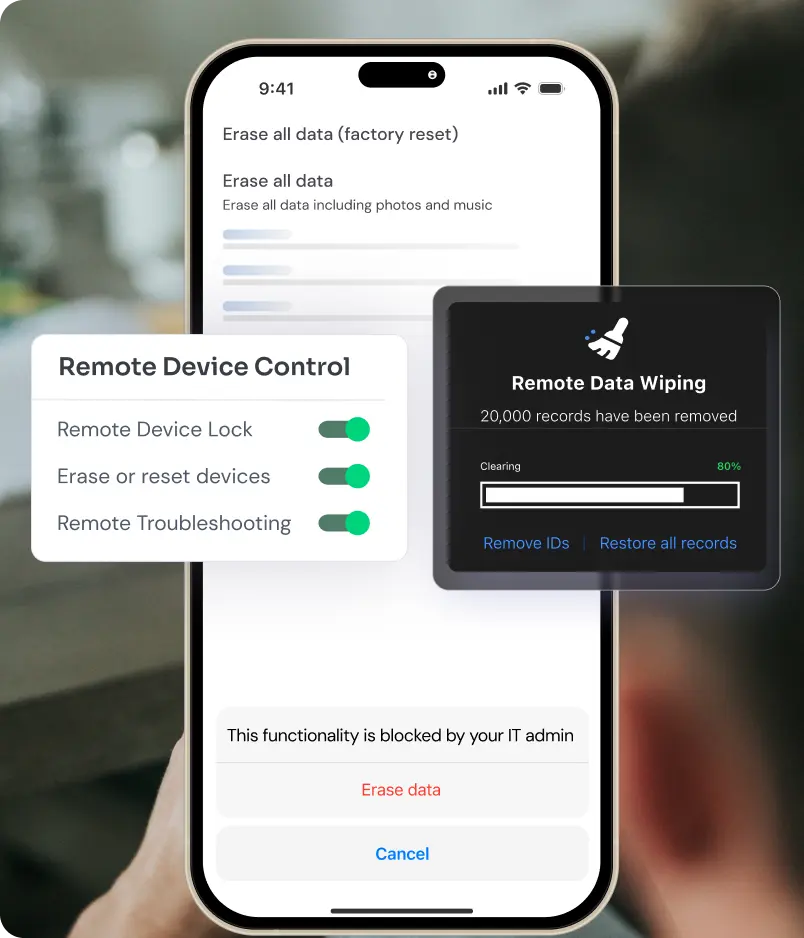
Help operators get back to work without waiting for an on-site technician.
Go beyond enrollment with policies that govern how, where, and when devices are used.
Limit access to settings, unauthorized apps, and peripherals. Keep necessary functions available while reducing opportunities for misuse or accidental configuration changes.
Locate managed devices and set geofences around designated operational areas. Use configurable reporting intervals and boundary alerts to support asset visibility.
Align supported app restrictions and kiosk policies with work schedules. Apply time- and shift-based rules to control device usage during designated operating hours.
Push Wi-Fi and VPN configurations remotely so teams spend less time setting up connections. Apply supported network restrictions to help devices use approved connectivity settings.
Different teams need different device configurations, and not disconnected management processes. Use centralized policies, app controls, and remote support to tailor managed endpoints to each operational environment.
Configure supported shared and rugged devices for operator workflows. Keep production apps accessible while limiting unnecessary apps and settings.
Manage supported scanners, handhelds, and shared devices used for receiving, picking, and dispatch. Standardize app and network configurations across the fleet.
Prepare inspection tablets with approved apps and controlled settings. Help teams capture and review quality information on configured devices.
Deliver apps, documents, and configurations to technician devices. Provide remote support when device issues interrupt maintenance or service work.
Manage supported Windows, macOS, and mobile endpoints used by office and engineering teams. Apply device security policies while maintaining access to necessary business apps.
Explore how miniOrange can help you configure shared devices, control operational apps, and support teams across locations.
Manage enrollment, applications, and policies from one console instead of coordinating separate tools for each device fleet.
Use approved apps and controlled configurations to keep shared devices aligned with their intended production tasks.
Apply password policies, app restrictions, and remote lock or wipe capabilities to help protect business information on supported devices.
Use supported automated enrollment methods to prepare new and replacement devices with predefined policies and apps.
Diagnose device problems remotely and deliver corrective configurations without requiring physical access for every support task.
Review device inventory, status, and supported activity information centrally to identify endpoints that need attention.
MDM for manufacturing is the centralized management of supported devices used across production, warehouses, maintenance, and business operations. It helps IT teams enroll endpoints, distribute apps, enforce policies, and provide remote support.
Manufacturers need a consistent way to configure and support devices across teams, shifts, and locations. An MDM manufacturing solution reduces repetitive administration, controls device usage, and helps protect business data through centralized policies and remote actions.
Yes, MDM can manage supported rugged devices, including Android-based handhelds and tablets. Compatibility depends on the manufacturer, OS version, and management capabilities.
MDM helps reduce device-related interruptions through consistent configurations, centralized app deployment, and remote troubleshooting. IT teams can diagnose supported endpoints and apply fixes without visiting every location.
Yes, when properly configured, MDM helps secure manufacturing devices through password policies, app restrictions, supported encryption controls, and remote lock or wipe.
MDM in manufacturing helps teams spend less time on device setup and support interruptions. Centralized app delivery, kiosk policies, and remote assistance keep supported devices focused on work while reducing routine administration for IT teams.