
Every CFO wants tighter security. Every CFO also wants to protect the budget. When these two priorities collide, multi-factor authentication often ends up in a strange spot: everyone agrees it's necessary, but nobody wants to overspend on it.
Here's the good news. Cost-effective MFA isn't about finding the cheapest tool on the market. It's about finding the right balance between protection, usability, and total spend over time. This guide breaks down exactly how to do that, without the sales fluff.
Why Do Businesses Need Cost-Effective MFA Today?
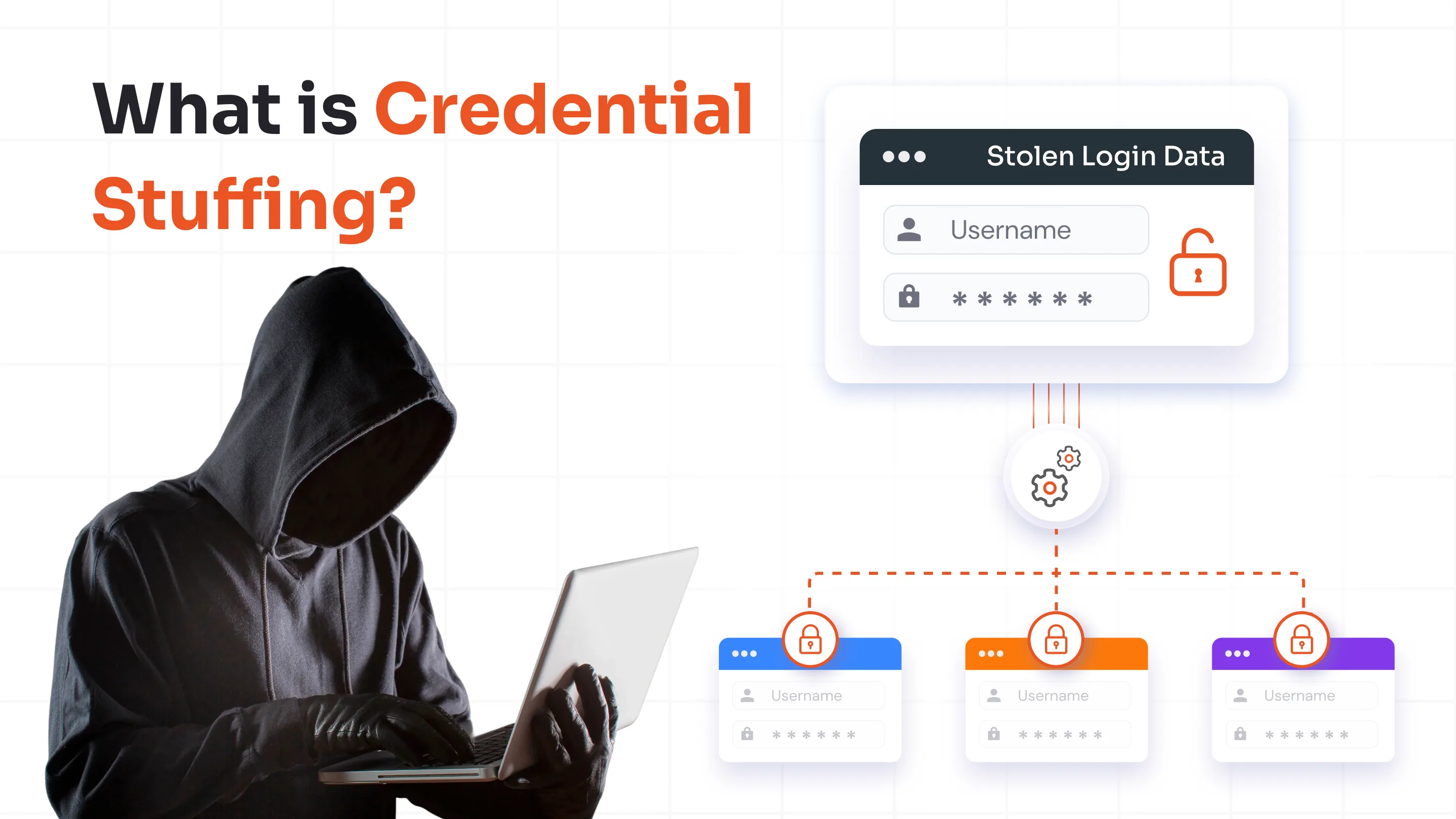
Passwords are failing businesses at an alarming rate. Credential theft remains one of the top entry points for cyberattacks. Furthermore, attackers have gotten faster at exploiting stolen passwords through phishing kits, credential stuffing, and brute-force tools that run automatically in the background. A single compromised password can now lead to a full network breach within hours.
This is exactly why MFA has shifted from a "nice-to-have" to a baseline requirement. Insurance providers ask for it. Compliance frameworks mandate it. Customers expect it. Skipping MFA today isn't a cost-saving move; it's a liability.
That said, businesses face real challenges when evaluating MFA:
- Rising cyberattacks targeting passwords have made basic login security insufficient on its own, forcing organizations to add a second verification layer.
- MFA is no longer optional for most industries because regulators, cyber insurers, and enterprise customers now treat it as a minimum security baseline.
- Many organizations struggle to compare MFA costs accurately because pricing structures vary widely between vendors and rarely show the full picture upfront.
- Small and mid-sized businesses often work with tight security budgets, making every dollar spent on MFA feel like it needs to justify itself.
- IT teams must balance security strength, user convenience, and affordability, since a solution that nails one often compromises another.
- Choosing the wrong MFA solution early on tends to backfire, leading to expensive migrations, retraining, and integration work down the line.
The goal, then, isn't just "affordable MFA solutions" in the short term. It's budget-friendly multi-factor authentication that holds up as your business grows.
What Makes an MFA Solution Cost-Effective?
Here's a mistake many businesses make: they assume the cheapest MFA tool is automatically the most cost-effective one. That's rarely true. A low sticker price can hide expensive gaps in scalability, support, or integration that show up later as support tickets, workarounds, or emergency upgrades.
Real cost-effectiveness comes from looking at the full picture:
| Cost Factor | Why Does It Matter? |
|---|---|
| Licensing Cost | The direct software expense, usually the most visible but not the only one. |
| Deployment Cost | Time and effort required to set up and roll out the solution. |
| Admin Cost | Ongoing management, policy updates, and user account maintenance. |
| User Adoption | Poor adoption drives support tickets and slows productivity. |
| Scalability | Costs that creep up as your headcount or usage grows. |
| Integration Support | Native connectors reduce custom development expenses. |
| Security Effectiveness | Strong projection prevents the far more expensive cost of a breach. |
This is where Total Cost of Ownership (TCO) comes in. TCO looks beyond the invoice and accounts for everything a solution costs across its lifecycle, from onboarding to support to eventual replacement.
A vendor that charges slightly more upfront but includes seamless integrations, self-service tools, and predictable scaling often ends up being the more cost-efficient multi-factor authentication choice.
Understanding MFA Pricing Models
MFA vendors don't price things the same way, which makes side-by-side comparisons tricky. Understanding the common models helps you spot what you're actually paying for.
1. Per-User Subscription Pricing
This is the most common model. You pay based on the number of active users, typically billed monthly or annually. Enterprise licensing usually offers volume discounts but locks you into longer commitments. Annual plans tend to be cheaper per user than monthly ones, but they reduce flexibility if your headcount shrinks.
2. Tier-Based Pricing
Vendors often split plans into Basic, Business, and Enterprise tiers. Lower tiers usually limit authentication methods, integrations, or reporting features.
It's common to start on a “Basic Plan” only to discover mid-year that a needed feature, like adaptive authentication, sits in the “Enterprise” tier. Read the feature matrix carefully before committing.
3. On-Premises Licensing
This model involves a one-time purchase plus annual maintenance fees, and it requires internal infrastructure to host and manage. On-prem MFA can work out cheaper long-term for organizations with strict data residency requirements, but it demands dedicated IT resources that cloud MFA doesn't.
4. Usage-Based Pricing
Some vendors charge based on authentication volume, SMS message counts, or API calls. This model can be cost-effective for low-usage organizations but grows expensive as authentication events scale with your workforce.
Knowing which model you're being quoted helps you compare MFA pricing accurately instead of comparing apples to oranges.
Hidden MFA Costs Most Organizations Overlook
Most vendor comparisons focus on licensing fees and stop there. That's a mistake. The real MFA solution cost often lives in the operational details that nobody puts on a pricing page.
| Hidden Cost | Business Impact |
|---|---|
| User Enrollment | Increases IT workload during rollout and onboarding. |
| Help Desk Requests | Password resets and lockout issues generate ongoing support tickets. |
| Lost Devices | Device recovery and re-enrollment processes cost time and money. |
| Token Replacement | Physical hardware tokens need periodic replacement and shipping. |
| User Training | Time spent on training employees affects short-term productivity. |
| Compliance Audits | Documentation and reporting requirements add administrative efforts. |
| Vendor Switching | Migrating to a new MFA provider later involves real transition costs. |
These hidden costs frequently exceed the licensing fee itself, especially in organizations that chose a solution with poor user experience.
If employees constantly get locked out or struggle with enrollment, the help desk absorbs that cost every single month. This is why evaluating MFA implementation cost upfront, not just the license price, matters so much.
Comparing the Most Cost-Effective MFA Methods
Different authentication methods carry very different cost and security profiles. Here's how the major options stack up.
| MFA Method | Security | Cost | User Experience | Best For |
|---|---|---|---|---|
| SMS OTP | Medium | Medium | Easy | Small deployment |
| Email OTP | Medium | Low | Easy | Basic security needs |
| Authenticator Apps | High | Very low | Excellent | Most organizations |
| Push Notifications | High | Low | Excellent | Enterprises |
| Hardware Tokens | Very High | High | Moderate | Compliance-heavy industries |
| FIDO Passkeys | Very high | Medium | Excellent | Passwordless adoption |
For most businesses, authenticator apps hit the sweet spot. They're inexpensive to deploy since employees install a free app, deliver strong security, and don't require ongoing hardware costs.
Push notifications work well for enterprises willing to invest slightly more for a frictionless user experience. Organizations with higher security requirements or compliance needs should consider a phishing-resistant MFA solution, such as FIDO2 security keys or passkeys, to protect against credential theft and phishing attacks. Hardware tokens remain justified only when regulatory requirements demand physical possession-based authentication.
Cloud MFA vs. On-Prem MFA: Which Is More Affordable?
This decision shapes your MFA cost structure for years, so it deserves a closer look.
| Factor | Cloud MFA | On-Prem MFA |
|---|---|---|
| Initial Cost | Low | High |
| Deployment Speed | Fast | Moderate |
| Maintenance | Vendor managed | Internal team required |
| Scalability | Excellent | Moderate |
| Compliance Control | Moderate | High |
| long-Term Cost | Potentially higher over time | Potentially lower with heavy usage |
Cloud MFA wins on speed and ease, and it's the natural fit for growing businesses without dedicated security infrastructure teams.
On-prem MFA makes sense for organizations with strict data residency mandates, existing infrastructure investments, or extremely high user volumes where per-user cloud fees add up faster than maintaining internal servers.
For most SMBs and mid-sized companies, cloud MFA pricing remains the more practical, budget-friendly multi-factor authentication route.
Cost-Effective MFA for Small Businesses
Small businesses face a specific set of constraints: limited IT budgets, thin IT staffing, and often no dedicated security team at all. Every tool needs to justify itself quickly and require minimal ongoing management.
For SMBs, MFA cost isn't just about the invoice. It's about how much internal effort a solution demands. A tool that requires constant tuning or dedicated support staff isn't affordable, regardless of the sticker price.
Practical recommendations for small businesses include:
- Authenticator apps, since they carry no hardware cost and work across any smartphone employees already own.
- Push-based authentication for a smoother experience that reduces failed login attempts and support tickets.
- Cloud MFA deployment, which skips server setup and lets a small IT team manage security policies from a single dashboard.
These choices protect remote workforce access, secure cloud application logins, and deploy quickly, all without requiring a security specialist on payroll.
Cost-Effective MFA for Remote and Hybrid Workforces
Remote and hybrid work has expanded the attack surface for nearly every business. Employees log into VPNs from home networks, access remote desktops, and use personal devices under BYOD policies.
Each of these access points needs protection, and MFA is the most efficient way to secure all of them without a complete infrastructure overhaul.
Key areas where cost-effective MFA for remote work delivers immediate value:
- VPN access protection stops attackers from using stolen credentials to tunnel into the corporate network.
- Remote desktop protection prevents unauthorized access to systems that employees connect to from home.
- Cloud application security secures the SaaS tools remote teams rely on daily, from email to file storage.
- BYOD environments benefit from app-based MFA that doesn't require issuing company-owned hardware.
- Contractor and third-party access get an added layer of verification without requiring full network trust.
The real financial case here is simple: the average cost of a data breach involving remote work vulnerabilities far exceeds the cost of deploying MFA across a distributed workforce. Prevention remains dramatically cheaper than recovery.
How to Reduce MFA Costs Without Sacrificing Security
Reducing MFA spend doesn't mean cutting corners on protection. It means eliminating waste and inefficiency in how MFA gets deployed and managed.
- Choose authenticator apps instead of hardware tokens to avoid replacement and shipping costs entirely.
- Automate user onboarding so IT teams aren't manually enrolling every new hire.
- Implement self-service enrollment and recovery options to cut down help desk tickets.
- Use pre-built integrations instead of paying for custom development work.
- Consolidate security tools where possible, since bundled platforms often cost less than multiple standalone products.
- Deploy an Adaptive MFA solution that only prompts for additional verification when risk signals appear, reducing friction and support calls.
- Select scalable licensing models that grow with your team instead of requiring a full re-negotiation later.
- Eliminate unnecessary SMS authentication, which carries per-message costs and weaker security compared to app-based methods.
- Adopt a passwordless authentication solution, such as passkeys or FIDO2 security keys, to eliminate password-related support issues, improve the user experience, and reduce the long-term costs associated with password resets and account recovery.
Each of these steps chips away at hidden operational costs while keeping your security posture intact.
Calculating the Total Cost of Ownership (TCO) of MFA
Before signing any contract, it helps to run the numbers using a straightforward framework:
"TCO = Licensing + Deployment + Administration + Training + Support + Infrastructure + Maintenance"
Here's what each category covers:
- Licensing: The subscription or license fee itself.
- Deployment: Time and resources spent rolling the solution out across the organization.
- Administration: Ongoing policy management, user provisioning, and account changes.
- Training: Time spent educating employees on how to use the new authentication method.
- Support: Help desk time spent resolving login issues, lockouts, and device problems.
- Infrastructure: Server or hosting costs, relevant mainly for on-prem deployments.
- Maintenance: Updates, patches, and periodic system reviews.
1. Example for an SMB (50 employees):
A cloud-based authenticator app solution might run $3 per user per month in licensing, with minimal deployment cost due to self-service enrollment, and low administration overhead since one IT admin manages the dashboard part-time. Annual TCO lands modestly higher than the license fee alone.
2. Example for an Enterprise (2,000 employees):
An on-prem solution with hardware tokens might show a lower per-user licensing cost, but infrastructure, dedicated administration staff, and token replacement cycles push the real TCO well above the initial quote. This is exactly why enterprises increasingly shift toward cloud MFA with adaptive capabilities to control long-term spend.
How to Choose the Right Affordable MFA Solution
Use this checklist during vendor evaluation to avoid costly surprises later.
| Evaluation Criteria | Questions to Ask |
|---|---|
| Pricing Model | Is the pricing structure predictable and easy to forecast? |
| Scalability | Will costs increase significantly as the organization grows? |
| Integrations | Are connectors for existing tools included or charged separately? |
| User Experience | Will employees adopt this easily, or will it generate support tickets? |
| Security | Does it support modern methods like push notifications and passkeys? |
| Compliance | Does it meet the regulatory requirements relevant to your industry? |
Running through these questions before signing a contract helps separate genuinely affordable MFA solutions from those that only appear cost-effective at first glance.
How miniOrange Delivers Cost-Effective MFA
miniOrange approaches MFA pricing with a straightforward philosophy: security shouldn't require choosing between strong protection and a reasonable budget.
The platform supports multiple authentication methods, from authenticator apps and push notifications to hardware tokens and FIDO passkeys. So organizations can pick what fits their risk profile and budget rather than being locked into one approach.
It offers both cloud and on-prem deployment options, giving businesses flexibility based on their compliance and infrastructure needs.
miniOrange also comes with extensive pre-built integrations across popular business applications, cutting down on custom development costs that often inflate MFA implementation budgets.
Adaptive MFA capabilities reduce unnecessary authentication prompts by evaluating contextual risk, which improves user experience and reduces help desk load. Self-service enrollment further lowers administrative overhead by letting employees manage their own device registration.
The result is a lower total cost of ownership compared to stitching together multiple standalone security products. Pricing is structured to scale sensibly for organizations of all sizes, from small businesses just adding their first layer of authentication to enterprises replacing fragmented legacy systems.
FAQs
Is a free MFA solution good enough for my business?
Free MFA tools can work for very small teams with basic needs, but they typically lack scalability, integration support, and advanced authentication methods.
What are the ongoing costs of an MFA solution?
Beyond licensing, ongoing costs include help desk support, user training, device or token replacement, and periodic compliance reporting. These operational costs often add up to more than the license fee itself.
Do I have to pay extra for hardware security tokens?
Yes, hardware tokens usually involve an upfront hardware cost plus periodic replacement expenses when tokens get lost, damaged, or expire.
How can I get an accurate MFA quote for my organization’s specific needs?
Share your exact user count, required authentication methods, integration needs, and deployment preference (cloud or on-prem) with vendors directly.
What is the most cost-effective MFA method for businesses?
Authenticator apps generally offer the best balance of strong security, low cost, and good user experience for most organizations, since they require no hardware and minimal ongoing maintenance.
How can I implement MFA without increasing IT management costs?
Choose a solution with self-service enrollment, automated onboarding, and pre-built integrations. These features reduce the manual work IT teams would otherwise spend on setup and troubleshooting.
Can an affordable MFA still meet compliance requirements?
Yes, many budget-friendly MFA solutions support the authentication standards required by frameworks like HIPAA, PCI DSS, and SOC 2. Compliance depends more on the authentication methods and audit capabilities offered than on price alone.
About the Author

Content Writer
With a background in Journalism and extensive experience in SaaS and cybersecurity content writing, Chaitali Avadhani has contributed to creating various forms of impactful content pieces across multiple verticals. At miniOrange, her role is to craft SEO-friendly and lead-generating content around Identity and Access Management (IAM) products and cybersecurity as a whole.
Leave a Comment