Hello there!

Need Help? We are right here!

miniOrange Support
miniOrange Email Support
success

Thanks for your Enquiry.

If you don't hear from us within 24 hours, please feel free to send a follow-up email to info@xecurify.com

Search Results:

×

Session Collaboration
in PAM

Enable authorized users to join live sessions through a fully controlled PAM proxy, without exposing credentials.

  Controlled Access: Share secure sessions with role-based access.

  Zero Credential Exposure: Share sessions without exposing passwords.

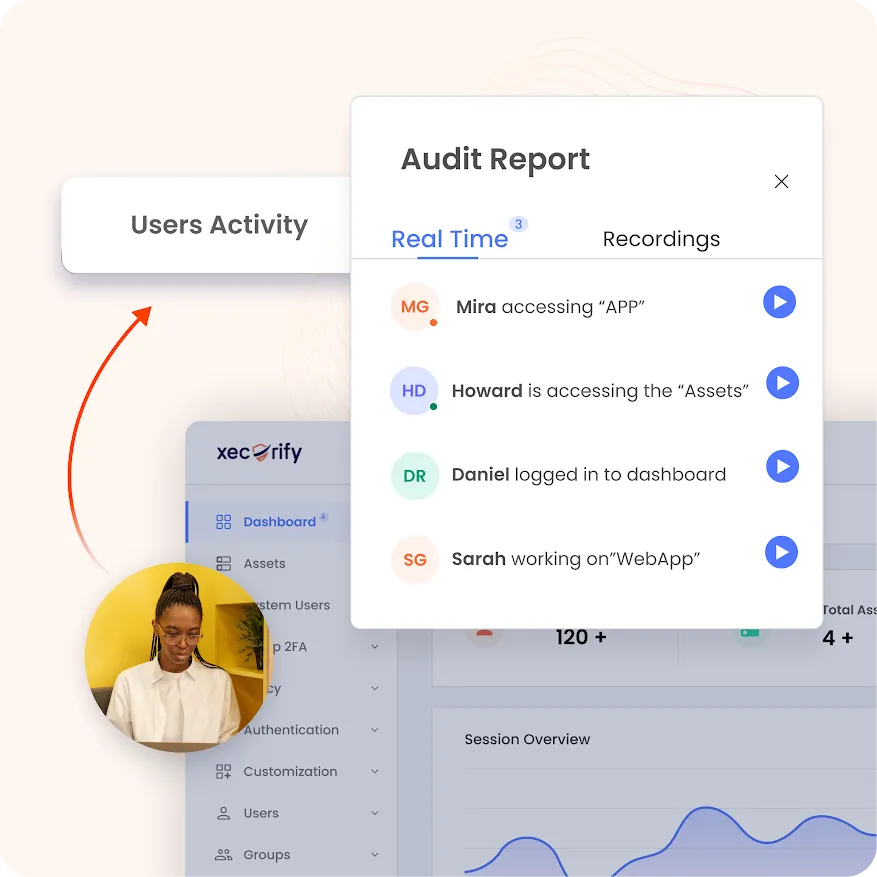
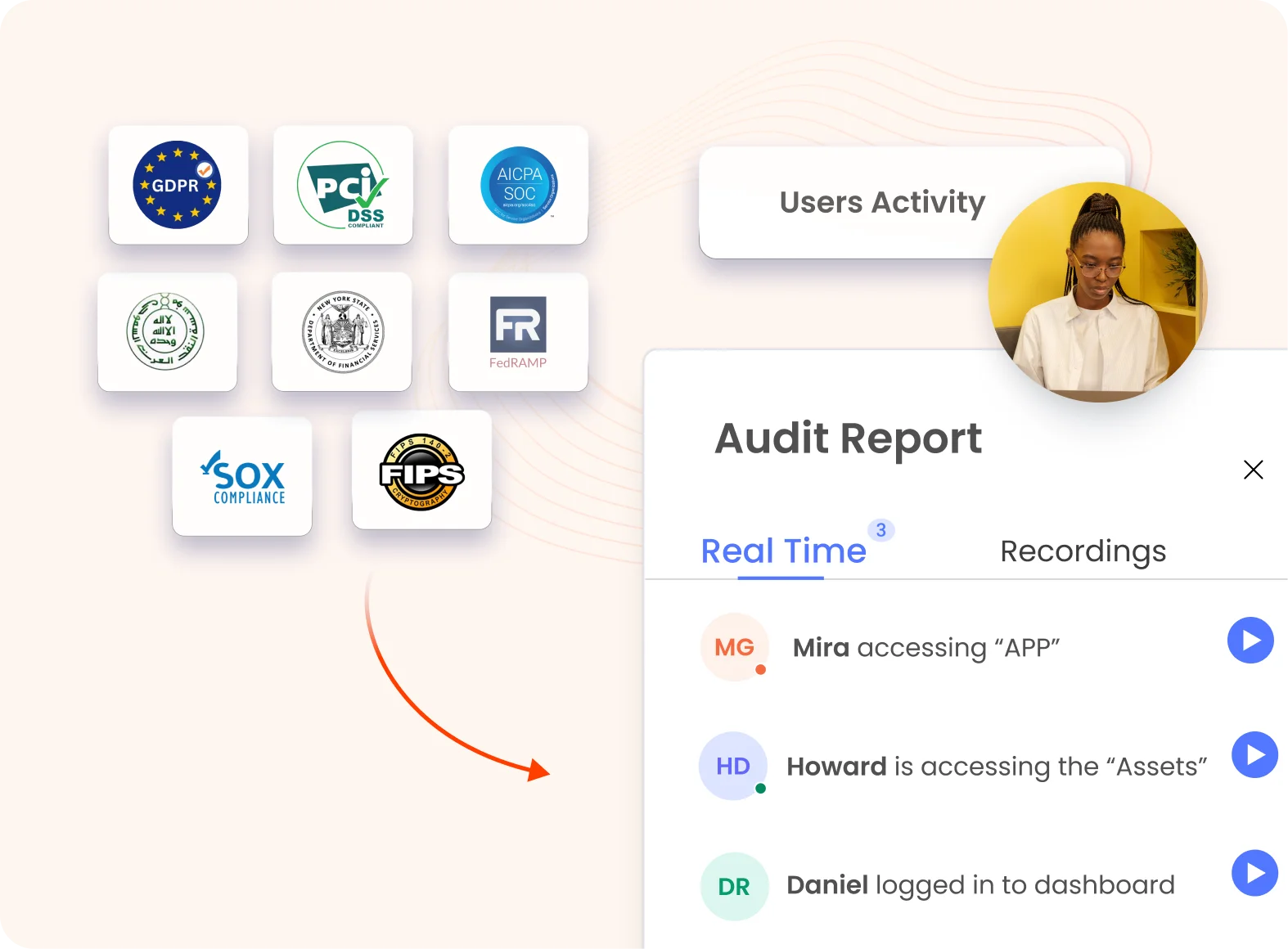
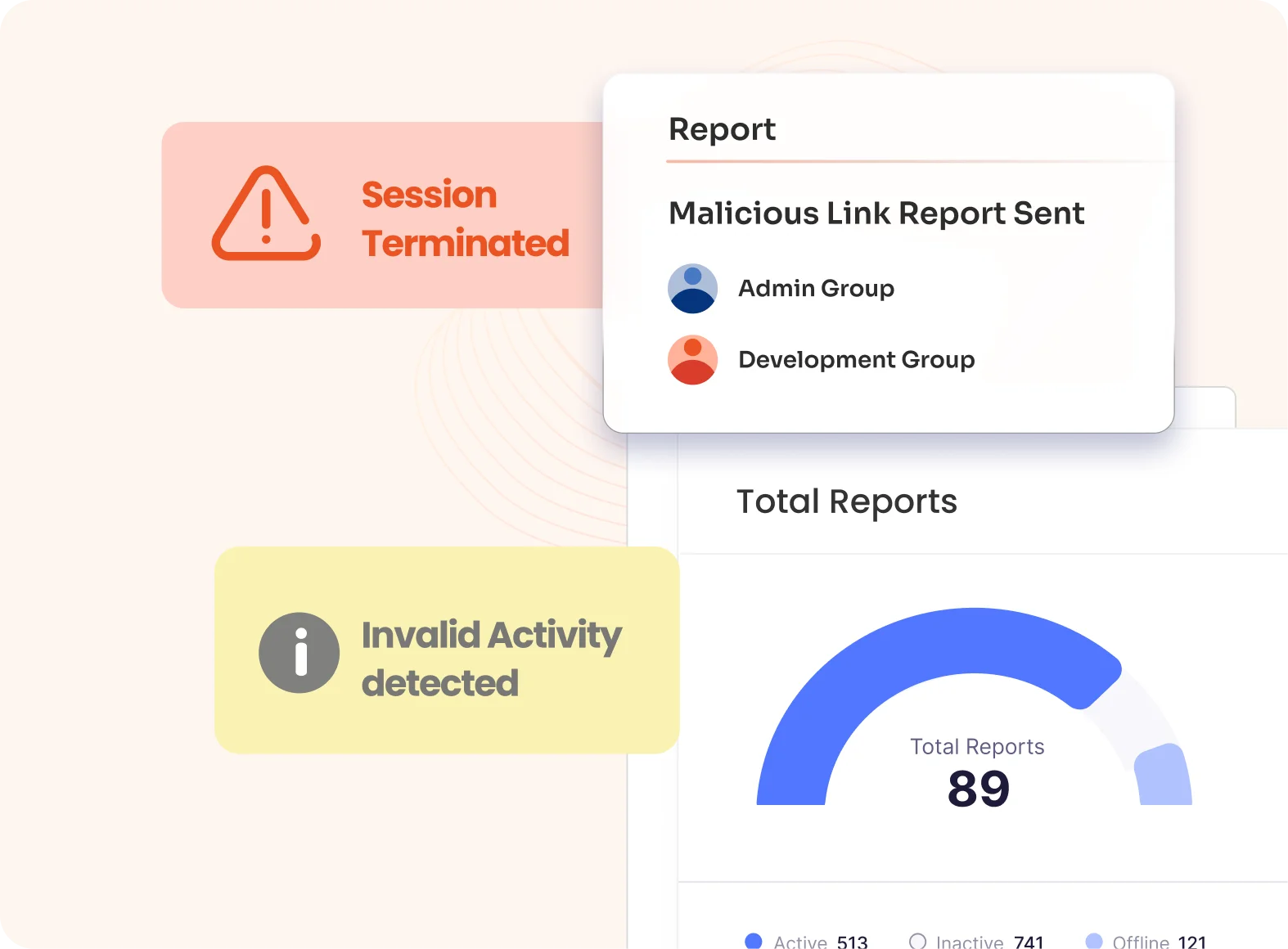
  Audit-Ready: Record participant actions with time-stamped logs.

Schedule A Demo Pricing
Session Collaboration in PAM
   '

x

*
*


*


 Thank you for your response. We will get back to you soon.

Please enter you work email-id


Securely Collaborate on Privileged Sessions

Challenge: Fragmented Session Access
Solution: Secure Session Collaboration

Challenge: Fragmented Session Access

With privileged session management, teams can securely collaborate on privileged sessions while keeping credentials protected and maintaining complete visibility into user activity.

Legacy access methods create security gaps when teams collaborate on privileged sessions.

  • Credential Exposure : Passwords shared through insecure channels.
  • Shadow Sessions : Shared access limits individual accountability.
  • Fragmented Audits : Disjointed logs make investigations difficult.

Solution: Secure Session Collaboration

miniOrange PAM enables secure, monitored collaboration through a single privileged session.

  • Secure Session Access : Join sessions through tokenized links without exposing credentials.
  • Centralized Monitoring : Collaborate through one monitored connection.
  • Granular Attribution : Record and attribute every user's activity in real time.

Privileged Session Collaboration Features for Secure PAM

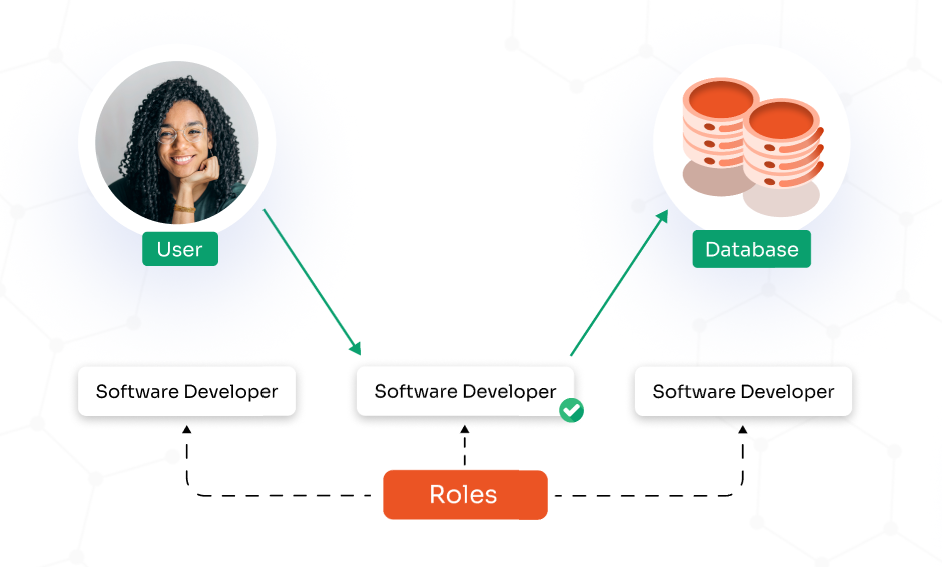
Role-Based Session Access Control

Define exactly who can initiate, join, and interact within a shared privileged session using granular, policy-based permissions.

Administrators can:

  • Control which users are allowed to generate session-sharing links
  • Restrict who can join active privileged sessions
  • Assign view-only or full interactive control based on role

Real-Time Multi-User Privileged Sessions

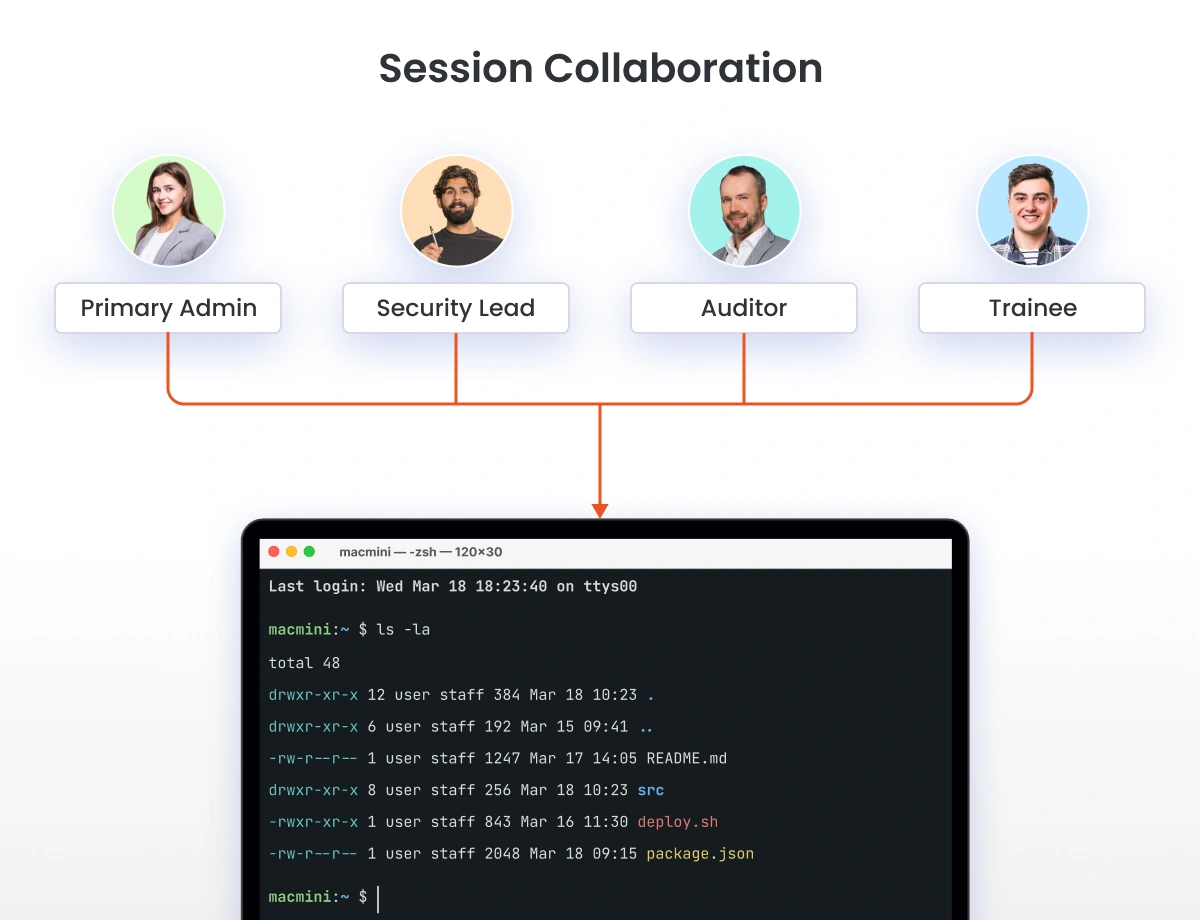
Allow multiple authorized users to securely work in the same live SSH or RDP session without creating separate connections to the target system.

miniOrange delivers:

  • A live, synchronized session view for all participants
  • Instant collaboration for faster troubleshooting and incident response
  • A single controlled connection that reduces the attack surface

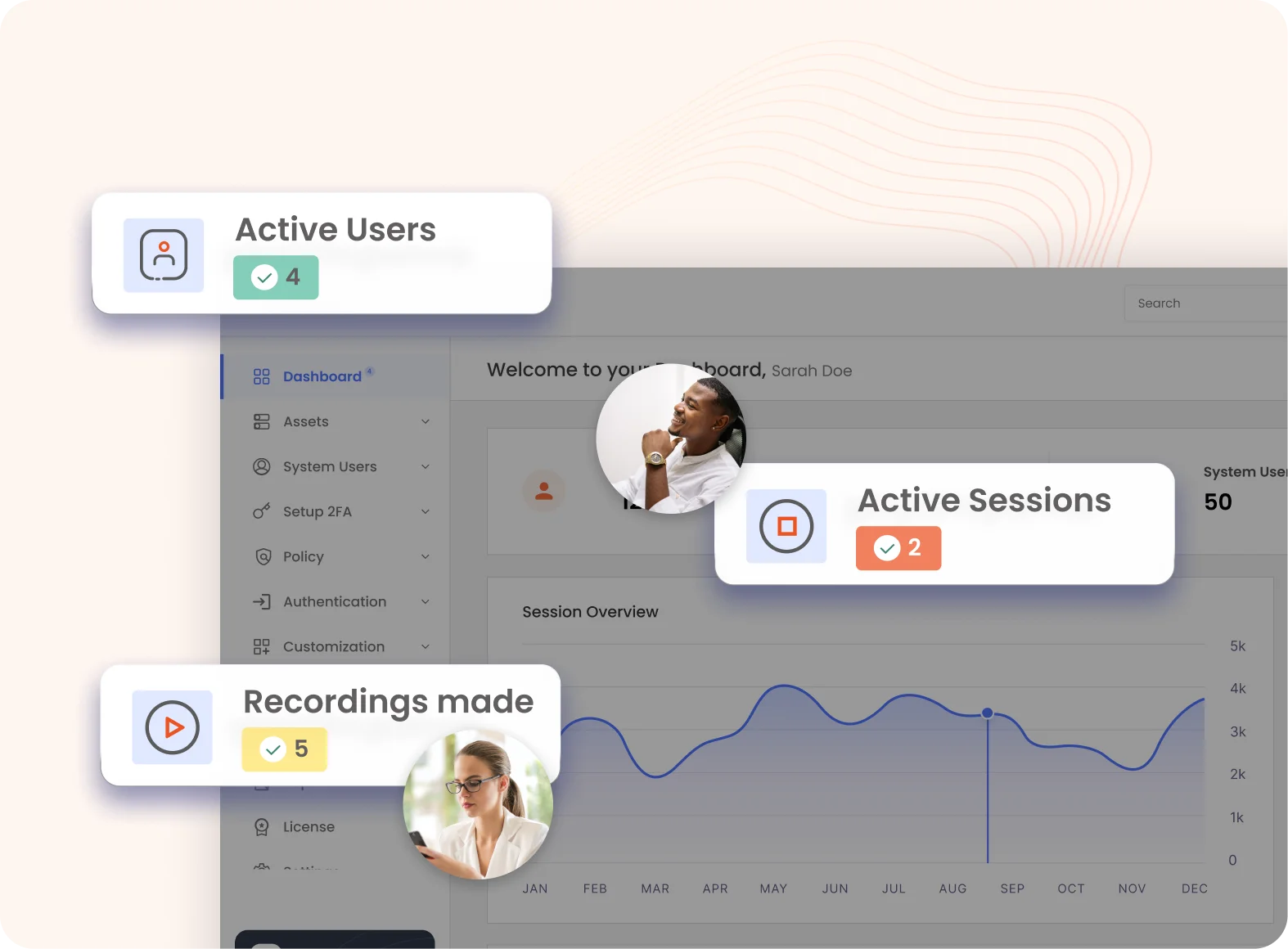
Session Recording & Audit Trails

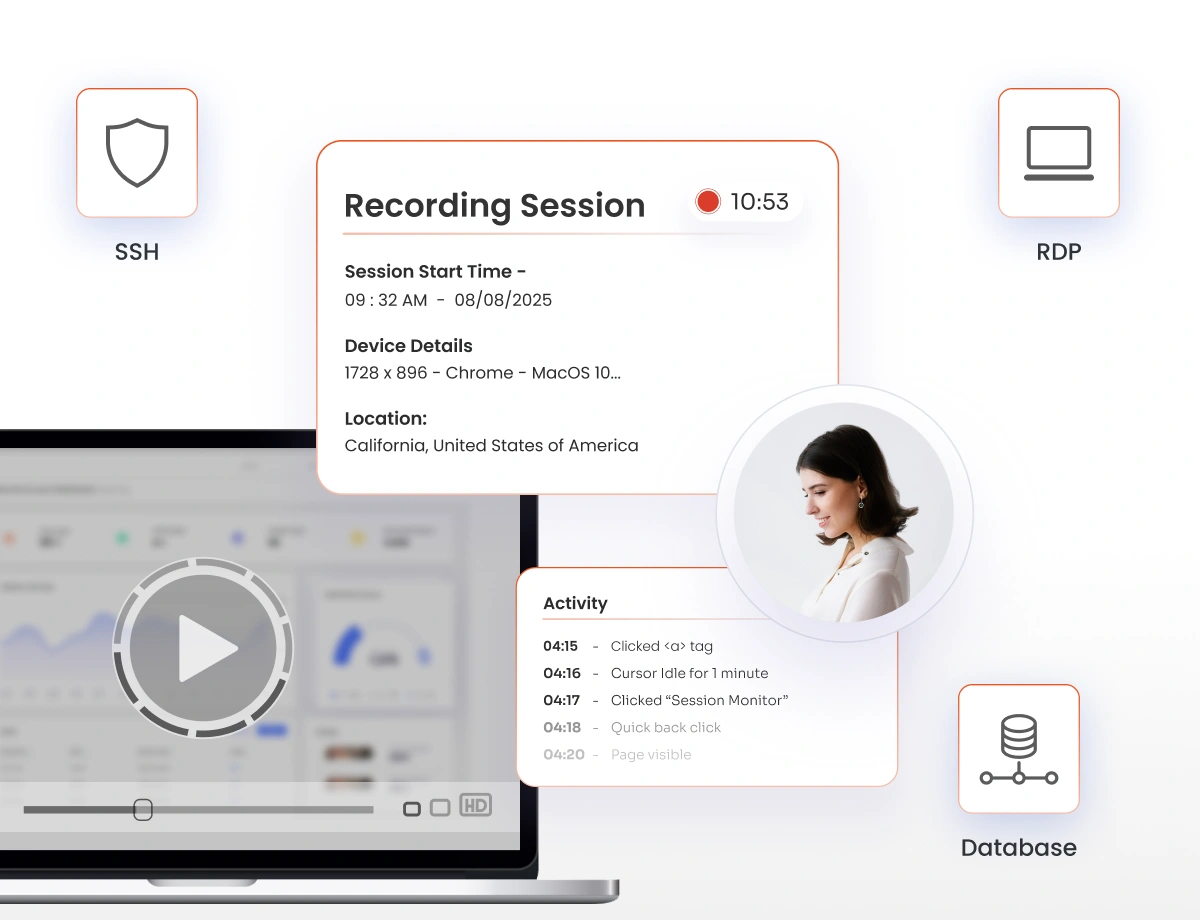
Record collaborative sessions and maintain a complete audit trail of participant activity.

  • Record session activity for review and compliance
  • Track who joined, what they did, and when
  • Replay sessions for investigations and RCA

Multi-Protocol Session Support

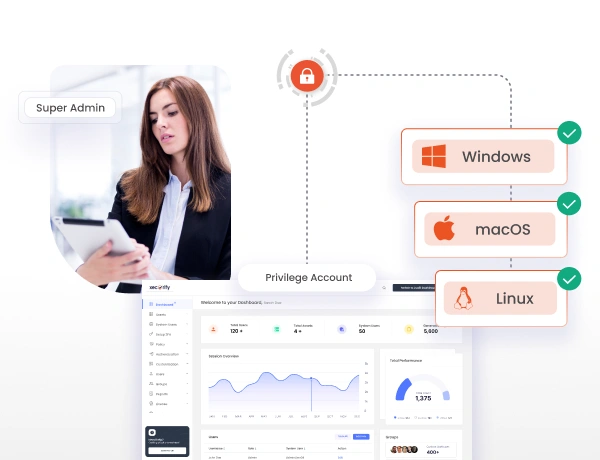
Extend secure session collaboration across all critical infrastructure and platforms from a single PAM control plane.

Supported protocols include:

  • SSH for Linux and Unix systems
  • RDP for Windows servers
  • VNC for remote system access
  • Database sessions such as MySQL and PostgreSQL

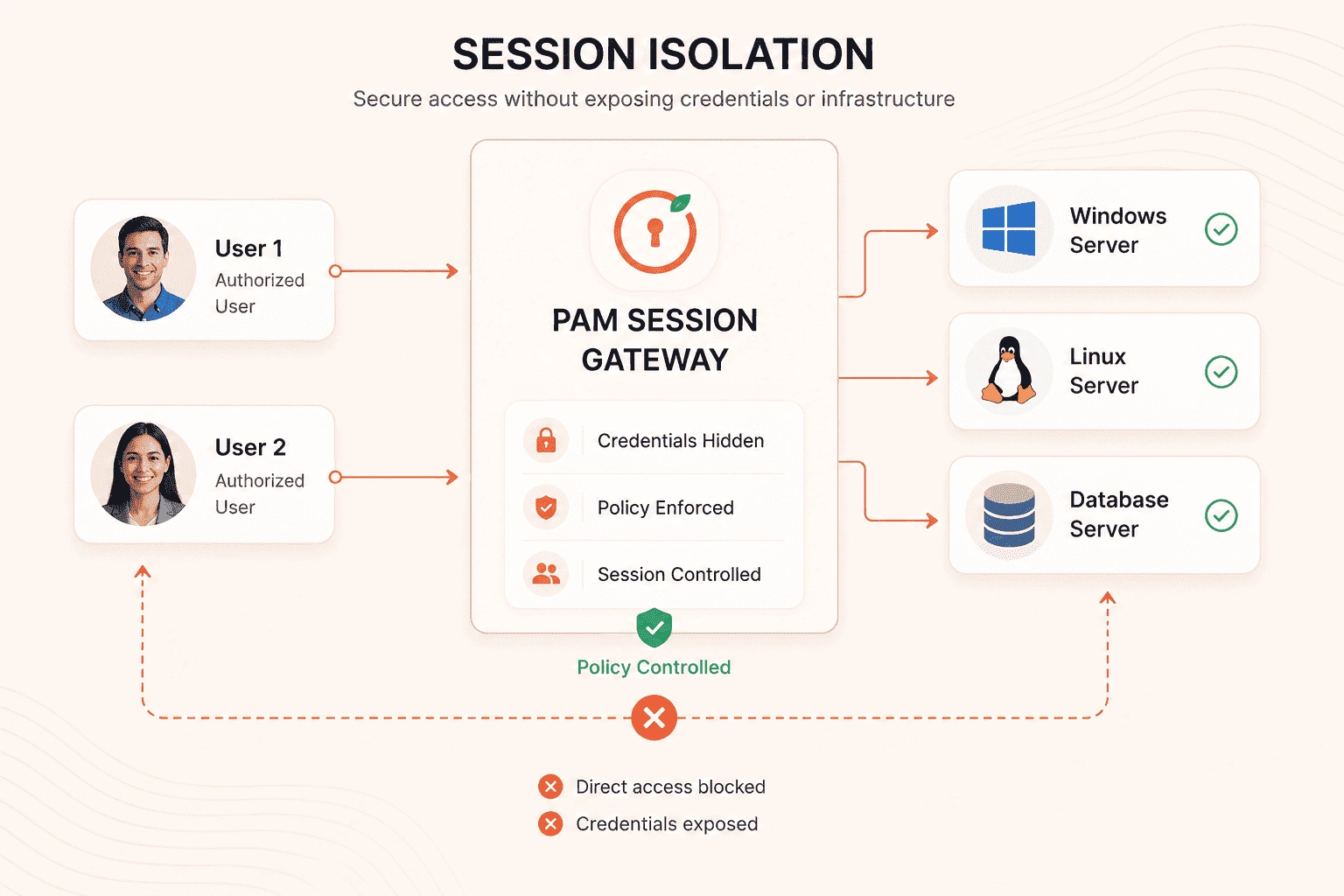
Session Isolation

Keep collaborative users within a controlled session environment without exposing the underlying privileged credentials or infrastructure.
  • Proxy connections between users and target systems
  • Keep credentials hidden from participants
  • Limit access to the authorized resource
Role-Based Session Access Control

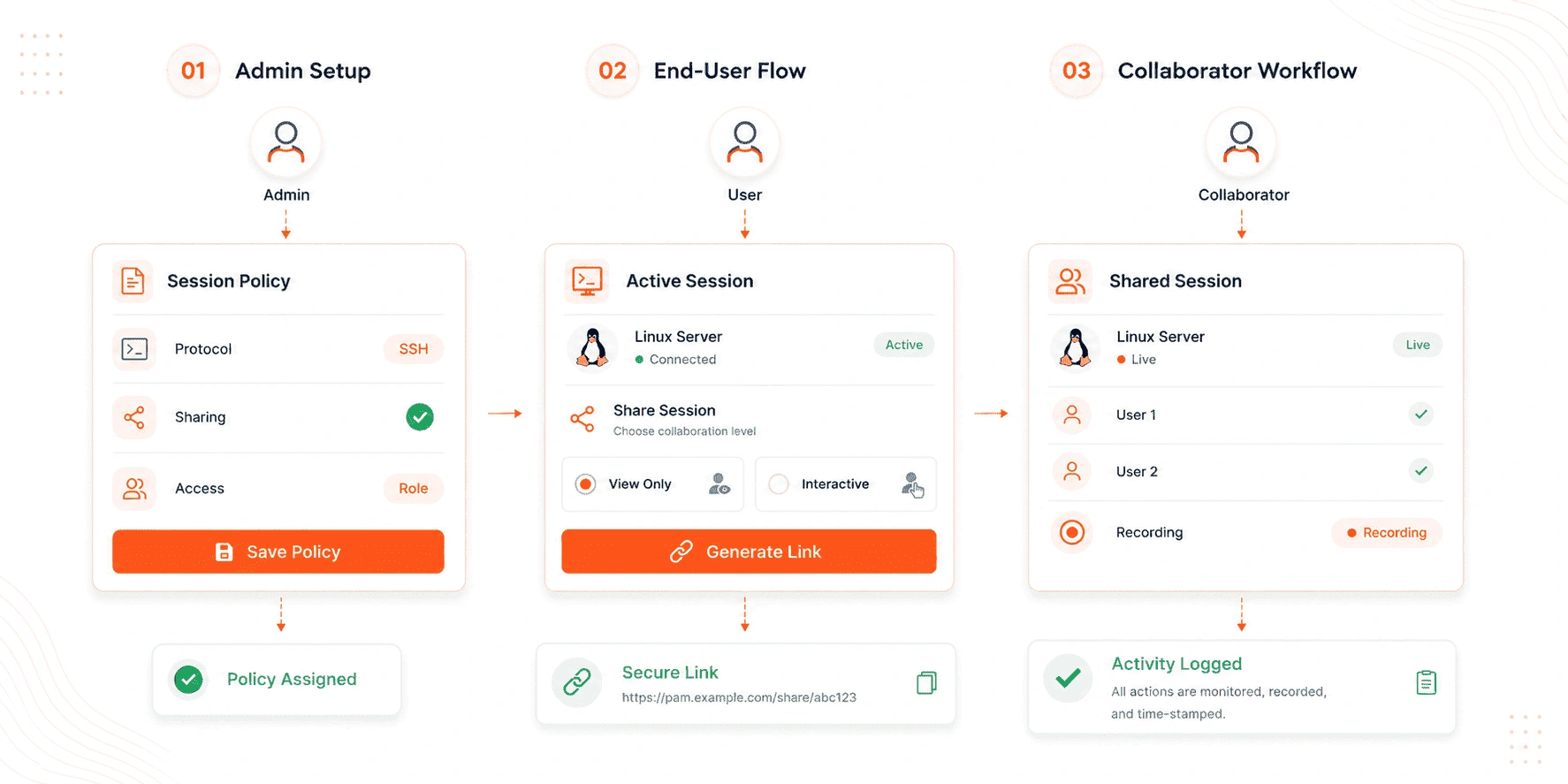
How Session Collaboration Works

1
Step 01

Admin Setup

  • Create or update a session policy from the Admin Dashboard and select the required protocol.
  • Enable session sharing within the policy to allow controlled collaboration.
  • Assign the policy to the appropriate target systems, user groups, or roles.
2
Step 02

End-User Flow

  • Start a privileged session from the PAM portal based on approved access.
  • Generate a secure session-sharing link and choose view-only or interactive permissions.
  • Share the link with the intended collaborator through the preferred communication channel.
3
Step 03

Collaborator Workflow

  • Open the shared session link and authenticate if required.
  • Join the live session with access defined by policy.
  • Perform activities that are fully monitored, recorded, and time-stamped for audit.
How Session Collaboration Works

Real-World Use Cases for Privileged Session Collaboration


Remote Troubleshooting for Production Systems

When a junior administrator encounters a critical issue, they can start a secure privileged session and generate a session-sharing link for a senior engineer. The expert joins instantly, diagnoses the problem in real time, and helps resolve it.


Outcome :
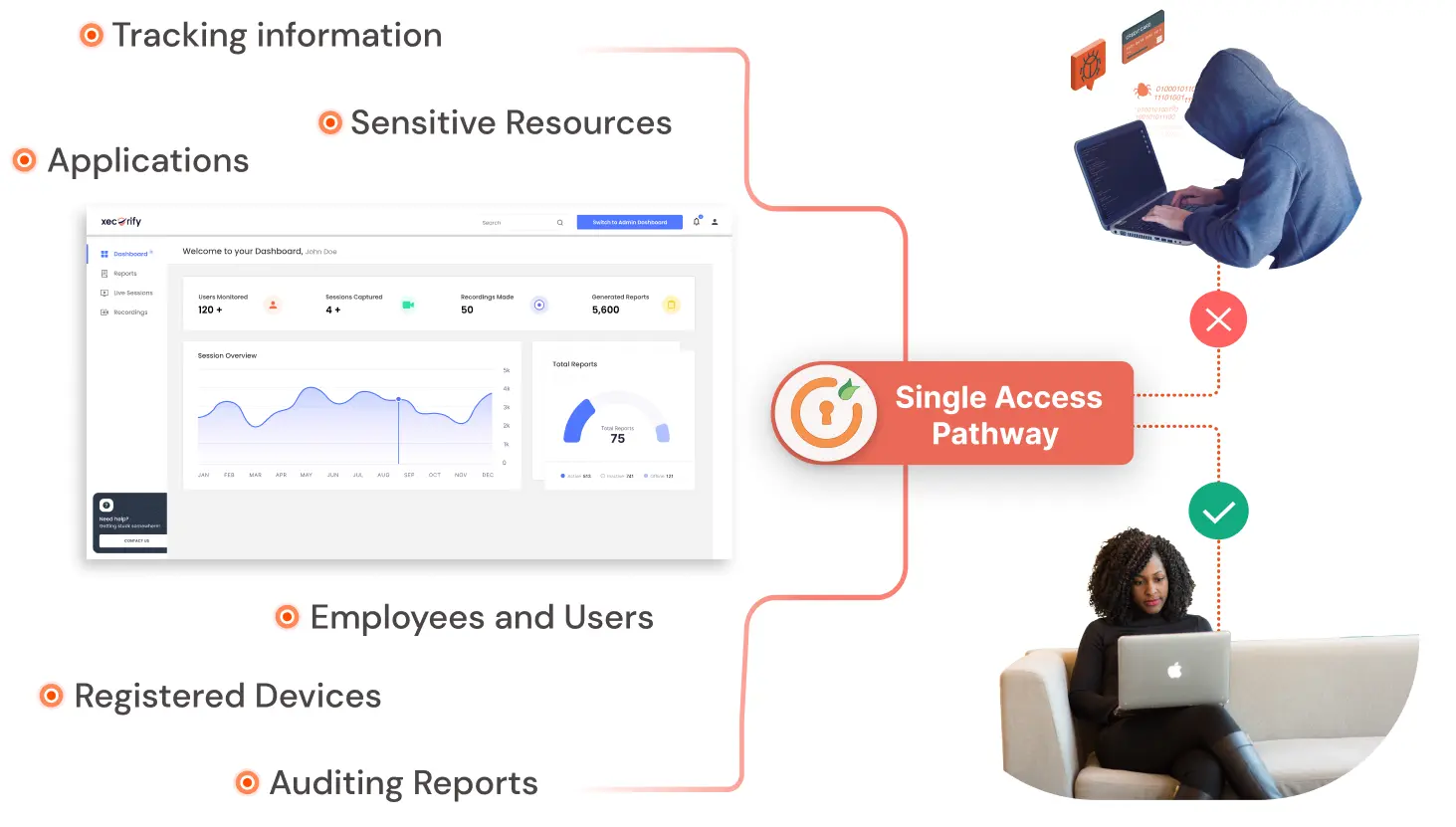
  • No password sharing
  • Fully recorded and auditable activity
  • Faster issue resolution
Remote Troubleshooting for Production Systems


Secure Vendor Access Without Standing Privileges

Secure Vendor Access Without Standing Privileges

Instead of creating permanent accounts for third-party vendors, internal teams initiate a controlled session and provide temporary, monitored access through a secure link. The vendor performs the required task within the shared session, and access automatically ends when the session closes.


Outcome :

  • Zero standing access
  • Time-bound, controlled exposure
  • Compliance-ready vendor activity


Live Training and Knowledge Transfer

Senior engineers can demonstrate server configuration, database migrations, or deployment workflows in a real production-like environment while team members join the same session in view-only or interactive mode.


Outcome :
  • Real-time, practical training
  • Secure observation and participation
  • Complete session visibility and recording
Live Training and Knowledge Transfer


Coordinated Incident Response and Forensics

Coordinated Incident Response and Forensics

During a security incident, SOC analysts, infrastructure teams, and forensic specialists can collaborate within a single live session. All participants work from the same controlled connection, eliminating multiple direct logins.


Outcome :

  • Faster cross-team collaboration
  • Reduced attack surface
  • Centralized, time-stamped audit logs

Key Benefits of Privileged Session Collaboration

Eliminate Credential Sharing

Grant access through secure, time-bound session links instead of exposing passwords, and replace multiple direct logins with a single controlled connection.

Enforce Least-Privilege

Apply role-based view or control permissions while monitoring every user action in real time through a centralized PAM proxy.

Accelerate Response for Teams

Enable teams like IT, DevOps, MSP, and SOC to collaborate in the same live session to resolve incidents faster and support critical operations without creating standing access.

Achieve Audit-Ready Compliance

Maintain full session recordings, time-stamped activity logs, and policy-driven access to support ISO 27001, SOC 2, PCI DSS, and HIPAA requirements.

Secure Your Privileged Sessions, Start Your Free Trial Today.

Start Free Trial

Want To Schedule A Demo?

Request a Demo


Our Other Identity & Access Management Products