Hello there!
Need Help? We are right here!

Need Help? We are right here!
Search Results:
×
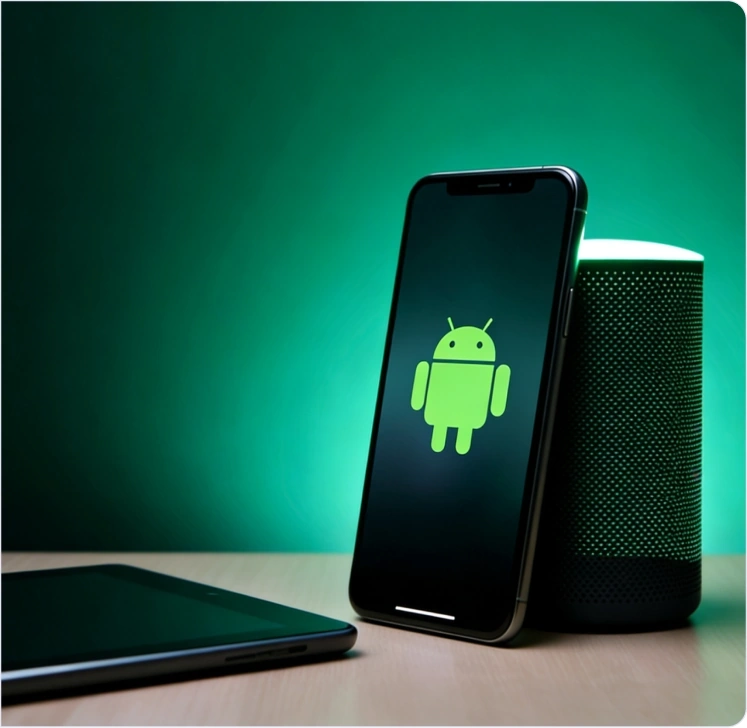
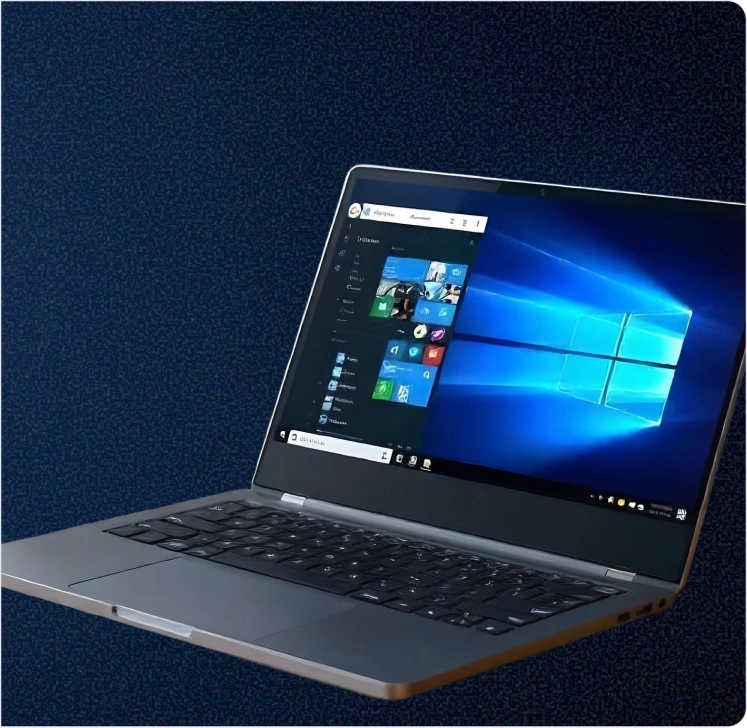
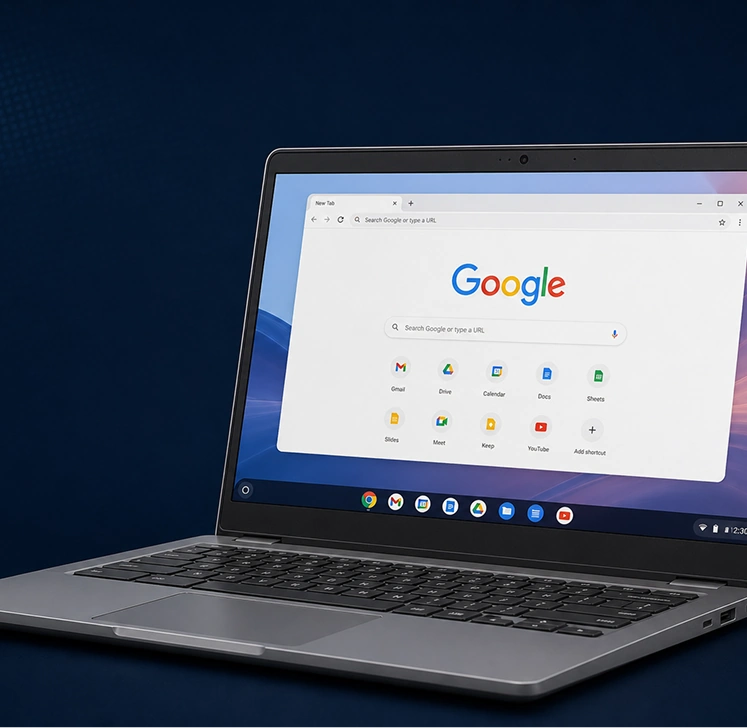
Bring Android, Windows, iOS, macOS, and ChromeOS devices under centralized management.
Easily enforce the controls supported by each OS and platform from a single dashboard.
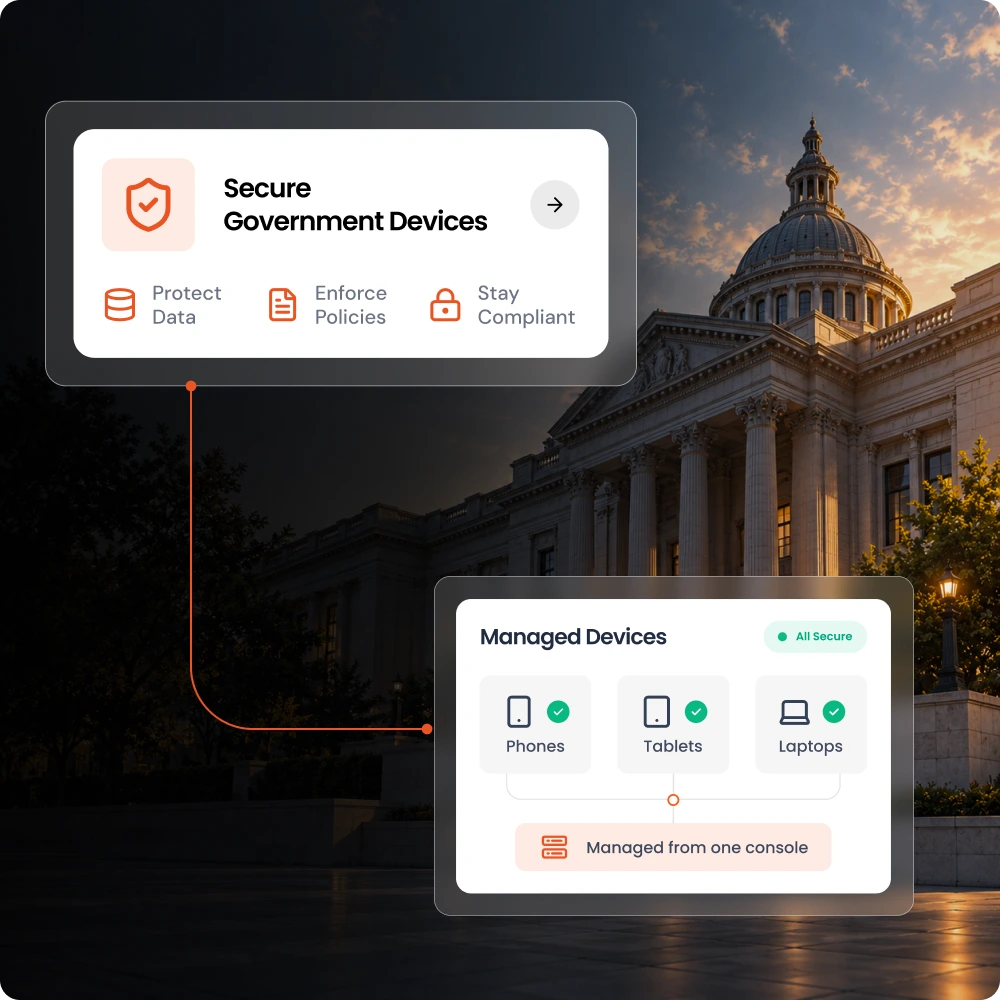
Every government-owned device needs constant oversight. Manual processes and disconnected tools make it difficult to protect
data and maintain visibility.

Without proper data and device controls, file transfers and unauthorized apps may put sensitive data, such as citizen records, at risk. DLP controls help to prevent data exposure.

Lack of consistent configuration makes security reviews harder. Device compliance visibility and centralized policies aid IT teams in identifying gaps and ensuring audit readiness.

A missing device often leaves government agency data vulnerable. Remote wipe and lock features of MDM allow IT teams to respond when devices are stolen or lost.

Every department requires a different set of apps and settings, which can be difficult to manage and control, leading to oversight. A centralized dashboard gives a bird's-eye view to the security teams.

Unapproved apps result in unnecessary exposure and invite threats. Application restrictions ensure that no unauthorized apps exist in the system, preventing shadow IT.

Repeated manual setups, troubleshooting, and app installations pull IT admins away from high-priority tasks. Automated enrollment and remote controls decrease manual work.
Give your admins and security teams the features they need to manage device setup, data protection, and applications via a unified platform.
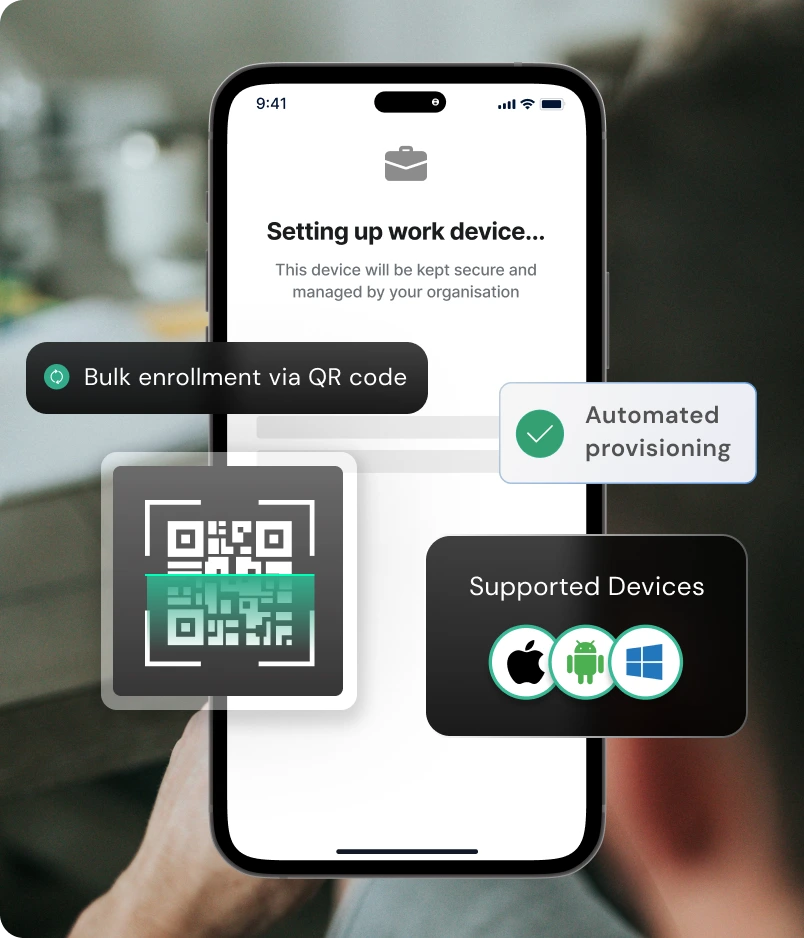
Get the devices ready to work within minutes with seamless enrollment and provisioning capabilities. miniOrange offers enrollment methods, such as zero-touch, QR code, and email.
Know More
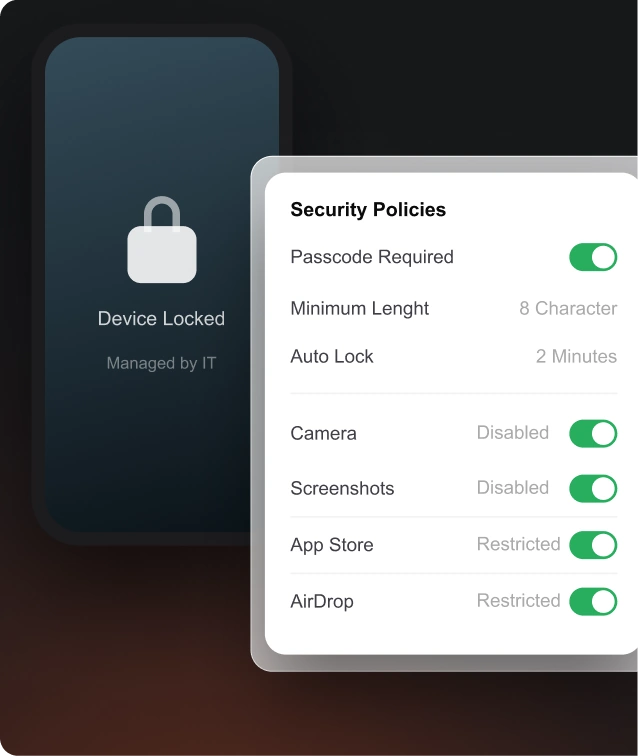
Set usage restrictions, password requirements, and network configurations remotely, from one dashboard. Easily keep VPN, Wi-Fi, and device settings synced with agency policies.
Know More
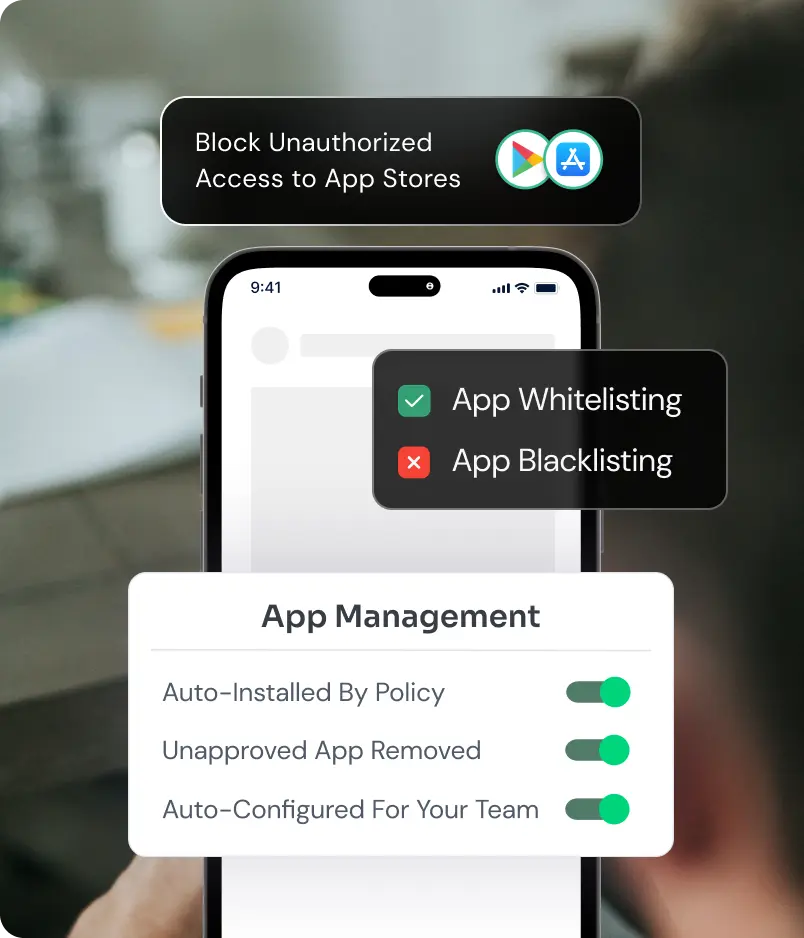
Distribute work files and deploy approved applications remotely. Prohibit unauthorized apps, so employees have access to only the essential resources.
Know More
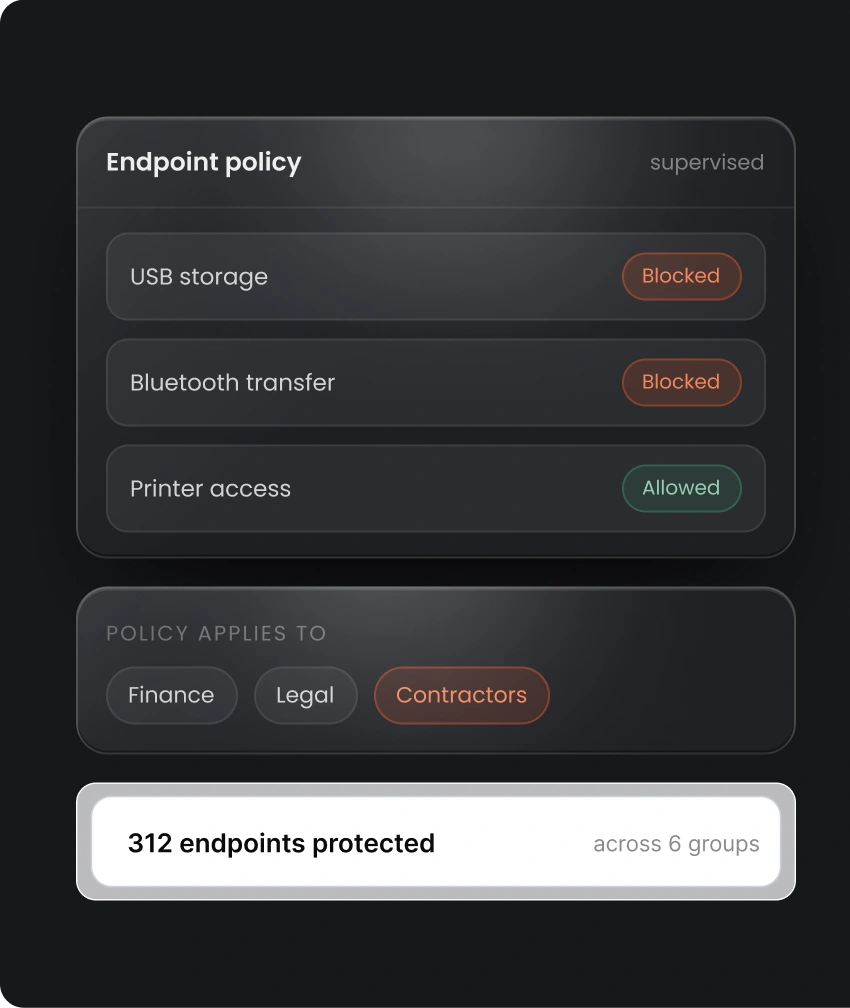
Make use of built-in Data Loss Prevention (DLP) controls to prevent unauthorized document transfers and third-party storage usage on endpoints.
Know More
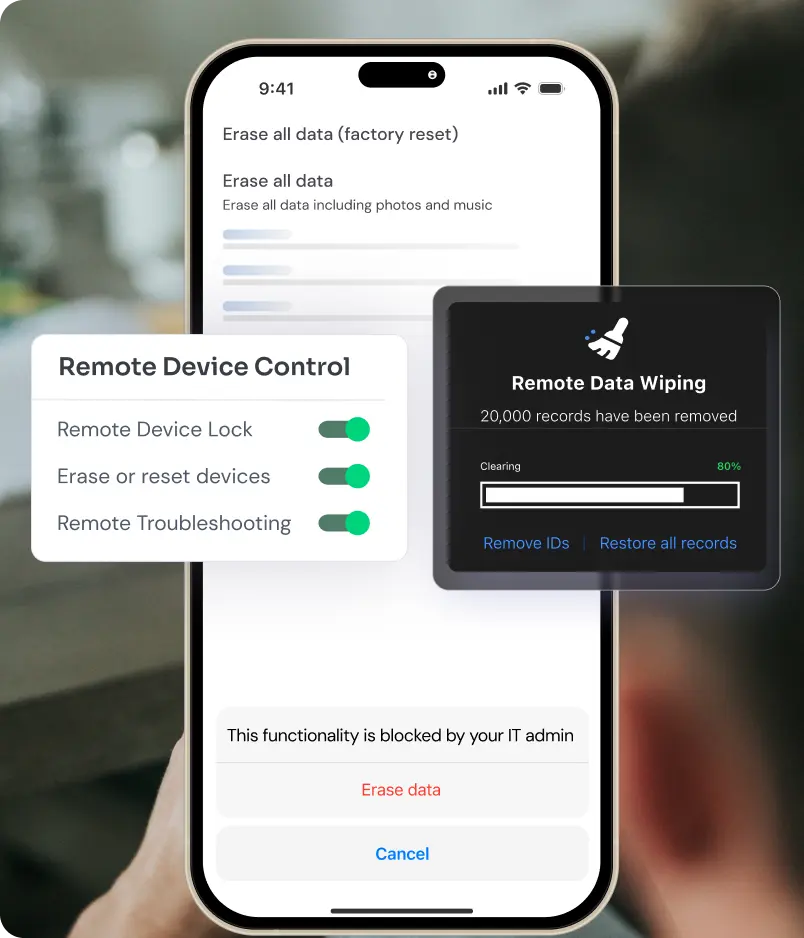
Wipe and lock devices remotely to prevent data exposure. Avail location tracking and lost-mode abilities for device recovery, subject to agency policy and platform support.
Know More
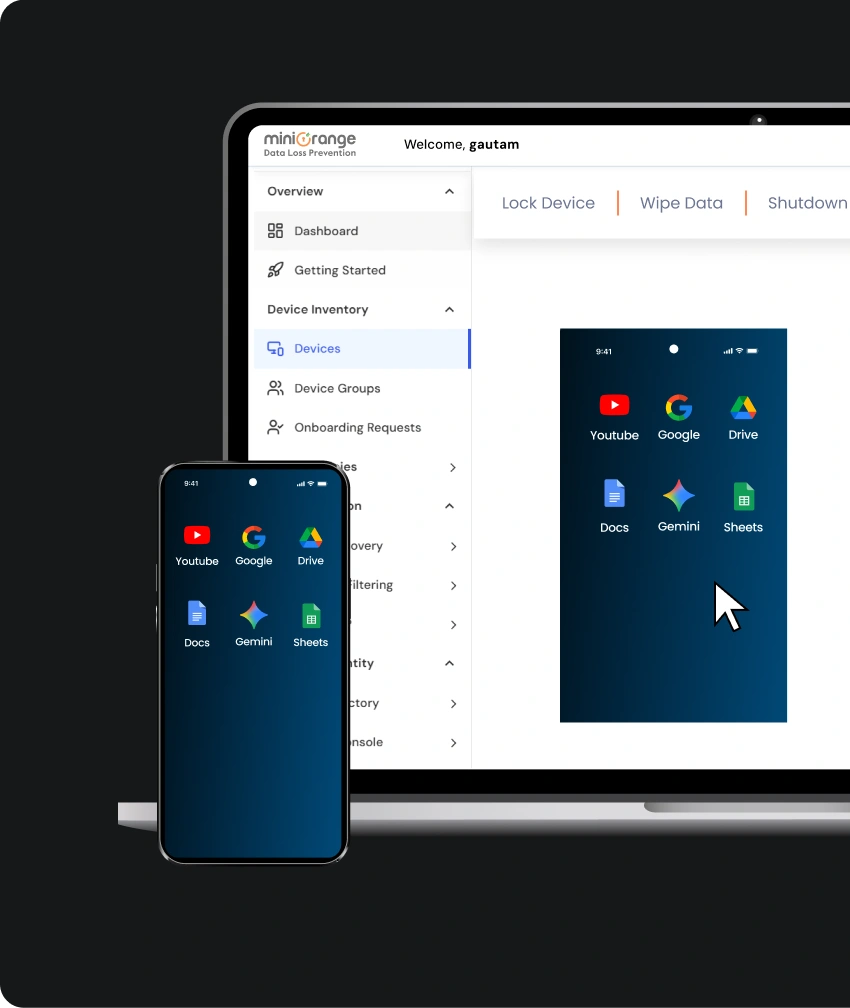
Help employees stay productive without bringing every device to the admins. Diagnose issues via remote screen viewing and remote control capabilities.
Know More
Government workflows aren’t restricted to just one device type or place. Apply app controls, policies, remote controls, and data protection to the respective environments.
Maintain standardized configurations for all the managed devices across distributed offices. Make sure security policies and approved apps are aligned as the device fleet and teams grow.
Facilitate device administration across service and department locations. Ensure the IT teams get centralized visibility so they can control all devices.
Keep emergency and public safety teams equipped with the approved applications they need in the field. IT teams can remotely resolve issues for devices that are in the field.
Equip surveyors, inspectors, and field staff with supported apps and documentation. In case of any device problems, easily solve them with remote control capabilities.
Align all the devices with the government agency's policies. MDM easily handles network settings, app deployment, and software updates.
Keep citizen services accessible while restricting device usage to approved apps and devices. Avail single-app and multi-app kiosk modes for self check-ins, appointment bookings, and more.
Explore the miniOrange MDM product with an agency-focused demo or a free trial to
analyze supported workflows on your devices.
miniOrange MDM helps security teams handle mixed device ecosystems without switching between multiple consoles.

Handle Android, Windows, iOS, macOS, and ChromeOS devices from a central dashboard. Easily enforce the controls supported by each OS and platform.

Data loss prevention controls discover sensitive data, classify it, and monitor its movement. In case of unauthorized data transfers, DLP alerts the admins and prevents data exposure.
Bring policies, app management, enrollment, remote actions, and device visibility together under one umbrella. This helps to address issues easily for all endpoints.
MDM for the government is the use of mobile device management software to configure, enroll, monitor, and safeguard devices used by government facilities. MDM gives security teams holistic control over apps and devices.
Government agencies need MDM because it applies consistent device policies, responds to compromised or lost devices, and enforces device restrictions. This overall helps to uplift device security and protect data on the devices.
Absolutely yes! miniOrange offers single-app and multi-app kiosk modes to limit the device’s exposure to approved apps, settings, and workflows.
The miniOrange MDM solution comes with a built-in DLP capability, which therefore helps to prevent unauthorized data transfers on supported endpoints.
Yes. With miniOrange’s remote wipe and lock features, government agencies can easily erase data and prevent any unauthorized person from accessing the device.
Government agencies can consider on-premises and cloud-hosted deployment options. Connect with miniOrange MDM experts to know which options are best suited for your teams and facility.