

Identity Threat Protection (ITP) helps organizations detect and respond to threats by monitoring identity activity, analyzing risk signals, and applying security controls.
This guide covers what identity threat protection is, how it works, its key capabilities, and the best practices organizations can follow to protect identities.
Key Takeaways
- Identity Threat Protection monitors identity and access activity to detect suspicious behavior.
- It uses signals such as unusual login locations, device changes, session activity, and abnormal access patterns to assess identity risk.
- ITP can trigger actions such as step-up authentication, session termination, or account restrictions when activity appears risky.
- IAM manages identities and access. ITP focuses on identity-related threats, while ITDR covers the wider process of detecting and responding to identity threats.
- Effective identity protection combines monitoring, risk-based controls, phishing-resistant authentication, and automated response.
What Is Identity Threat Protection?
Identity Threat Protection is a security approach that helps organizations detect, assess, and respond to threats involving digital identities.
A digital identity belongs to a person, service account, application, or other entity that accesses a system. It can include usernames, credentials, authentication methods, permissions, and sessions.
ITP looks at how these identities behave during access and use. For example, an employee might normally sign in from Bengaluru using a familiar device. If the same account suddenly signs in from another country, accesses sensitive data, and attempts several unusual actions, that activity may indicate a compromised account.
That pattern might not be a certainty, but it's still a signal worth noting for future reference and for setting behavioral benchmarks.
What Does Identity Threat Protection Protect?
Identity threat protection can help protect:
The goal is to reduce the chance that a stolen or misused identity becomes a path into sensitive applications and data.
The 3 Jobs of ITP: Prevent, Detect, and Respond
ITP works across 3 connected activities:
- Prevention: Applying controls that reduce identity risk, such as phishing-resistant authentication, access policies, and session restrictions.
- Detection: Monitoring activity and identifying behavior that may indicate a compromised identity.
- Response: Taking action when risk is detected, such as requesting additional authentication, terminating a session, or restricting access.
The specific controls depend on the identity platform and policies in place, but the shape remains the same across all organizations.
Why Is Identity Threat Protection Important?
Attackers increasingly target identities because a valid account can provide access to business systems without immediately appearing suspicious.
A stolen password may look like a normal login. A stolen session token may let an attacker continue using an already authenticated session. A compromised administrator account may provide access to systems that contain sensitive information.
AI-assisted attacks add another concern. Attackers use AI to create convincing phishing messages, deepfake audio or video, and more personalized social engineering attempts. These methods can make it harder for employees to recognize fraudulent requests.
That’s the context ITP operates in:
- Examining what happens around authentication and access
- Giving security teams more context about potential threats
Common Identity Threats
Account Takeover
Account takeover occurs when an attacker gains control of a legitimate user account via stolen passwords, phishing, credential stuffing, or social engineering.
Once inside, they can pull data, change settings, or target other more privileged accounts.
Credential Theft and Credential Stuffing
Credential theft involves obtaining usernames, passwords, or other authentication information.
Credential stuffing is an attack in which criminals take credentials stolen from one breach and try them against other sites, betting on password reuse. It works often enough to stay popular.
Phishing and Adversary-in-the-Middle Attacks
Phishing tricks users into revealing credentials or approving malicious requests.
Adversary-in-the-Middle attacks place an attacker between the user and the real service to intercept credentials, authentication data, or session information mid-interaction.
MFA Fatigue Attacks
In an MFA fatigue attack, an attacker spams a user with authentication approval requests until, out of frustration or confusion, one gets approved. MFA alone doesn't stop this. But the method matters, and so does the context around each request.
Session Hijacking and Token Theft
A session lets a user remain signed in after authentication. If an attacker steals a session cookie or token, they may be able to use that session without entering the password again.
Monitoring session activity and terminating suspicious sessions can help reduce the impact of these attacks.
Privilege Escalation and Unauthorized Access
Privilege escalation occurs when an attacker gains permissions beyond what they should have. An account may also access sensitive data or applications that it doesn't need for its work.
Identity threat protection can help detect unusual privileged activity and support actions that restrict access.
Why Authentication Alone Isn't Enough
Authentication answers a basic question: Can this person prove they control the required credentials or authentication method?
That check happens at a point in time.
But threats can develop after the user signs in. An attacker might steal a session token after authentication or use a compromised account to access unusual resources. ITP adds monitoring and risk assessment around those activities.
Read more on Identity-Based Attacks and how to tackle them.
How Does Identity Threat Protection Work?
Identity threat protection typically follows a cycle of monitoring, analyzing, assessing, and responding.
1. Monitor Identity and Access Activity
ITP collects information about identity and access events. Depending on the tools in use, this may include:
- Login attempts and authentication results.
- IP addresses, locations, and devices.
- Applications and resources being accessed.
- Session activity and token usage.
- Changes to permissions or account settings.
This information helps security teams understand how identities are being used.
2. Analyze Identity Behavior and Risk Signals
A risk signal is a piece of information that may indicate suspicious activity.
Examples include a new device, an unusual login location, repeated failed logins, or a sudden change in access behavior.
Behavior analytics examines these signals together. A single unfamiliar login may not indicate an attack. Several unusual events occurring together may deserve closer attention.
3. Detect Suspicious Identity Activity
The system looks for patterns that may indicate identity compromise or misuse.
Detection can use rules, known threat indicators, behavioral analysis, or a combination of methods. The exact approach depends on the security platform.
4. Assess Identity Risk in Real Time
Risk scoring helps organizations decide how serious a suspicious event may be.
A risk score can take multiple signals into account, such as the user's behavior, device, location, access request, and the sensitivity of the resource.
The score may change as activity continues. A low-risk login can become higher risk if the user starts performing unusual actions.
5. Apply Adaptive Security Controls
Adaptive security controls change the access experience based on risk.
For example:
- A low-risk login proceeds normally.
- A suspicious login triggers additional authentication.
- A high-risk session is blocked or restricted.
These controls can include risk-based authentication, MFA, access policies, and session restrictions.
6. Respond to and Remediate Identity Threats
When a threat is detected, the organization can take action to reduce its impact. Possible responses include:
- Requiring additional authentication.
- Blocking a suspicious login.
- Terminating an active session.
- Restricting access to sensitive applications.
- Disabling or suspending an account.
- Alerting the security team for investigation.
Some responses can be automated through workflows. Others may require approval or investigation by a security analyst.
Key Capabilities of Identity Threat Protection
Identity Visibility and Risk Insights
Security teams need visibility into identity activity to understand where risk exists.
ITP can bring together information about users, devices, applications, sessions, and access events. Risk insights help teams identify suspicious behavior and prioritize investigation.
Identity Behavior Analytics
Identity behavior analytics examines how identities normally behave and looks for unusual activity. For example, an employee who usually accesses a small set of applications may suddenly access administrative systems or download large amounts of data.
Behavior analytics helps identify these changes, although unusual behavior isn't automatically proof of an attack.
Session Monitoring and Continuous Risk Assessment
Identity risk can change after authentication. Session monitoring tracks active sessions and relevant activity. Continuous risk assessment checks activity over time and updates the risk level as new signals appear.
Risk-Based and Phishing-Resistant Authentication
Risk-based authentication uses context and risk signals to determine whether additional authentication is needed. Phishing-resistant authentication methods, such as passkeys and FIDO2 security keys, help protect against attacks that steal passwords or trick users into revealing authentication information.
Privileged Identity Protection
Privileged accounts can access sensitive systems and perform high-impact actions.
Identity threat protection can help monitor privileged activity, detect unusual access, and trigger additional controls when a privileged identity behaves suspiciously.
Automated Threat Remediation
Automated remediation uses predefined workflows to respond to detected threats. The response should match the risk. Automatically blocking every unusual login can disrupt legitimate users, while failing to act on high-risk activity can leave an attacker inside the environment.
Security Policies and Integrations
Policies define what the organization should do when certain identity risks appear.
Integrations connect identity protection with other security and identity systems. The OpenID Foundation's Shared Signals Framework (SSF) is one example of a standard for sharing security-related signals between systems.
Identity Threat Protection vs. IAM vs. ITDR
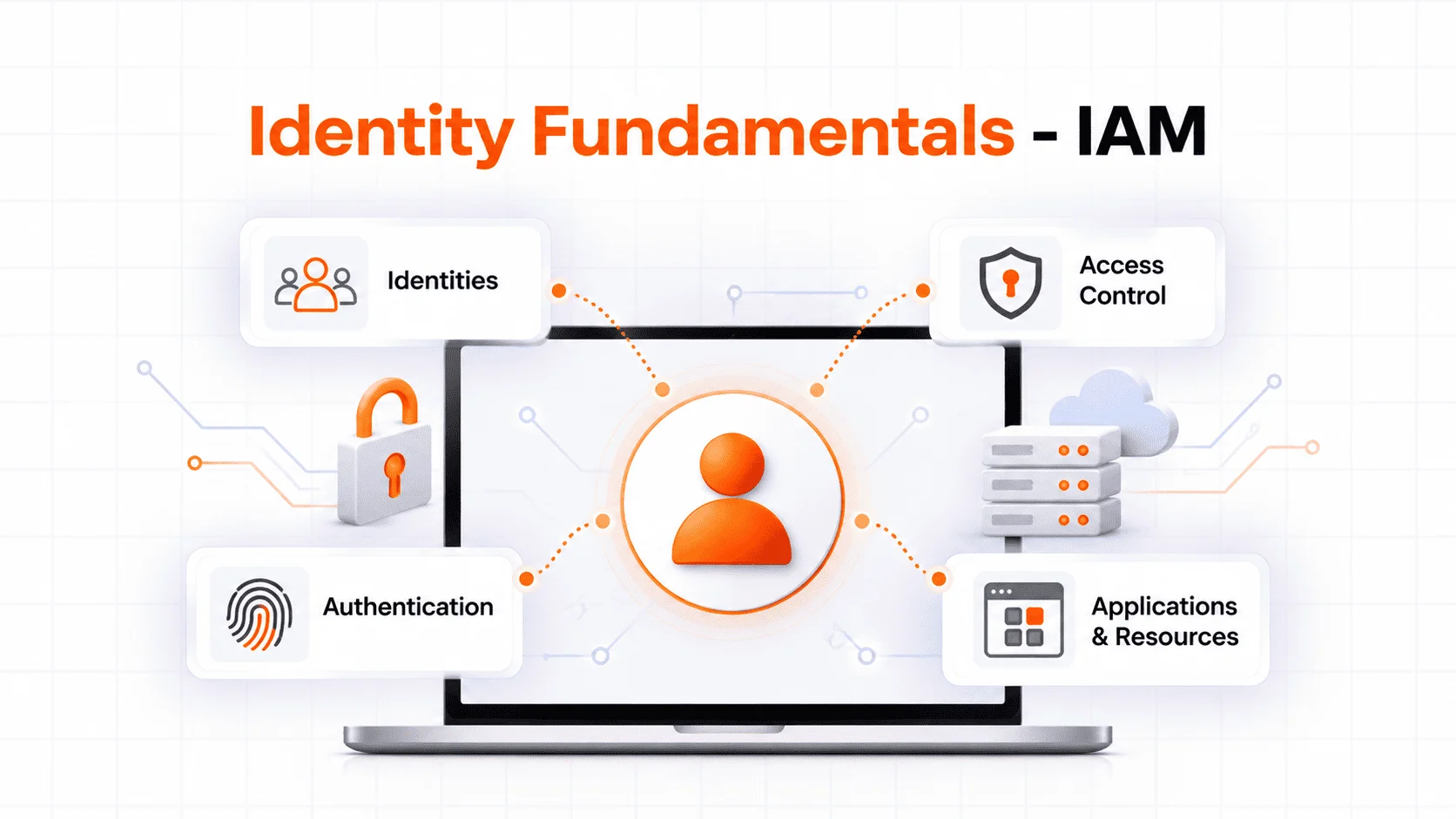
Identity Threat Protection, Identity and Access Management (IAM), and Identity Threat Detection and Response all contribute to identity security. Their responsibilities differ.
| Aspect | IAM | ITP | ITDR |
|---|---|---|---|
| Purpose | Manage identities and control access. | Identify and reduce threats involving identities. | Detect, investigate, and respond to identity threats. |
| Focus | Who a user is and what they can access. | Whether identity activity appears suspicious or risky. | Finding and responding to attacks against identity systems and accounts. |
| Key activities | Authentication, SSO, MFA, provisioning, and access policies. | Behavior analytics, risk assessment, session monitoring, and adaptive security controls. | Threat detection, investigation, incident response, and identity recovery. |
| When it acts | During identity and access management activities, including login and access requests. | Before, during, and after authentication when identity risk changes. | When identity threats are detected and require investigation or response. |
| Example | Requires MFA before granting access to an application. | Detects an unusual login and triggers additional authentication. | Investigates a compromised account and coordinates actions to contain the incident. |
How IAM, ITP, and ITDR Work Together
IAM manages identities and access. ITP helps identify suspicious identity behavior and apply protective controls. ITDR supports the wider process of detecting, investigating, and responding to identity threats. Each piece covers ground the others don’t.
Identity Threat Protection Best Practices
Effective identity threat protection combines strong authentication, continuous monitoring, and timely response. Organizations can follow these best practices to reduce identity-related risks.
- Use phishing-resistant authentication: Implement passkeys or FIDO2 security keys for sensitive accounts and high-risk access.
- Monitor identity activity continuously: Track login attempts, devices, sessions, access requests, and permission changes.
- Apply risk-based authentication: Require additional authentication or restrict access when risk signals indicate suspicious activity.
- Protect privileged identities: Apply stronger controls to administrator accounts, limit unnecessary permissions, and monitor privileged activity.
- Follow least-privilege access: Give users and services only the access they need, and review permissions regularly.
- Secure user sessions: Monitor active sessions and terminate suspicious sessions when necessary.
- Automate high-risk responses: Create workflows to block risky logins, restrict accounts, terminate sessions, or alert security teams.
- Review security policies regularly: Update identity risk rules, access controls, and response workflows as threats and business needs change.
These practices work best when they operate together. Strong authentication reduces the chance of account compromise, while monitoring and risk-based controls help identify and respond to threats that develop after login.
Identity Threat Protection Use Cases
Detecting a Compromised User Account
An employee's credentials get phished. The attacker logs in from an unfamiliar device and starts poking around apps the employee never touches. ITP flags the activity, scores the risk, and triggers additional authentication or a session restriction.
Blocking Suspicious Login Attempts
An attacker uses stolen credentials to sign in from an unusual location. Risk-based controls can request additional authentication or block the login if the risk is high.
Detecting Session Hijacking
An attacker steals a session token and uses it to access a business application. Session monitoring can identify unusual activity and trigger a response.
Protecting Privileged Accounts
An administrator account begins performing unusual actions, such as accessing sensitive systems outside normal working patterns.
ITP can flag it, trigger additional controls, and alert the security team.
Identity Threat Protection: Final Thoughts
Identity threat protection (ITP) helps organizations protect access after the initial login. By monitoring identity behavior, assessing risk, and responding to suspicious activity, organizations can reduce the impact of compromised accounts and identity-based attacks.
A strong identity security strategy combines IAM, phishing-resistant authentication, risk-based controls, session monitoring, and identity threat detection and response.
Build a Stronger Identity Security Strategy with miniOrange
miniOrange provides identity and access management solutions that help organizations manage authentication, access, and identity security.
Explore miniOrange IAM to learn how identity management, authentication, and access controls can support your organization's security strategy.
FAQs
What Are the Most Common Identity Threats?
Account takeover, credential theft, credential stuffing, phishing, MFA fatigue attacks, session hijacking, and unauthorized privilege use.
How Does Identity Threat Protection Work?
It monitors identity activity, analyzes risk signals, detects suspicious behavior, and applies controls. Depending on risk, that might mean extra authentication, restricted access, a killed session, or an alert to the security team.
What Is the Difference Between IAM and Identity Threat Protection?
IAM manages identities and access to resources. ITP focuses on catching threats involving those identities, including behavior that turns suspicious after authentication.
Is MFA Enough to Protect Identities?
No. MFA blocks stolen passwords well, but it doesn't stop phishing, MFA fatigue, session hijacking, or a compromised session. Phishing-resistant authentication, monitoring, and risk-based controls fill in the gaps.
How Can Organizations Detect Compromised Identities?
By watching login activity, devices, locations, sessions, access patterns, and privilege use. Behavior analytics and risk-based detection help surface what's unusual enough to matter.
Leave a Comment