AD Tools
Top Active Directory Security Best Practices
Jul 22, 2025
Need Help? We are right here!

Search Results:
×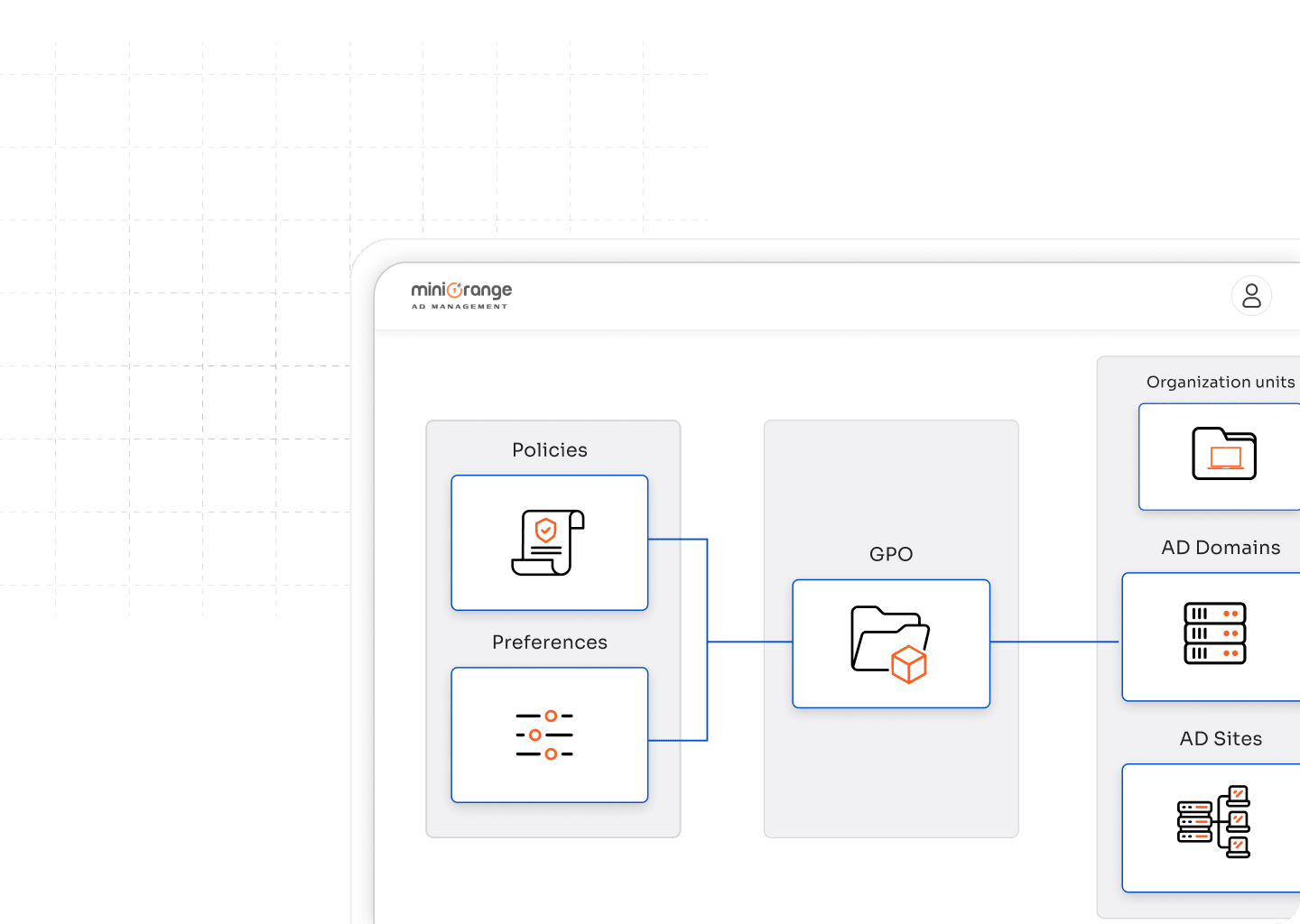

Set up new Group Policy Objects without relying on scripts or multiple consoles. Define settings for users and computers in a structured way and apply them instantly across your AD environment.

Make changes to existing GPOs with full visibility into their impact. Update configurations, enforce security settings, or roll back changes as needed to keep your network stable and compliant.

Attach policies to domains, sites, or OUs with precision. Linking GPOs through a central interface ensures policies apply only where they are needed, reducing misconfigurations and access issues.

Move Group Policies across domains or Active Directory forests with ease. Migration support helps during infrastructure upgrades, mergers, or cloud transitions without losing policy integrity.

Duplicate existing GPOs to speed up policy deployment. Copying policies ensures standardization across different units and reduces the risk of missing critical settings during manual setup.
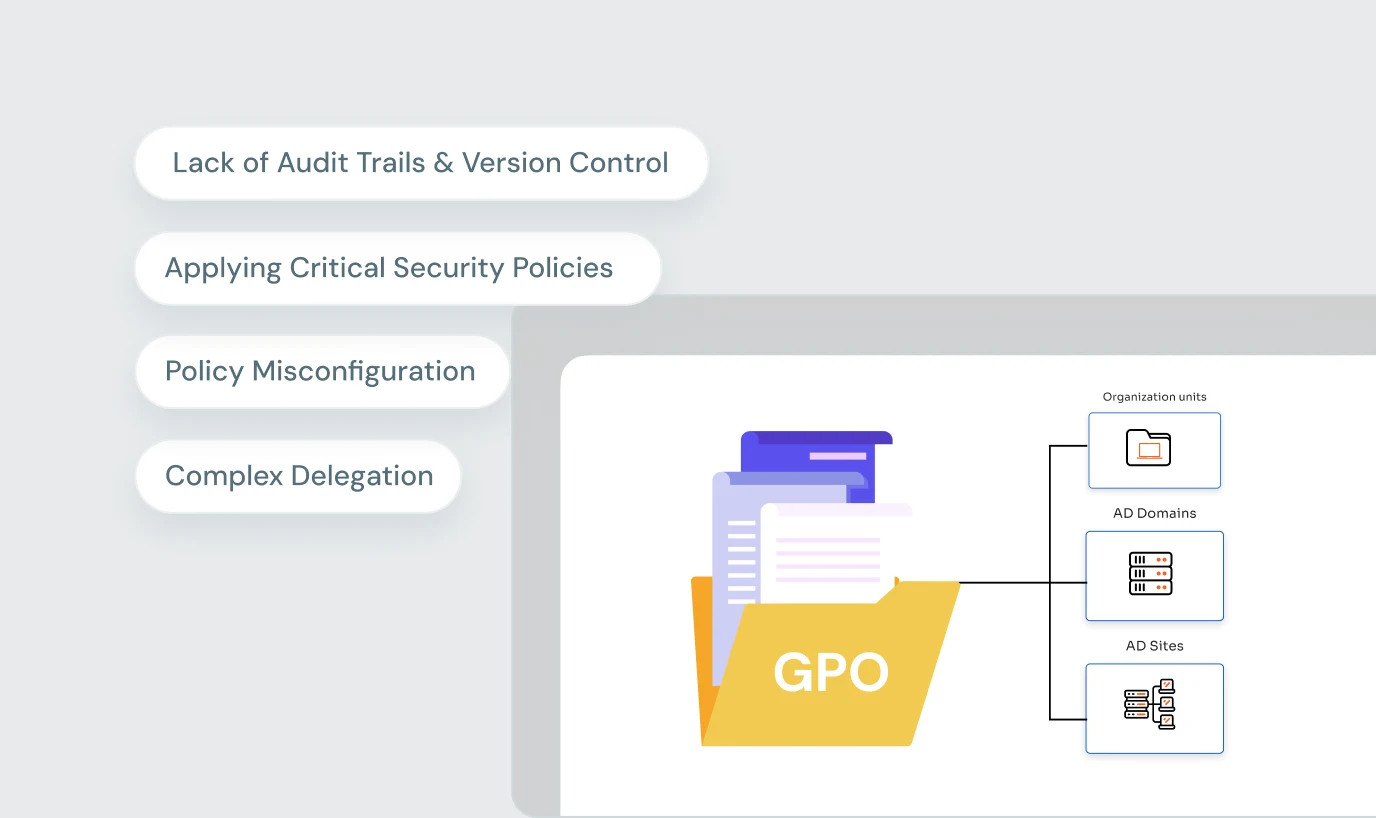
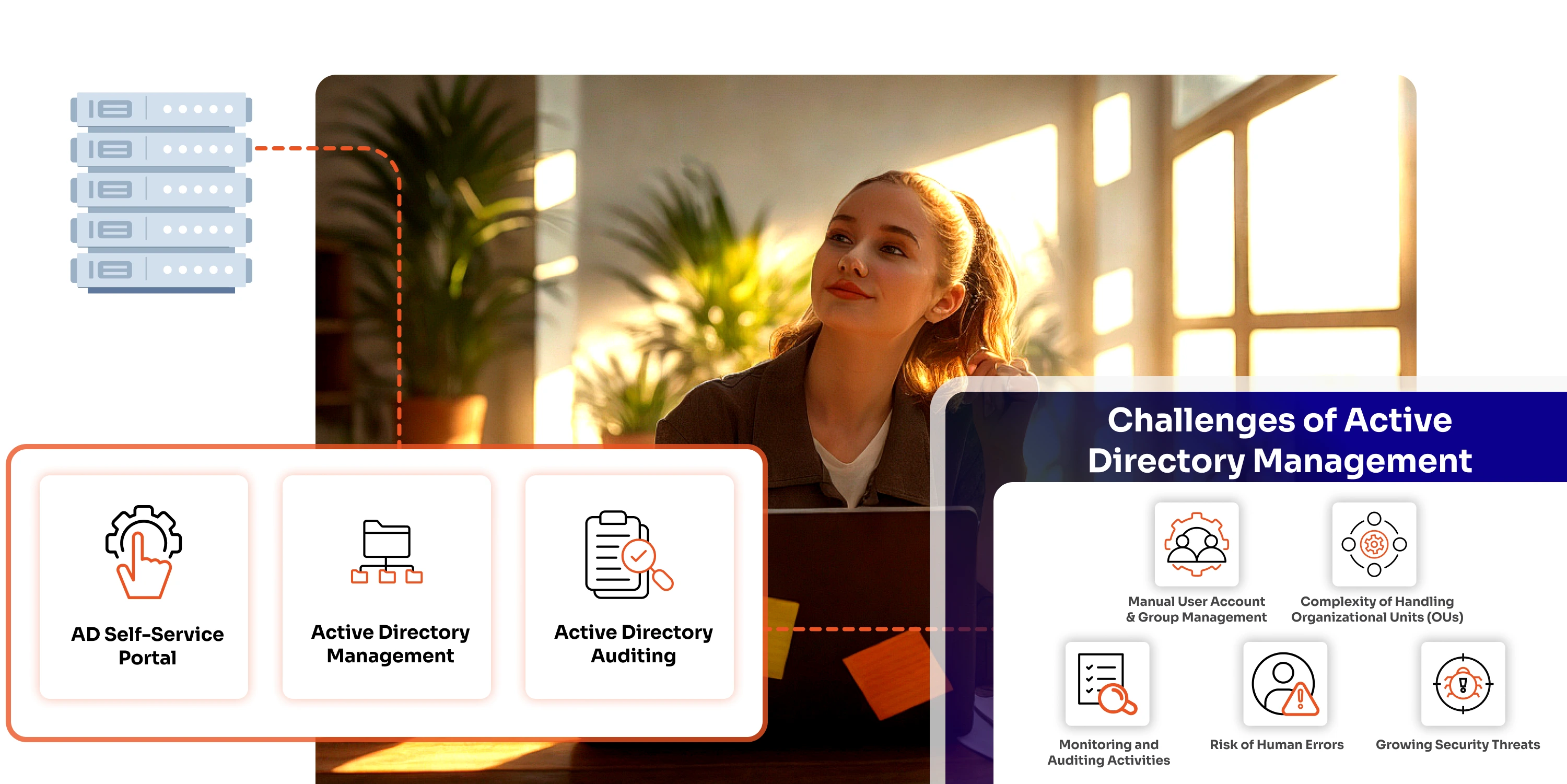
Group Policy is powerful, but managing it manually is tedious, error-prone, and hard to scale. Native tools don’t offer the visibility or control IT teams need to stay ahead of frequent policy changes, user onboarding, or compliance requirements.
Without a structured approach to Group Policy Object management, admins often face:
These issues stack up quickly in growing AD environments. That’s where a dedicated GPO management tool makes a difference.
Eliminate repetitive manual tasks by automating GPO creation, linking, and modifications. Free up admin hours for more strategic IT projects.
Centralized control minimizes misconfigurations that often disrupt user productivity or expose security gaps.
Detailed logs and audit trails help prove adherence to security standards and regulatory requirements.
Whether you manage a single domain or a multi-forest environment, policies can be replicated, migrated, and standardized effortlessly.
Assign GPO management rights to specific users or teams without compromising overall AD security.
With backup and copy capabilities, critical policies are never lost and can be quickly restored or replicated during upgrades or incidents.
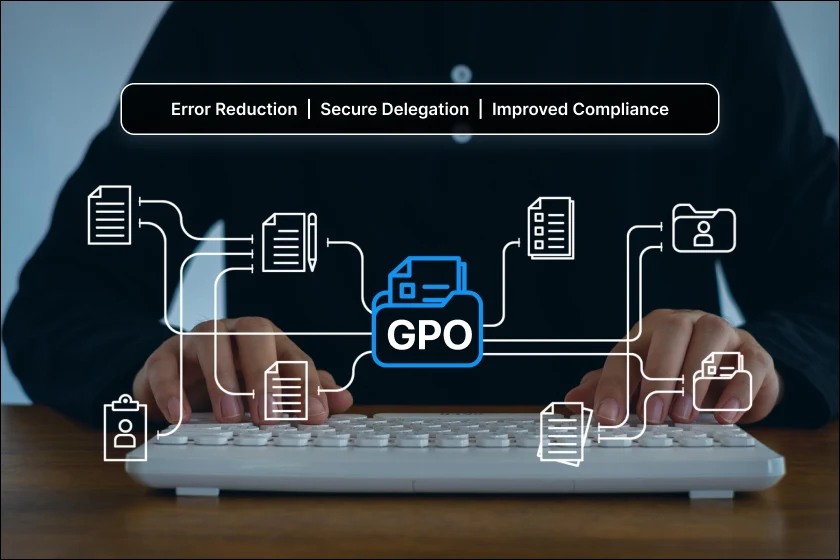
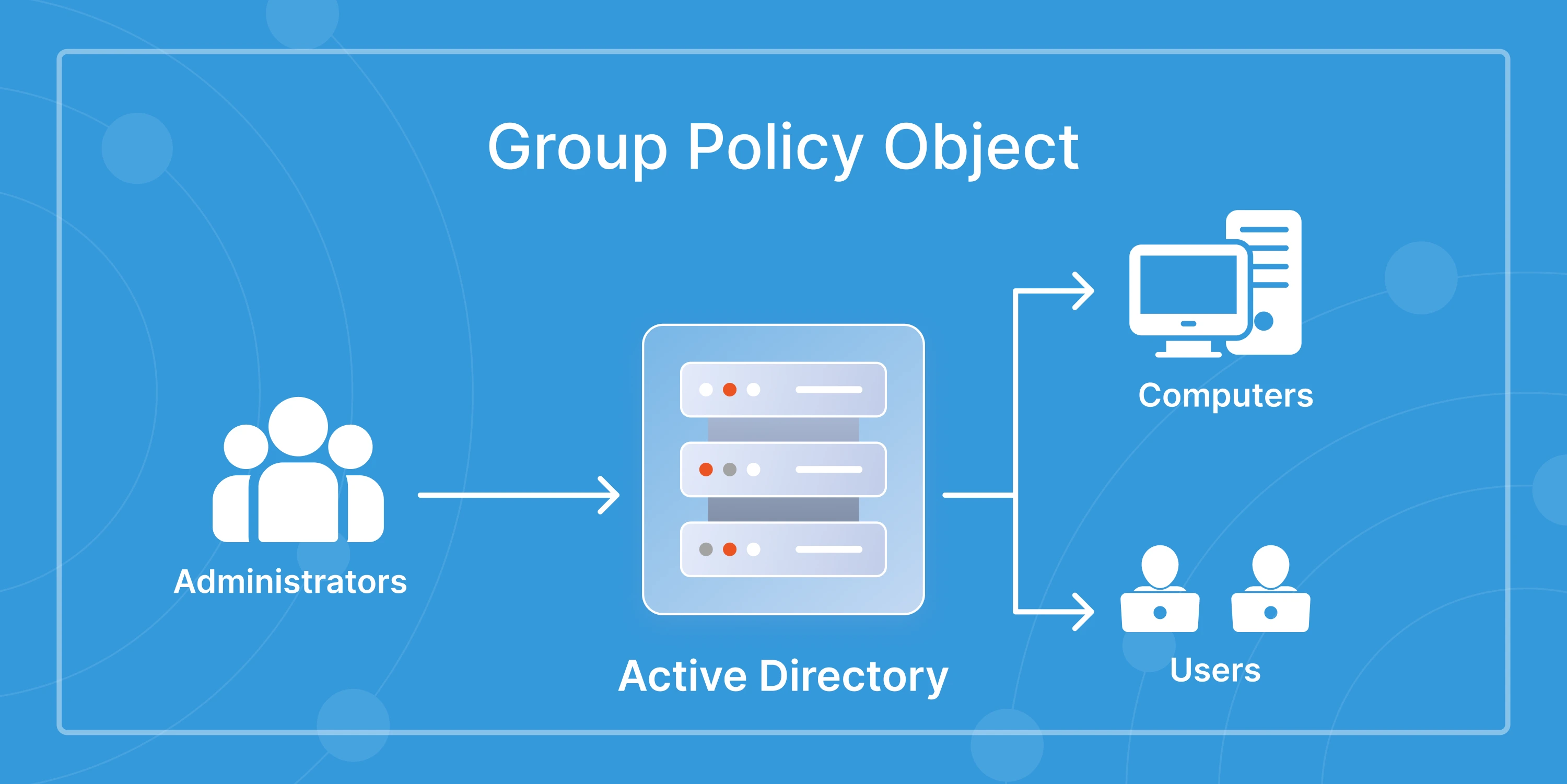
GPO software helps IT teams simplify the process of creating, managing, and applying Group Policy Objects across Active Directory. With an AD GPO management solution, admins can centralize policy administration, reduce errors, and ensure consistent enforcement of security and compliance rules.
You can manage GPOs in Active Directory using the built-in Group Policy Management Console, but it often lacks visibility and automation. With Active Directory GPO management tools, admins get a central dashboard to create, edit, link, migrate, and monitor GPOs without relying on scripts or multiple consoles.
With an Active Directory GPO management software, admins can control a wide range of user and computer settings including password policies, desktop configurations, application restrictions, network access, and security baselines. This ensures consistent policy enforcement and reduces misconfigurations across the environment.