Hello there!
Need Help? We are right here!

Need Help? We are right here!
Search Results:
×
The miniOrange AD management software automates these tasks, ensuring accuracy, consistency, and faster IT operations across your hybrid infrastructure.
Active Directory management services that reduce admin workload, improve security, and streamline user lifecycle management

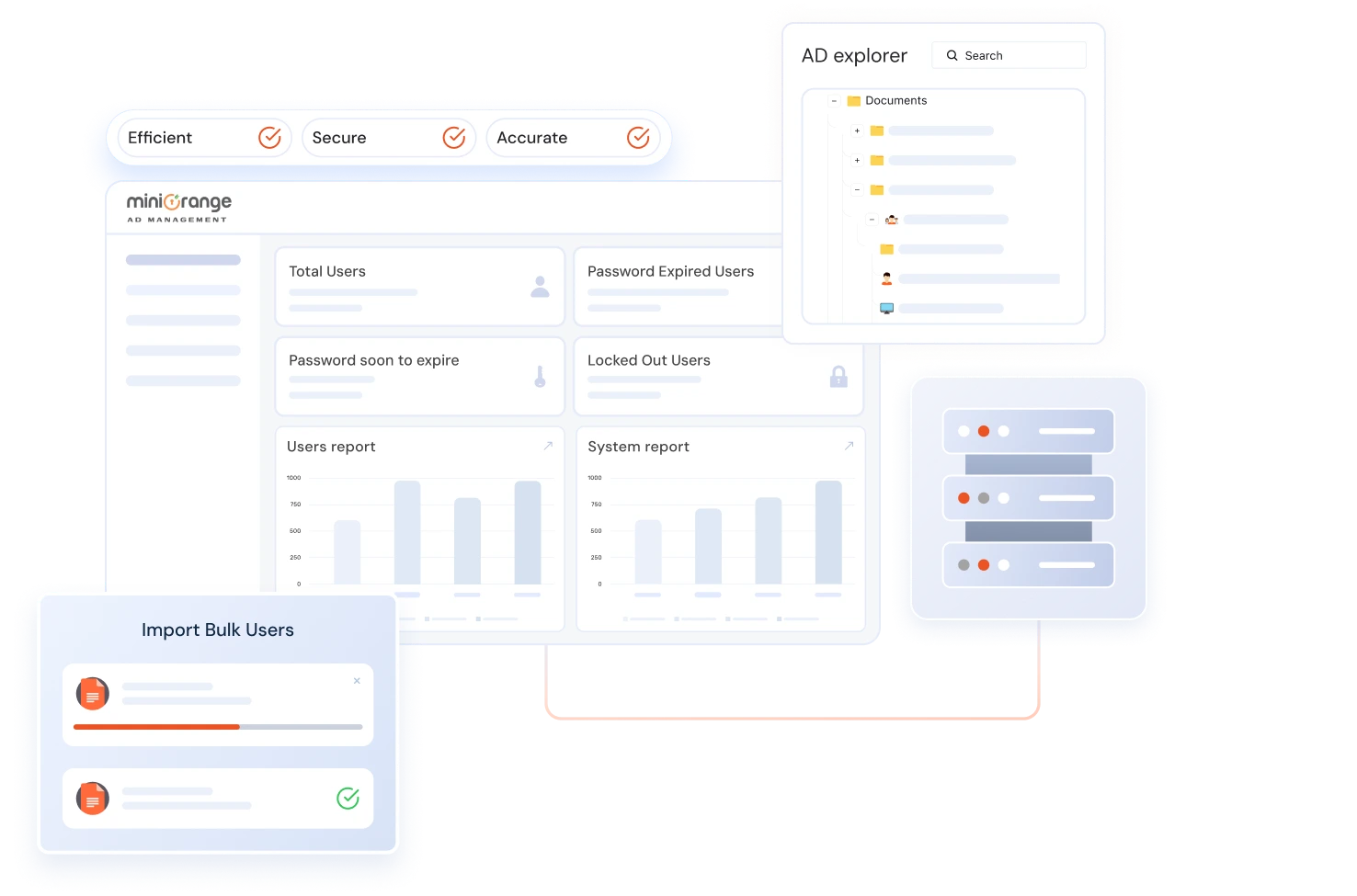
Manage users, groups, computers, and OUs from one intuitive dashboard. Create, modify, or delete AD objects easily to maintain consistency and prevent data duplication.
Know more
Update thousands of users or groups in a few clicks. Import data through CSV or templates suitable for your requirements.
Know more
Automate onboarding, offboarding, cleanup of stale/expired accounts, and group policy changes through pre-defined workflows with multi-level approvals, freeing IT from repetitive operations.
Know more
Assign permissions safely with role-based access control (RBAC). Empower helpdesk or HR teams to handle routine AD tasks without exposing full admin privileges.
Know more
Generate detailed Active Directory reports on inactive users, permissions, group memberships, and policy changes, and stay audit-ready for internal or external reviews.
Know more
Manage and apply Group Policy Objects (GPOs) across your network from a single interface, while monitoring changes, enforcing configurations, and maintaining consistent security standards.
Know moreGet started with an active directory management solution designed for automation, security, and centralized control.


IT Administrators

Use Case
Manage users, groups, OUs, and GPOs efficiently while reducing manual effort and scripting in day-to-day Active Directory operations.

miniOrange Solution & Value
miniOrange Active Directory management software provides a centralized dashboard to automate user provisioning, group updates, and GPO management—helping IT teams scale operations securely and efficiently.
A unified Active Directory management platform built to reduce effort, risk, and operational overhead.

miniOrange Advantage:
Centralized AD dashboard to manage users, groups, computers, and OUs from one console.
Typical AD Tools:
Multiple modules and consoles increase admin effort.
miniOrange Advantage:
Built-in AD workflows for onboarding, offboarding, and access requests with approvals.
Typical AD Tools:
Manual processes or custom scripts required.
miniOrange Advantage:
Delegate AD tasks safely using granular, role-based access controls.
Typical AD Tools:
Limited delegation with security trade-offs.
miniOrange Advantage:
Bulk user and group provisioning using customizable templates and CSVs.
Typical AD Tools:
Basic CSV imports with minimal flexibility.
miniOrange Advantage:
Automated, compliance-ready AD reports with scheduled delivery.
Typical AD Tools:
Static reports with limited compliance coverage.

miniOrange Advantage:
Native integration with AD self-service and auditing tools in one platform.
Typical AD Tools:
Disconnected tools with no cross-visibility.
Extend your AD capabilities with powerful tools for ad self-service and in-depth auditing
everything you need to go beyond basic ad management.

Enable users to securely reset passwords, update profiles, and boost account security with multi-factor authentication (MFA); all while easing the IT burden and improving productivity.
Learn more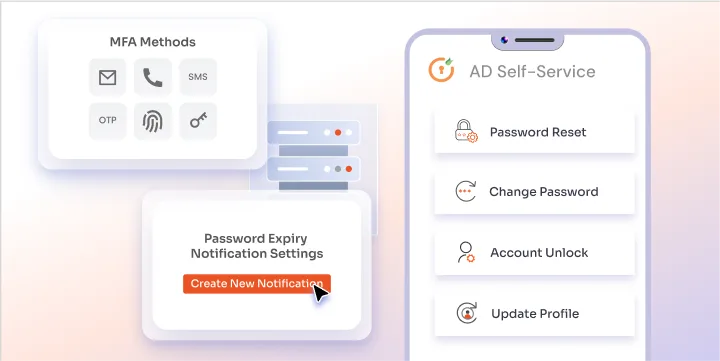

Gain complete visibility into your AD environment. Track changes, detect anomalies, and generate detailed compliance reports to strengthen security and meet audit requirements.
Learn more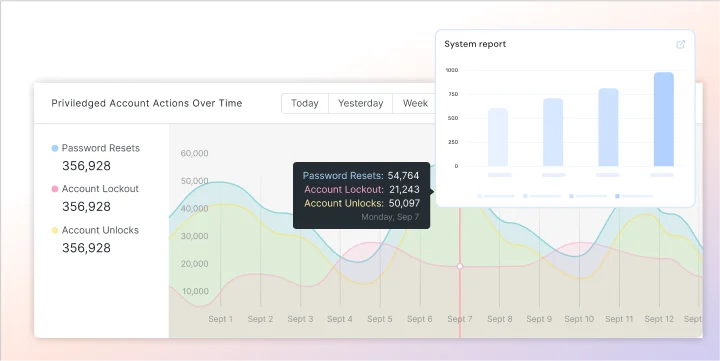
Manage users, groups, and access effortlessly using scalable active directory management software.
Eliminate repetitive tasks, such as user provisioning, group updates, and password resets. Automate AD workflows to reduce manual effort and human error, freeing IT teams to focus on strategic initiatives.
Delegate administrative rights securely using role-based access control (RBAC). Allow helpdesk or HR teams to handle daily AD tasks while maintaining least-privilege access.
Generate AD reports on users, permissions, and group changes. Automate report scheduling and maintain audit trails to easily meet GDPR, ISO, and SOC standards.
Update thousands of accounts in seconds through bulk management. No scripting, no errors, just efficient, consistent Active Directory updates that scale with your organization’s growth.
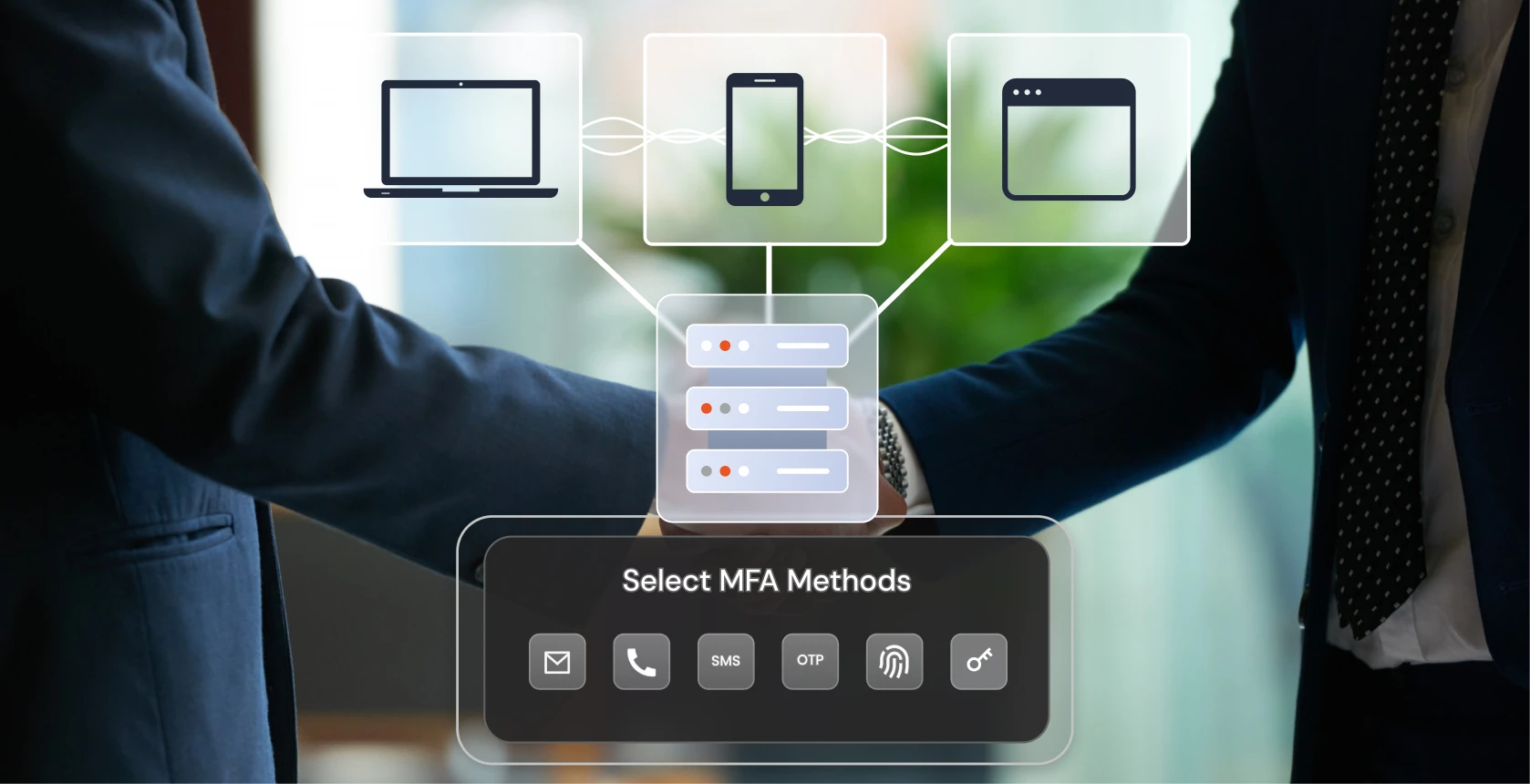
Make your job easier with software that is feature-rich, easy to use, and flawlessly integrated. Our comprehensive Active Directory Management Tool accelerates digital transformation, and protects your online business.

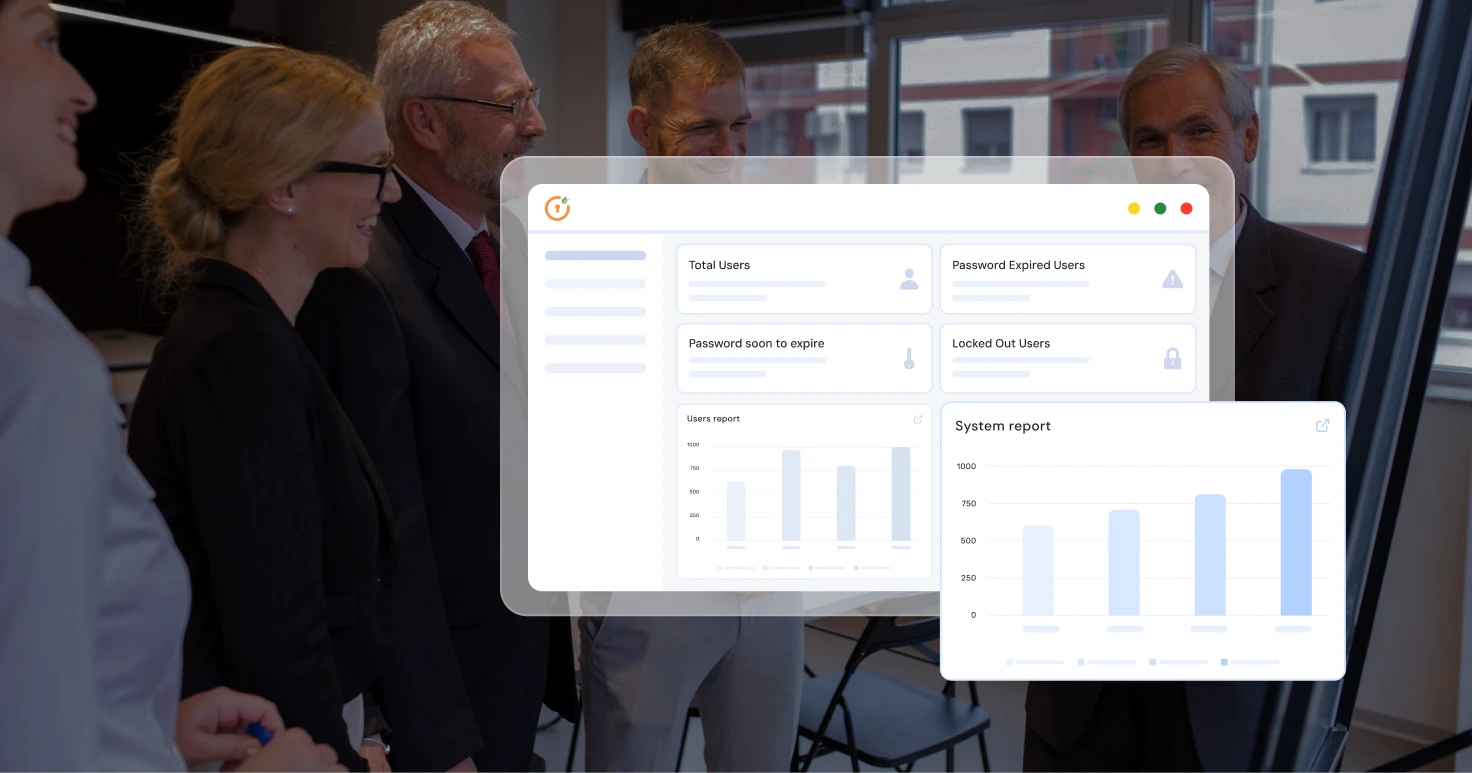
With a reliable Active Directory Management Tool, you can guarantee stability for your company. We are dedicated to providing dependable, cutting-edge solutions that are customized to meet your demands and assist your business.
An Active Directory Management Tool is a centralized platform that helps IT teams manage AD objects, such as users, groups, computers, OUs, GPOs (Group Policy Objects), and automate workflows and manage policies in Active Directory more efficiently. Instead of relying on multiple native Active Directory consoles, it brings everything together into a single, easy-to-use interface. This allows administrators to perform day-to-day AD tasks faster without relying on complex PowerShell scripts.
Active Directory management software helps IT teams simplify and standardize how they manage their AD environment. It centralizes routine tasks like user provisioning, group management, ou management, access requests and approvals, and workflow management that reduces manual effort and administrative errors. With role-based delegations, automations, and self-service capabilities, IT teams spend less time on repetitive AD tasks and more time on improving security, compliance, and overall IT operations.
Native Active Directory tools are powerful but fragmented and highly rely on manual efforts. Administrators often need to switch among multiple consoles to complete a single operation, increasing time and risk of errors. An AD Management tool eliminates these complex operations by providing a unified dashboard, built-in workflow & automation, delegate permissions securely, bulk updates, and detailed auditing, making AD Management faster, safer, and more scalable.
Active Directory Management tools provide centralized control over users, groups, and Organizational Units and GPOs from a single dashboard. Common operations like provisioning, group updates, OU changes, and policy assignments can be handled easily. Bulk actions and approval workflows can be managed with templates, making sure that changes are auditable, consistent, and compliant with organizational policies.
Yes. Our AD Management tool allows the IT team/Administrators to schedule and automate routine tasks such as user provisioning and deprovisioning, account unlocks, group updates, and access management. AD automation ensures all tasks are executed on time, reducing human error and maintaining compliance, especially for onboarding and offboarding.
Well, as organizations grow, Active Directory environments become more complex and harder to manage securely and efficiently. Organizations need an AD management solution to reduce administrative overhead, enforce policies, manage access, support compliance requirements, and prevent security risks caused by misconfigurations. The AD Management tool ensures operational efficiency, stronger security, and a better experience for both IT teams and end users.