AD Tools
Top Active Directory Security Best Practices
Jul 22, 2025
Need Help? We are right here!

Search Results:
×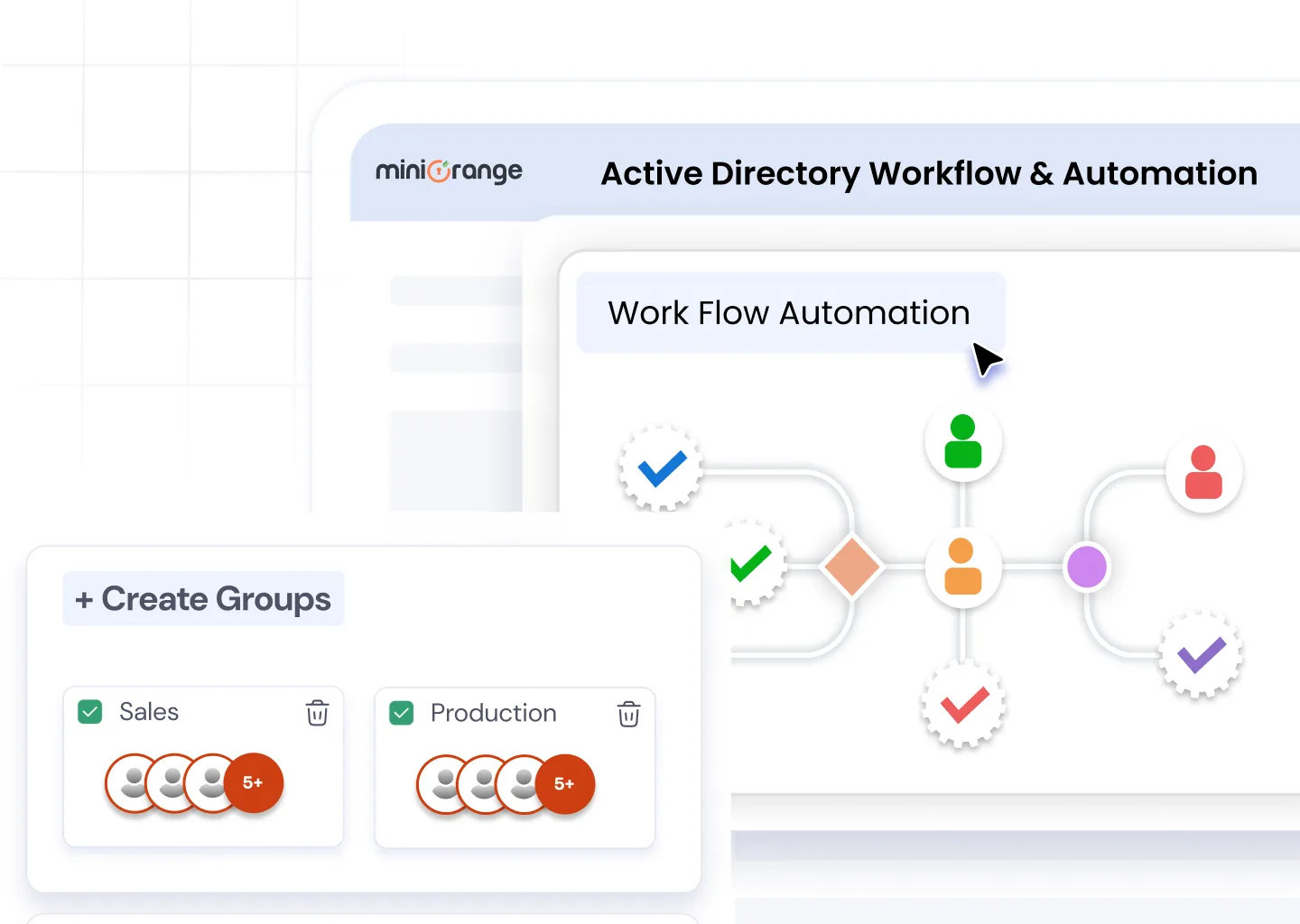

Create custom approval flows for user actions like password reset, access requests, or account unlocks, ensuring every change follows a controlled, auditable process.

Transform AD tasks into a ticket-based system, letting users raise requests and admins approve or execute them automatically through structured workflows.

Identify and remove inactive users, unused groups, or outdated computers with scheduled clean-up policies that keep your AD environment clean and optimized.

Map workflows to compliance requirements like ISO, GDPR, or HIPAA by maintaining logs, approvals, and activity records for every change in AD.

Automatically create user accounts in AD during onboarding with pre-defined roles, group memberships, and attributes, eliminating delays and manual entry errors.

Generate and assign groups dynamically based on department, role, or project to simplify access control and policy management.
Automate the addition and configuration of computer objects within AD, ensuring consistent naming conventions and policy assignments.
With miniOrange Active Directory Workflow and Automation, every process becomes faster, error-free, and fully auditable.
| Category | Admin Pain Points | Solution / Value Proposition |
|---|---|---|
| Repetitive Tasks Automation | Hours wasted on repetitive AD tasks like user creation, group assignment, and clean-up | Automate user provisioning, group creation, and AD clean-up with rule-based workflows |
| Error Prevention & Accuracy | Manual errors leading to incorrect permissions or orphaned accounts | Enforce approval-based access and change management for accuracy and accountability |
| Faster Onboarding | Slow onboarding and delayed access approvals | Accelerate onboarding through automated workflow triggers and pre-defined policies |
| Compliance & Visibility | High compliance risk due to inconsistent audit tracking | Maintain complete visibility and audit-ready logs for every AD change |
| Workload Optimization | Overloaded IT teams handling routine admin work | Free up time for strategic IT initiatives and proactive system management |
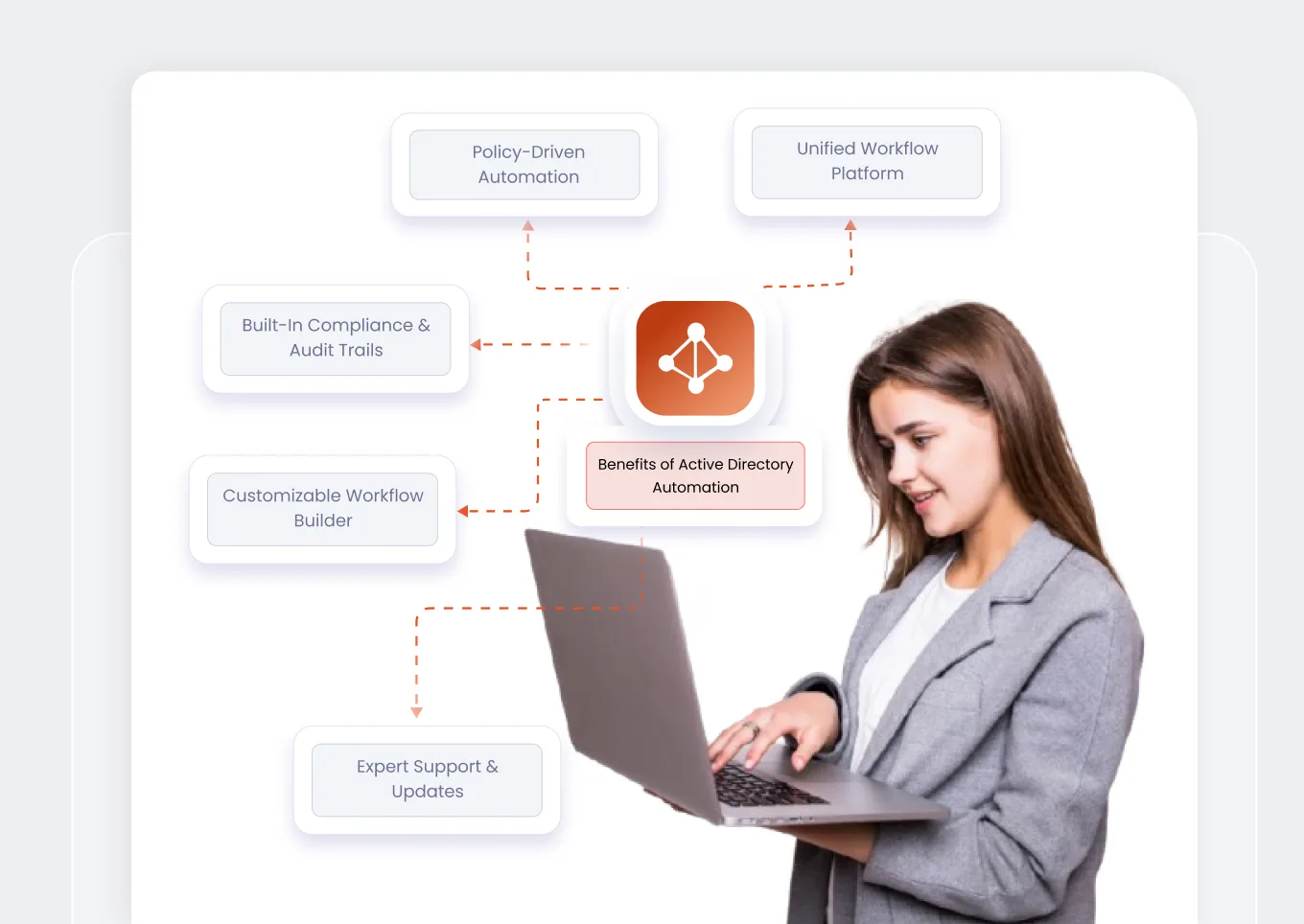
Manage all AD tasks, from user creation to clean-up, through a single, intuitive console with built-in automation and approval logic.
Trigger actions based on rules, time schedules, or specific events to ensure consistency and accuracy across your AD.
Every workflow is logged, timestamped, and stored for compliance audits, helping you meet IT and data security standards with ease.
Create custom approval paths and task automations without scripting or PowerShell, tailored to your organizational policies.
Backed by a dedicated support team that helps your IT admins deploy, scale, and secure AD automation confidently.
Where Our AD Object Management Makes an Impact
Automate onboarding for doctors, nurses, and administrative staff with role-based access to EMR and hospital systems. Ensures HIPAA compliance, faster provisioning, and zero unauthorized access.
Create and deactivate student and faculty accounts automatically at the start and end of semesters. Simplifies lifecycle management and keeps access aligned with enrollment.
Implement approval-based workflows for sensitive systems like core banking, trading, or analytics tools. Strengthens access control and supports SOX and PCI DSS compliance.
Schedule automated AD clean-up for inactive or temporary accounts to reduce security exposure and license costs. Keeps your AD environment lean and secure.
Automate project-based group creation and client access provisioning. Improves agility, minimizes manual work, and ensures secure collaboration across multiple clients.
Standardize access request and policy update workflows across departments. Improves transparency, ensures compliance, and keeps every change audit-ready.
Automate provisioning for new stores or franchise users using predefined access templates. Enables faster rollouts, consistent permissions, and better security oversight.
Active Directory Automation refers to the process of using tools and workflows to perform Active Directory tasks automatically instead of manually. It helps IT admins automate user provisioning, group creation, and account clean-up, reducing errors and saving time while ensuring compliance and security.
Automation and Workflow in Active Directory allow organizations to define rule-based actions and approval processes for managing users, groups, and permissions. For example, when a new employee joins, a workflow can automatically create their AD account, assign groups, and grant access based on their department — all without manual intervention.
You can automate user provisioning by setting up workflow templates in miniOrange Active Directory Workflow and Automation. These templates automatically create user accounts, assign groups, and set permissions based on predefined roles or HR triggers.
Yes. miniOrange workflows include built-in audit trails, approval logs, and activity tracking to align with IT compliance standards like ISO 27001, SOC2, and HIPAA. This ensures every change in AD is documented and verifiable.
The tool automatically identifies and removes inactive users, unused groups, or expired accounts based on defined policies. You can schedule regular clean-up tasks to maintain a secure, organized, and compliant directory environment.