AD Tools
Top Active Directory Security Best Practices
Jul 22, 2025
Need Help? We are right here!

Search Results:
×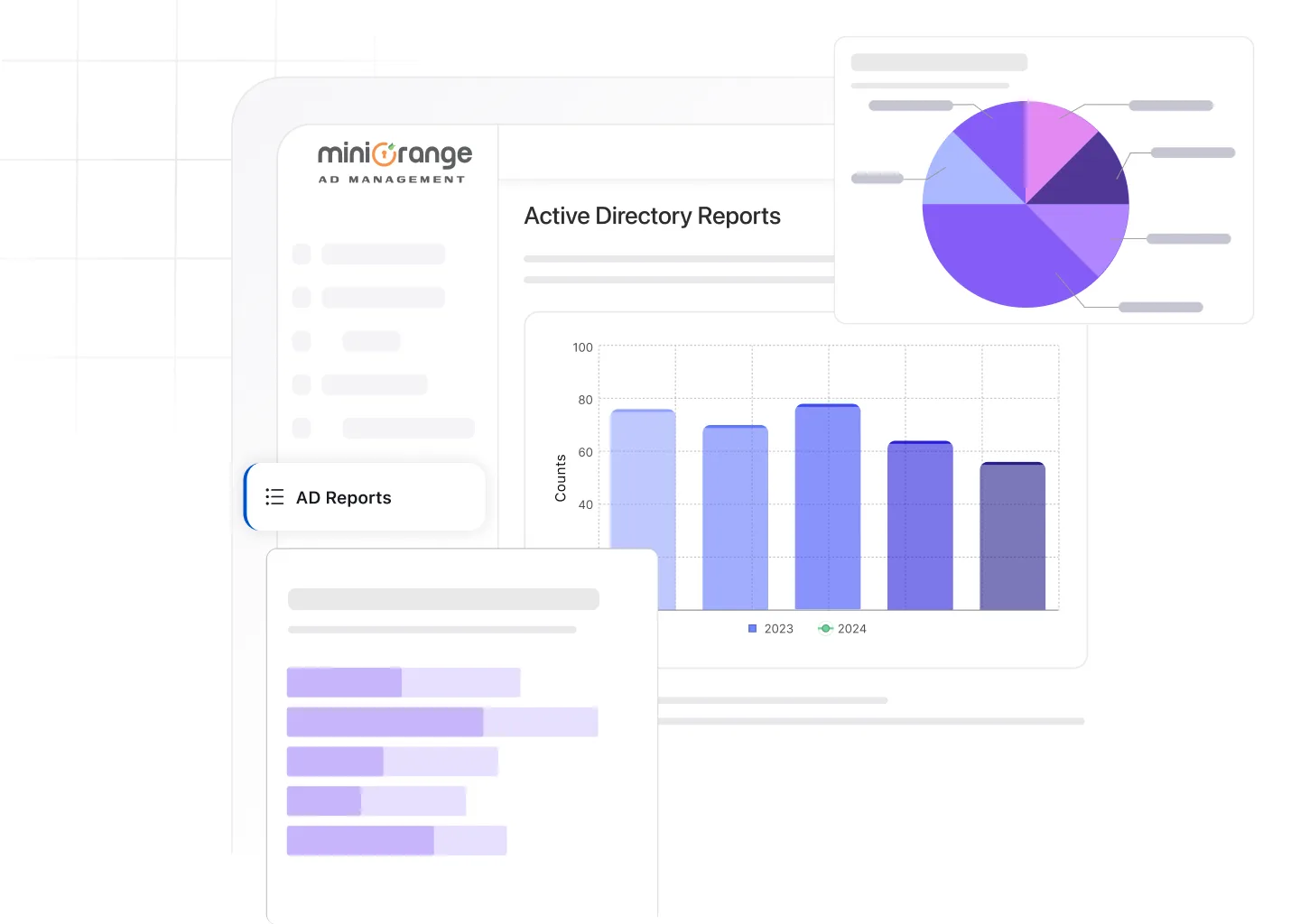
Gain detailed insights into every aspect of your directory with ready-to-use audit reports across users, computers, groups, and policies.

Track user account creation, modification, and deletion with Active Directory user reports. Identify inactive or locked users, monitor role-based access, and ensure that permissions align with security policies.
Know more
Use Active Directory computer reports to monitor computer accounts, joined devices, and system status. Detect unused machines, check OS versions, and maintain accurate asset inventory.

Simplify access control management with Active Directory group reports. View group memberships, nested groups, and privilege assignments to prevent unauthorized access.

Generate Active Directory password reports to stay on top of password expirations, resets, and policy violations. Ensure users follow password best practices and detect weak credentials early.
Know more
Audit Group Policy changes across users and computers. Track GPO links, configurations, and modifications to ensure policies are applied consistently across the organization.
Know more
The Active Directory logon reports help you track user login attempts, failures, and timestamps. Detect unusual activity, identify dormant accounts, and strengthen logon security.

Get complete file system visibility with Active Directory NTFS reports. Audit file and folder-level permissions to identify unauthorized access or misconfigured privileges on shared resources.
Know moreGet actionable insights into your Active Directory with a reporting solution built for speed, accuracy, and control

Instantly access detailed reports on users, groups, computers, and logins without complex queries.
Create custom filters and reports tailored to your organization’s audit needs.
Track logon activity, password changes, and privilege modifications as they happen.
Automate report generation, export them in multiple formats (CSV, XLS, PDF), and deliver them to your inbox at set intervals.

Control who can view or generate reports with fine-grained permissions.
View all reports and alerts in one place for faster decision-making.
miniOrange brings years of identity and access management expertise to simplify how organizations monitor and audit Active Directory. The AD Reporting Tool is designed for accuracy, security, and ease of use, trusted by global enterprises for daily operations and compliance readiness.
Why admins trust miniOrange:
AD auditing is the process of tracking and recording every change made in Active Directory — from user creations and group modifications to logon attempts and policy updates. It helps detect unauthorized access, strengthen security, and maintain regulatory compliance.
You can generate Active Directory reports using the miniOrange AD Reporting Tool. Select a report category, apply filters, and export results in formats like CSV, PDF, or XLS. You can also schedule reports for automatic delivery.
Yes. The tool includes a custom report builder that lets you define filters, attributes, and conditions to match your organization’s specific audit or compliance needs.
Reports are updated in real time, ensuring every change to user accounts, permissions, or group memberships is reflected immediately in your dashboard.
Absolutely. All reports can be exported or shared in multiple formats to support compliance frameworks like ISO 27001, SOC 2, and GDPR.