





Hello there!

Need Help? We are right here!

miniOrange Support Chat - Get Help and Support
miniOrange Email Support
Success Checkmark - Form Submitted Successfully

Thanks for your Enquiry.

If you don't hear from us within 24 hours, please feel free to send a follow-up email to uemsupport@xecurify.com

Search Results:

×

Detect Sensitive Data in Git Repositories

Protect sensitive files and confidential data across Git repositories with miniOrange File Fingerprinting. Detect exact and partial matches of fingerprinted content across repository data and commits, identify where sensitive information is exposed, and apply DLP policies to monitor, flag, and remediate potential data leaks.

Request a Demo Get a Free Quote
Detect Sensitive Data in Git Repositories

What Is Git File Fingerprinting?

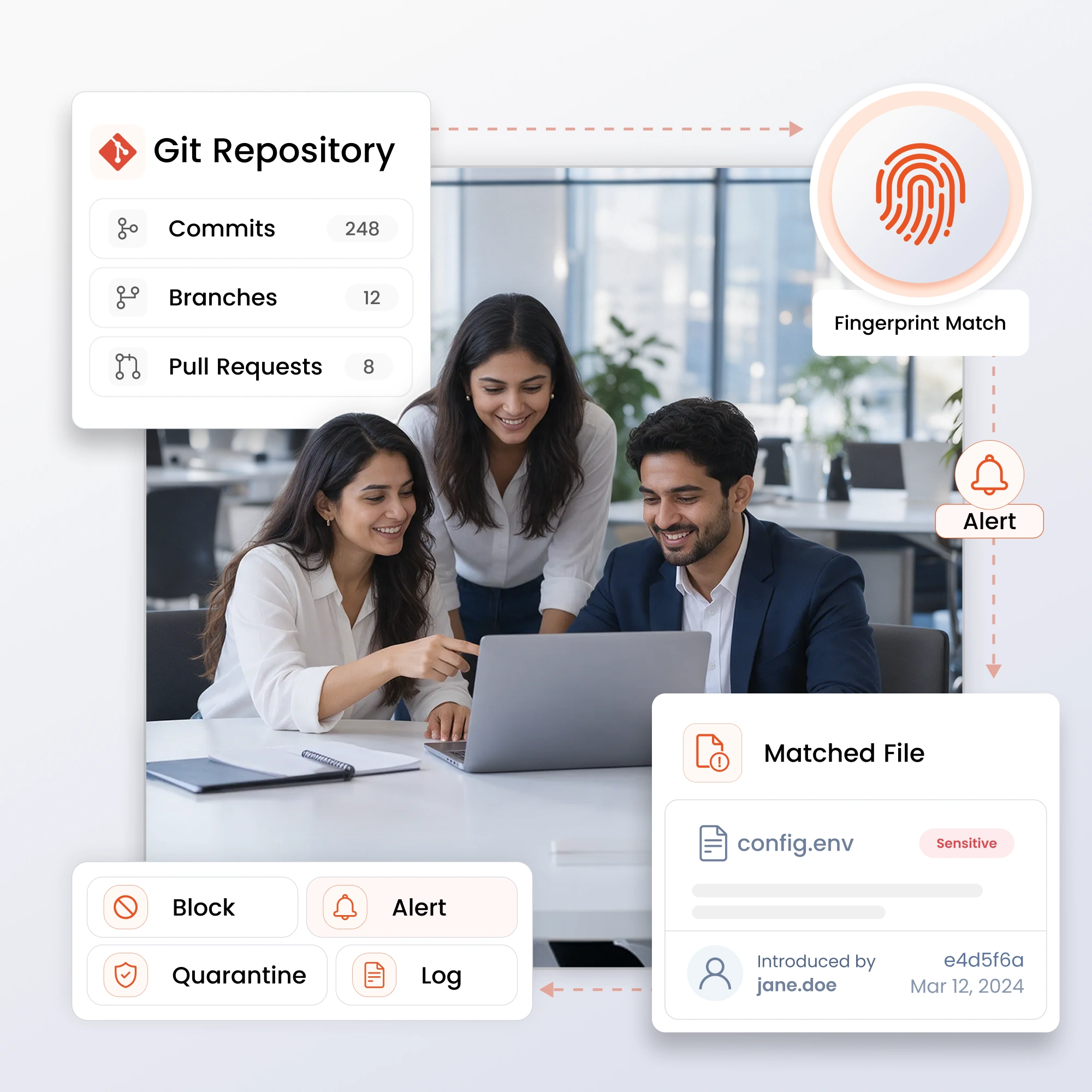
miniOrange File Fingerprinting for Git scans repositories, commits, branches, and pull requests to detect fingerprinted sensitive files and confidential data copied, embedded, or exposed in source code.

Identify the commit, branch, or pull request where a fingerprint match was introduced and whether the data remains exposed. Integrate these insights with DLP policies to flag or block risky commits before they are merged.

Help protect intellectual property, credentials, and regulated data while supporting compliance with GDPR, HIPAA, PCI DSS, ISO 27001, and SOC 2.

Git File Fingerprinting and DLP Product Features

Fingerprint, detect, and remediate sensitive data exposure across Git repositories with integrated fingerprinting and DLP capabilities.

Automated Repository & Commit Scanning

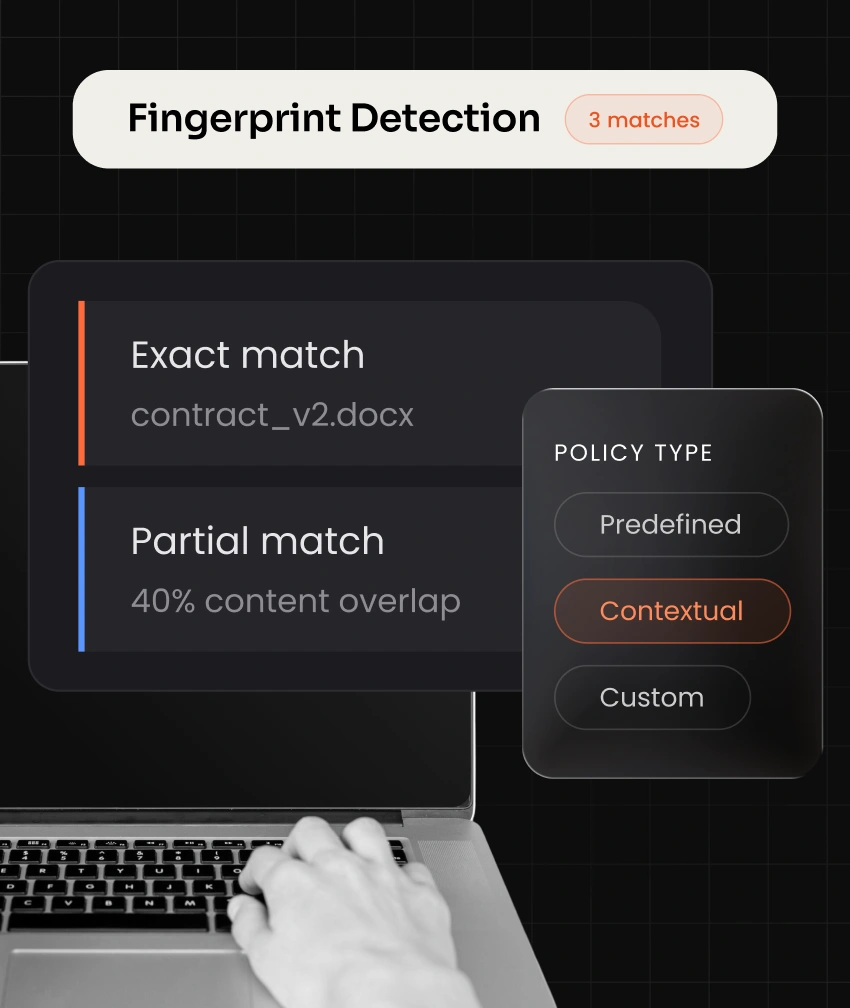
Fingerprint-Based Detection

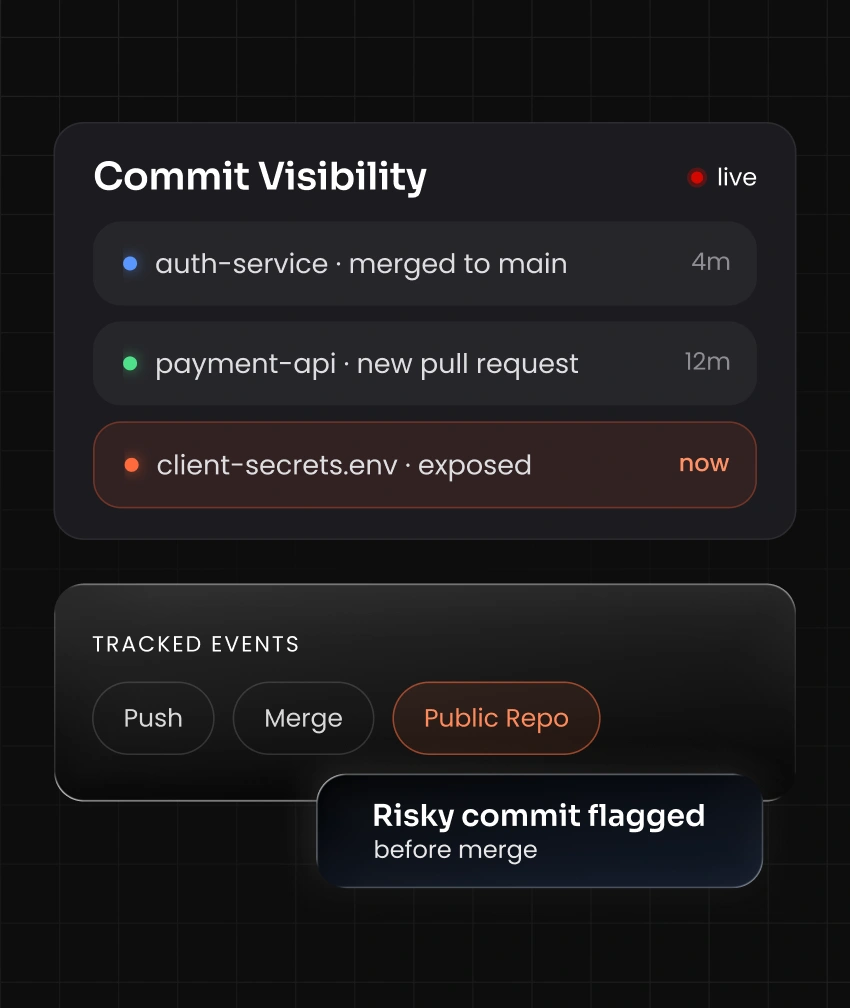
Exposure & Commit Visibility

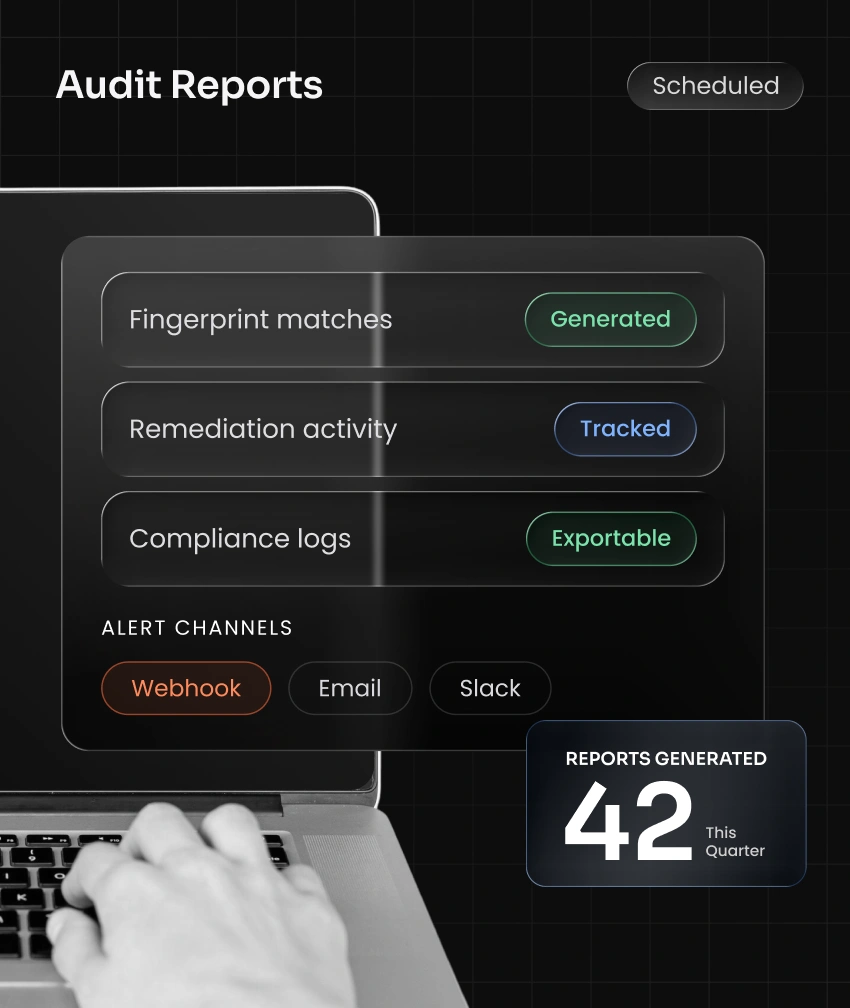
Reporting and Monitoring

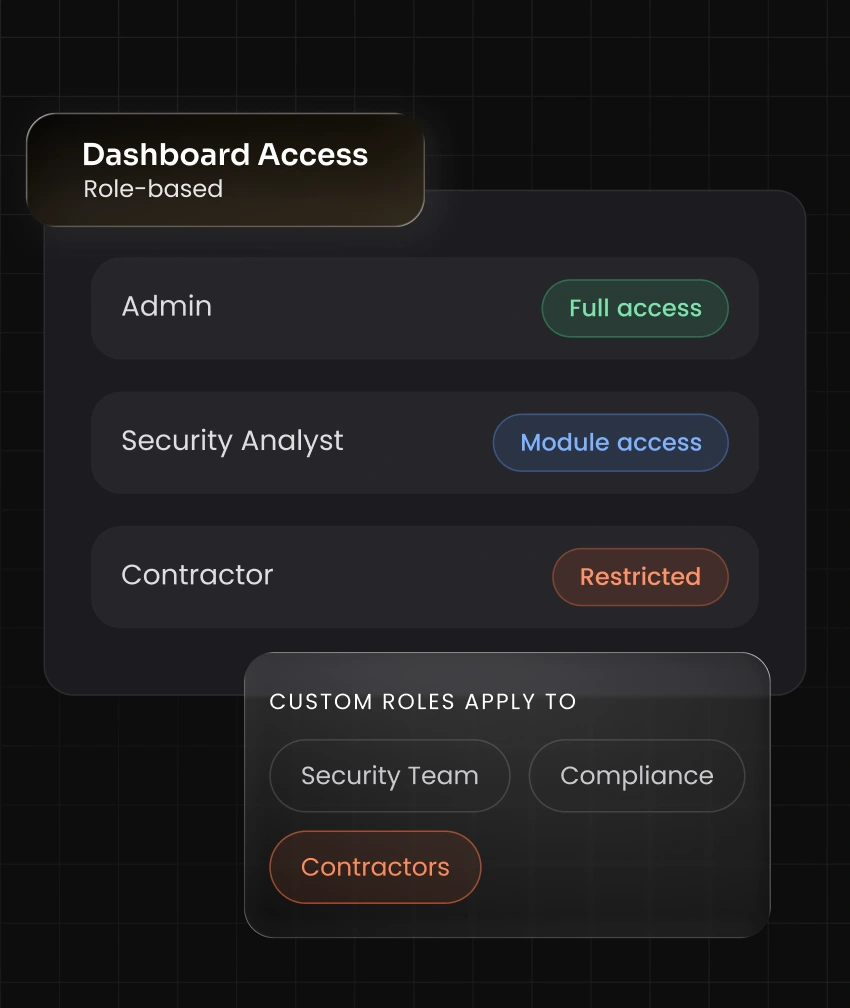
Roles and Permissions for Dashboard Access

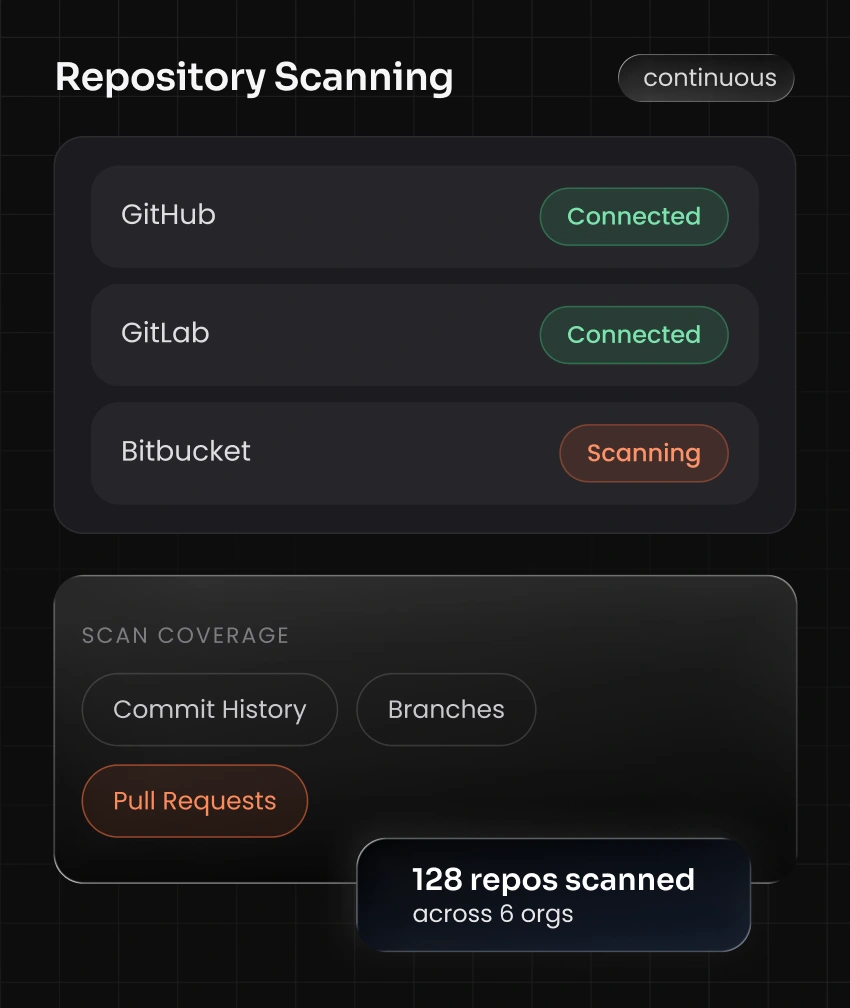
Automated Repository & Commit Scanning

  • Scan repositories, branches, commits, and pull requests across GitHub, GitLab, Bitbucket, and Azure DevOps
  • Cover full commit history as well as new commits in real time
  • Run continuous or scheduled scans without blocking developer workflows
  • Discover data across multiple repositories and organizations from a single connection

Git File Fingerprinting Product Benefits

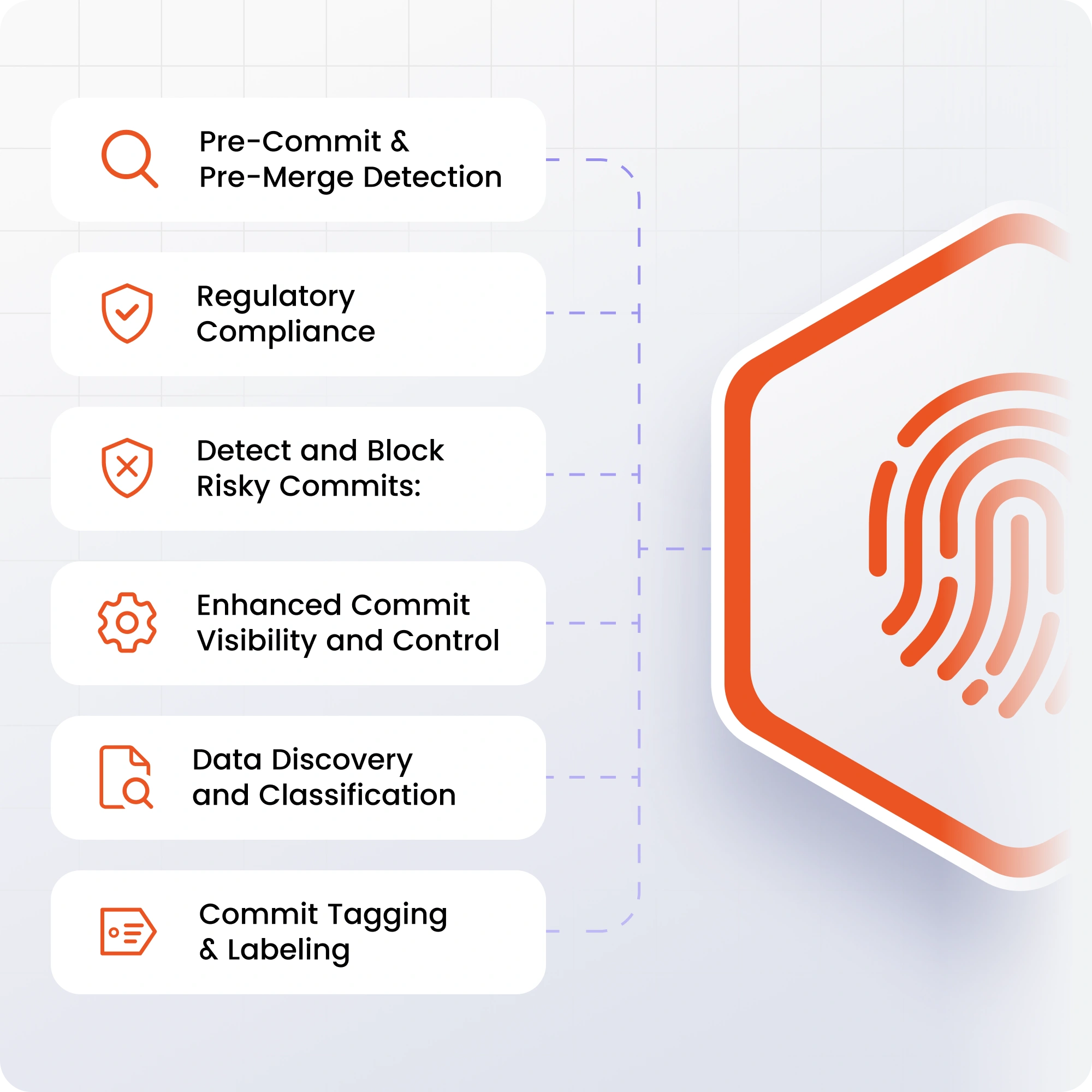
Benefits of Git File Fingerprinting for Data Loss Prevention

Pre-Commit & Pre-Merge Detection

Catch fingerprint matches at the commit or pull request stage, before sensitive data reaches shared branches.

Regulatory Compliance

Support GDPR, HIPAA, ISO 27001, PCI DSS, and SOC 2 requirements with audit-ready visibility into regulated data inside source code.

Detect and Block Risky Commits

Identify commits and pull requests that expose fingerprinted files before they merge or push to public repositories.

Enhanced Commit Visibility and Control

Track how sensitive data enters, moves through, and exits Git repositories, with real-time alerts.

Data Discovery and Classification

Identify and classify fingerprinted matches across repositories to apply the right security policy to the right commit with DLP Data Classification policies.

Commit Tagging & Labeling

Automatically tag and label commits and files by match type and risk level so sensitive content stays traceable across repositories.

Integrations & Deployment

Cloud, On-Premise & Hybrid Deployment

Deploy against cloud-hosted Git platforms, self-hosted Git servers, or both; policies stay consistent across environments.

Scalability

Supports hundreds of repositories and organizations across the org, so coverage doesn't drop off as your codebase grows.

Supported Platforms

Works across GitHub, GitLab, Bitbucket, and Azure DevOps, plus self-hosted Git servers, covering both cloud and on-premise deployments under one solution.

Integrations

Integrates with Active Directory, IAM, DLP, and CI/CD pipelines, so Git fingerprinting plugs into the access controls and workflows you already run.

Real-World Git File Fingerprinting Applications

Detect fingerprinted sensitive data in source code across regulated industries and high-value development environments.

Healthcare Git file fingerprinting

Healthcare

Detect PHI-fingerprinted files or data fragments committed into source code or config files to support HIPAA compliance.

Why Trust miniOrange File Fingerprinting for Git

Scan repositories, detect fingerprinted content, and keep audit-ready visibility across Git without disrupting developer workflows.


Automated Repository & Commit Scanning

Scan repositories, branches, and commits continuously across GitHub, GitLab, Bitbucket, and Azure DevOps. Gain centralized visibility into where fingerprinted data enters your codebase without disrupting developer workflows.

Fingerprint-Based Detection

Automatically match sensitive source documents and confidential data against commits and pull requests using exact and partial fingerprinting. Reduce false positives while improving detection accuracy.

Exposure & Commit Visibility

Detect risky commits, pull requests, and externally shared repositories in real time. Reduce the risk of accidental or intentional exposure of regulated and confidential data through source code.

Reporting and Monitoring

Generate audit-ready reports, activity logs, and investigation-ready records for compliance reviews. Maintain complete visibility into repository activity, fingerprint matches, and exposure alerts.

Frequently Asked Questions

Common questions about Git file fingerprinting and DLP.

More FAQ

What is Git file fingerprinting?

Git file fingerprinting compares repository content against digital fingerprints generated from sensitive files. It can detect exact and partial matches when confidential content appears in source code, commits, branches, or pull requests.

Can fingerprinting detect copied or modified content?

Yes. Exact and partial matching can detect copied fragments and modified content derived from a fingerprinted file, based on the configured matching threshold.

Which Git platforms are supported?

The solution supports GitHub, GitLab, Bitbucket, Azure DevOps, and self-hosted Git repositories across cloud, on-premise, and hybrid environments.

Can risky commits be detected before merge?

Yes. DLP policies can flag fingerprint matches at the commit or pull request stage so risky changes can be reviewed or blocked before they reach protected branches.

How does Git file fingerprinting support compliance?

It provides audit logs, reports, alerts, and visibility into regulated data exposed in source code, supporting GDPR, HIPAA, PCI DSS, ISO 27001, and SOC 2 compliance activities.

Can dashboard access be restricted by role?

Yes. Administrators can assign role-based permissions, manage privileges at the role level, and create custom roles that restrict access to specific dashboard modules.

Want To Schedule A Demo?

Request a Demo