

Hello there!

Need Help? We are right here!

miniorange Support~
miniOrange Email Support
success

Thanks for your Enquiry.

If you don't hear from us within 24 hours, please feel free to send a follow-up email to info@xecurify.com

Search Results:

×

Data Loss Prevention (DLP) for macOS

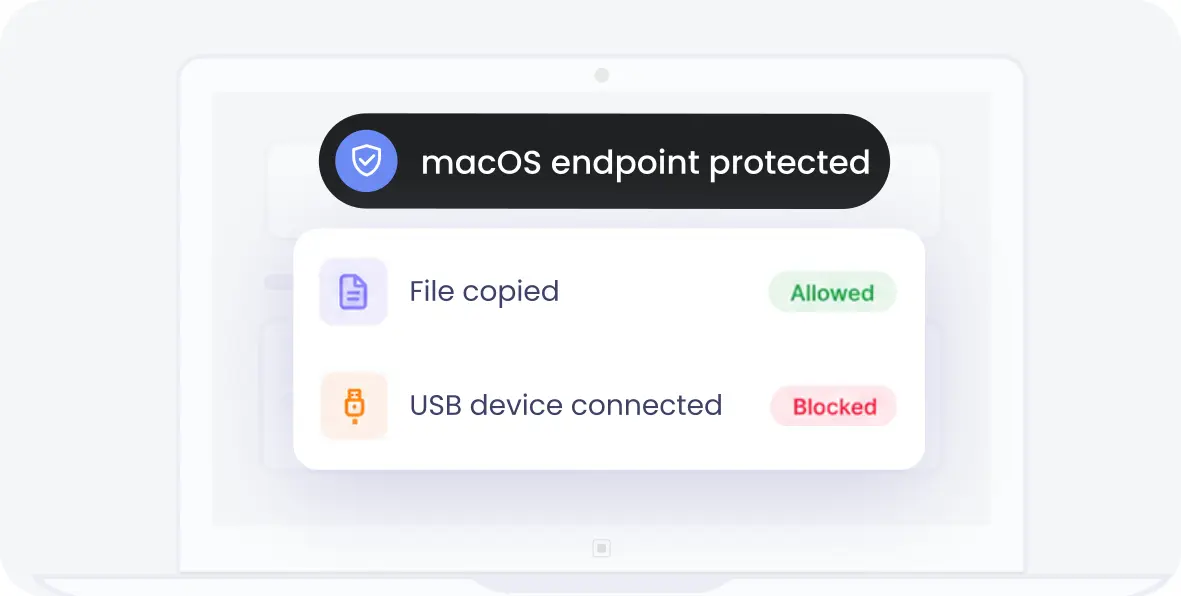
Protect sensitive business data with DLP for Mac built for modern enterprise environments. Monitor data movement, prevent unauthorized sharing, and maintain visibility across macOS devices without disrupting user workflows. Ensure consistent data protection across endpoints, cloud apps, and user activities.

Schedule a Demo Start Free Trial
Data Loss Prevention (DLP) for macOS

Why Businesses Need macOS DLP Solution?

Organizations need macOS DLP to prevent data exposure and maintain visibility across growing endpoint environments.

Lack of Visibility into Data Movement

Lack of Visibility into Data Movement

Businesses often lack visibility into how data moves across macOS devices. This makes it difficult to track sharing activities and identify potential risks.

Unrestricted Data Sharing Channels

Unrestricted Data Sharing Channels

Employees can share files through USBs, cloud apps, or messaging platforms without restrictions. This increases the risk of accidental or intentional data leaks.

Insider Threat Risks

Insider Threat Risks

Sensitive data can be misused by internal users with authorized access. Without monitoring, detecting risky behavior becomes difficult.

Compliance Challenges

Compliance Challenges

Organizations must meet regulations like GDPR and HIPAA for data protection. Without DLP, maintaining compliance and audit readiness becomes complex.

Remote Work and BYOD Risks

Remote Work and BYOD Risks

Remote employees and personal devices increase data exposure risks. Businesses need consistent data protection across distributed environments.

Automated Alerts and Guidance

Automated Alerts and Guidance

Notify users and admins about violations so they can act quickly and reduce the chances of repeated errors.

Key Features of Our macOS DLP Solution

Strengthen data leakage protection on Mac with advanced monitoring and policy enforcement capabilities.


Cloud Upload Protection

Cloud Upload Protection

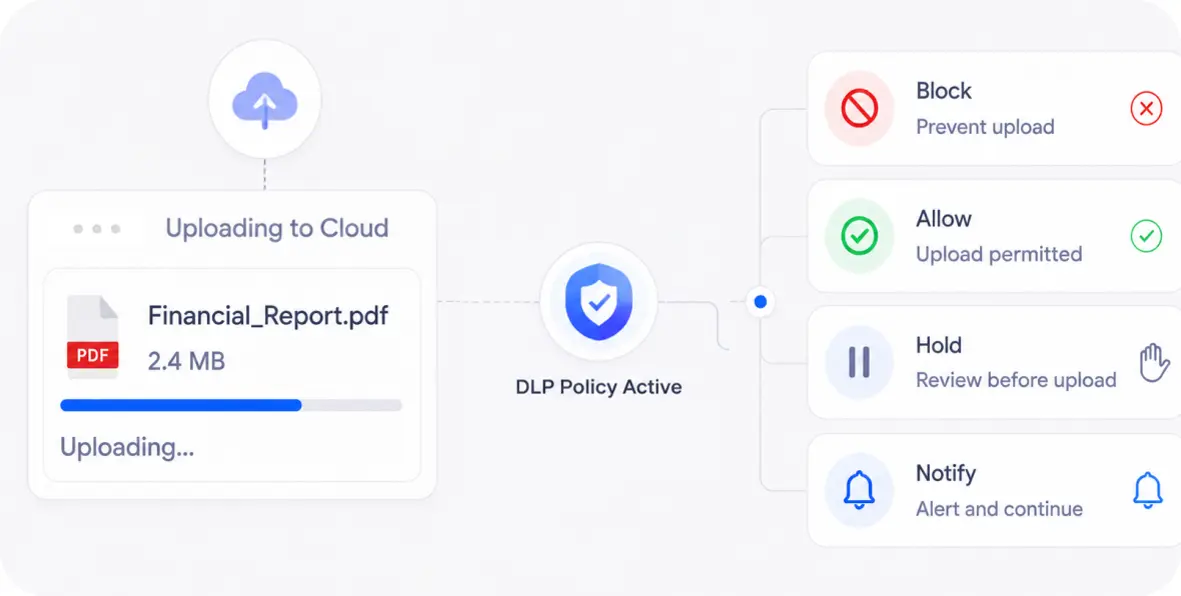
Monitor and restrict file uploads to cloud storage platforms. Prevent sensitive data from being shared outside the organization.

Endpoint DLP for macOS

Endpoint DLP for macOS

Monitor data activity directly on macOS endpoints. Maintain visibility across files, applications, and user actions.

Screenshot Blocking

Screenshot Blocking

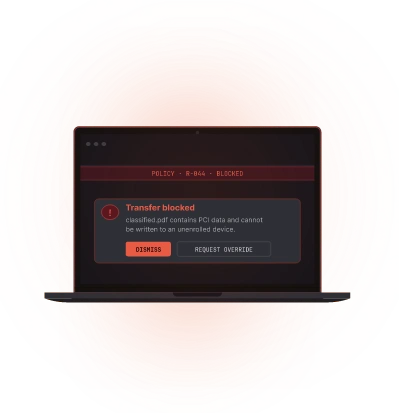
Prevent users from capturing sensitive information through screenshots. Reduce the risk of data exposure during active sessions.

Camera Monitoring

Camera Monitoring

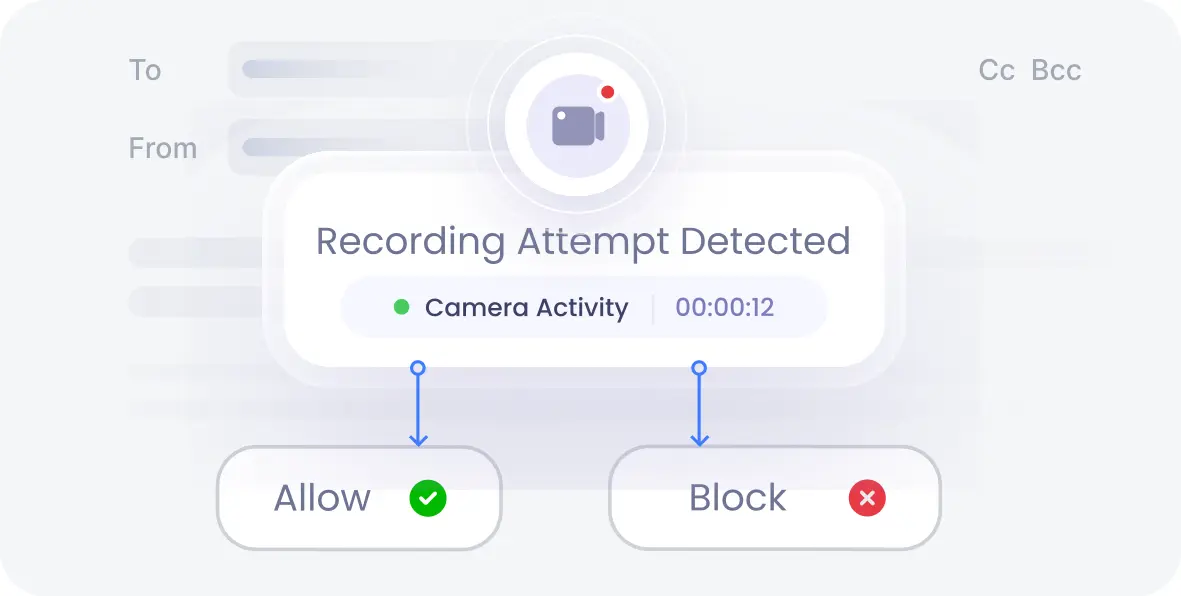
Track camera usage across macOS devices. Prevent unauthorized recording or misuse of sensitive environments.

Email DLP for macOS

Email DLP for macOS

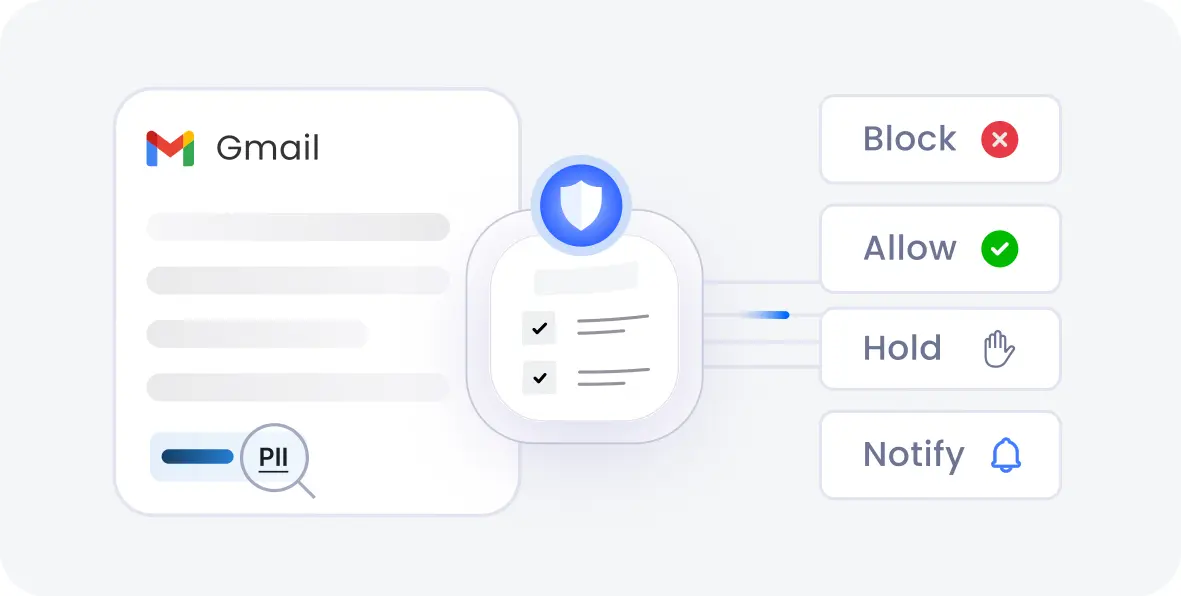
Monitor emails and attachments on macOS devices to prevent sensitive data leaks. Apply policies before confidential information is shared externally.

File Tracking

File Tracking

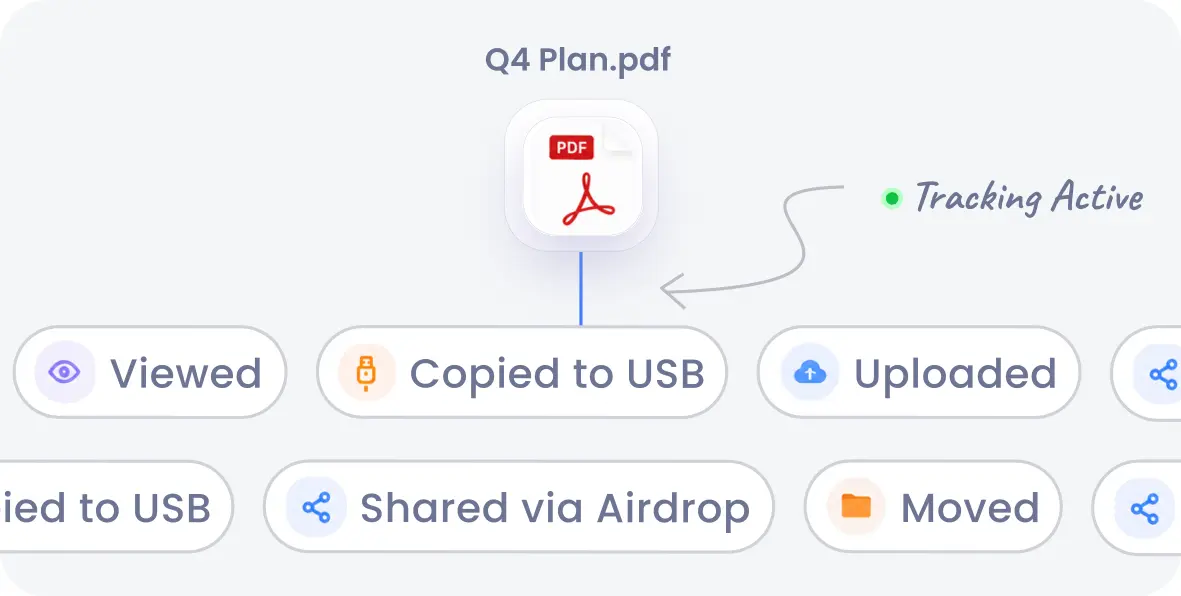
Track file movement, access, and sharing across macOS systems. Maintain visibility into how sensitive data is used and transferred.


The miniOrange macOS DLP Advantage

Advanced capabilities to support macOS data protection.


Data Discovery

Data Discovery

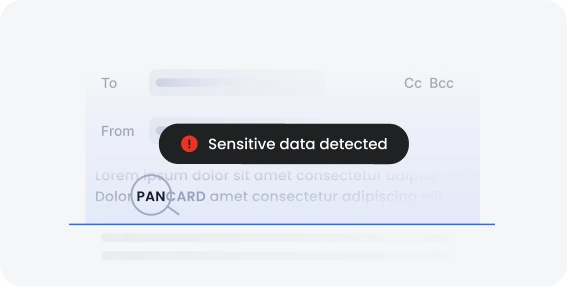
Automatically locate sensitive data across endpoints, cloud apps, storage, and databases. miniOrange identifies and classifies data like PII, PCI, financial records, and customer information to keep it protected.

Data Classification

Data Classification

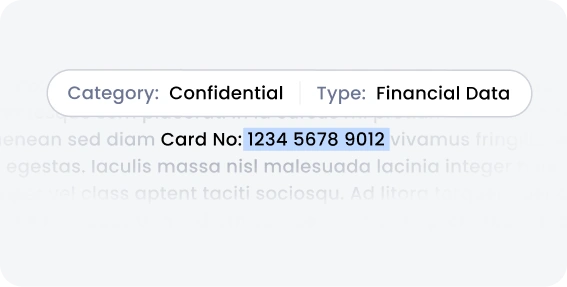
Organize sensitive data based on importance and compliance needs. miniOrange helps identify high-risk data and apply the right protection policies to reduce exposure.

Data Labeling

Data Labeling

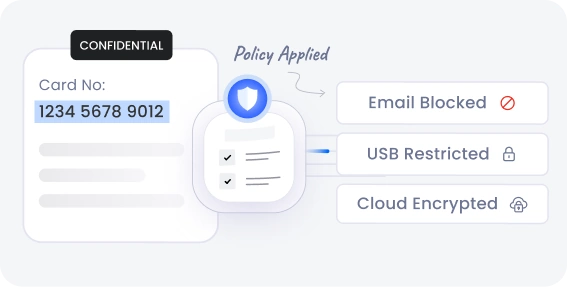
Apply consistent labels to sensitive data for better visibility and control. miniOrange enables policy enforcement, restricts unauthorized sharing, and supports compliance handling.


Advanced macOS Data Protection Capabilities

A powerful mac DLP solution helps protect sensitive data across
all stages of its lifecycle.

Protect
Data-in-Motion

Monitor and restrict data as it moves across different channels.
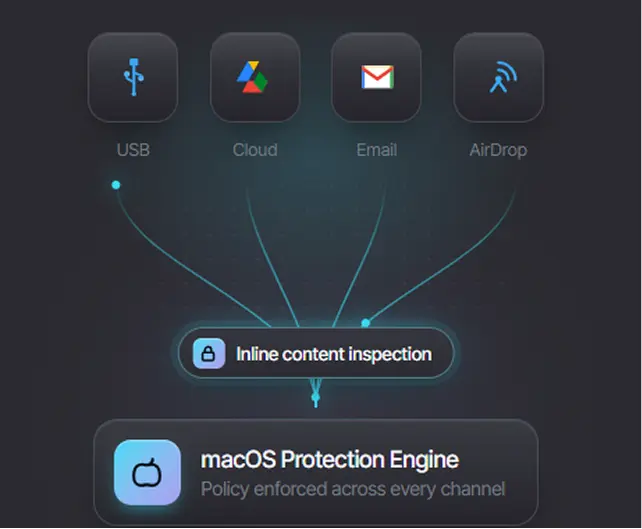
Protect Data-in-Motion
  • File transfers: Track and restrict file movement across applications
  • Cloud uploads: Prevent uploads to unauthorized cloud services
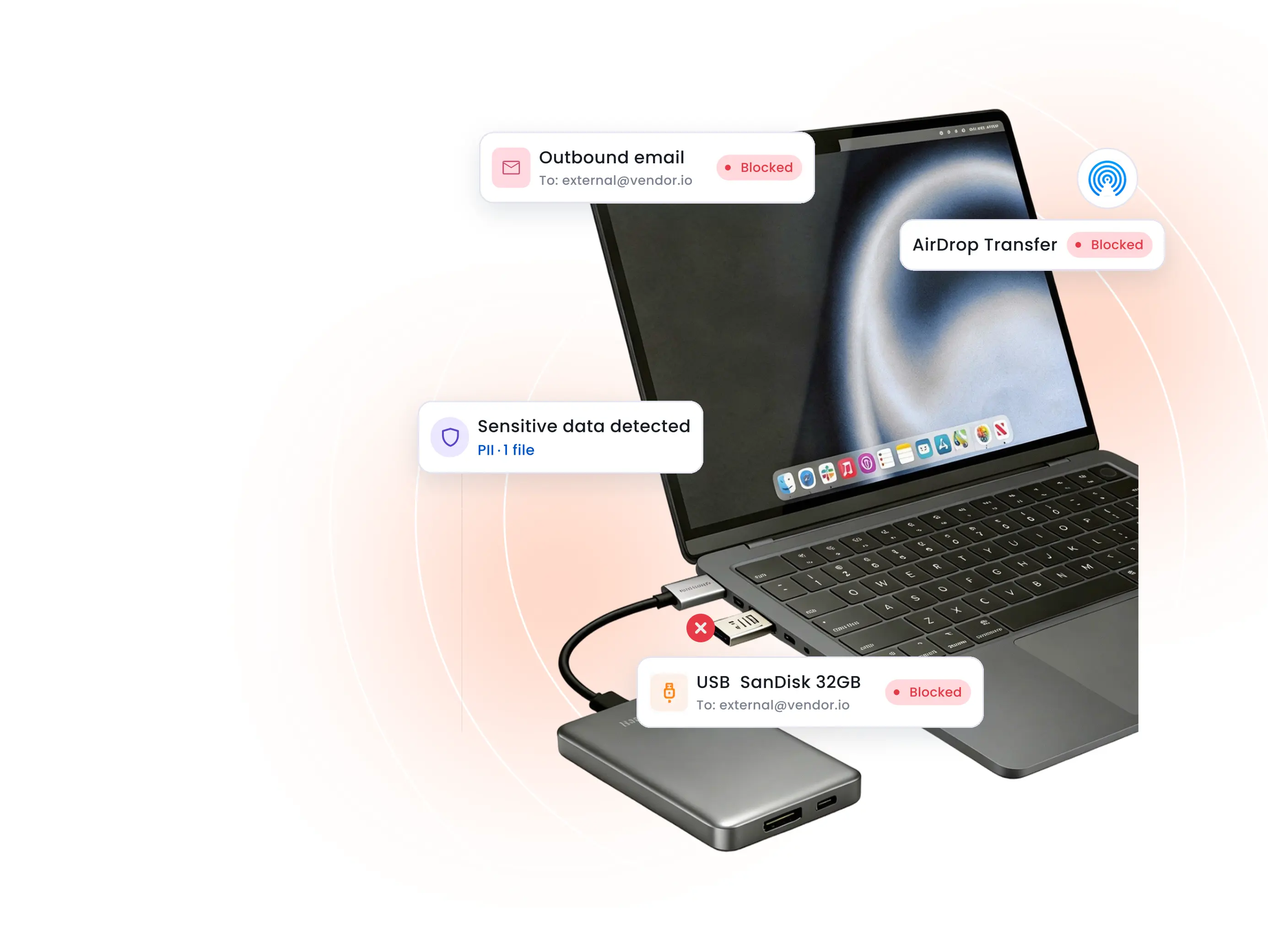
  • USB copying: Block or monitor data copied to external devices
  • Email sharing: Prevent sensitive data from being shared via email
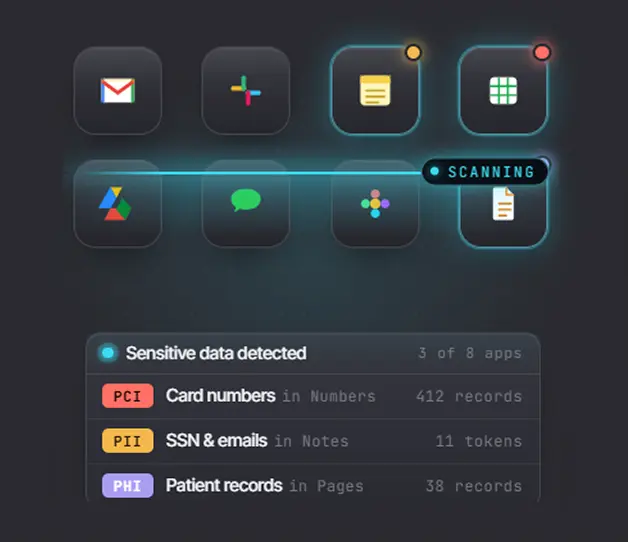
Protect
Data-at-Rest

Secure data stored on macOS devices and identify sensitive information.

Protect Data-at-Rest
  • Endpoint scanning: Scan devices for sensitive data
  • Sensitive data discovery: Identify PII and confidential information
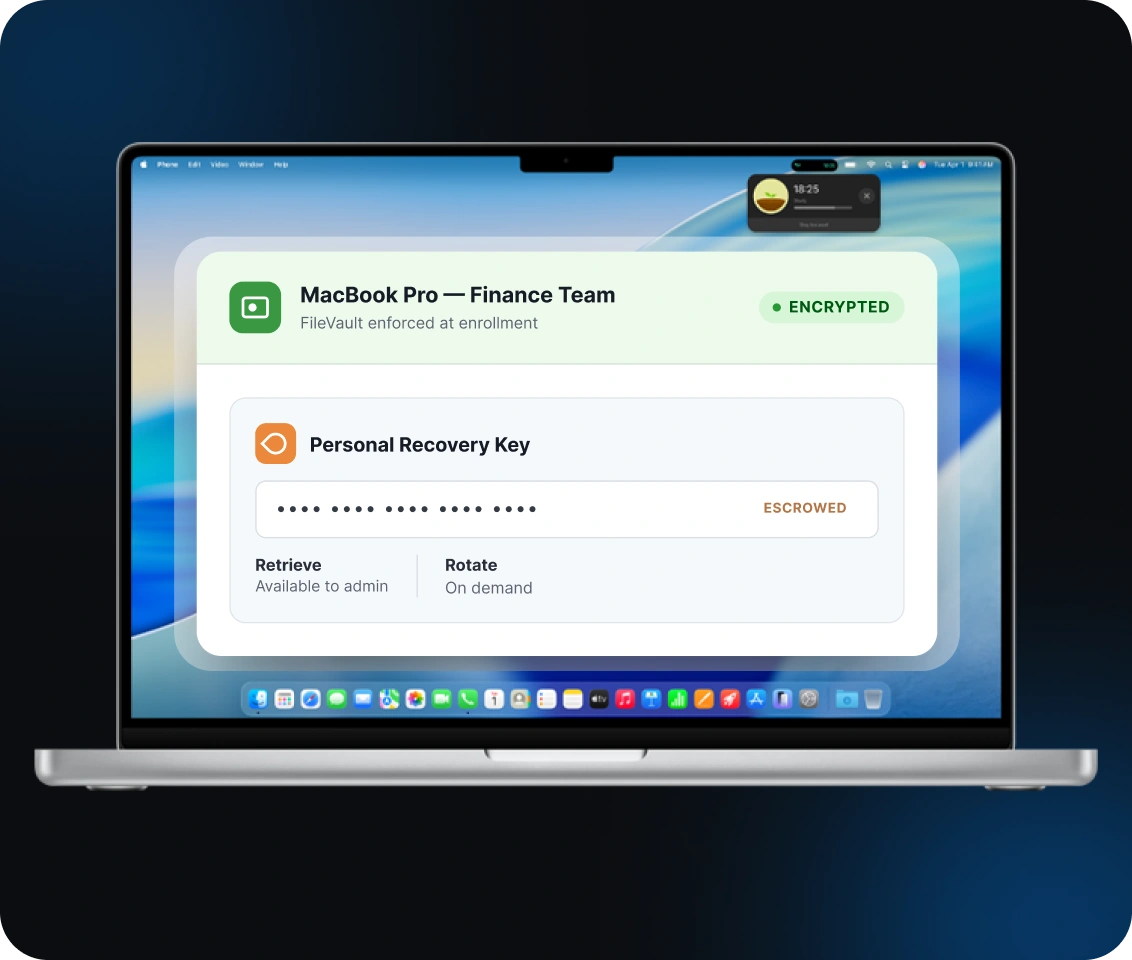
  • File remediation: Apply actions such as encryption or restriction
  • Secure deletion: Remove sensitive files permanently when required

Real-Time Threat
Prevention

Detect and respond to risks as they occur across endpoints.

Real-Time Threat Prevention
  • Live blocking: Block risky actions instantly
  • Policy alerts: Notify admins of policy violations
  • User activity monitoring: Track user actions in real time
  • Incident logging: Maintain records for audits and investigation

Protect Sensitive Data Across Every macOS Data Channel

Ensure complete endpoint DLP for macOS across all data transfer points.

USB Devices
External Drives
Cloud Storage
Browsers
Email Attachments
Bluetooth Transfers
Printing
AirDrop
Screenshot
Messaging Apps

Secure Your macOS Environment with miniOrange DLP

macOS DLP Use Cases for Modern Enterprises

A flexible DLP for macOS supports real-world data protection scenarios.


Intellectual Property Protection

Intellectual Property Protection

Protect sensitive business data such as source code, designs, and research files. Prevent unauthorized sharing or data theft.

Personally Identifiable Information (PII) Protection

Personally Identifiable Information (PII) Protection

Identify and protect sensitive personal data across macOS devices. Prevent exposure of regulated information.

Insider Threat Prevention

Insider Threat Prevention

Monitor user activity and detect unusual behavior involving sensitive data. Reduce risks from internal misuse.


Compliance and Regulatory Readiness

Compliance and Regulatory Readiness

Maintain visibility into data activity to meet regulatory requirements. Support audits with logs and reporting.

Third-Party Data Protection

Third-Party Data Protection

Protect sensitive data accessed by vendors, contractors, and external partners on macOS devices. Apply consistent DLP policies to reduce risks associated with third-party access.

Secure BYOD and Remote Employees

Secure BYOD and Remote Employees

Protect data across personal and remote macOS devices. Maintain consistent policies across distributed environments.


Why Choose miniOrange for macOS Data Loss Prevention?

A reliable DLP solution for Mac helps organizations maintain visibility, enforce policies, and prevent data exposure across environments.


Feature
Native macOS Support
Apple Silicon Support
Data Sharing Control
Cloud Upload Protection
Remote Workforce Support
Lightweight Agent
Centralized Dashboard
Traditional DLP
Limited compatibility
Partial support
Basic or limited control
Limited visibility
Partial support
No lightweight agent
Basic or fragmented dashboards

Frequently Asked Questions

Common questions about DLP for Mac and protecting sensitive data on macOS devices.

Contact us

What is DLP for Mac?

Can DLP software monitor file transfers on Mac?

Does macOS DLP support USB device control?

How can businesses prevent data leakage on Mac devices?

Is DLP for Mac suitable for remote employees?

How does DLP help with GDPR and HIPAA compliance?


x

Work Email*


Your Requirements (Optional)


 Your download should start now. If not, please email us at uemsupport@xecurify.com or contact us.

Please enter your work email-id


Want To Schedule A Demo?

Request a Demo