Hello there!

Need Help? We are right here!

miniorange Support~
miniOrange Email Support
success

Thanks for your Enquiry.

If you don't hear from us within 24 hours, please feel free to send a follow-up email to info@xecurify.com

Search Results:

Ă—

Active Directory 
Bulk User Management Tool

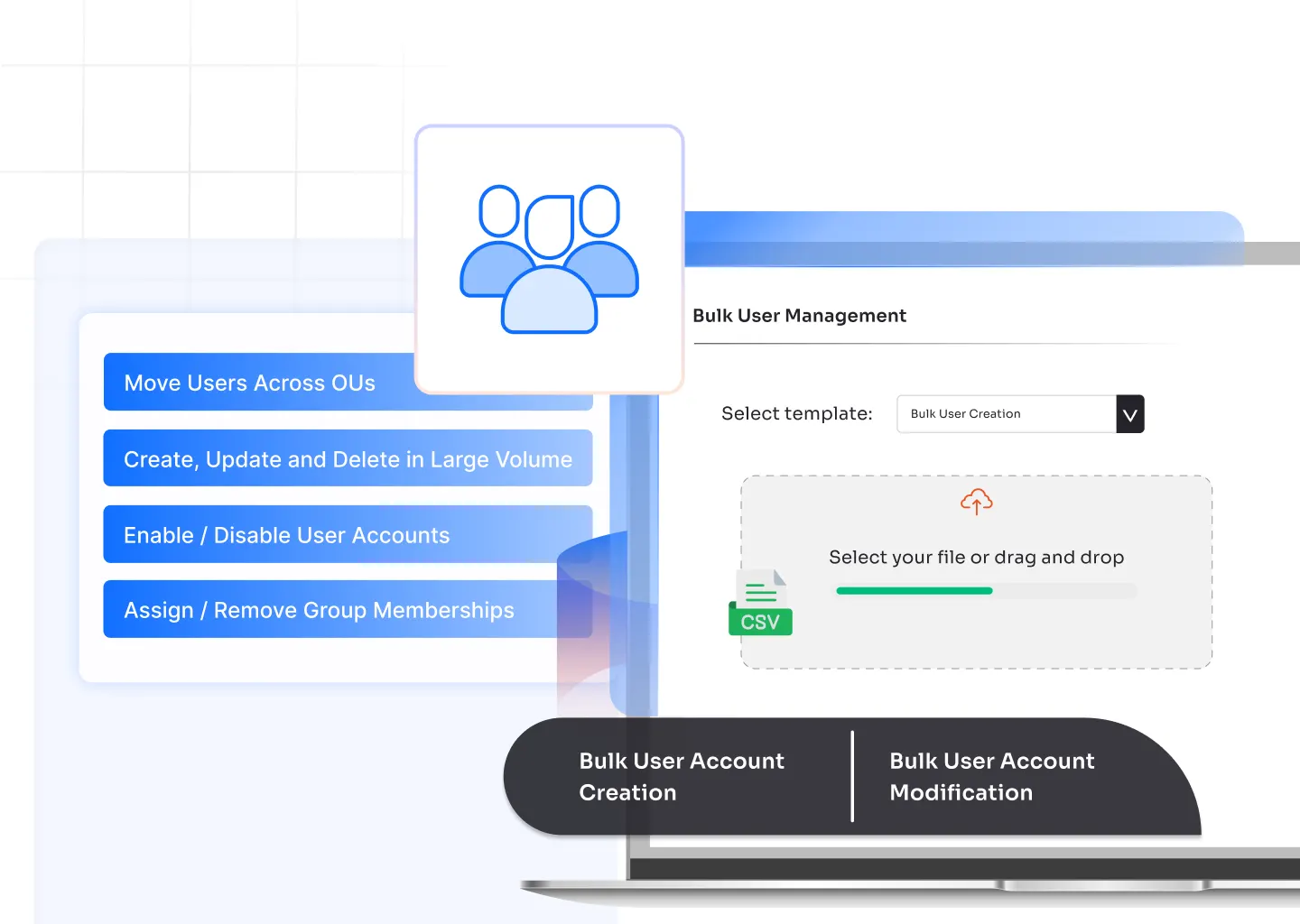
When your organization scales or teams reshuffle, updating user accounts one by one isn’t practical. The miniOrange Active Directory Bulk User Management tool helps IT teams manage thousands of user records at once, from onboarding new employees to modifying access rights during role or department changes, without touching PowerShell scripts.

Schedule a Demo Request a Quote
Bulk User Management in active directory

Active Directory Bulk User Management Features


Bulk user creation in active directory

Bulk User Creation in Active Directory

Create multiple user accounts using CSV import or templates, assign OUs and groups instantly, and speed up onboarding across departments.

bulk create ad users

Bulk User Modification in Active Directory

Update user details like department, title, or manager for hundreds of users in one go without manual edits or scripts.

bulk ad users

Active Directory Attributes for Bulk User Management

Edit or assign key attributes such as job title, employee ID, or location to multiple users simultaneously for consistent directory data.

active directory bulk user

Exchange Mailbox Management

Configure mailbox settings, delivery options, and storage limits for multiple Exchange users simultaneously.

active directory bulk user management

Terminal Services and Remote Access Management

Manage remote desktop access, session limits, and home directories for multiple users at once to maintain secure access policies.
Common Bulk Management Tasks in Active Directory

Active Directory Bulk User Management

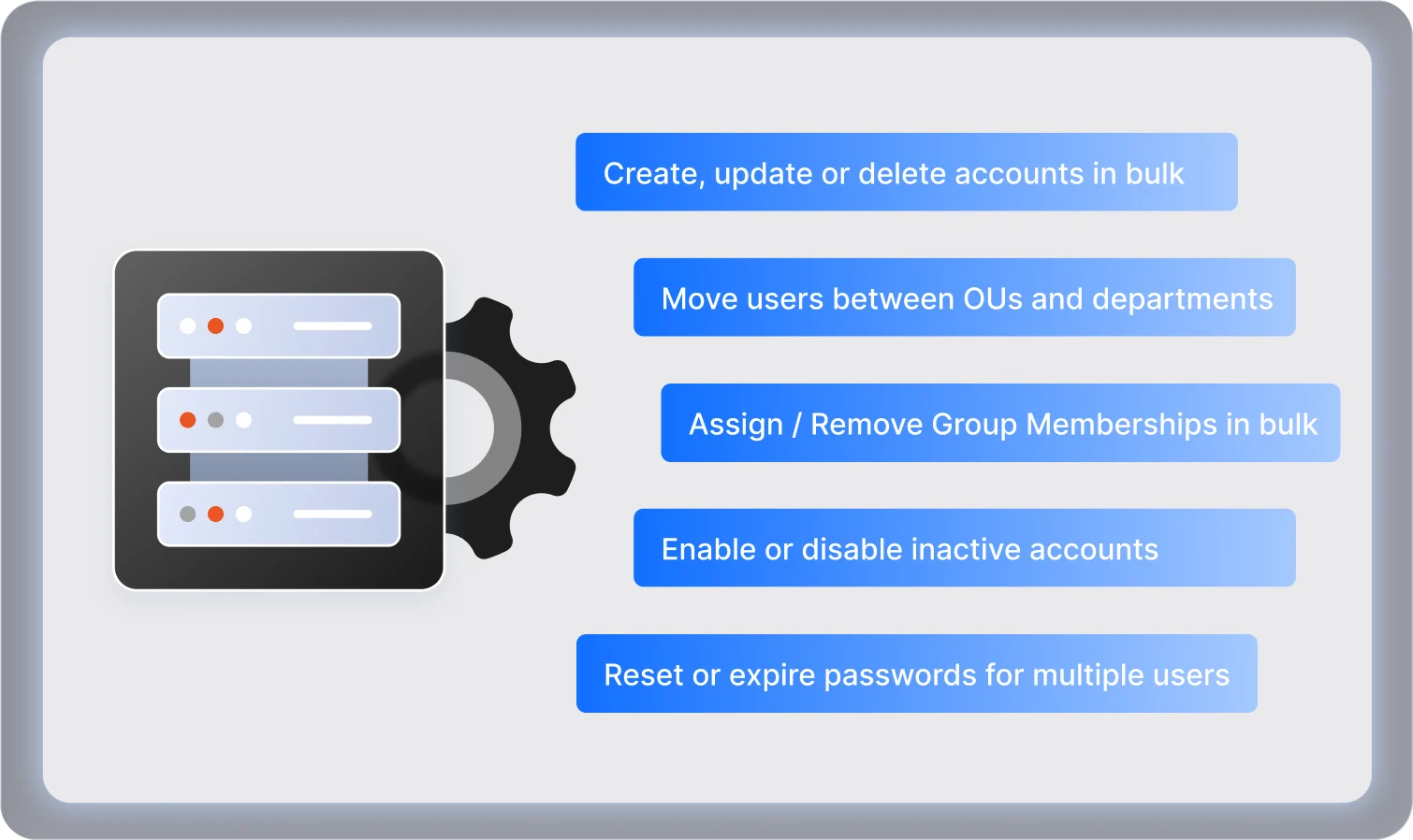
Perform essential user account operations in bulk to keep your directory organized and up-to-date. miniOrange simplifies these repetitive admin tasks with automation and precision.

  • Create, update, or delete user accounts in large volumes
  • Move users between OUs or departments
  • Reset or expire passwords for multiple users
  • Enable or disable inactive accounts
  • Update contact details and job information
  • Assign or remove group memberships in bulk
  • Configure Exchange and Terminal Services attributes together

Latest Blogs


More Blogs

Things you Might Find Useful

Videos

See How Our Solutions Work


See our solutions in action. Watch easy-to-follow videos that show you how to set up and get the most out of our products.


Watch Videos
End User Handbook

Learn how to use our products with ease. Quick, simple steps to help you get the most out of every feature.


Learn more
Admin Handbook

Get easy, step-by-step help to use features confidently. Our End User Handbook guides you to make the most of every tool.


Learn more

Frequently Asked Questions


What is Active Directory bulk user management?

Active Directory bulk user management allows administrators to create, update, or modify multiple user accounts simultaneously, reducing manual work and ensuring consistent directory data.

Why do organizations need bulk user management in AD?

Large organizations frequently deal with onboarding new employees, role changes, department transfers, and other user updates. Bulk user management enables administrators to perform these operations efficiently, reduces manual errors, ensures data consistency, and keeps user accounts synchronized across all systems.

Can I import users from a CSV file for bulk operations?

Yes. You can upload a CSV file containing user details to perform bulk creation, modification, or deletion directly from the miniOrange console.

Does the tool support OU-based user management?

Absolutely. You can perform bulk operations based on specific Organizational Units (OUs), ensuring changes apply only to the intended users.

Can I schedule bulk updates or automate them?

Yes. Bulk tasks can be automated or scheduled to run during off-peak hours, helping you avoid disruptions and maintain directory performance.

Is PowerShell required for performing bulk management?

No. All bulk user operations can be performed through the web interface without needing PowerShell scripts or manual commands.

Are audit logs exportable for compliance reports?

Yes. Audit logs can be exported in multiple formats to help meet compliance, internal audit, or reporting requirements.

  

x

*
*
*

 Thank you for your response. We will get back to you soon.

Please enter your work email-id.

Want To Schedule A Demo?

Request a Demo