AD Tools
Top Active Directory Security Best Practices
Jul 22, 2025
Need Help? We are right here!

Search Results:
×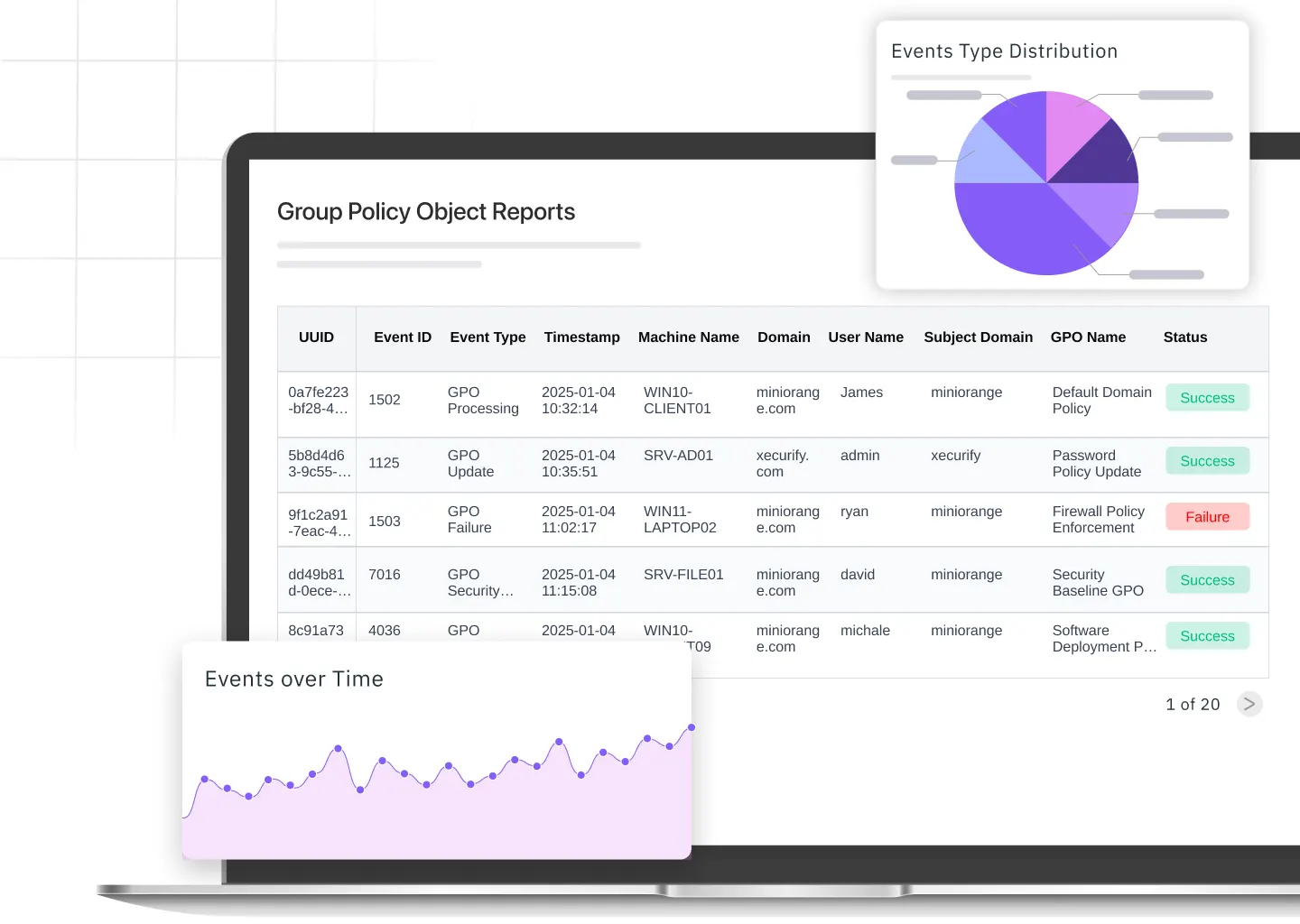


Generate real-time Group Policy Object reports in just a few clicks to view all applied settings, inheritance, and linked objects across domains.

Set schedules to automatically generate and deliver reports at regular intervals, reducing manual effort and keeping admins informed.

Export GPO reports in preferred formats and share them securely with your team for audits or compliance checks.

Grant help desk staff or department admins limited access to view or download specific reports without exposing full administrative control.

Skip PowerShell commands and complex scripts. Access all your Group Policy results reports through an intuitive interface designed for efficiency.
Uncover how every Group Policy applies across domains, sites, and OUs with powerful insights that
simplify management, enhance control, and boost compliance.
Get a complete view of how Group Policies are applied and inherited across your Active Directory structure.
Get a complete view of how Group Policies are applied and inherited across domains, sites, and OUs, including directly linked and inherited GPOs.
List all GPOs linked at the domain, OU, and site levels to track inheritance behavior and ensure consistent policy coverage across your Active Directory.
Generate a summary of all GPO links and identify enforced policies that override others to maintain compliance and configuration accuracy.
Detect empty OUs and containers with blocked inheritance to maintain a clean directory structure and ensure proper policy flow.
Track and compare different GPO versions to monitor changes, updates, or rollbacks for accurate configuration management.
Identify GPOs containing startup, shutdown, logon, or logoff scripts to monitor and manage automated policy actions effectively.
Keep your Active Directory clean and efficient by detecting disabled, unlinked, or inactive GPOs, ensuring optimal performance and policy consistency.
Monitor the health and effectiveness of every Group Policy Object in your environment to keep configurations up to date.
Identify GPOs that are completely disabled to reduce clutter and improve processing time.
Find GPOs that are no longer linked to any domain, OU, or site to streamline policy management.
List policies where computer settings are turned off to review configuration gaps.
Locate GPOs with disabled user settings to ensure all policies are applied as intended.
Detect and clean up policies containing inactive settings to maintain a healthy Group Policy structure.
Analyze, compare, and simulate GPO configurations to uncover policy impacts, eliminate empty objects, and
ensure consistent, optimized Active Directory performance.
Drill down into the configuration details of every Group Policy Object to understand how policies affect users and computers across your network.
View complete details of settings configured within each GPO, including administrative templates, security, and scripts.
Generate Group Policy results reports to view the final set of policies applied after all inheritance and enforcement rules are processed.
Quickly locate GPOs that contain a specific configuration, such as password policy or logon restrictions.
Compare multiple GPOs side by side to identify configuration differences and maintain consistent policy standards.
Identify GPOs without any settings to remove unnecessary objects and improve performance.
Track newly created, modified, and frequently updated GPOs to maintain visibility, enforce access control, and
ensure consistent policy management across your Active Directory.
Easily generate GPO reports to monitor configuration changes, track linked objects, and maintain visibility across your Active Directory environment.
View every GPO and the AD objects it’s linked to for complete policy mapping.
Track newly created policies to review and approve configuration changes quickly.
Identify GPOs updated in recent activity to monitor administrative actions.
Detect policies that change often and may require stricter access controls.
Review GPOs where computer settings are frequently adjusted to ensure system-level stability.
Find GPOs with frequent user-level changes to maintain consistency in access and permissions.
Quickly pinpoint configuration errors, conflicting policies, or broken links across domains and OUs.
Detect unauthorized GPO changes and maintain compliance with internal and external security standards.
Automate policy tracking and report generation instead of manually reviewing each GPO.
Maintain visibility into who modified what, when, and where for stronger access control.
Generate audit-ready reports to meet regulatory requirements with minimal effort.
Gain actionable insights into your Active Directory environment to plan and implement policies more effectively.
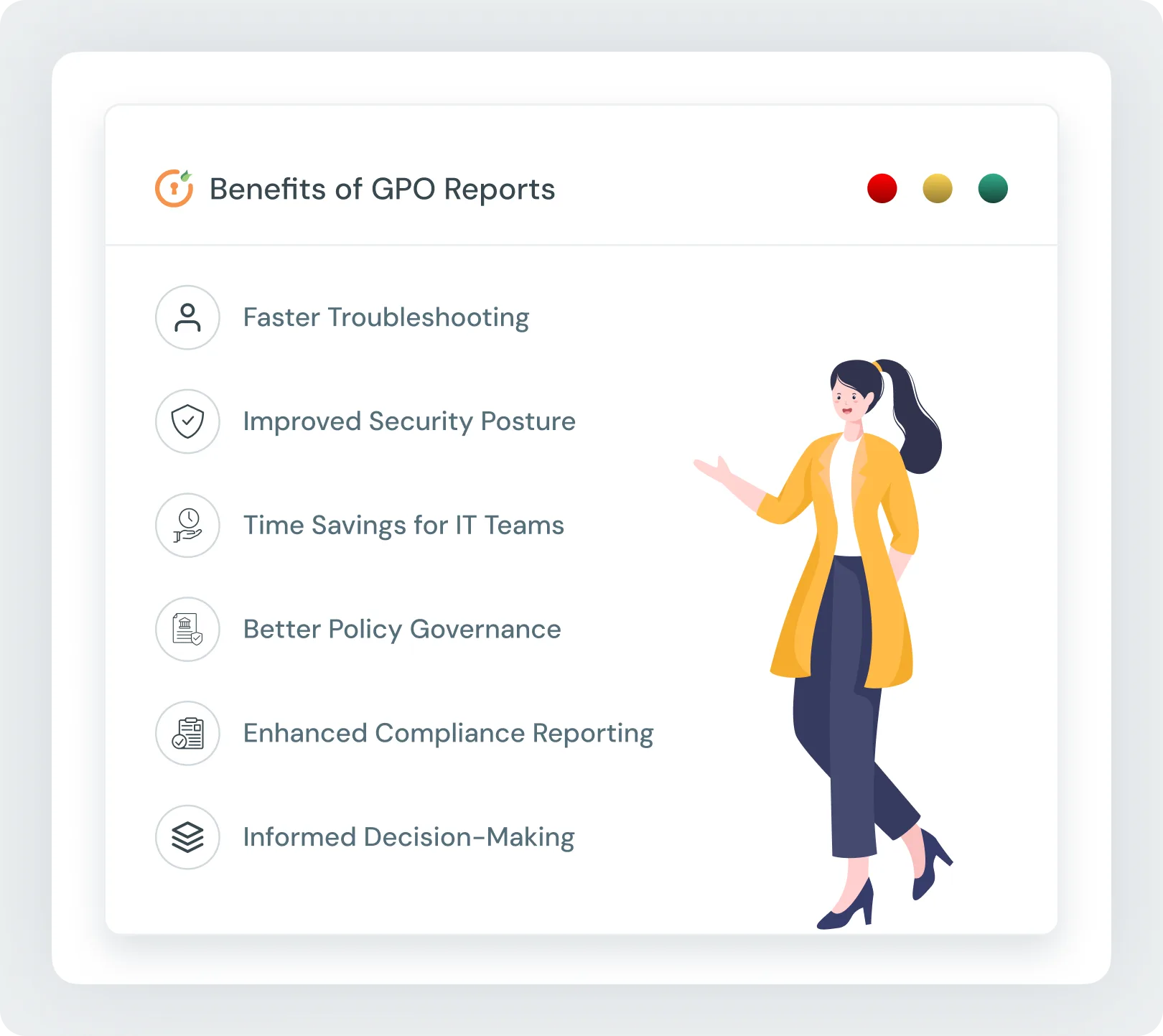
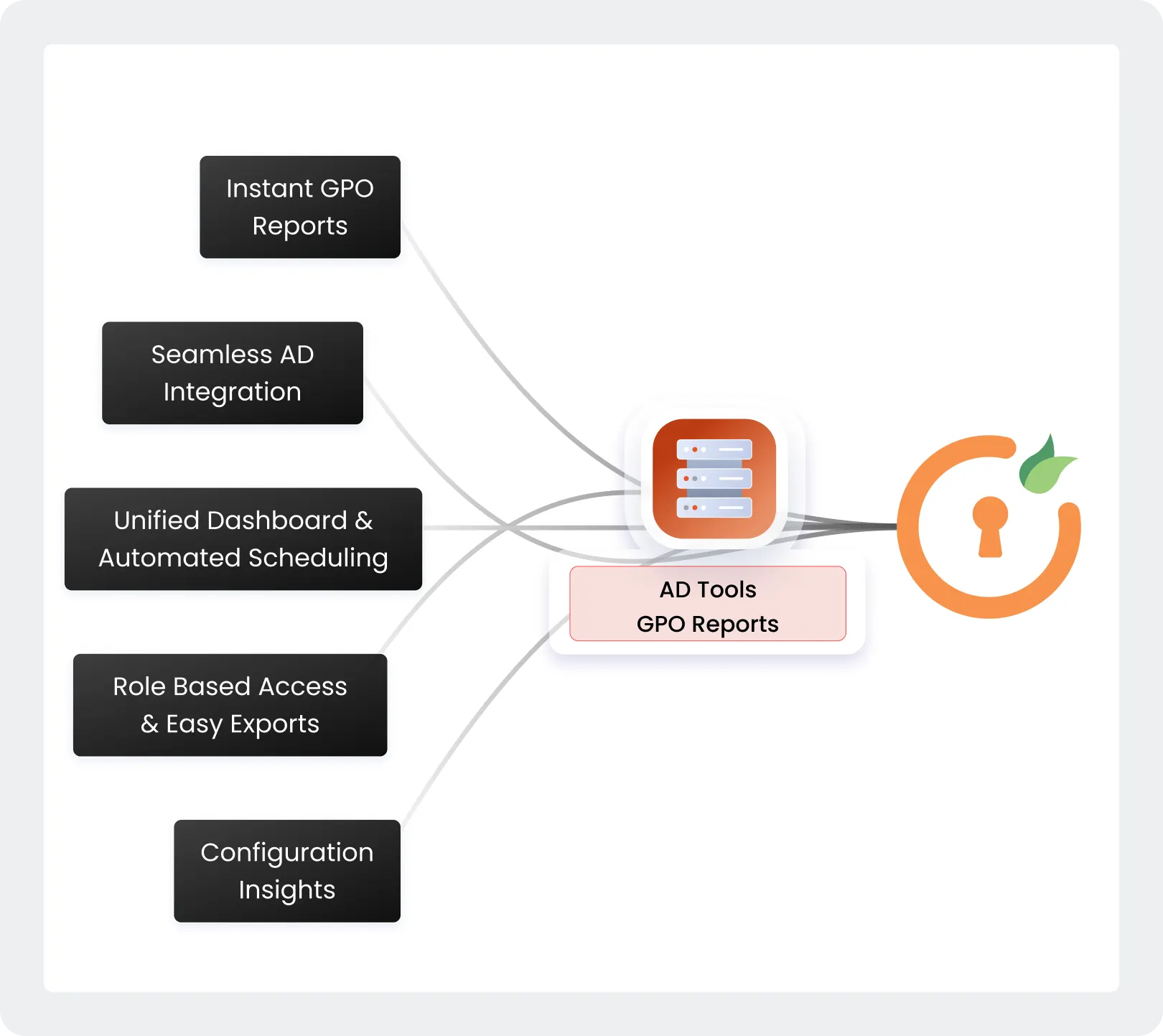
Generate detailed Group Policy reports instantly without scripts or PowerShell, saving time and reducing complexity.
View all GPOs, linked objects, and applied settings in one centralized interface, with automated scheduling to receive regular updates on GPO changes.
Delegate limited report access to help desk or department admins while maintaining security, and export reports easily for audits, compliance, or sharing.
Detect misconfigurations early and ensure Group Policy settings are consistently applied across the network.
Integrates effortlessly with your existing Active Directory infrastructure for smooth and reliable GPO management.
Get expert assistance from the miniOrange support team for setup, troubleshooting, and customization.
You can generate a detailed GPO report directly from the miniOrange dashboard. It displays all configured settings, linked objects, and inheritance details without requiring any scripts or PowerShell commands.
Use the Resultant Set of Policy (RSoP) or GPO Modeling feature to simulate or view the actual policies applied to a specific user or computer. This helps verify which settings are enforced and troubleshoot conflicts.
Yes. The miniOrange GPO Reporting Tool allows you to compare multiple GPOs or their versions side by side. You can quickly identify changes, track updates, and maintain consistency across your Active Directory environment.