Hello there!
Need Help? We are right here!

Need Help? We are right here!
Search Results:
×

Sensitive information can sit in many buckets and prefixes, often long after the project that created it has ended.

Sensitive information can be hidden across multiple file formats, including CSVs, documents, PDFs, and images. Files may contain personal, financial, or confidential information that object names alone cannot reveal.

Without a systematic scan, it is hard to see which buckets hold sensitive files, whether they are public, and whether they are encrypted.
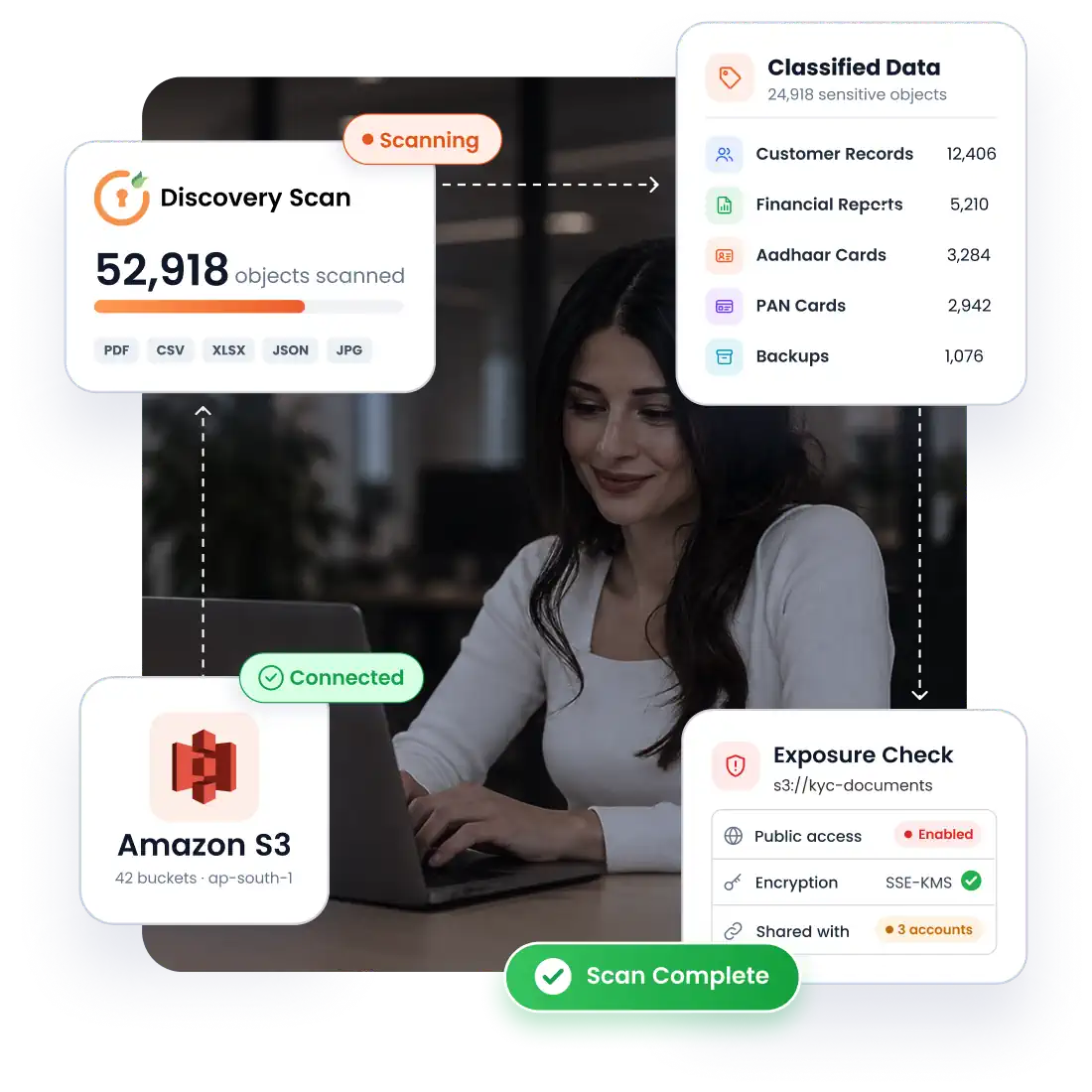
Identify sensitive files across your S3 buckets, spot exposure risks, and review granular findings from one centralized console.
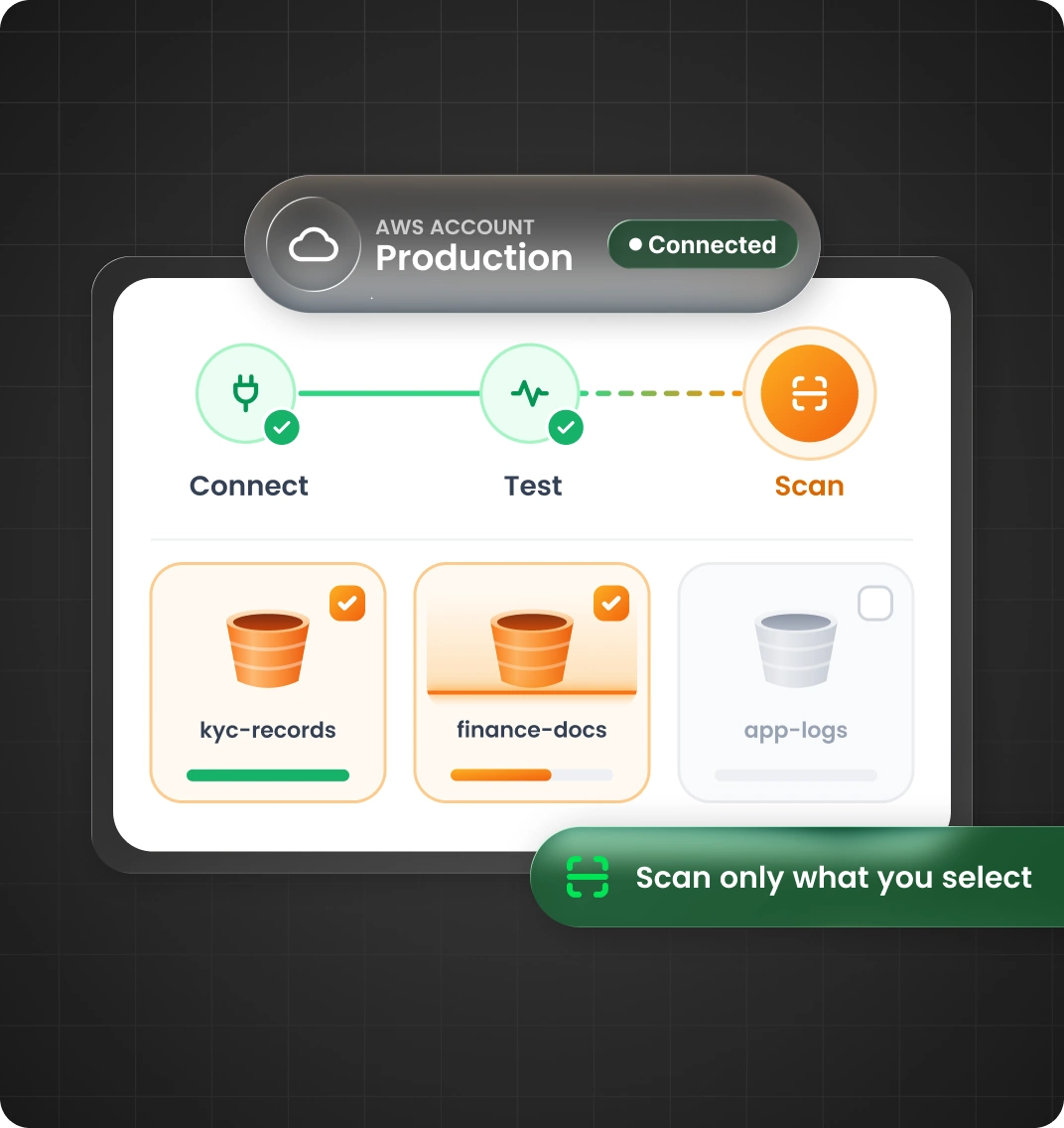
Connect with your AWS Account, test the connection, and scan the buckets you choose.
Classify findings using configured discovery policies and predefined sensitive data classifications. Detect Indian PII such as Aadhaar numbers and PAN details, alongside other configured sensitive data categories.
See objects scanned, sensitive object count, public exposure, encryption status, and last scan time for every bucket.
Review each file's bucket, classification, sensitivity level, and last modified date to prioritize investigation.
Filter findings by source, bucket, classification, and policy from one dashboard.
Transform raw discovery findings into clear, actionable security insights for your Amazon S3 buckets.
Understand what sensitive information exists in your S3 buckets and where it resides.
Identify buckets that hold sensitive files alongside public access or missing encryption.
Focus on high-sensitivity files instead of reviewing buckets object by object.
Improve visibility into personal and regulated information to support security assessments and compliance activities.
Connect with an Access Key and Secret Key, and verify the connection before scanning.
Discover Indian PII alongside the other categories you configure.
Move from bucket summaries to file findings to Data Explorer.
Review all findings through one unified dashboard.
Get the clarity you need before you commit.
It helps organizations identify and classify sensitive information within supported objects stored in Amazon S3 buckets.
Enter a configuration name, AWS Access Key, and Secret Key in the miniOrange console, then use Test S3 Connection to confirm the credentials can access your AWS account and list buckets.
The Buckets view shows objects scanned, sensitive objects, public exposure, encryption status, and the last scan time.
Yes. File-level results show the bucket, classification, sensitivity level, and last modified date, and Data Explorer lets you filter them.
Discovery identifies and reports sensitive data. Any remediation is carried out separately by your team.