Access Reviewer360: Documentation & Resources
Everything you need to set up, configure, and get the most out of your Access Reviewer360, from setup guides and use cases to FAQs and blogs.
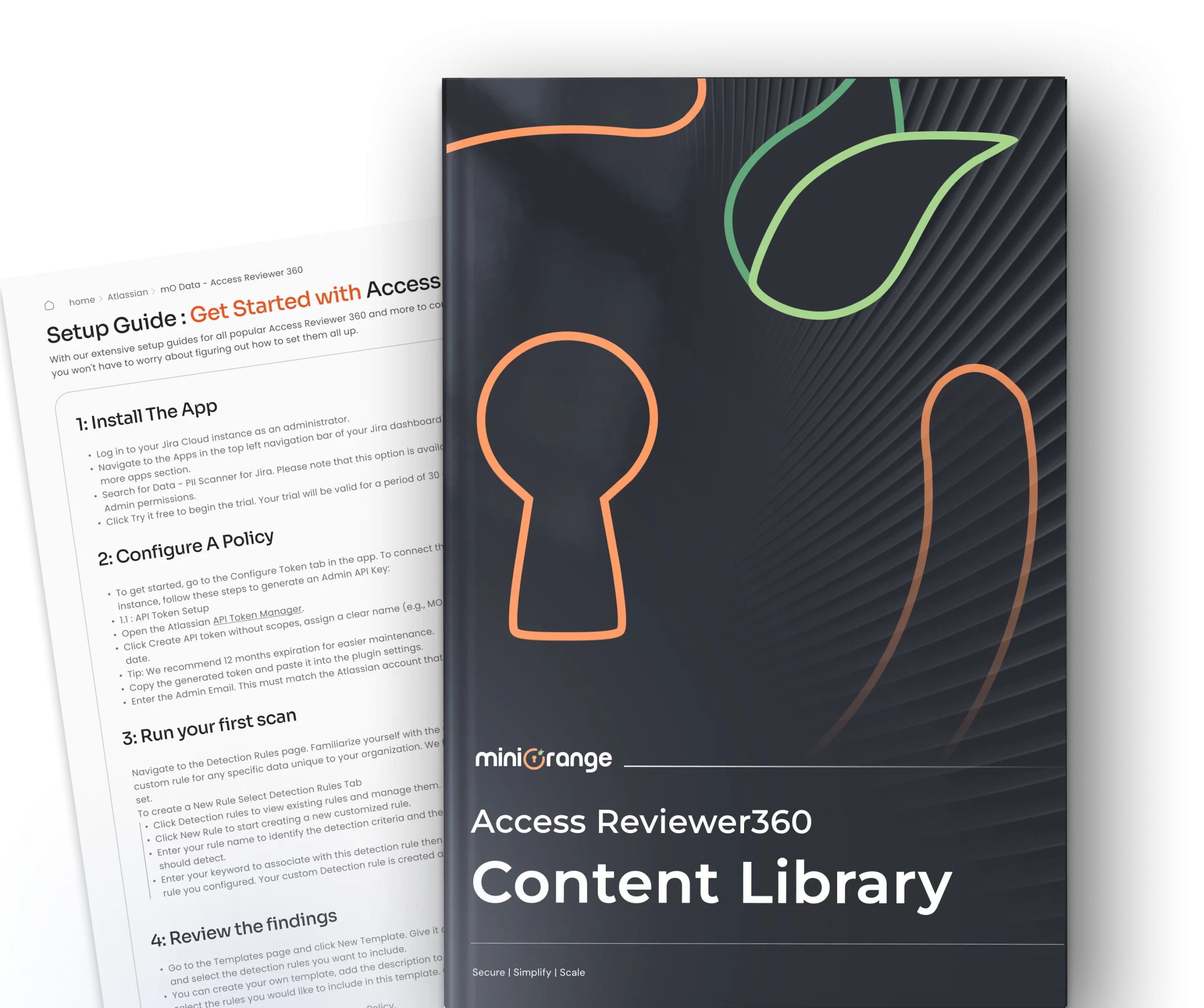
Step-by-Step Access Reviewer360 Setup Guides
Follow the detailed setup guides to install, configure, and activate the Access Reviewer360 across your Jira Cloud instances.

App Resources: Explore Use Cases, Blogs & more
Handbook
Access Reviewer360 for Jira
Access Reviewer360 shows you who can do what across your Jira site, traces how each person got there, records what you decided about every risk, and produces the evidence an auditor asks for — all from one admin screen, without your data ever leaving Atlassian.
Know More
Comparison
Access Reviewer360 vs Jira Native Tools
Jira's native tools weren't built for access reviews. The Audit Log only logs changes after the fact, and the Permission Helper checks one user at a time. Access Reviewer360 delivers project-level reviews, automatic risk detection, and audit-ready exports.
Know More
Blog
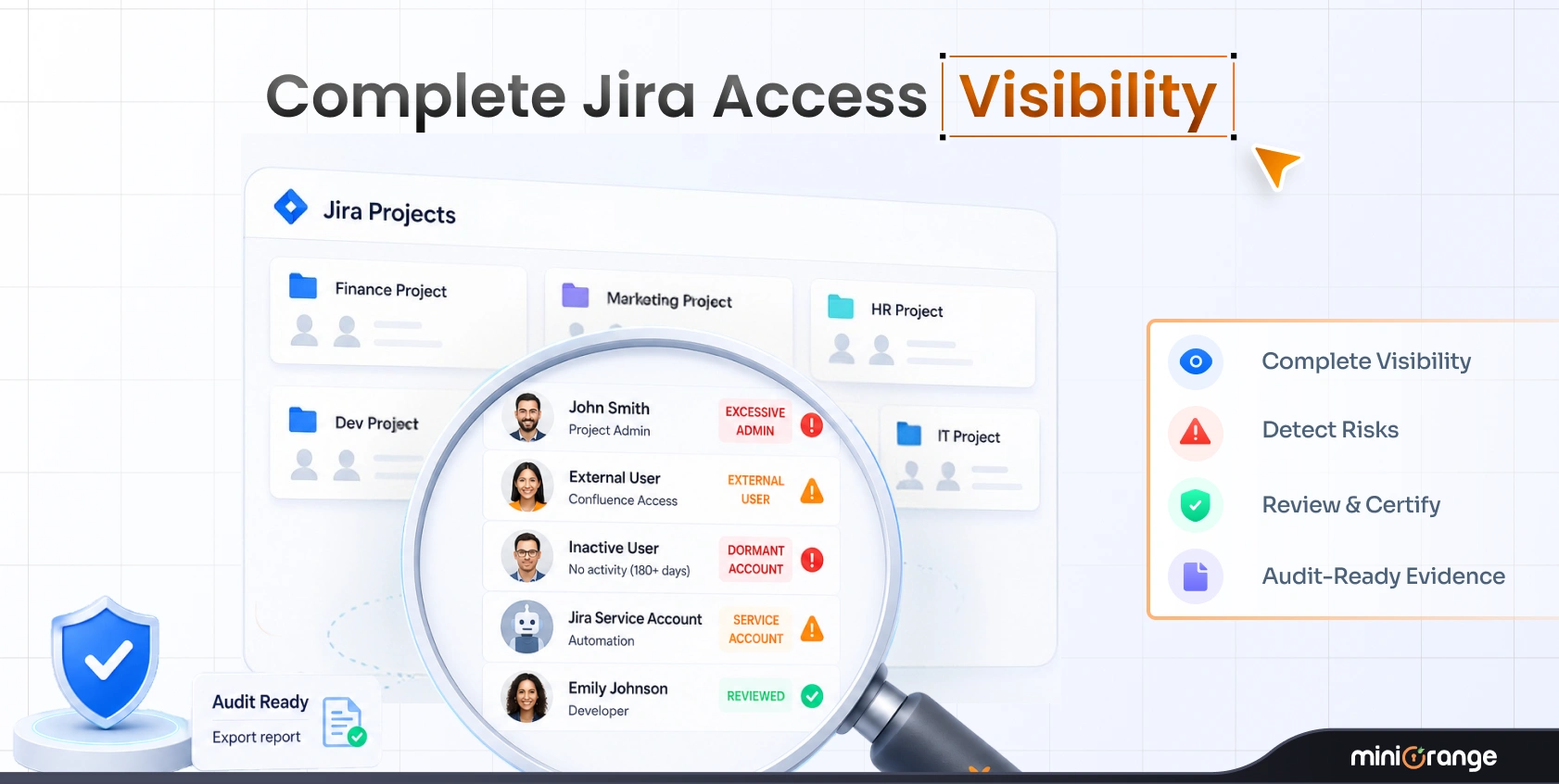
Jira Access Reviews: How to See Who Has Access to Every Project, Before an Auditor Asks
Know More
Usecase
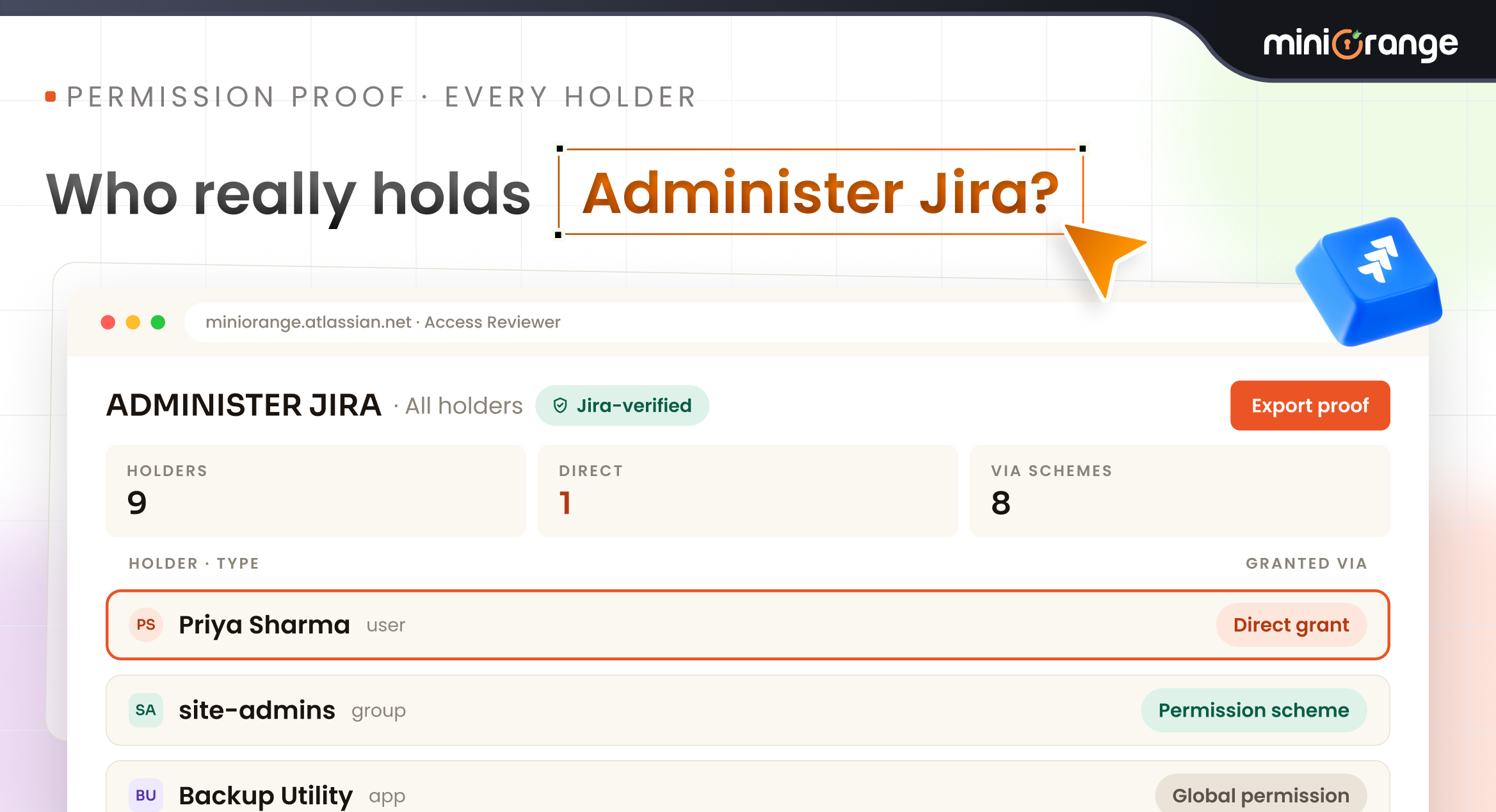
Prove who holds a permission
Know More
Usecase
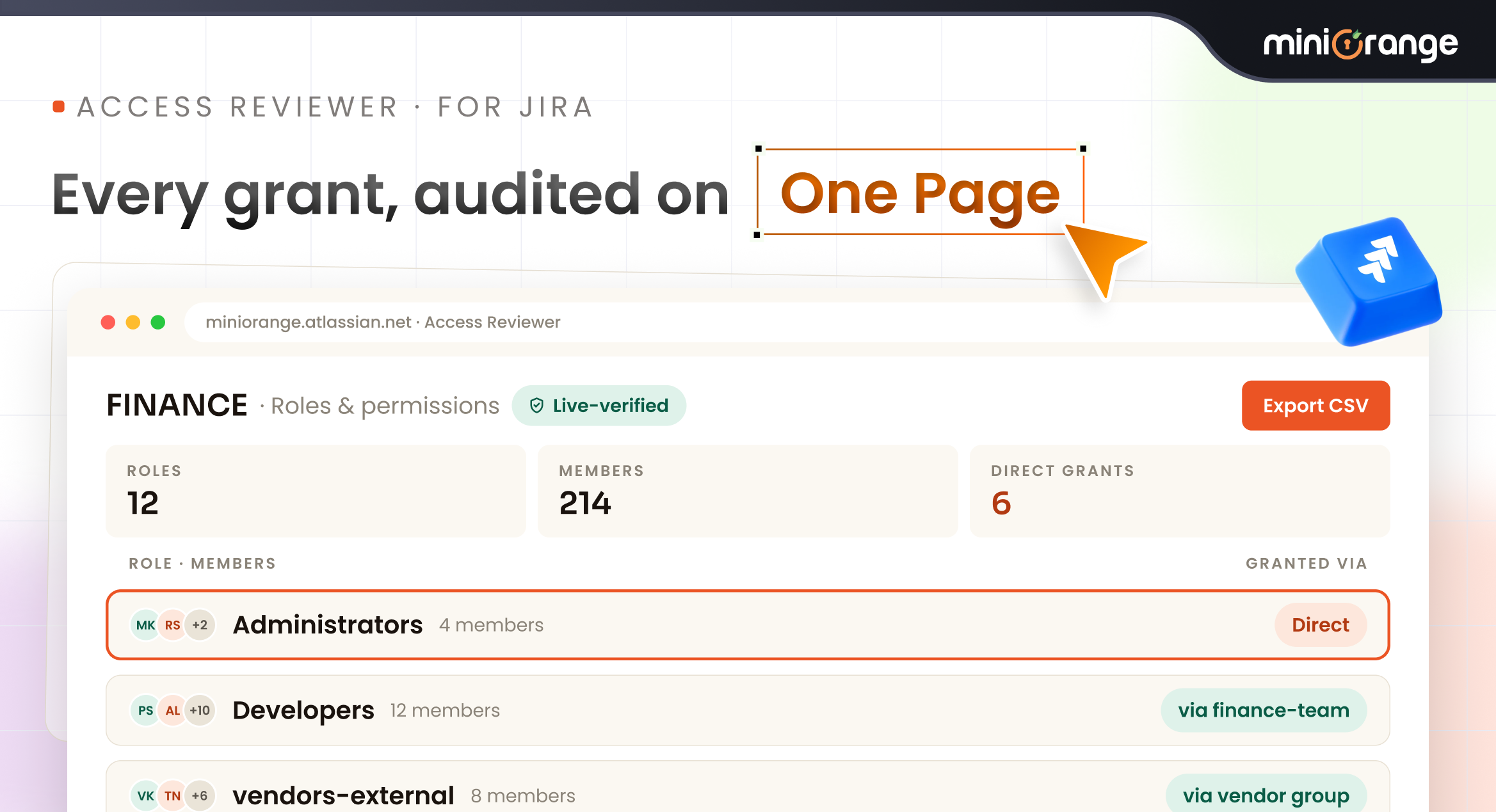
Produce a complete access audit for one project
Know More
Usecase
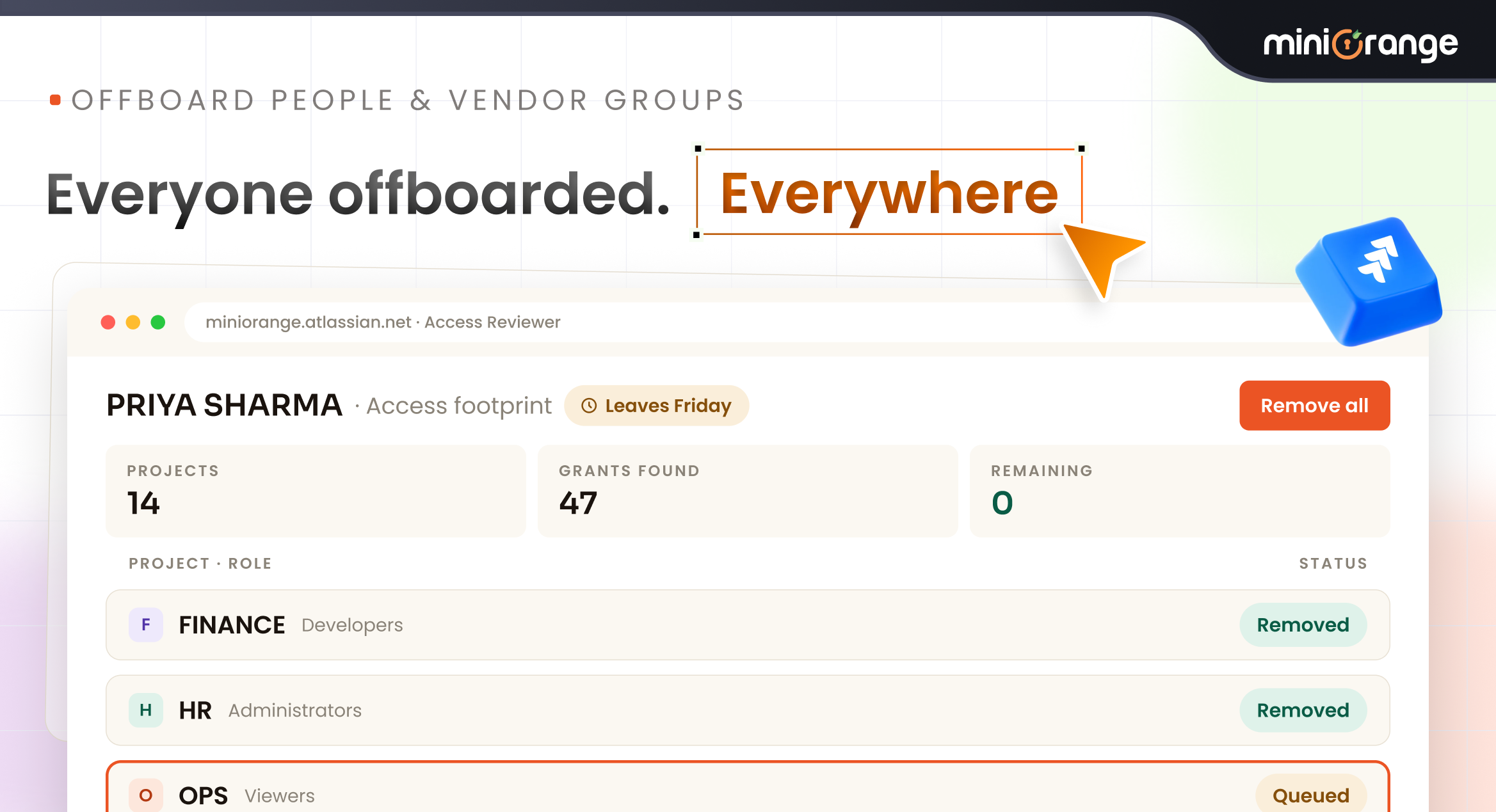
Offboard a leaving employee, or shut down a vendor group
Know More
Usecase
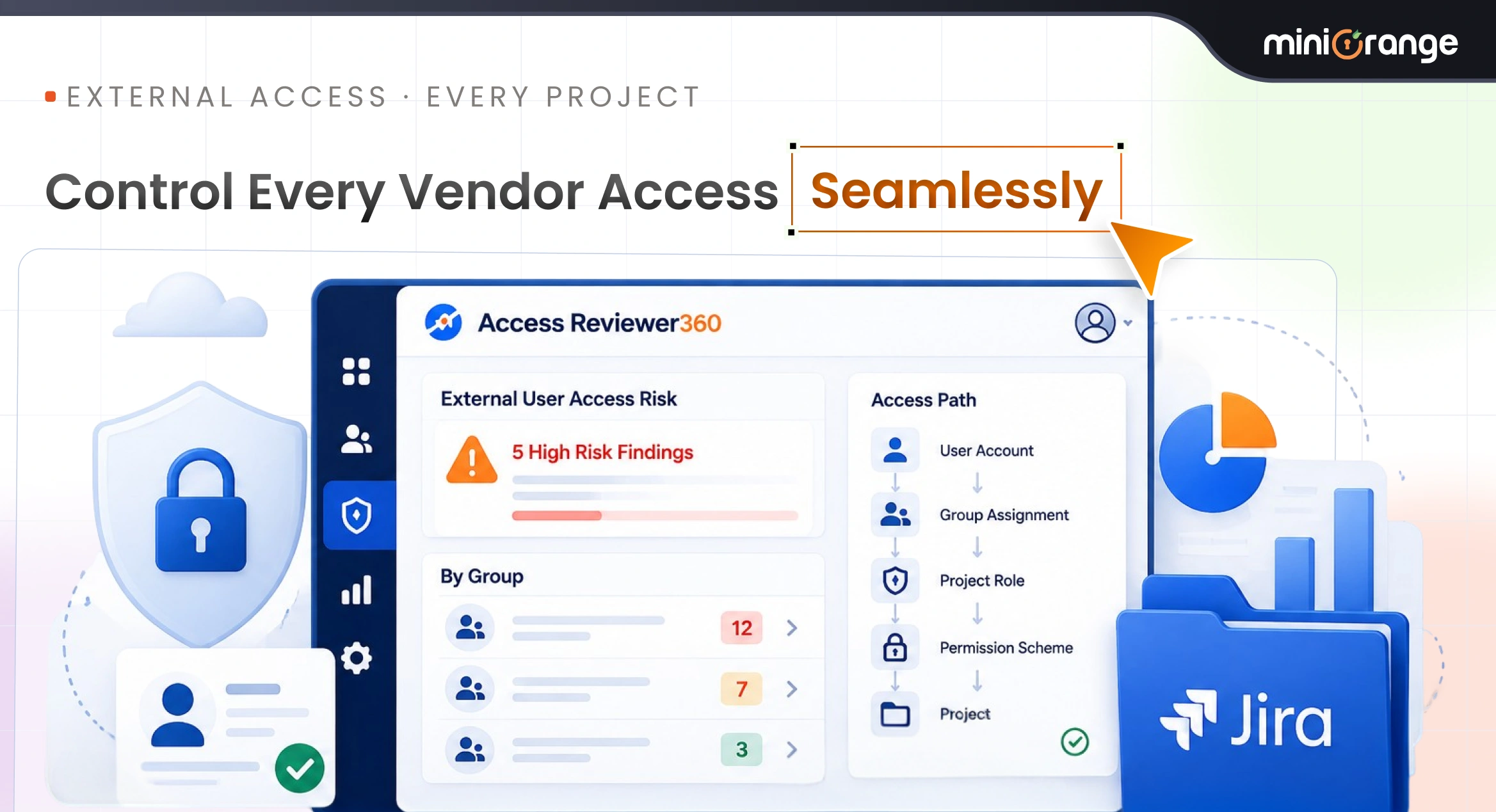
Vendor Access Governance and Third-Party Risk Management for Jira
Know More
Usecase
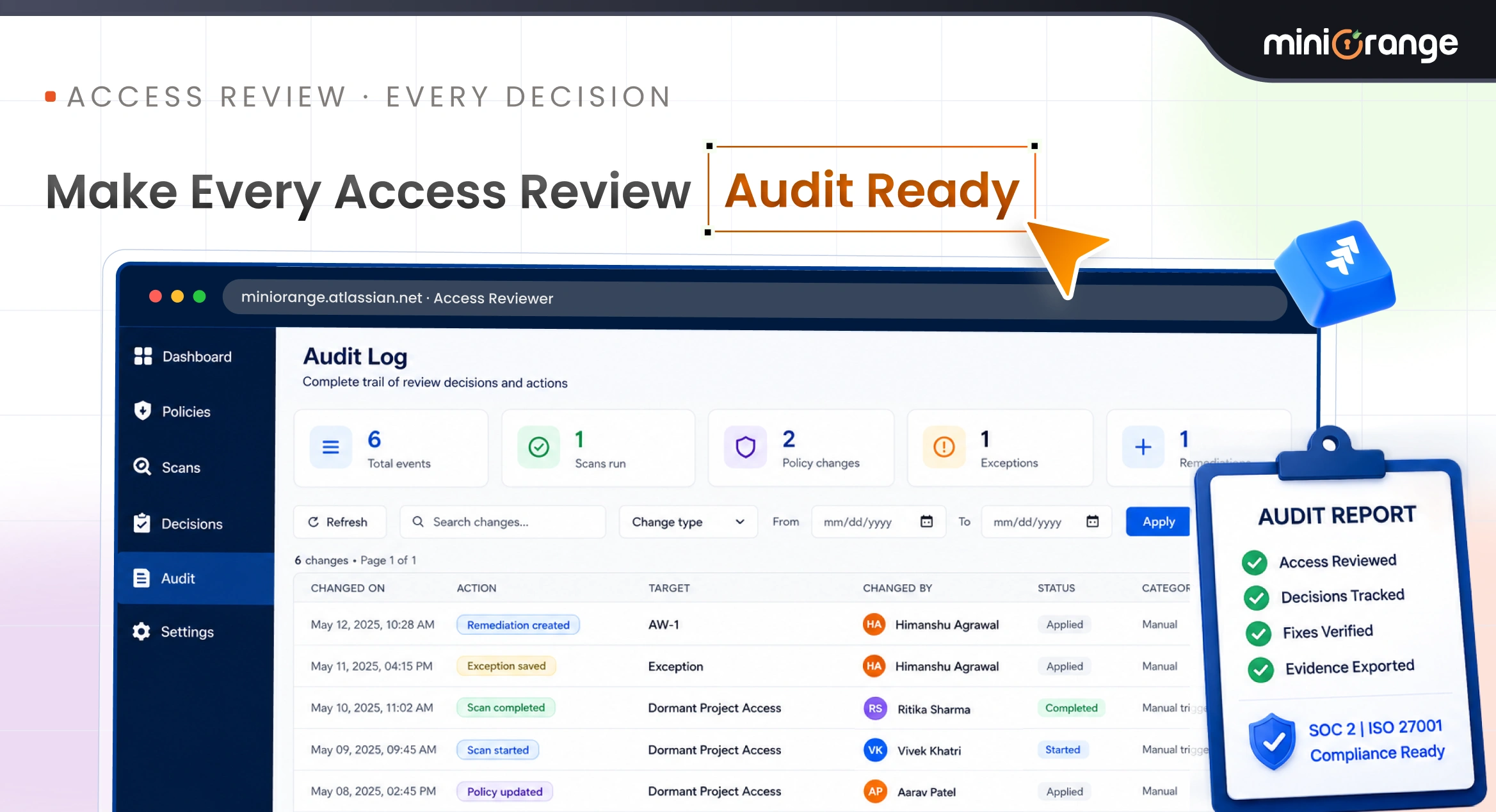
Quarterly User Access Reviews & Project Access Reviews for Jira
Know More
-
Does Access Reviewer360 work on Jira Cloud?
Yes. Access Reviewer360 is built for Jira Cloud and connects natively through Atlassian APIs with zero data egress.
-
Can I review access by project, user, and group?
Yes. You get project, user, and group views so reviewers can see who has access and what a group grants without manual cross-referencing.
-
Does my Jira security data leave the instance?
No. Access Reviewer360 is Atlassian Forge native — your Jira security data never leaves your instance.
-
Can it detect dormant or risky accounts?
Yes. Built-in policies flag dormant access, excessive admins, external users, orphaned accounts, and ungoverned service accounts.