Hello there!
Need Help? We are right here!

Need Help? We are right here!
Search Results:
×
A password expires on a Monday morning. An account locks overnight. A request waits two days because the reviewer never saw it. Each one becomes a call to IT, and each one could have been a message sent at the right time.
Generic messages get ignored. A notification that reads like a system error does not get acted on, and one that does not carry the user's name or a link to the next step does not save a call.
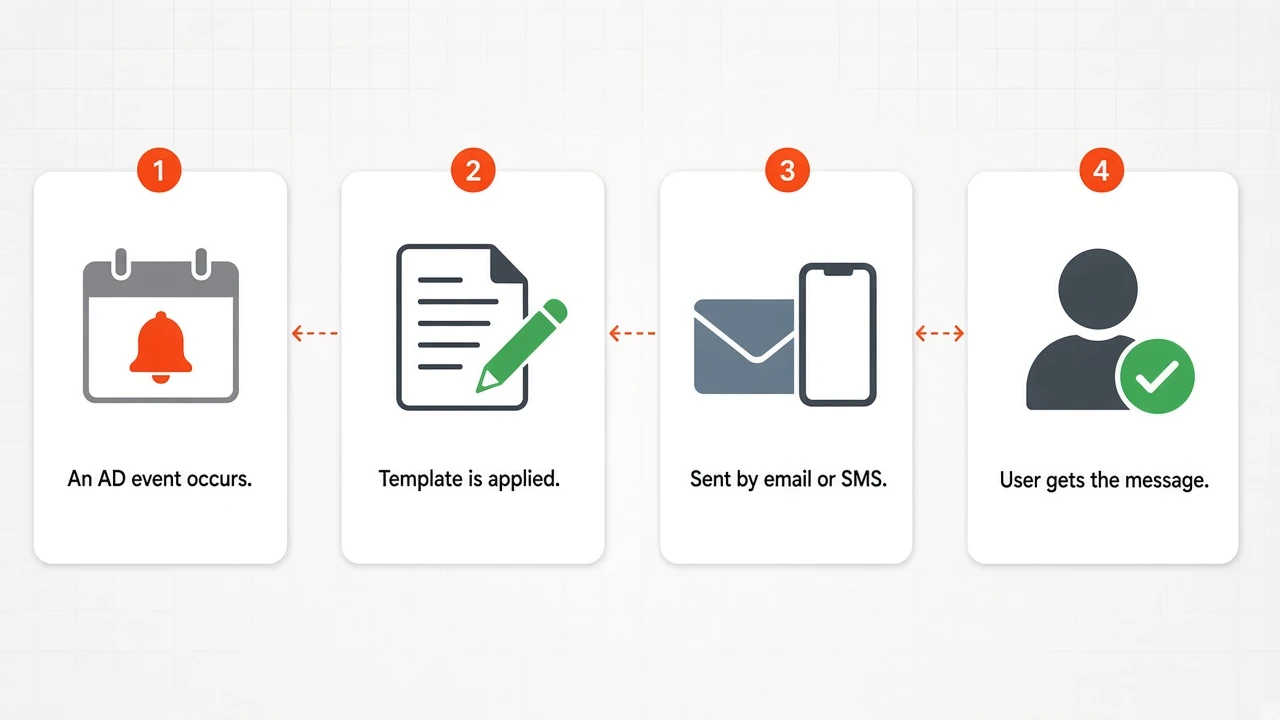
miniOrange Notifications and Alerts let you decide which events send a message, write the message in your own words, and send it by email or SMS through the gateway you already use.
Set it once, and it runs on its own.
Send from the miniOrange gateway or your own SMTP server, and choose an SMS provider.
Turn email and SMS on or off for each event, and add reminder schedules.
Edit the subject and body in text or HTML and drop in macros such as the user name and reset link.
Users and reviewers are notified automatically as events happen and reminders come due.
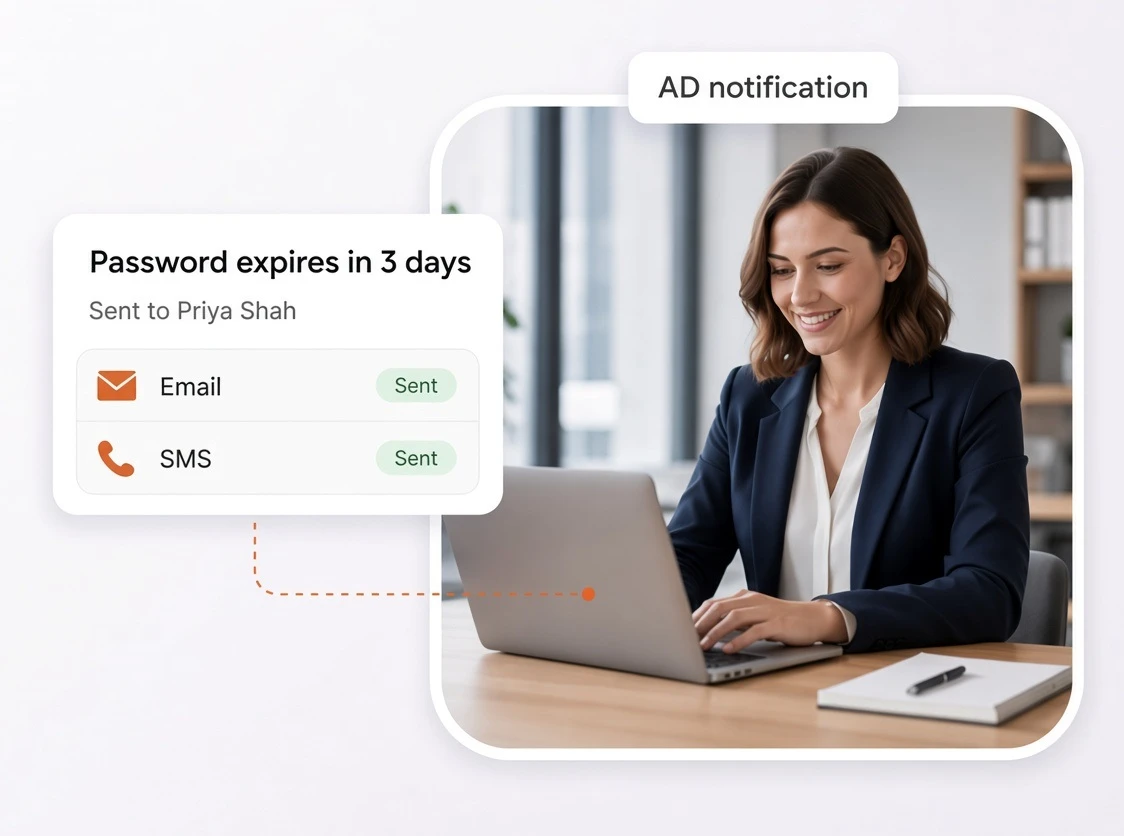
Set an expiry reminder, edit its message and send a test. Bring the messages your helpdesk sends by hand today.
Active Directory alerts for the events users and reviewers need to know about, sent by email or SMS in your own words.

Tell users when their password is changed or reset, and when their account is locked out.

Switch email and SMS on or off for each alert, so each event uses the channel that suits it.

Add as many reminders as you need, each set to a number of days before expiry and a time of day.

Edit the subject and body for each message in text or HTML, with file attachments.

Insert the user name, account name, reset link, one-time code or request details so every message is personal.

Reviewers are told when a request needs them, and requesters hear when it is approved, rejected, completed, changed, failed or timed out.

Send through the miniOrange gateway or your own SMTP server, and check it with a test email.

Use Twilio, Vonage or any provider with an HTTP API, with your own headers, body format and placeholders.

Edit the email and SMS one-time code messages used for sign-in verification.
Every message is a template you can edit. Change the subject, write the body in plain text or HTML, attach a file, and add macros so each message carries the user's name and the right link.
Set up a password expiry notification for Active Directory with a reminder for each point you want, such as 14 days, 7 days and 1 day before expiry, and choose the hour and minute each one goes out. Users who have an email address in AD receive the password expiry email automatically.
When a workflow request needs a decision, the reviewers are emailed. When it is decided, the requester is told, with the reason if it was rejected. Each of the eight workflow messages can be edited.
Use the miniOrange gateway or point notifications at your own SMTP server. For SMS, choose Twilio, Vonage or a custom provider with an HTTP API. Send a test email before you rely on it.
Three messages that save a call to IT.
Users find out their password has expired when they cannot sign in.

A locked account is often the first sign of a problem, and the user is the first to know.

Reviewers do not check the console every hour.