Configure MFA Methods
This section allows users to configure their Multi-Factor Authentication (MFA) methods. Only the MFA options enabled by the administrator will be available for selection.
- Navigate to the Configure MFA tab.
- Choose from the list of admin-enabled MFA methods.
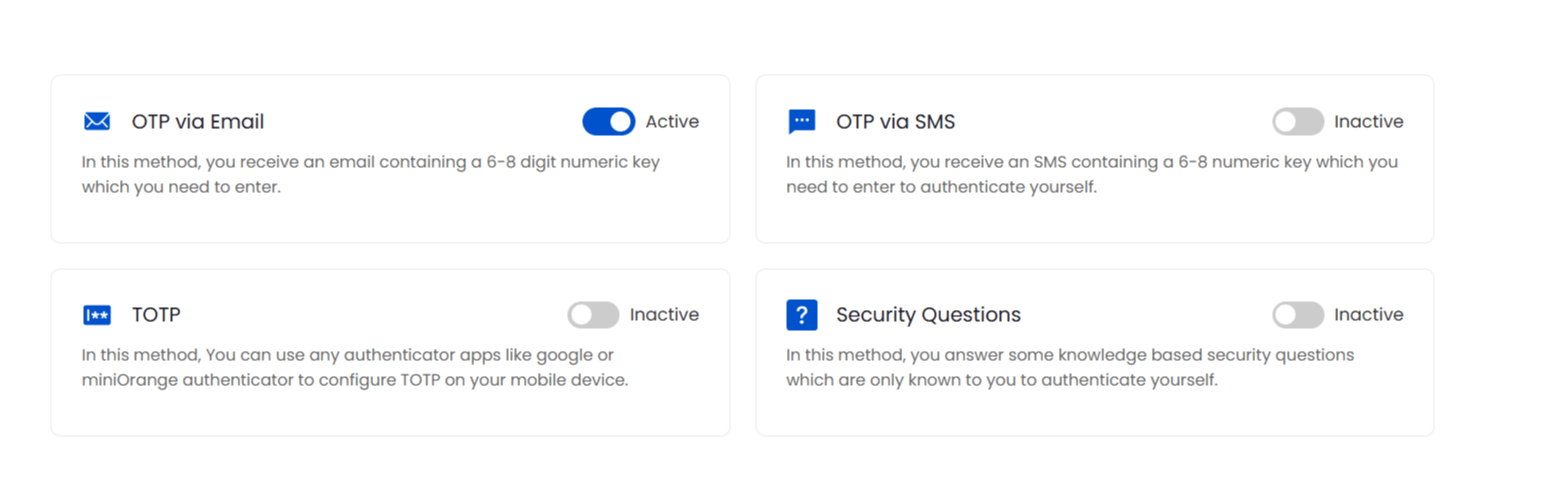
Here you can see the following MFA mmethods:
- OTP via Email:
In this method, you receive an email containing a 6-8 digit numeric key which you need to enter.
- OTP via SMS:
In this method, you reveive an SMS containing a 6-8 digit numeric key which you need to enter to authenticate yourself.
- TOTP:
In this method, you can use any authenticator apps like google or miniorange authenticator to configure TOTP on your mobile device.
- Security Questions:
In this method, you answer some knowledge based questions which are only known to you to authenticate yourself.
- Enable your preferred MFA method by following the on-screen instructions.
Note: Only one MFA method can be activated at a time.