Hello there!

Need Help? We are right here!

miniorange Support~
miniOrange Email Support
success

Thanks for your Enquiry.

If you don't hear from us within 24 hours, please feel free to send a follow-up email to info@xecurify.com

Search Results:

×

Edit User Profile


In this section, users can edit the attributes that have been made editable by the administrator. They can also update their profile picture as needed.


  • Navigate to Personal Profile → Profile Settings.
  • Click on the Edit Profile button.
  • Update the editable fields as required and optionally change your profile picture.
  • Click on Save Changes to apply the updates.

Note: The profile picture size should be less than 100 KB.
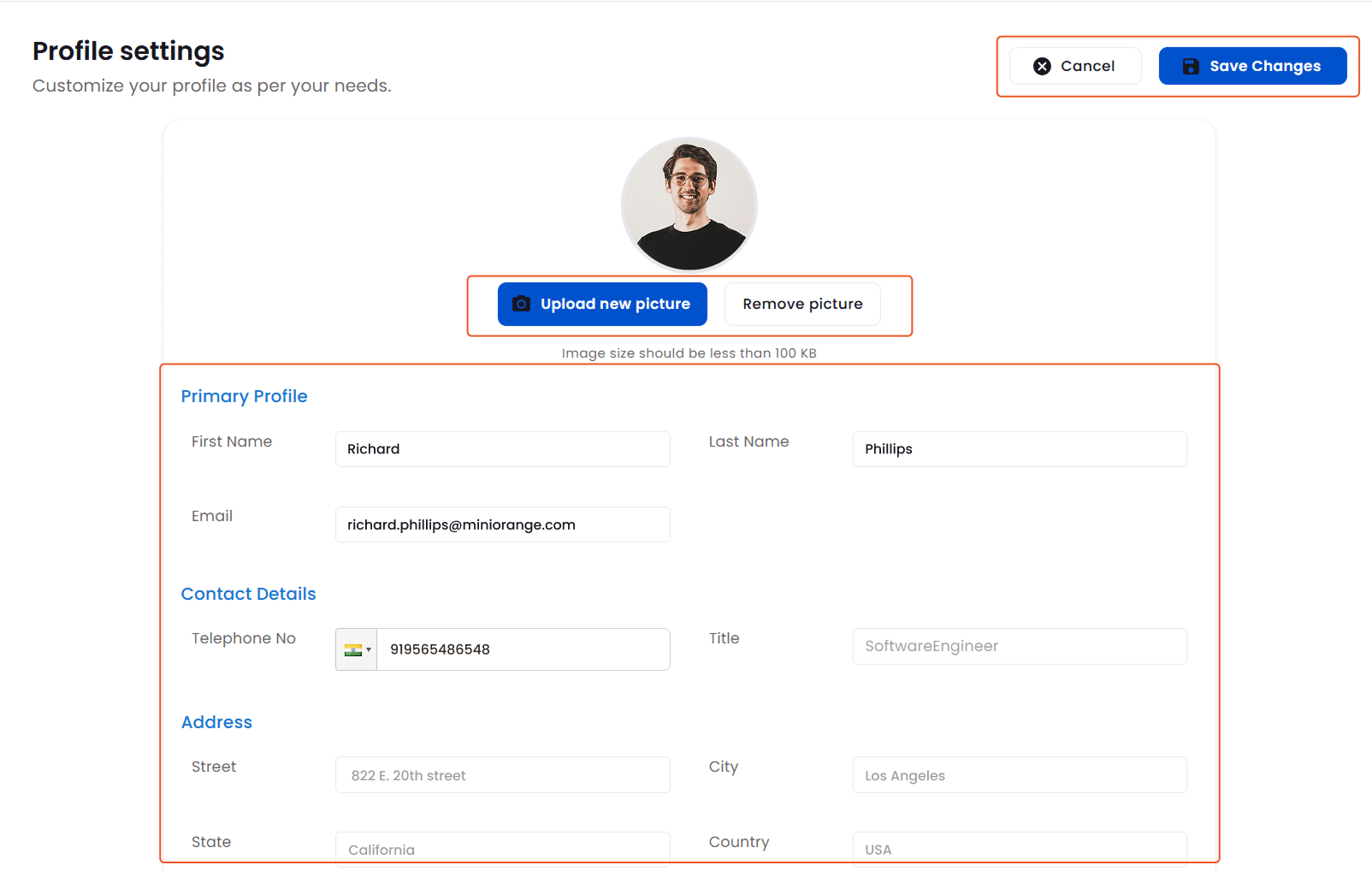
User Profile Update