Hello there!

Need Help? We are right here!

miniorange Support~
miniOrange Email Support
success

Thanks for your Enquiry.

If you don't hear from us within 24 hours, please feel free to send a follow-up email to info@xecurify.com

Search Results:

×

Reset Account Password


Here is how users can reset their account password in case they have forgotten it or are unable to log in. By following the provided steps, users can securely create a new password and regain access to their account.
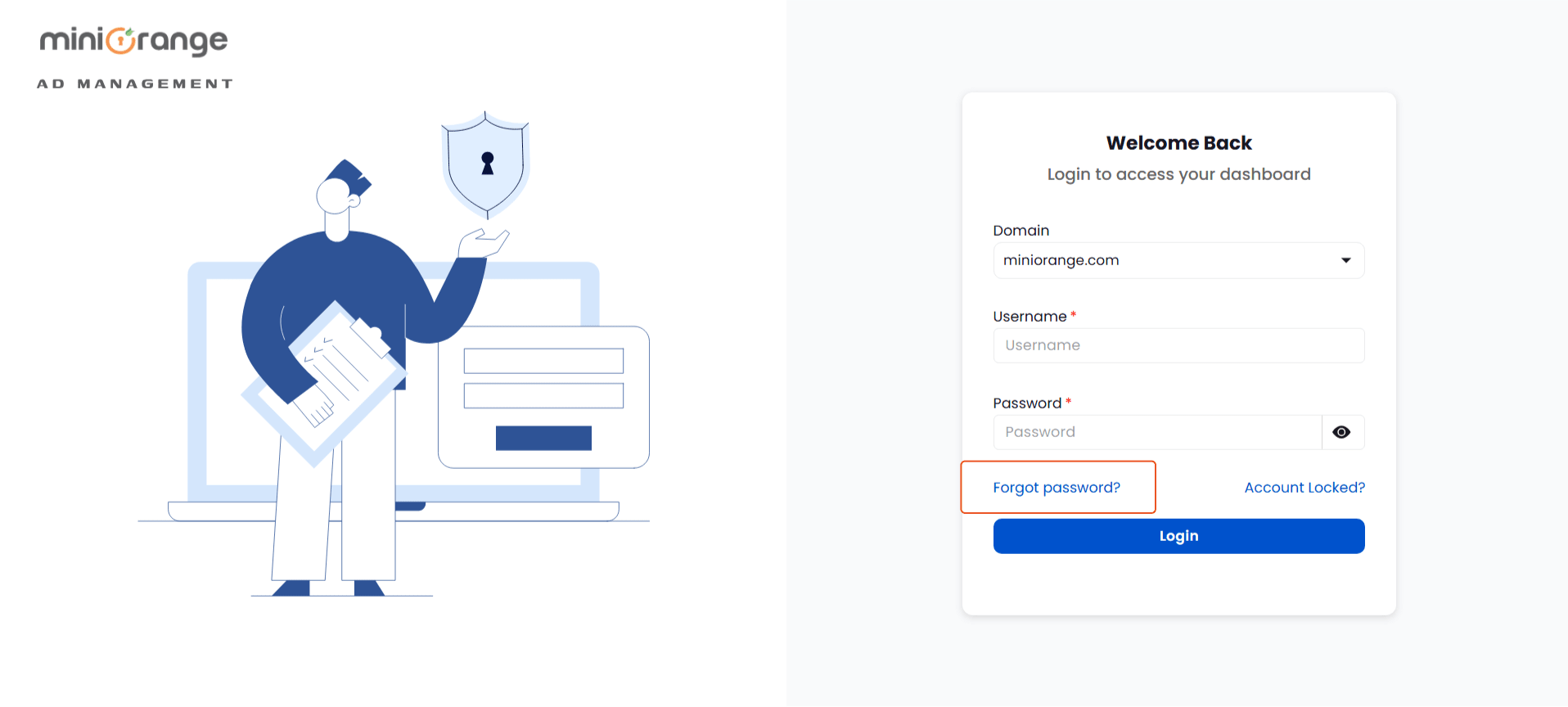
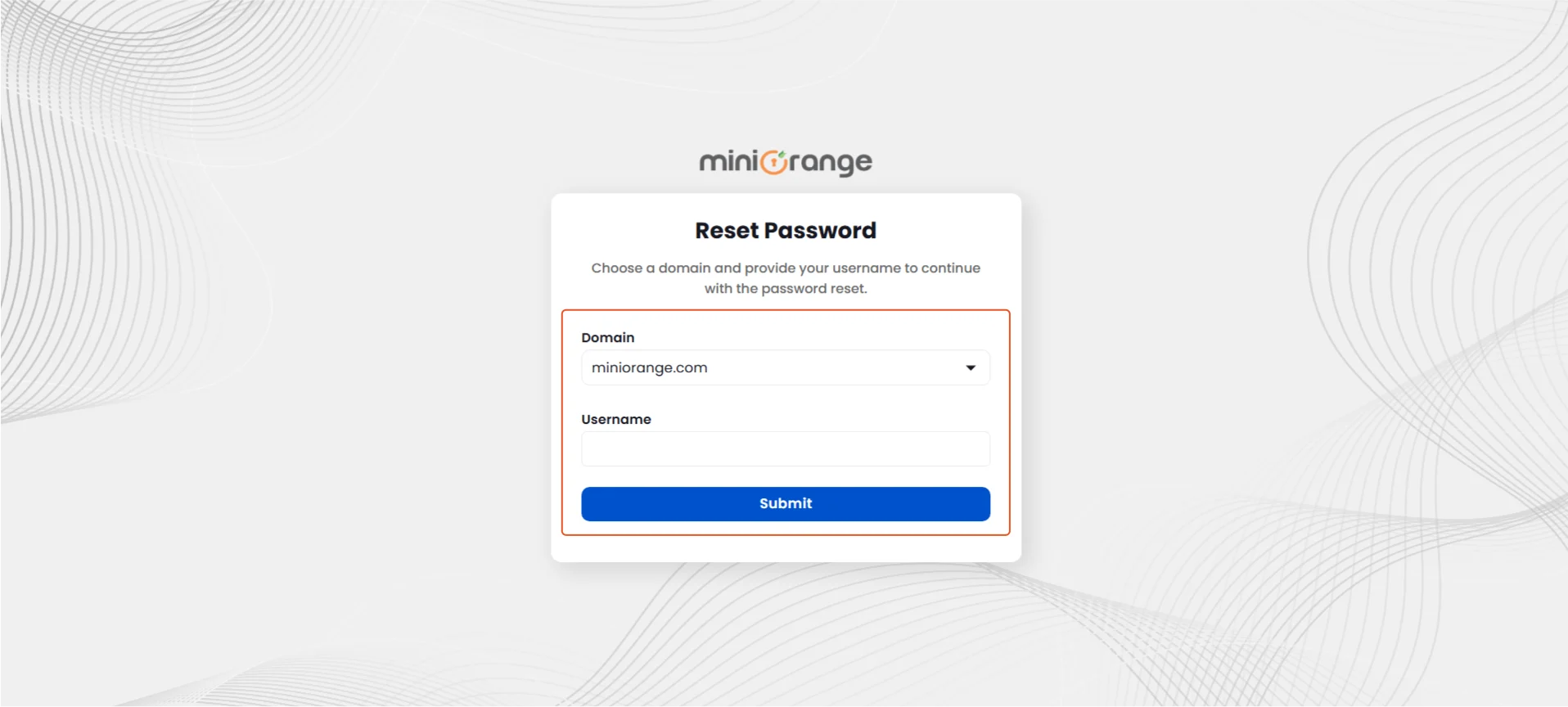
  • Click on the Forgot Password link on the login screen.
Reset Password | Forgot Account Password

  • Select the Domain, enter your Username, and click Submit.
Enter Username to Reset the Password

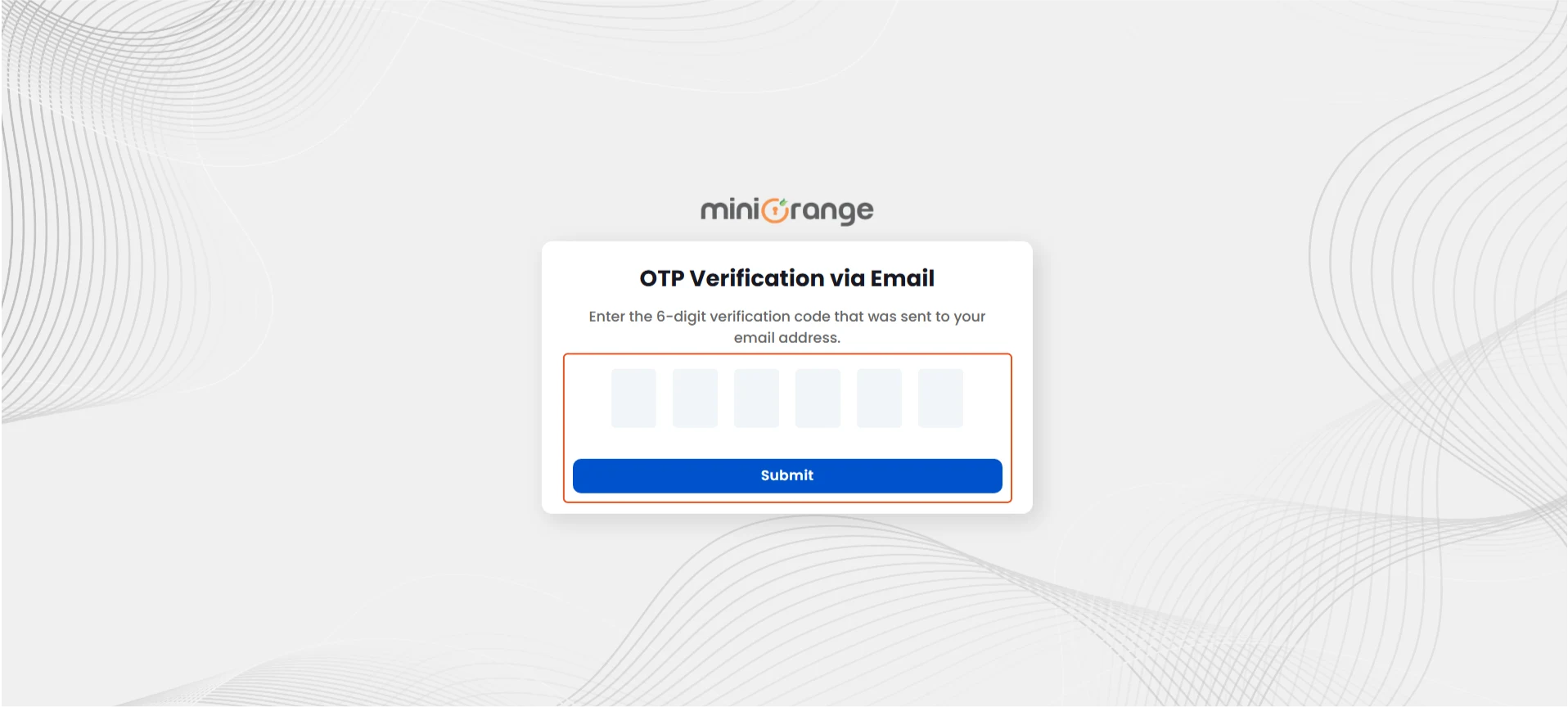
  • Enter the OTP received on your registered email and click Submit.
Enter OTP to Reset Password

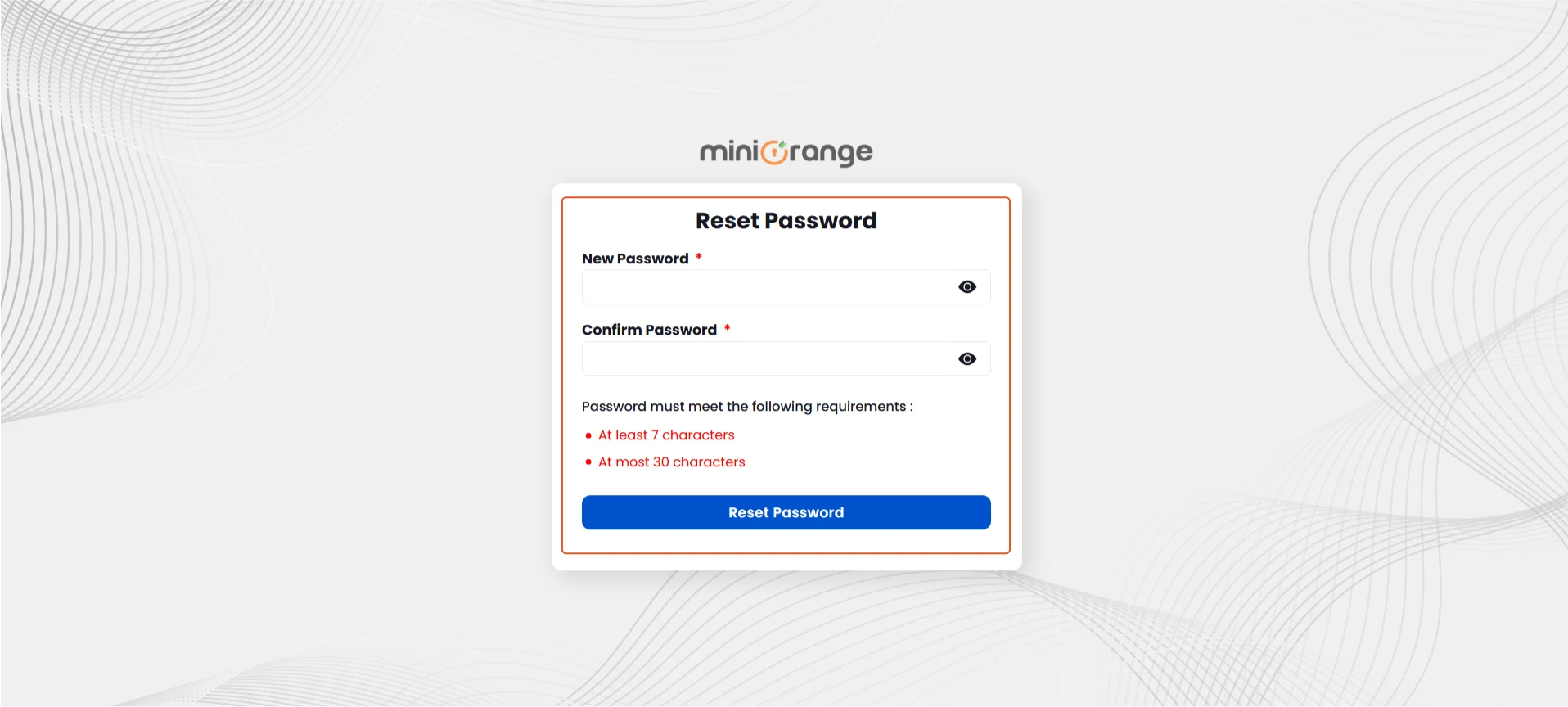
  • Enter a new password, confirm it, and click Reset Password.
Set New Password

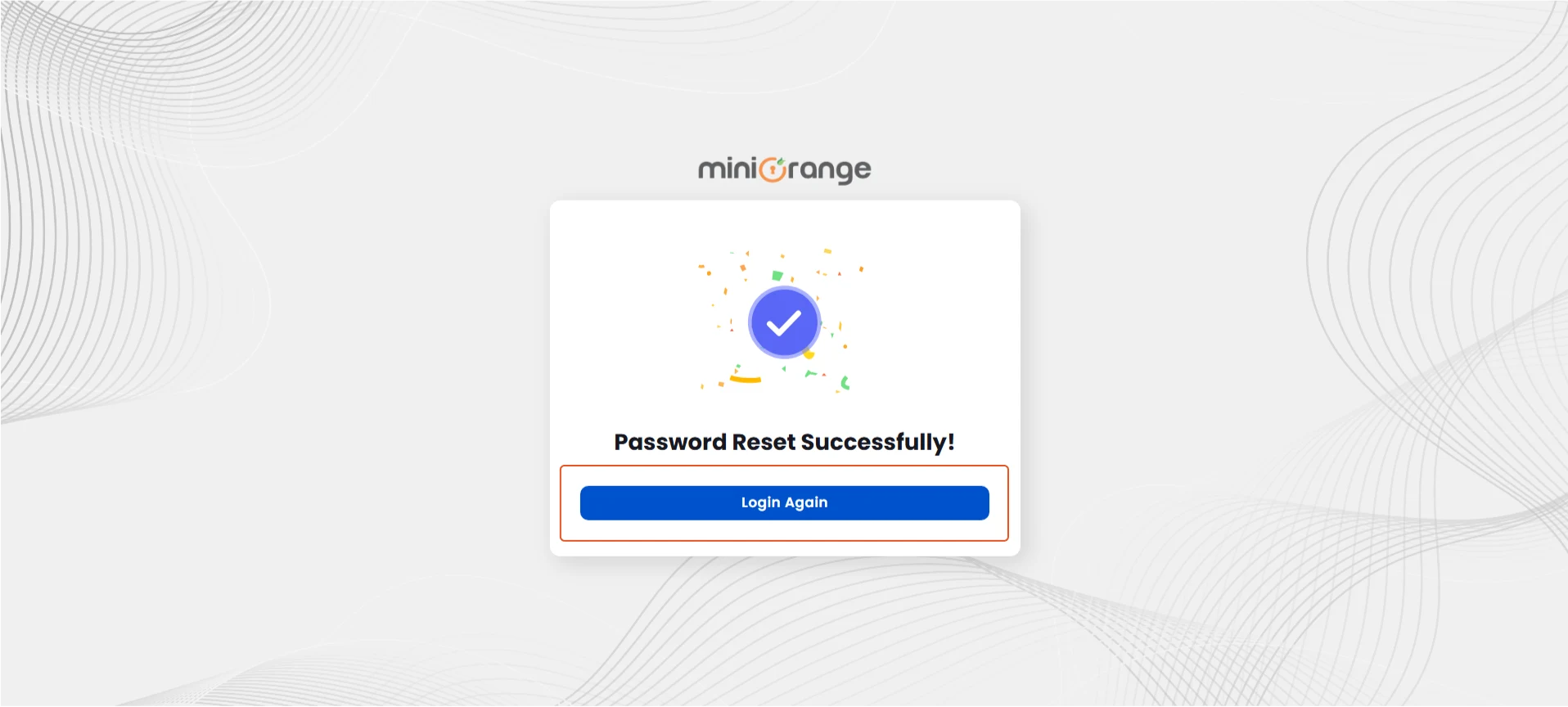
  • On success, click Login Again to access your AD account.
AD User Account Password Reset Successful