Hello there!
Need Help? We are right here!

Need Help? We are right here!
Search Results:
×
Passwords alone are no longer enough for enterprise security. Implementing 2FA adds a second verification factor that helps prevent account takeover and reduces the impact of stolen credentials. It also makes credential stuffing attacks far harder to execute successfully because attackers need more than just a username and password.
For businesses, two-factor authentication software is a security control that protects remote access, cloud apps, endpoints, privileged accounts, and internal systems.
Explore the miniOrange MFA software for broader identity security across your workforce.
Two-factor authentication works by asking users to prove their identity with two different verification factors before access is granted. This process strengthens login security without requiring major workflow changes for end users.
The user starts by entering their primary credentials, typically a username and password, into the login form.
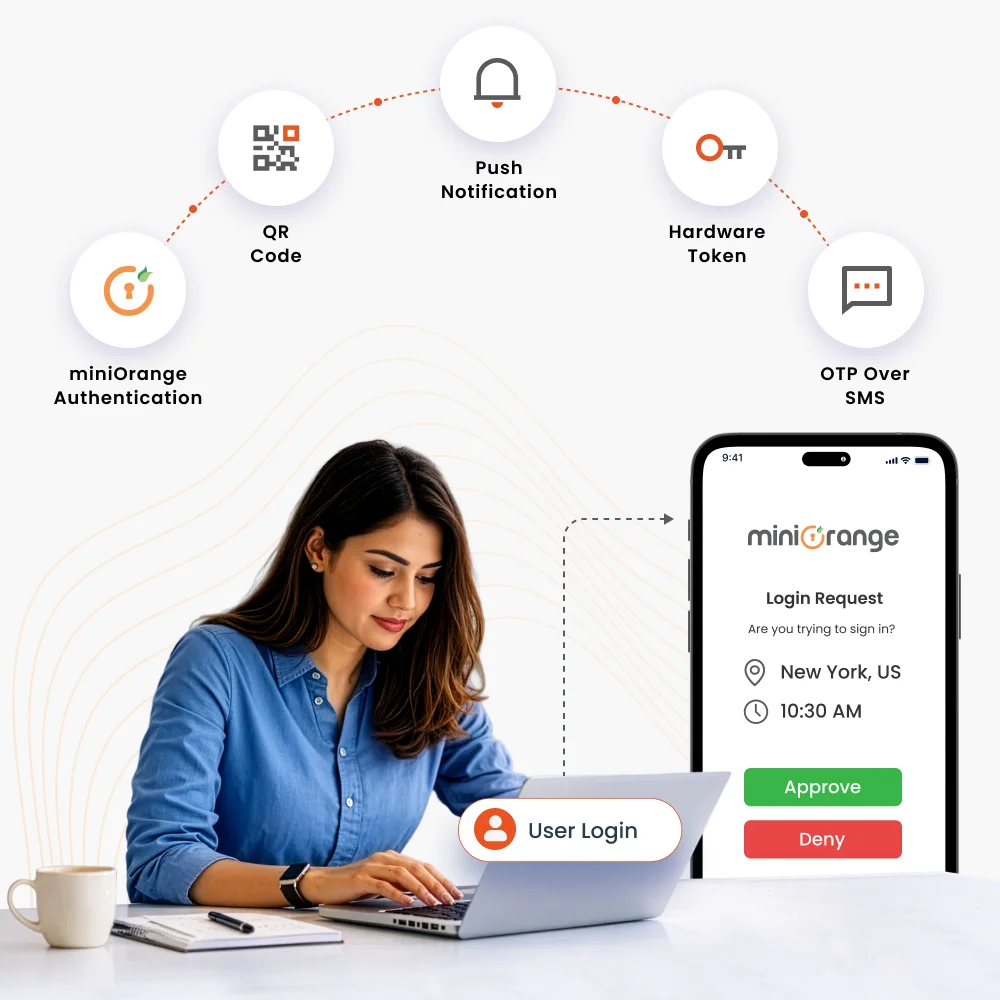
After validating the credentials, the 2FA provider prompts the user to complete a second authentication method.
The user verifies their identity using a second factor such as a TOTP code, push approval, biometric check, security key, or email/SMS OTP.
The system evaluates credentials and the 2FA challenge against the configured authentication policy to confirm the legitimacy of the login attempt.
Only after successful validation, access is granted, significantly reducing the risk of unauthorized logins with stolen passwords.
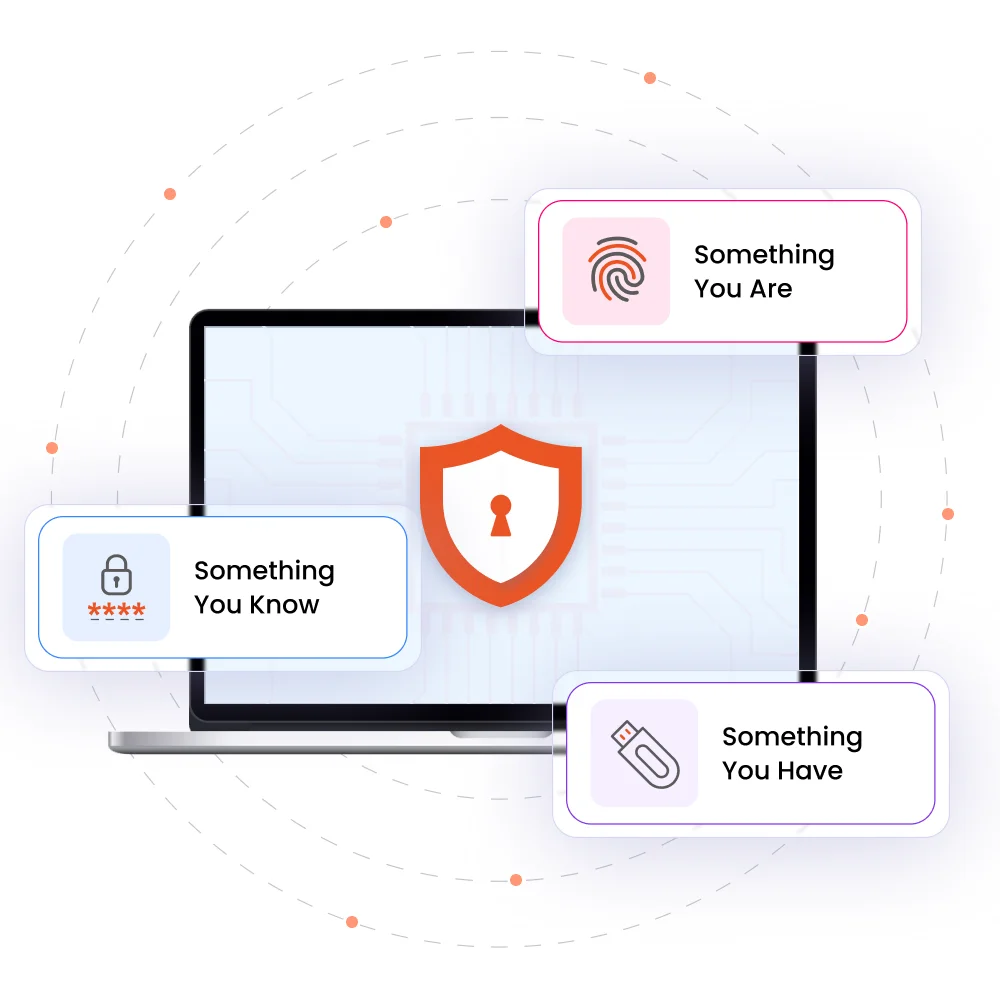
A reliable 2FA tool verifies identity using two different factor types, so one compromised credential does not expose the account. The strongest deployments combine convenience with layered assurance across users, devices, and applications.
The 2FA features help businesses scale, support every user environment, and adapt itself for every risk.

The 2FA solution offers passwordless and phishing-resistant authentication options, such as biometrics, authenticator apps, passkeys, WebAuthn/FIDO2, and more.

Get secure authentication in low-connectivity and restricted network environments to maintain access continuity for remote teams, field users, and critical operations.

Enforce different authentication requirements by role or group with the 2FA platform. Apply strong policies to admins, IT teams, users, and privileged accounts.

Centralize and enforce network access control with AAA protocols. TACACS+ and RADIUS ensure only the right users reach the right devices, with full visibility into who accessed what, when, and how.

Secure every endpoint with Desktop MFA. It adds a second layer of verification at the OS login screen, supporting Windows MFA, macOS MFA, and Linux MFA.

Analyze logins based on contextual signals like user behavior, IP address, location, time, and device. Evaluate risk levels during login and trigger the appropriate 2FA challenge for access.
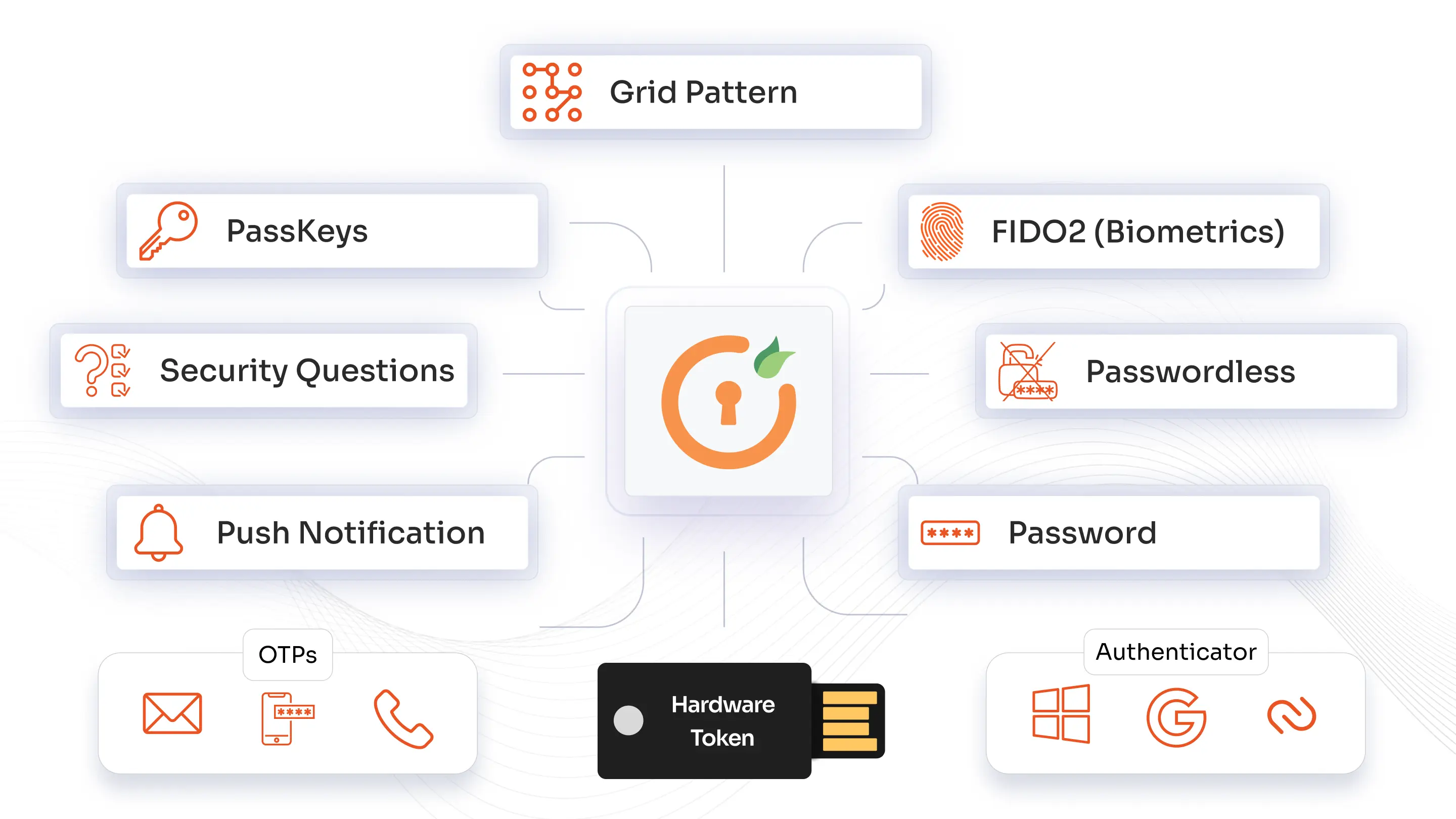
miniOrange offers a broad range of authentication methods. From push notifications, TOTP, and RSA MFA to biometrics, WebAuthn/FIDO2 security keys, and one-time backup codes, you can standardize on one platform while tailoring methods by role, risk level, and application. 2FA authentication methods can be rolled out across VPNs, Windows logins, legacy systems, and the cloud.
Learn more about authentication methods →
miniOrange Authenticator App


Authy 2-Factor Authentication App

Google Authenticator App
Microsoft Authenticator App
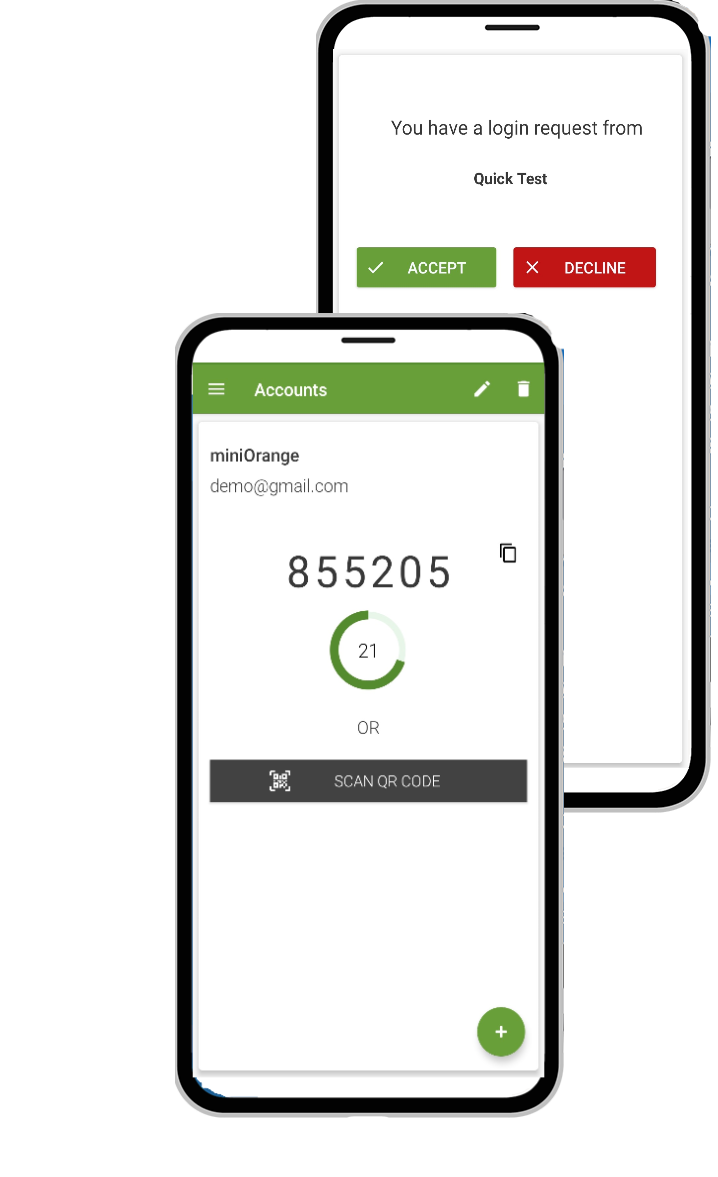












miniOrange stands out among two-factor authentication providers by combining enterprise flexibility, broad integration support, and easier implementation across modern and legacy environments.

Protect against MFA fatigue, password-based attacks, reduce unauthorized access risk, and add stronger defences against phishing and account takeover.

Features like self-service enrollment, simplified verification, and contextual access help teams log in securely while reducing repetitive password interruptions and boosting productivity.
A 2FA tool helps stop fraudulent access attempts, including Account Takeover (ATO), by blocking logins that rely on stolen, reused, or automated credentials. It is effective against credential stuffing and brute force attacks.

miniOrange supports broad deployment across cloud, on-prem, VPN, Windows, and custom environments, helping enterprises implement 2FA with less disruption.