Hello there!
Need Help? We are right here!

Need Help? We are right here!
Search Results:
×

Connect Oracle PeopleSoft with your existing identity infrastructure to simplify sign-ins while adding modern authentication and access controls.
Separate PeopleSoft credentials mean more passwords for users to remember and additional authentication processes for IT teams to manage. miniOrange PeopleSoft SSO lets users sign in with their existing identity credentials, reducing repeated logins and simplifying application access.
PeopleSoft does not natively support SAML 2.0 or OIDC, making direct integration with modern identity providers more complex. miniOrange acts as a broker between PeopleSoft and your existing IdP to bring modern authentication to your PeopleSoft environment.
Strengthen application access by adding PeopleSoft MFA on top of SSO. miniOrange supports 15+ MFA methods along with Adaptive MFA, giving organizations additional control over how users verify their identity.
miniOrange provides pre-built connectors that integrate PeopleSoft with Microsoft Entra ID and other identity providers. Enable PeopleSoft SSO authentication without purchasing and installing separate OAM and OID licenses.
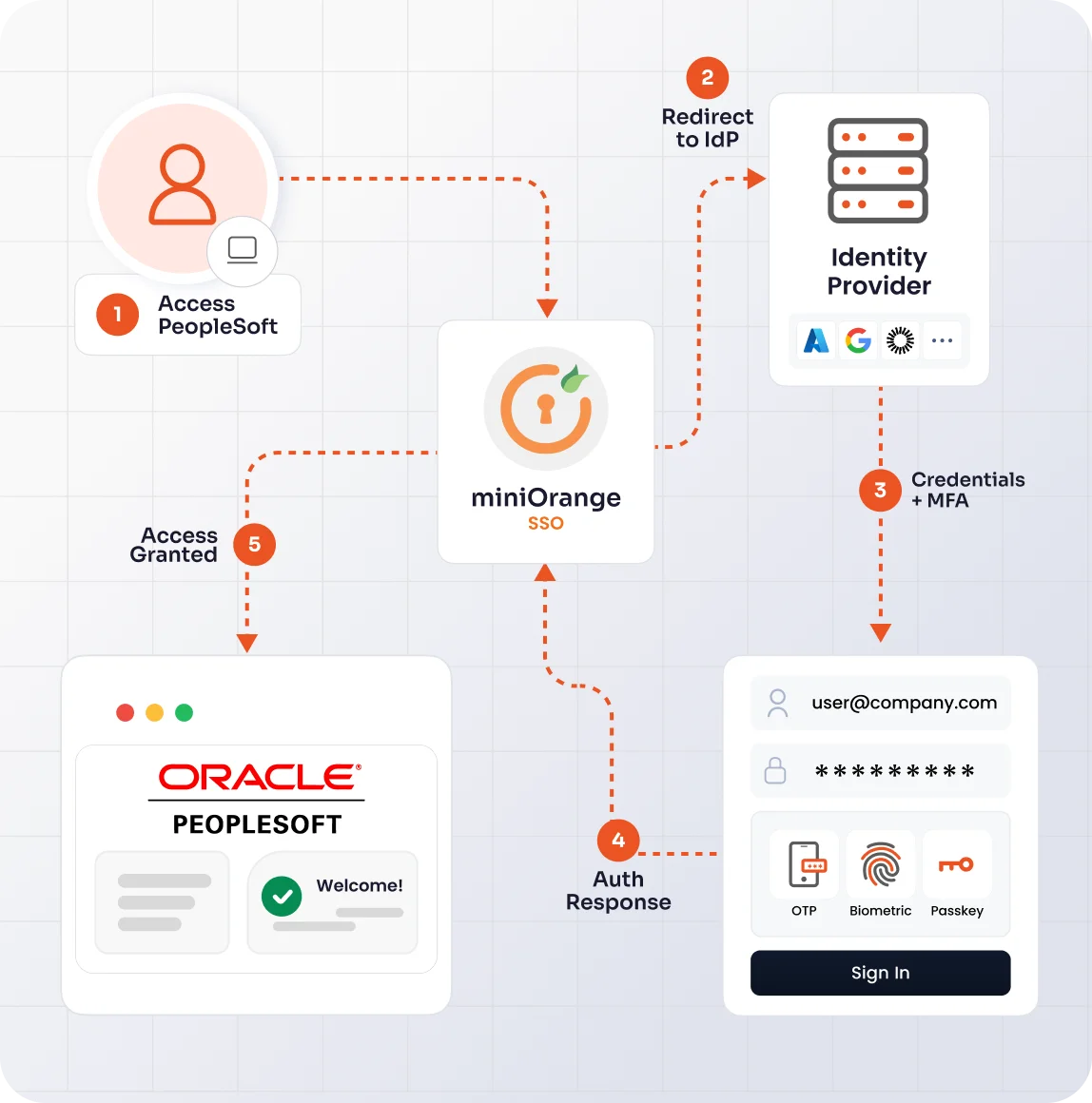
miniOrange connects PeopleSoft with your existing identity provider to provide a seamless authentication experience without requiring separate PeopleSoft credentials.
The user attempts to access the Oracle PeopleSoft application.
miniOrange redirects the user to the organization's configured Identity Provider.
The user signs in using their existing organizational credentials and completes MFA if required by the configured authentication policy.
The Identity Provider authenticates the user and sends the authentication response to miniOrange.
miniOrange validates the authentication response and completes the PeopleSoft SSO authentication flow, giving the user access to PeopleSoft.
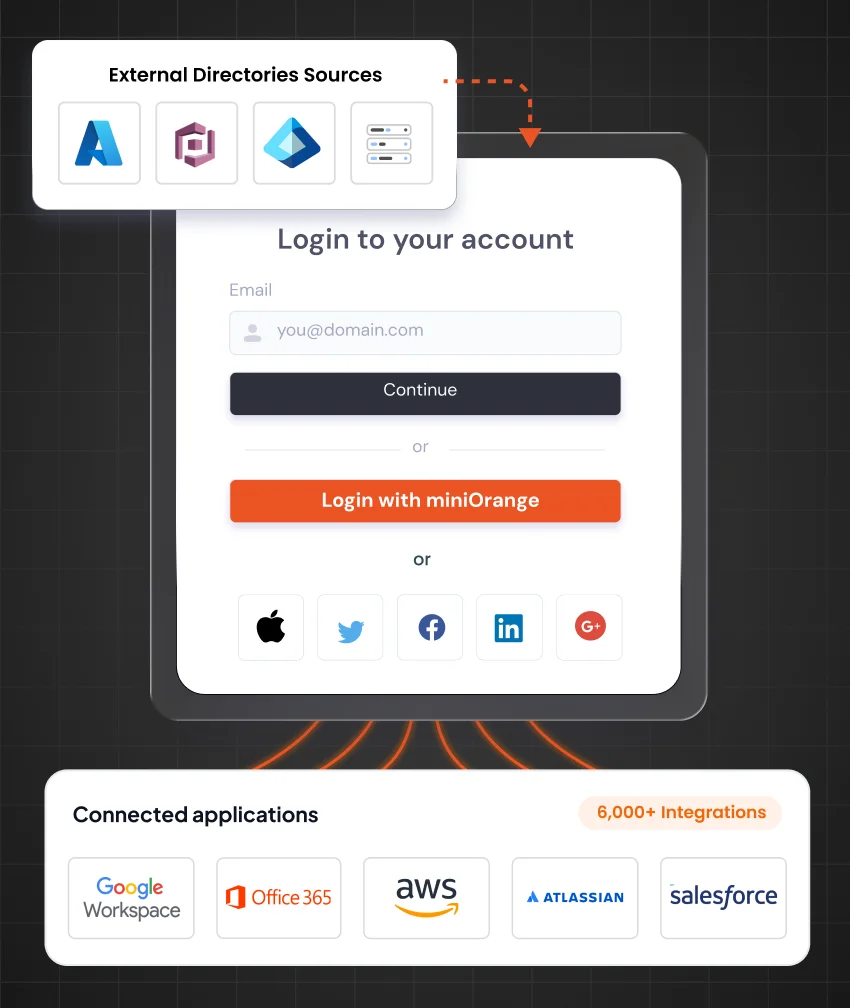
Extend your existing authentication setup to PeopleSoft without migrating users or maintaining another identity source. miniOrange enables PeopleSoft SSO integration with Microsoft Entra ID, ADFS, Active Directory, Okta, Google, LDAP, OpenLDAP, AWS, and other supported identity providers and directories.
Bring centralized authentication, stronger access controls, and automated identity management to your Oracle PeopleSoft environment.
Connect PeopleSoft with SAML-compatible Identity Providers through miniOrange for centralized authentication and seamless application access.
Know More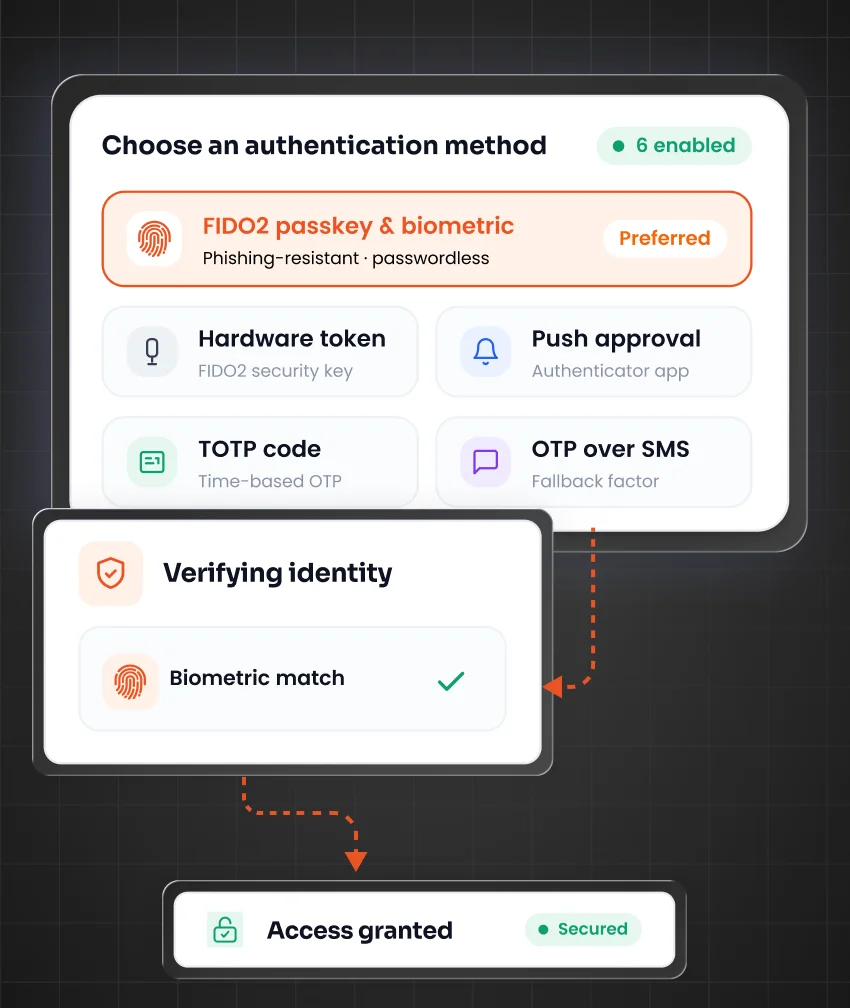
Protect PeopleSoft access with multi-factor authentication using flexible methods and Adaptive MFA for stronger identity verification.
Know More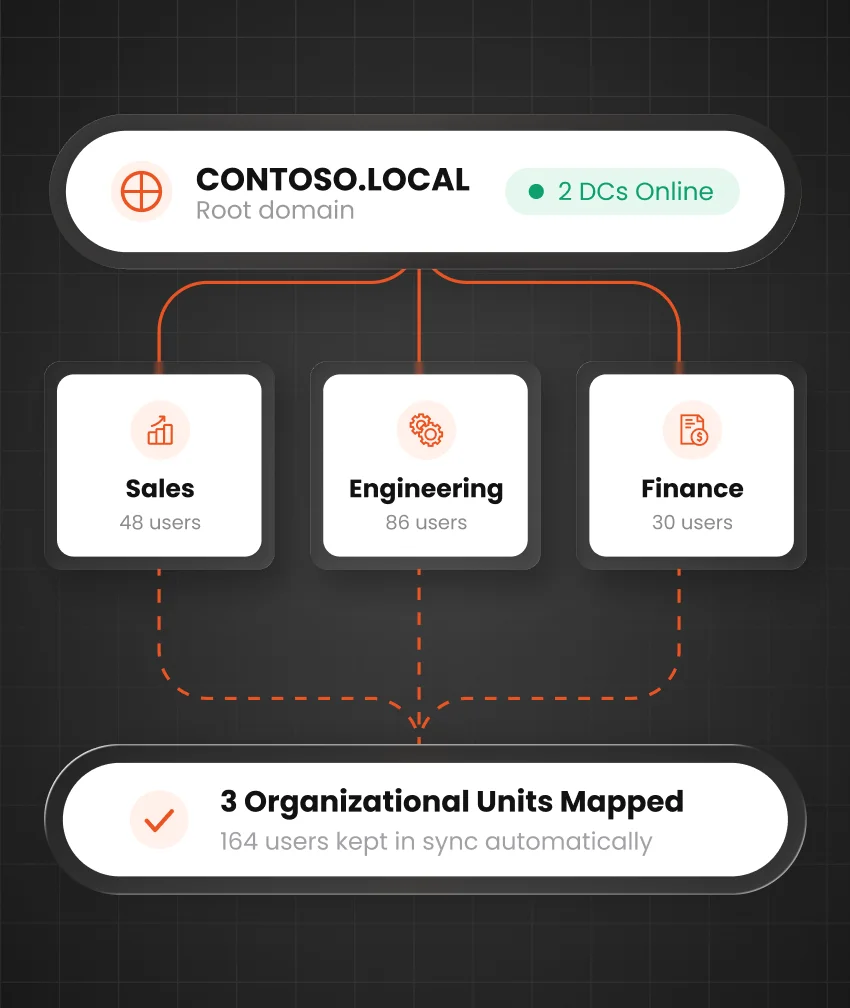
Integrate LDAP, Active Directory, or SQL databases with miniOrange to provide secure PeopleSoft SSO using existing credentials.
Know More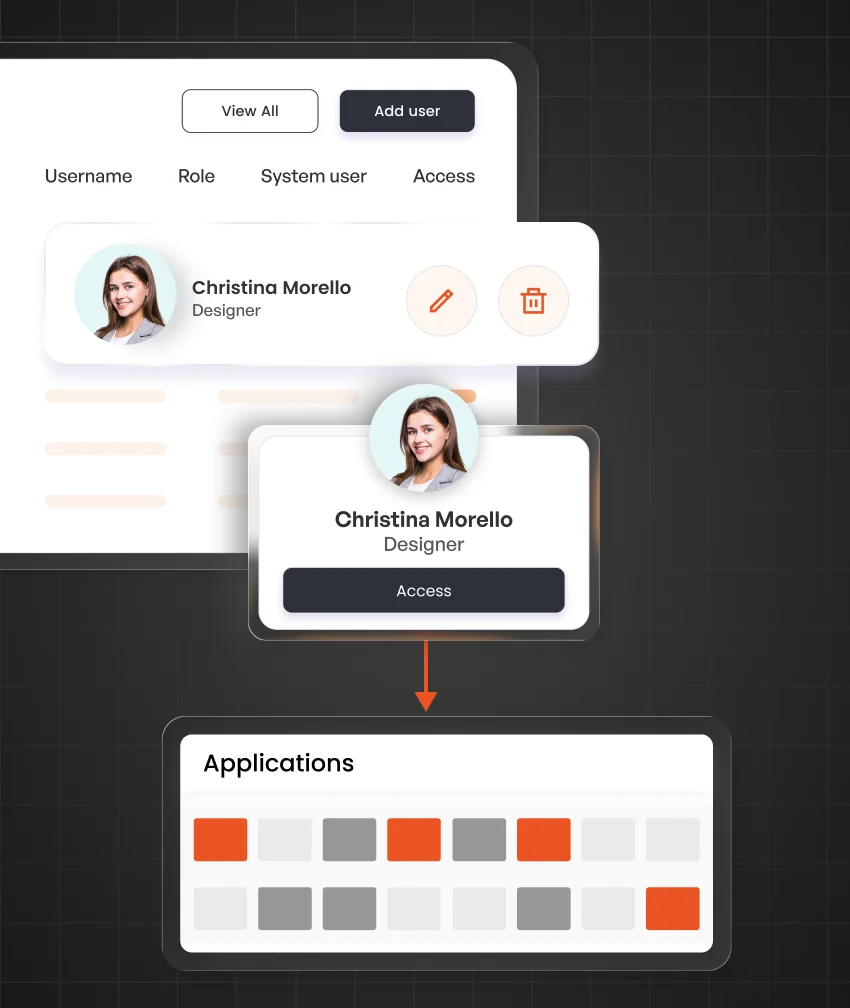
Synchronize user accounts with PeopleSoft when users are created, updated, or deleted across integrated identity sources.
Know More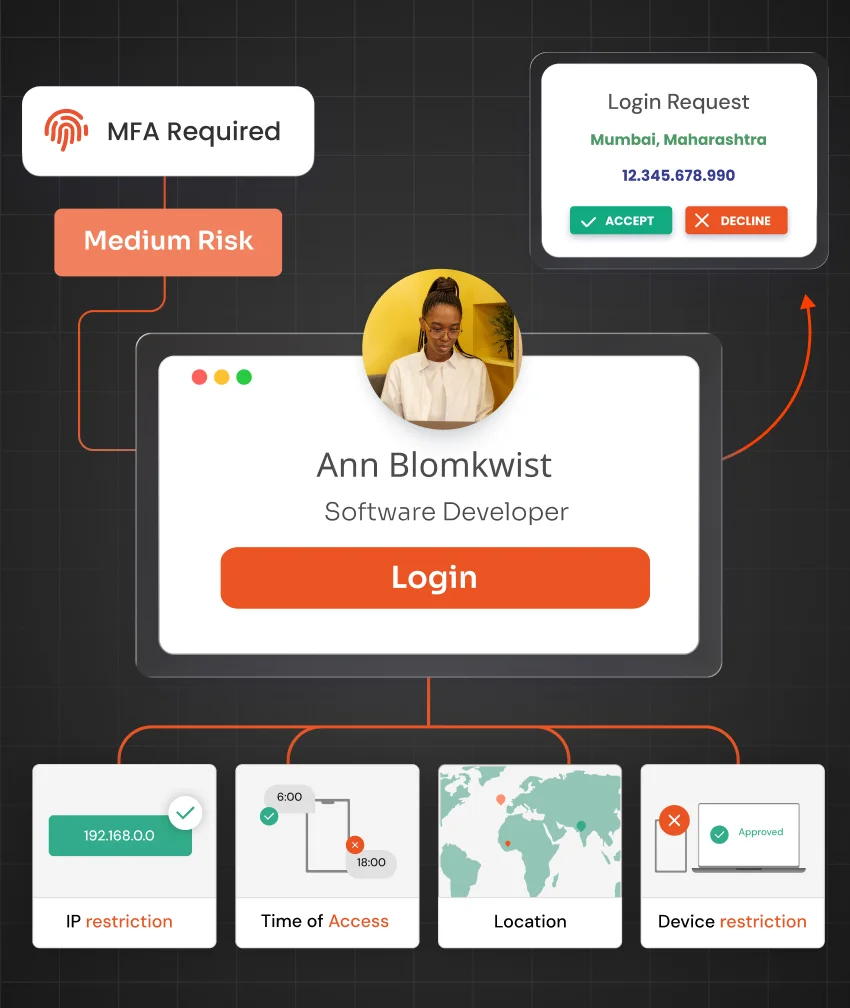
Control PeopleSoft access using IP address, device, location, and time-based restrictions configured according to organizational security policies.
Know More
Authenticate PeopleSoft users through existing SAML or OAuth Identity Providers without requiring separate user onboarding or credentials.
Know MoreSet up PeopleSoft SSO configuration with your existing identity provider and validate the authentication flow before enabling it for your users.
Configure the SAML application and required authentication settings for the identity provider your organization uses.
Complete the required SSO configuration in PeopleSoft and connect the application with miniOrange to establish the authentication flow.
Test the complete PeopleSoft SSO setup, verify authentication for selected users, and enable SSO after validating the configuration.
Add contextual security controls to PeopleSoft authentication without complicating the login experience for legitimate users.
Add an additional authentication layer before users access PeopleSoft with 15+ supported MFA methods.
Control PeopleSoft access based on configured device and network policies, including IP address, device, location, and time restrictions.
Adjust authentication requirements based on the context of an access attempt and your organization's configured security policies.
Monitor authentication activity and access events to maintain visibility into PeopleSoft sign-ins and support security audits.
Simplify and secure employee access to PeopleSoft Human Capital Management applications with centralized SSO and MFA.
Protect access to financial applications and sensitive business information with centralized authentication and additional verification.
Secure payroll application access while reducing the need for employees and administrators to manage separate credentials.
Secure access to procurement, inventory, supplier, and other PeopleSoft supply chain applications through centralized authentication.
Modernize PeopleSoft authentication while continuing to use the identity infrastructure, directories, and applications already established across your organization.

Connect PeopleSoft with modern identity providers through miniOrange even though PeopleSoft does not natively support SAML 2.0 or OIDC.

Strengthen PeopleSoft authentication with 15+ MFA methods and Adaptive MFA capabilities for an additional layer of account security.

Authenticate PeopleSoft users with existing identity providers such as Microsoft Entra ID, ADFS, Okta, and other SAML or OAuth providers.

Allow users to sign in to PeopleSoft with their existing organizational credentials instead of remembering another set of application credentials.

Apply authentication and access requirements from a centralized identity platform, including controls based on device, IP address, location, and time.

Use miniOrange Cloud IAM or deploy the miniOrange Identity Server on-premise based on your infrastructure and deployment requirements.
PeopleSoft SSO allows users to access Oracle PeopleSoft using authentication from an existing identity provider instead of repeatedly entering separate application credentials. miniOrange can act as a broker between PeopleSoft and identity providers such as Microsoft Entra ID, ADFS, and Okta to provide a federated SSO experience.
PeopleSoft does not natively support SAML 2.0 or OIDC. miniOrange provides a connector that bridges PeopleSoft with SAML-compatible identity providers, enabling organizations to implement PeopleSoft SAML SSO while continuing to use their existing authentication infrastructure.
PeopleSoft SSO configuration involves connecting the required identity provider, configuring PeopleSoft with miniOrange, and validating the authentication flow. Organizations can first test the configuration with selected users before enabling SSO across their PeopleSoft environment.
Yes. miniOrange enables PeopleSoft MFA alongside SSO and supports 15+ MFA methods. Organizations can also use Adaptive MFA and contextual restrictions based on factors such as IP address, device, location, and time.
miniOrange supports PeopleSoft SSO integration with identity providers and directories such as Microsoft Entra ID, ADFS, Active Directory, Okta, Google, LDAP, OpenLDAP, AWS, and other supported identity sources.
The PeopleSoft environment needs the required SSO and authentication configuration to establish the integration with miniOrange. The exact configuration depends on your existing PeopleSoft setup and chosen identity provider.