Hello there!
Need Help? We are right here!

Need Help? We are right here!
Search Results:
×
Thick Client SSO enables users to securely access installed desktop applications using a single set of credentials. Instead of signing in separately to every application, users authenticate once through a trusted identity provider, allowing organizations to centralize authentication and simplify access management across their desktop environment.
Unlike browser-based SSO, which primarily serves web applications, Thick Client SSO extends modern authentication to Windows applications, ERP systems, and other client-server applications. It helps organizations secure legacy and custom software while delivering a seamless login experience across Java applications, .NET applications, SAP GUI, Oracle applications, and other business-critical desktop applications.

Connect with enterprise identity providers using SAML, OAuth, and OpenID Connect protocols to deliver secure authentication across diverse IT environments and existing identity infrastructures.

Manage thick client applications, authentication settings, and user access policies from a unified administration console, simplifying operations and improving visibility across environments.

Accelerate deployments with guided workflows, pre-built templates, and streamlined configurations that reduce complexity and minimize the burden on IT teams.

Strengthen desktop application security with adaptive MFA, passkeys, biometrics, push notifications, OTPs, and hardware security keys to protect against unauthorized access.

Extend Single Sign-On solution capabilities to Windows applications, ERP systems, Java and .NET applications, and custom desktop software without disrupting existing workflows.

Automate user onboarding and offboarding processes to ensure timely access, reduce administrative overhead, and prevent orphaned accounts from becoming security risks.
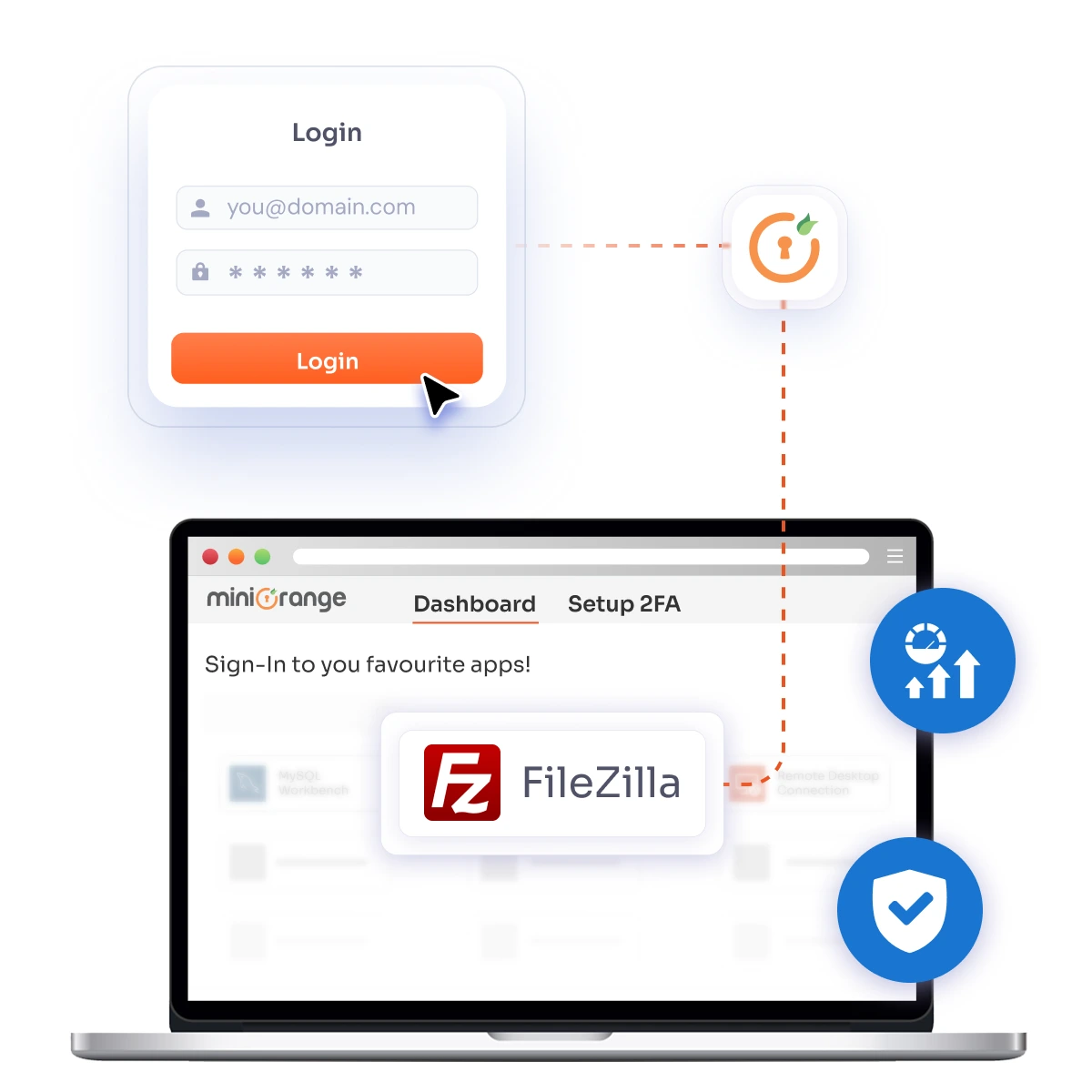
miniOrange connects your identity infrastructure with desktop applications to provide seamless authentication and centralized access management.
Users sign in through their preferred identity provider, such as Active Directory, Microsoft Entra ID, or LDAP. Authentication policies and MFA controls are applied before access is granted.
The miniOrange Thick Client Agent validates the authenticated session and securely establishes trust between the identity provider and the desktop application.
Once the user is verified, the desktop application receives the authenticated session, enabling seamless access without requiring repeated logins.
Administrators can manage authentication policies, user access, and session controls from a unified platform, ensuring consistent security across desktop and legacy applications.
Extend Single Sign-On to desktop and legacy applications without disrupting your current identity ecosystem. miniOrange integrates with existing identity providers, directories, and authentication protocols, enabling organizations to deliver secure and seamless access across both modern and client-server applications.
View Integration Stack








Assign unique identities to every user and improve accountability across applications, reducing risks associated with shared accounts and unauthorized access.

Provide a seamless sign-in experience across thick client and desktop applications, reducing login complexity and improving user adoption without modifying existing applications.

Reduce excessive permissions and limit unauthorized access by granting users only the resources required for their roles.

Reduce password fatigue and eliminate repetitive authentication prompts, enabling employees to access applications faster and work efficiently.

Extend MFA and adaptive authentication to legacy applications and desktop environments to protect against evolving identity-based threats.
Simplify onboarding and reduce administrative overhead through automated user provisioning and timely access revocation processes.
Organizations across industries rely on Thick Client SSO to extend modern authentication to desktop and client-server applications while delivering a seamless user experience.
Bring centralized authentication and modern access controls to existing desktop applications without rewriting or replacing business-critical software. Enable secure access to legacy systems while preserving existing workflows and user experiences.
Provide employees with seamless access to multiple Windows applications and desktop software through a single authentication process. Reduce password fatigue and improve productivity across the organization.
Secure ERP platforms such as SAP, Oracle, and other enterprise applications with Single Sign-On and strong authentication. Simplify access management while improving visibility and reducing operational complexity.
Deliver a consistent login experience for employees, contractors, and distributed teams. Extend secure access to desktop applications while enforcing centralized authentication policies and MFA requirements.
Protect critical applications used in banking, healthcare, manufacturing, government, and other regulated sectors. Strengthen security controls while meeting internal and regulatory requirements.
miniOrange helps enterprises modernize desktop authentication without disrupting existing infrastructure. From deployment flexibility to extensive integrations, organizations can secure legacy and thick client applications with confidence.
Deploy Thick Client SSO in cloud, on-premise, hybrid, or air-gapped environments to align with your organization's infrastructure and security requirements.
Connect with more than 6,000+ applications, directories, and identity providers, enabling seamless interoperability with your existing technology stack.
Strengthen desktop application security with passwordless authentication, adaptive MFA, passkeys, biometrics, push notifications, and hardware security keys.
Leverage implementation assistance, technical guidance, and 24x7 support from identity specialists to accelerate deployment and ensure long-term success.
Unify access management and strengthen security across client-server applications with miniOrange thick-client SSO.