Hello there!
Need Help? We are right here!

Need Help? We are right here!
Search Results:
×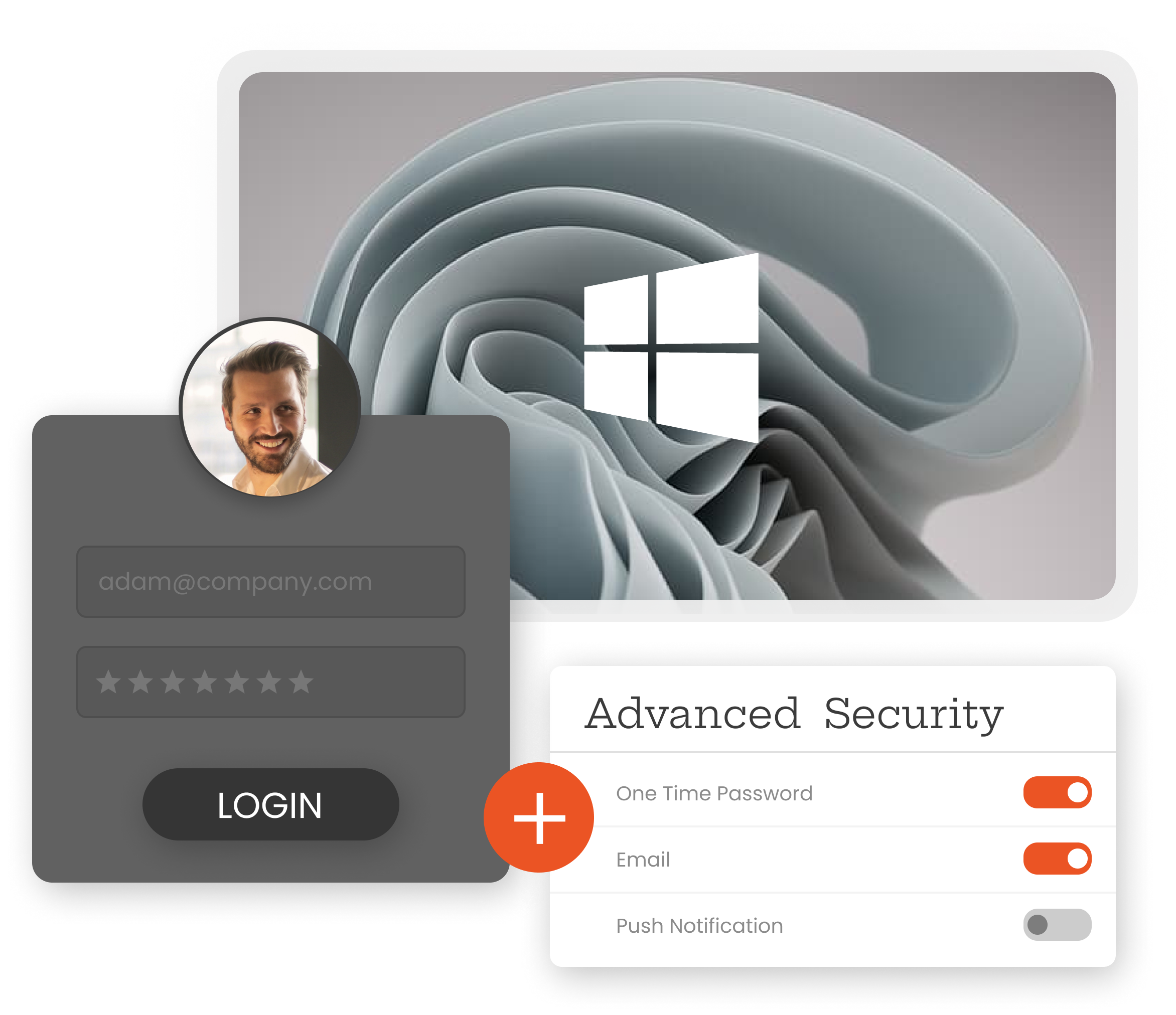
A Windows login is often the first step to accessing corporate applications, sensitive files, administrative tools, and internal systems. If a password is compromised, relying on that credential alone can leave the endpoint exposed. Windows MFA introduces an additional identity check at the point where access begins, helping ensure that the person using the credential is actually authorized to use it.
miniOrange integrates with a custom Windows Credential Provider to bring MFA directly into the Windows authentication experience. This allows organizations to apply their existing authentication policies across different Windows environments, including local accounts, workgroup computers, Active Directory, and hybrid deployments, without requiring users to change their familiar login workflow.
Secure endpoints, remote sessions, and privileged access with authentication options designed around your environment.

Protect Windows logins without network connectivity using offline authentication methods such as TOTP and Grid Pattern.

Enable passwordless Windows access with supported authentication methods, including FIDO2 Security Keys, Passkeys, Biometrics, YubiKey and Ensurity Token.

Secure Windows logon, Remote Desktop, and RDP Gateway sessions with an additional authentication layer for every remote access attempt.

Let users verify Windows logins using compatible TOTP authenticator apps, including Google Authenticator and Authy.

Protect workgroup PCs, local accounts, Active Directory, LDAP, and hybrid Windows environments without changing existing identity infrastructure.

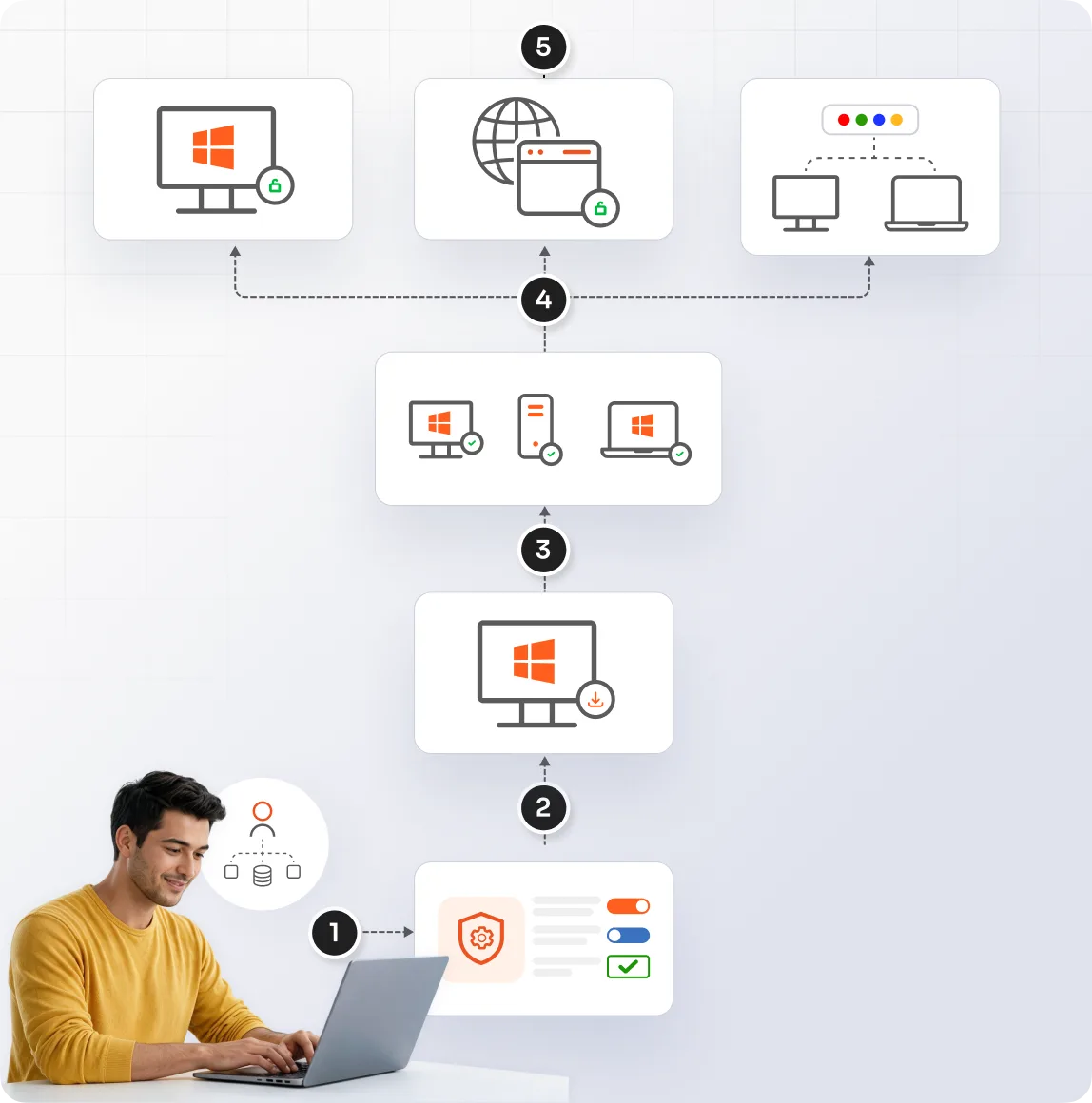
Deploy the Windows MFA agent across managed endpoints and servers through existing Group Policy infrastructure for streamlined enterprise rollout.




Configure the Windows MFA solution across endpoints and remote access using your existing identity and administration workflows.
Connect your existing user directory or identity source, such as Active Directory or LDAP, and configure the users who need Windows MFA.
Create the Windows application in the miniOrange Admin Console, assign users or groups, and define their authentication requirements.
Install the miniOrange Credential Provider on Windows endpoints to integrate MFA directly into the Windows login experience.
Use Group Policy, push deployment, or import/export to roll out the Windows MFA module across managed computers and servers.
Apply configured MFA policies to RDP, RD Web Access, and RDP Gateway to secure remote Windows sessions.
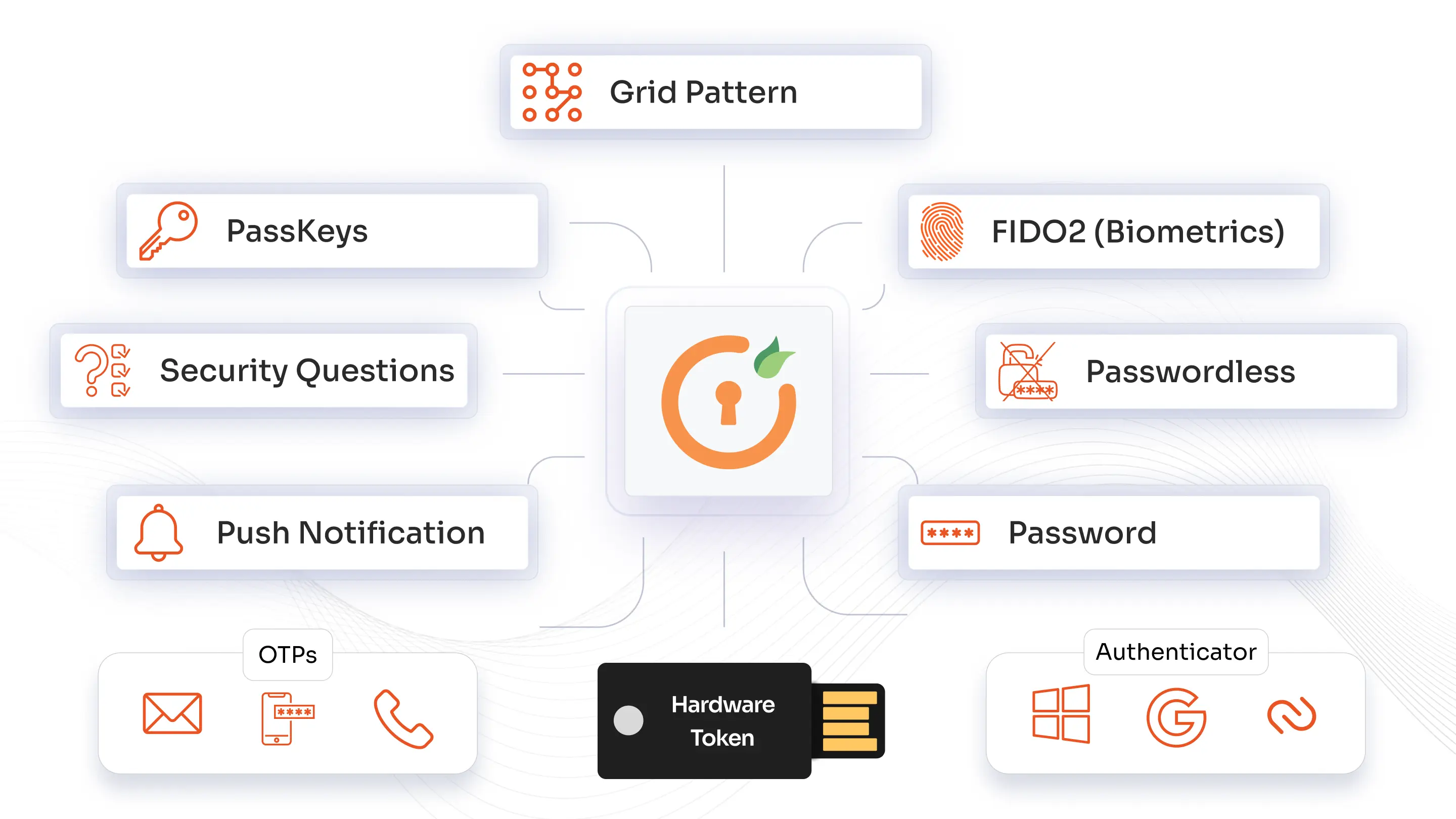
miniOrange offers a broad range of authentication methods. From push notifications, TOTP, and RSA MFA to biometrics, WebAuthn/FIDO2 security keys, and one-time backup codes, you can standardize on one platform while tailoring methods by role, risk level, and application. 2FA authentication methods can be rolled out across VPNs, Windows logins, legacy systems, and the cloud.
Combine phishing-resistant MFA solution with FIDO2 Security Keys, Passkeys, and Biometrics to strengthen Windows access against credential theft and phishing attacks.
Use an adaptive MFA solution to evaluate signals such as users, devices, locations, networks, and access context, applying stronger verification when risk increases.
Create a familiar authentication journey with custom branding, logos, and messaging that aligns the Windows login experience with your organization's identity.
Extend Windows MFA protection to compatible devices powered by Windows ARM processors, helping secure desktop access across modern ARM-based Windows environments.
*Please contact us to get volume discounts for higher user tiers.
Privacy by design. Data residency by choice. Choose your region for Cloud or deploy fully On-Premise Solution.
miniOrange MFA module can be installed on all Linux server operating systems to enable Multi-factor authentication (MFA) on SSH connection to the servers.
Enable Multi-Factor Authentication (MFA) directly for login on MacOS operating systems without the need for Jamf Connect or JAMF Pro.
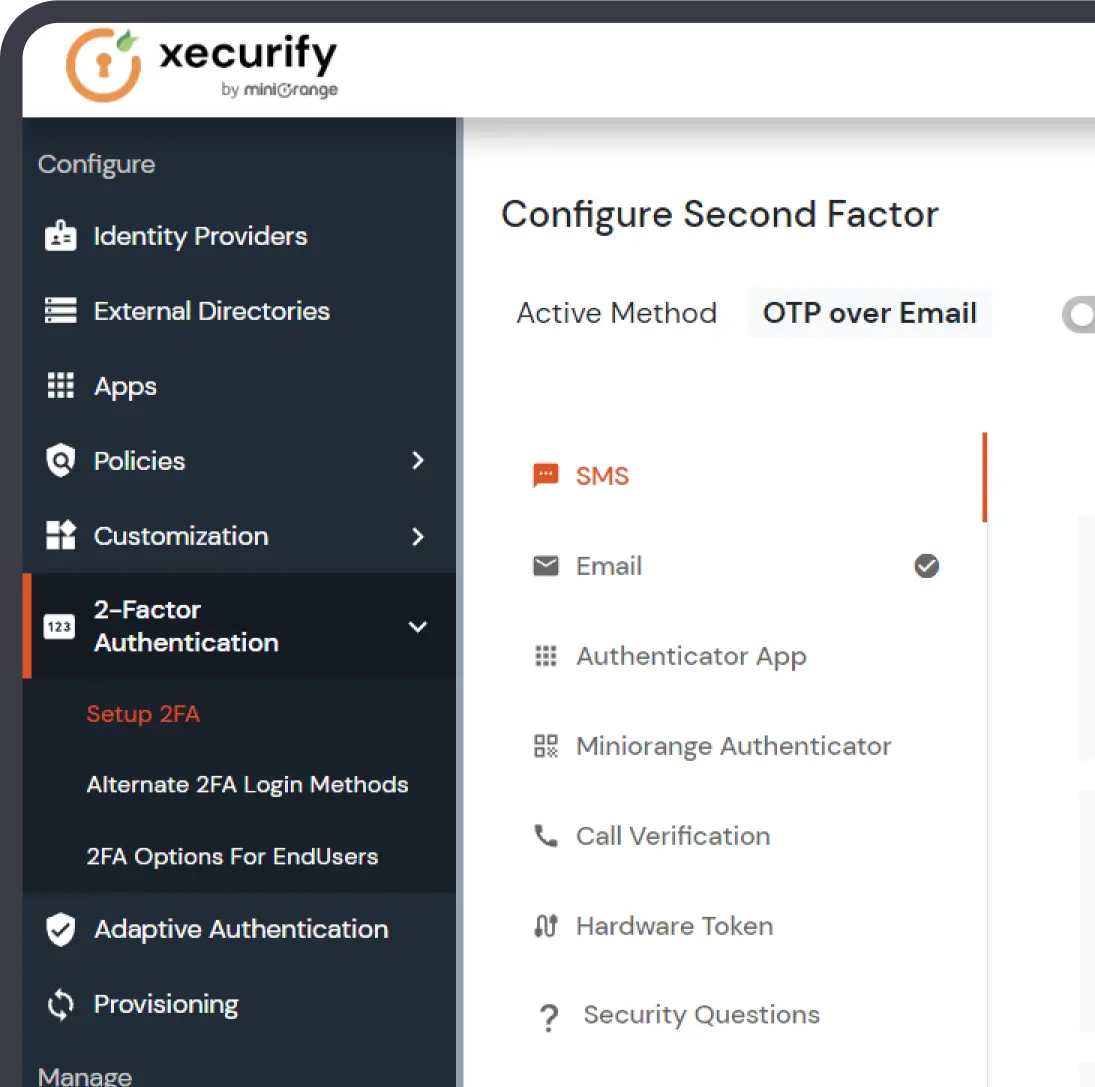
Administrators can easily configure MFA prompts to suit their specific needs for better security and convenience.
Yes, Microsoft Authenticator can be used for Windows login in supported configurations. Its availability depends on the Windows version, device configuration, and authentication method. miniOrange also supports multiple authentication methods for Windows desktop MFA based on your organization's requirements.
MFA commonly uses four authentication factor categories: something you know, such as a password; something you have, such as a security key; something you are, such as biometrics; and contextual factors, such as device, location, or network.
MFA on the Windows login screen adds another verification step before users access their device. After entering their credentials, users complete an additional authentication challenge using methods such as OTP, Push, Biometrics, FIDO2 Security Keys, Passkeys, or Grid Pattern.
Microsoft continues to support per-user MFA, while recommending policy-based approaches such as Conditional Access for organizations requiring more granular control. The appropriate approach depends on your Microsoft Entra configuration, licensing, security requirements, and existing authentication policies.
miniOrange Windows MFA can support Windows environments running on ARM processors, helping organizations extend MFA protection to compatible Windows ARM devices. The exact supported ARM versions and deployment requirements should be verified based on your Windows environment and product configuration.
Yes. miniOrange supports offline MFA for Windows login, allowing users to authenticate when their device cannot reach the authentication server. Supported offline authentication options include methods such as TOTP and Grid Pattern, helping maintain access controls in disconnected environments.