Hello there!
Need Help? We are right here!

Need Help? We are right here!
Search Results:
×
This workflow describes how miniOrange, acting as a RADIUS server, integrates with Active Directory (AD) to enforce Multi-Factor Authentication (MFA)
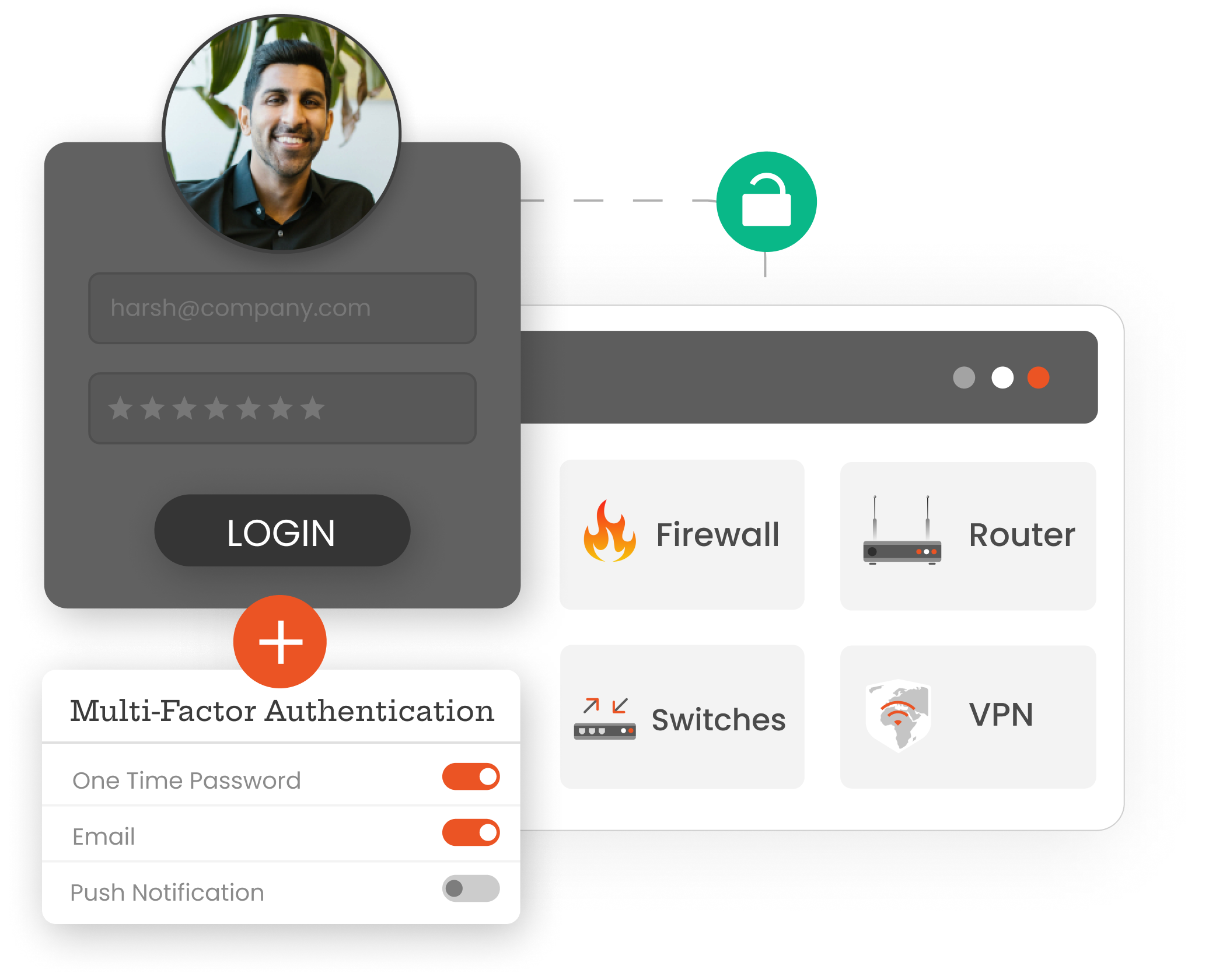
A user connects to a network resource (such as VPN, Wi-Fi, or a firewall) that uses RADIUS for authentication. The user's credentials (e.g., username and password) are sent to the RADIUS server.
The miniOrange RADIUS server receives and forwards the authentication request to the Active Directory (AD) or another user store for validation.
After receiving confirmation from AD, the miniOrange RADIUS server initiates a second authentication factor such as a push notification to their mobile device, an OTP, or biometric verification.
The user completes the MFA challenge by responding appropriately (e.g., entering the OTP, approving the push notification, or completing the required biometric scan).
The miniOrange RADIUS MFA server validates the second factor and sends the result back to the RADIUS server.
Based on the response from the MFA server, the RADIUS server either allows or denies access to the user.
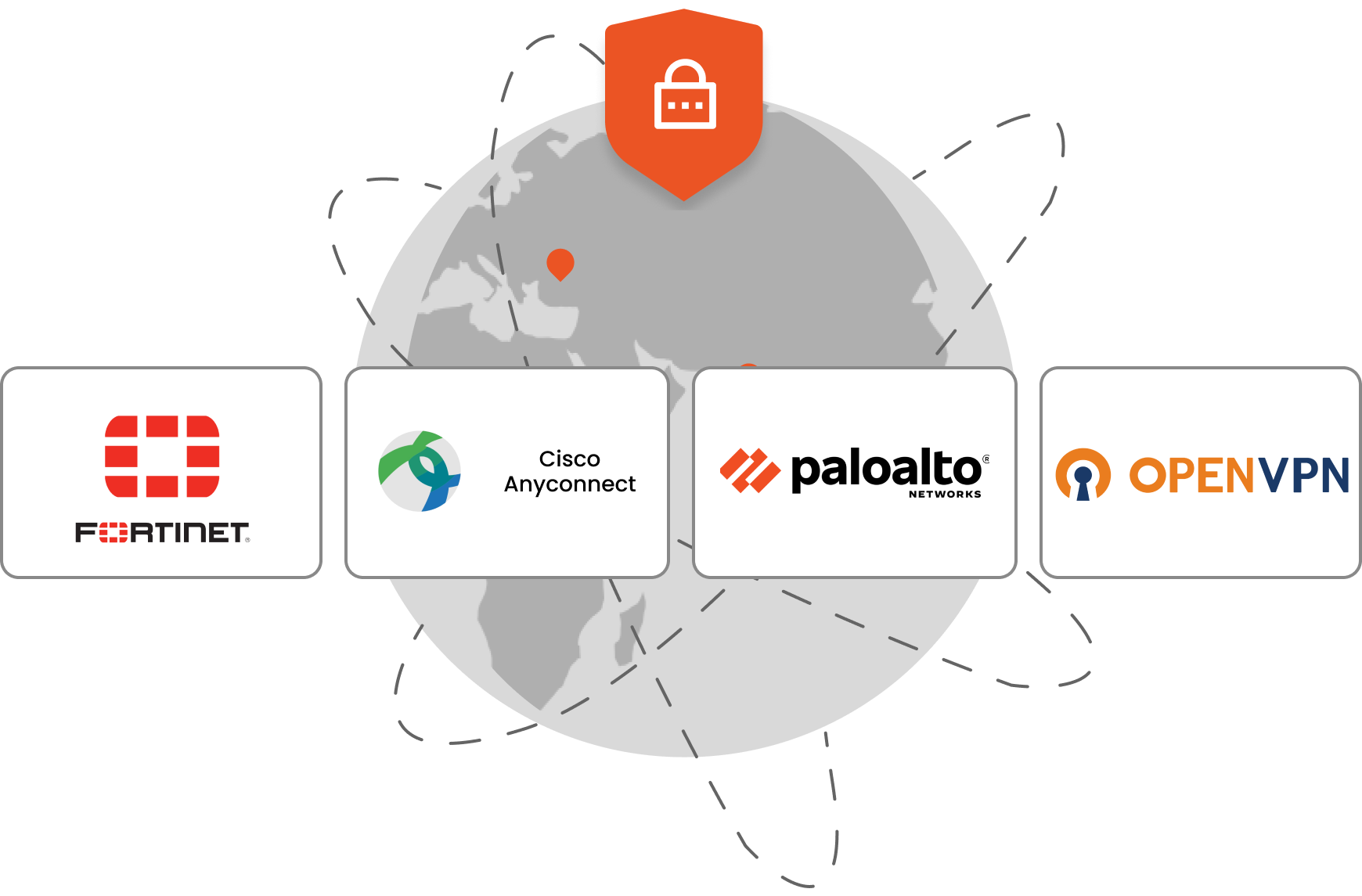
RADIUS (Remote Authentication Dial-In User Service) is a widely adopted protocol that provides centralized authentication, authorization, and accounting (AAA) for VPNs, Wi-Fi, network devices, and other enterprise resources. Integrating multi-factor authentication (MFA) with your RADIUS server adds an extra layer of security by requiring users to verify their identity using a second factor, such as an OTP, push notification, or biometric authentication.
VPNs provide secure remote access but remain vulnerable to credential theft and phishing attacks. Even if an attacker compromises a user's password, RADIUS MFA requires an additional verification factor such as an OTP, push notification, or biometric authentication before granting access. This significantly reduces the risk of unauthorized access and helps protect enterprise networks and sensitive data.
Support a wider range of EAP methods, including EAP-TLS and EAP-MSCHAPv2, for seamless integration with VPNs, wireless networks, and RADIUS-enabled infrastructure.
Configure default EAP authentication methods to simplify deployments, standardize authentication policies, and ensure consistent authentication across RADIUS clients and network devices.
Along with your VPNs, miniOrange helps secure various network devices, including firewalls, switches, and routers, using RADIUS Multi-Factor Authentication (MFA). Protect your network infrastructure comprehensively with miniOrange’s scalable, easy-to-set-up cloud and on-premise MFA solutions.
Ensure secure remote access with MFA on your VPN connections, preventing unauthorized access even if credentials are compromised.
Add an extra layer of security to your network perimeter by implementing MFA for firewall access, keeping your defenses strong.
Secure internal network traffic by enabling RADIUS authentication and MFA on your network switches, based on your hardware’s capabilities.
Protect your network’s backbone by implementing RADIUS MFA on routers, ensuring only verified users can manage network traffic.
Safeguard your wireless networks with RADIUS MFA, allowing only authenticated and verified users to connect.
*Please contact us to get volume discounts for higher user tiers.
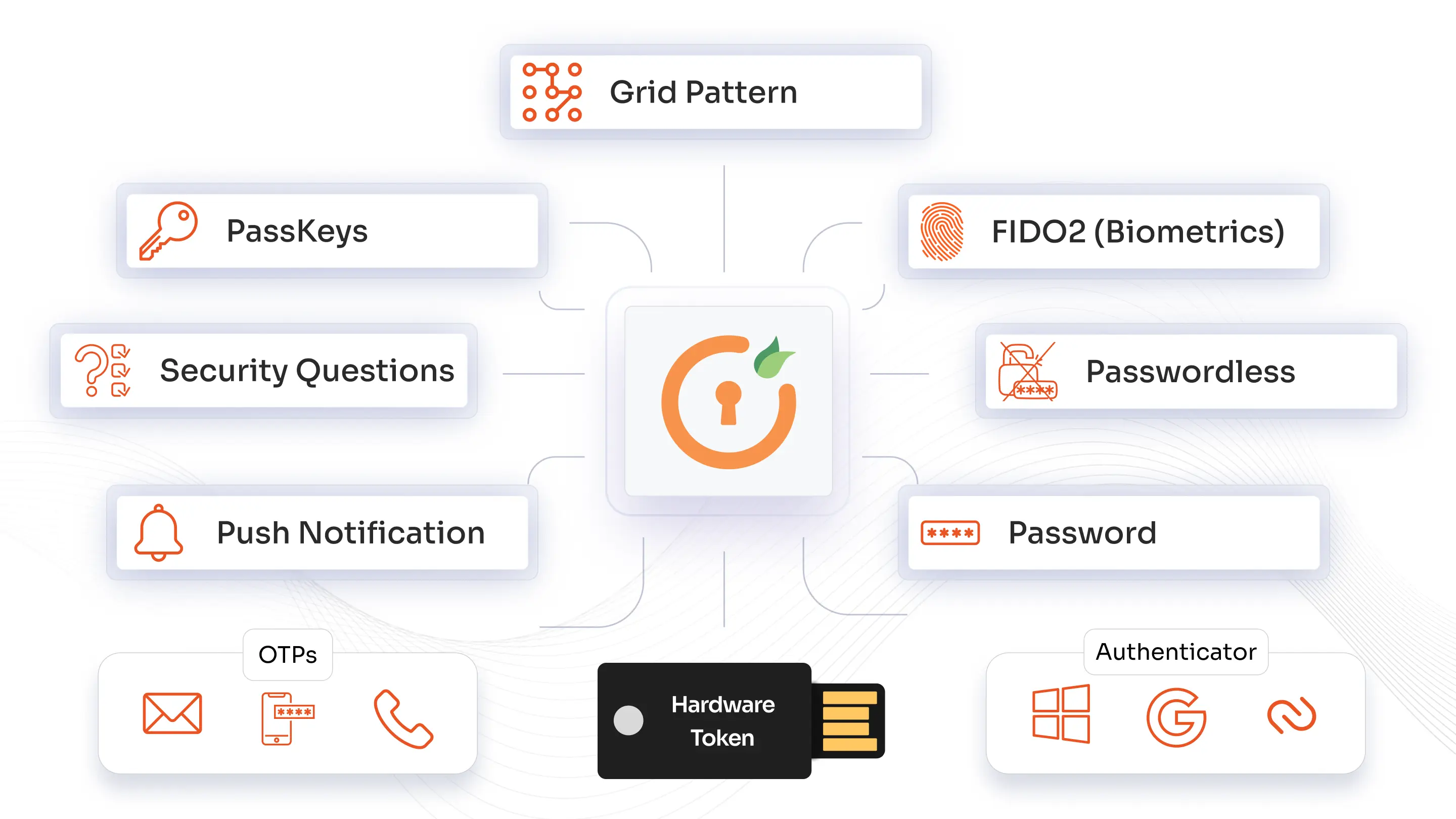
miniOrange offers a broad range of authentication methods. From push notifications, TOTP, and RSA MFA to biometrics, WebAuthn/FIDO2 security keys, and one-time backup codes, you can standardize on one platform while tailoring methods by role, risk level, and application. 2FA authentication methods can be rolled out across VPNs, Windows logins, legacy systems, and the cloud.
Identity solutions from miniOrange can be easily deployed in your organization's existing environment.

RADIUS MFA significantly reduces the risk of unauthorized access from phishing, brute-force attacks, and credential stuffing, as these attacks typically target password-only systems.

Implementing MFA helps organizations meet security standards and regulatory requirements by providing a more secure authentication process.

Integrating MFA with an existing RADIUS infrastructure is cost-effective and scalable, allowing organizations to enhance security without significant additional investment or disruption to their current systems.
Incorporating Multi-Factor Authentication into your RADIUS server is a strategic move that enhances the security, compliance, and scalability of your network. Ensure that your organization is protected against today's threats and prepared for tomorrow's challenges by implementing RADIUS MFA today.