Hello there!
Need Help? We are right here!

Need Help? We are right here!
Search Results:
×
Today's distributed workforce depends on secure access. VPNs, RDP, and shared credentials can create the following security and operational challenges.

Employees working from home or public Wi Fi can face man-in-the-middle attacks, exposing business data and introducing malware into corporate systems.

Phishing and reused credentials remain common attack paths. One compromised password can lead to ransomware incidents and data breaches.

VPNs often give users broader network access than they need. A compromised account can expose critical systems beyond a user's role.

Contractors and suppliers need remote access to do their jobs. Poorly managed vendor accounts can become unintended entry points into your infrastructure.
miniOrange secure remote access software is built for IT teams that need more than a basic VPN. Each feature addresses a real access control problem your team already faces.

Single Sign-On (SSO) lets users access multiple applications after signing in once. Password management helps employees create and store strong credentials. This reduces password fatigue, reset requests, and risky habits like password reuse.

Administrator and high-privilege accounts require stronger oversight because they can access sensitive systems. Control when privileged access is allowed, monitor high-risk sessions, and maintain accountability for critical actions.

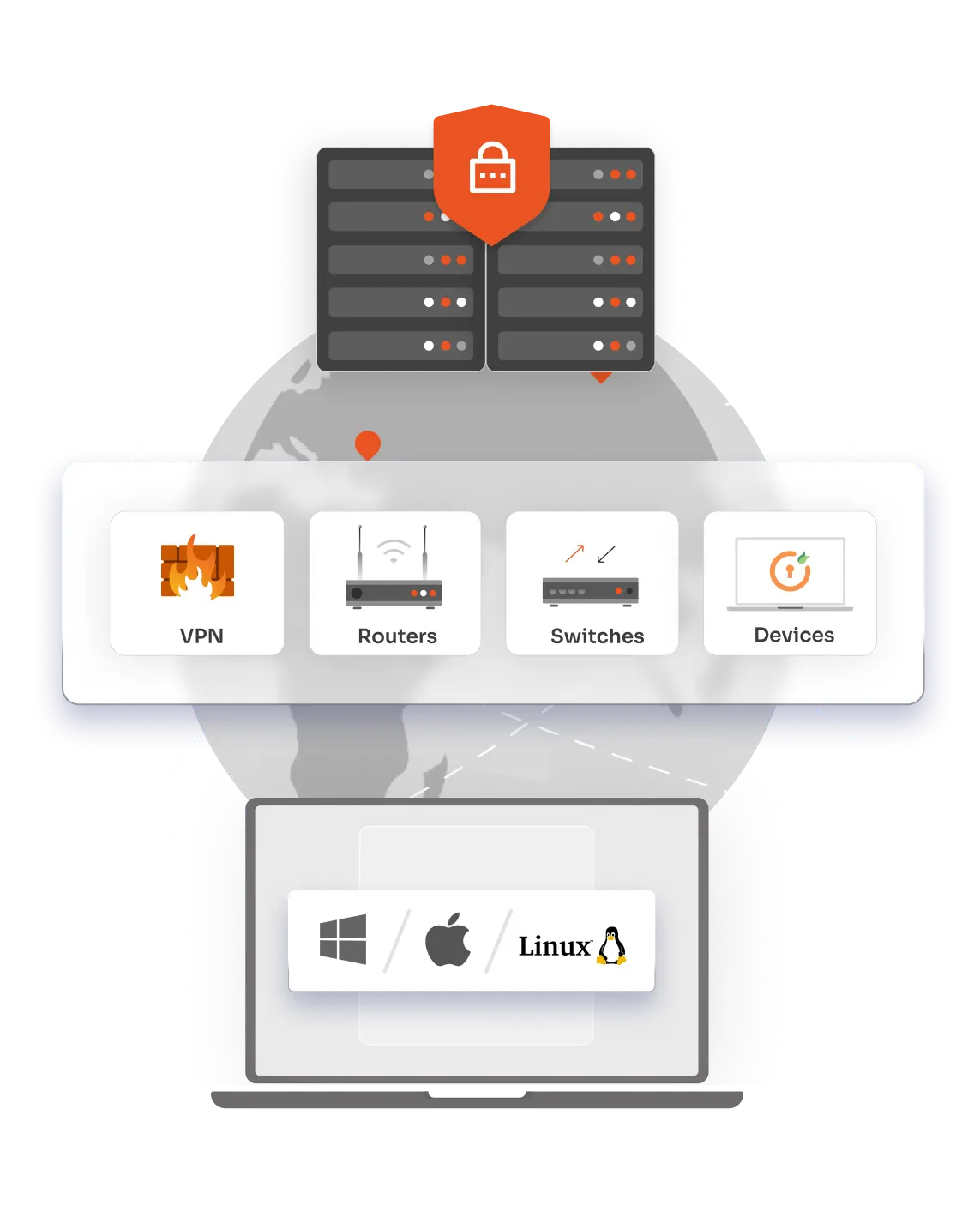
miniOrange uses ZTNA to treat every access request as untrusted from the start. The Remote Secure Access platform verifies the user, the device, and the context before entry. Once approved, you connect only to the specific apps and keep internal systems safe.

Passwords alone are easy targets for phishing attacks. MFA adds another layer of proof through biometrics, hardware tokens, or mobile push notifications. Each method confirms a user's identity before remote access begins.
Not every user needs the same level of access. Set permissions based on roles, departments, location, time of access, or risk signals so users can only access what they need to do their jobs.

Employees and third parties connect from different devices every day. Identify the devices accessing your environment and allow only trusted, compliant endpoints to reach business applications and resources.
A unified Secure Remote Access software brings everything together in one place.
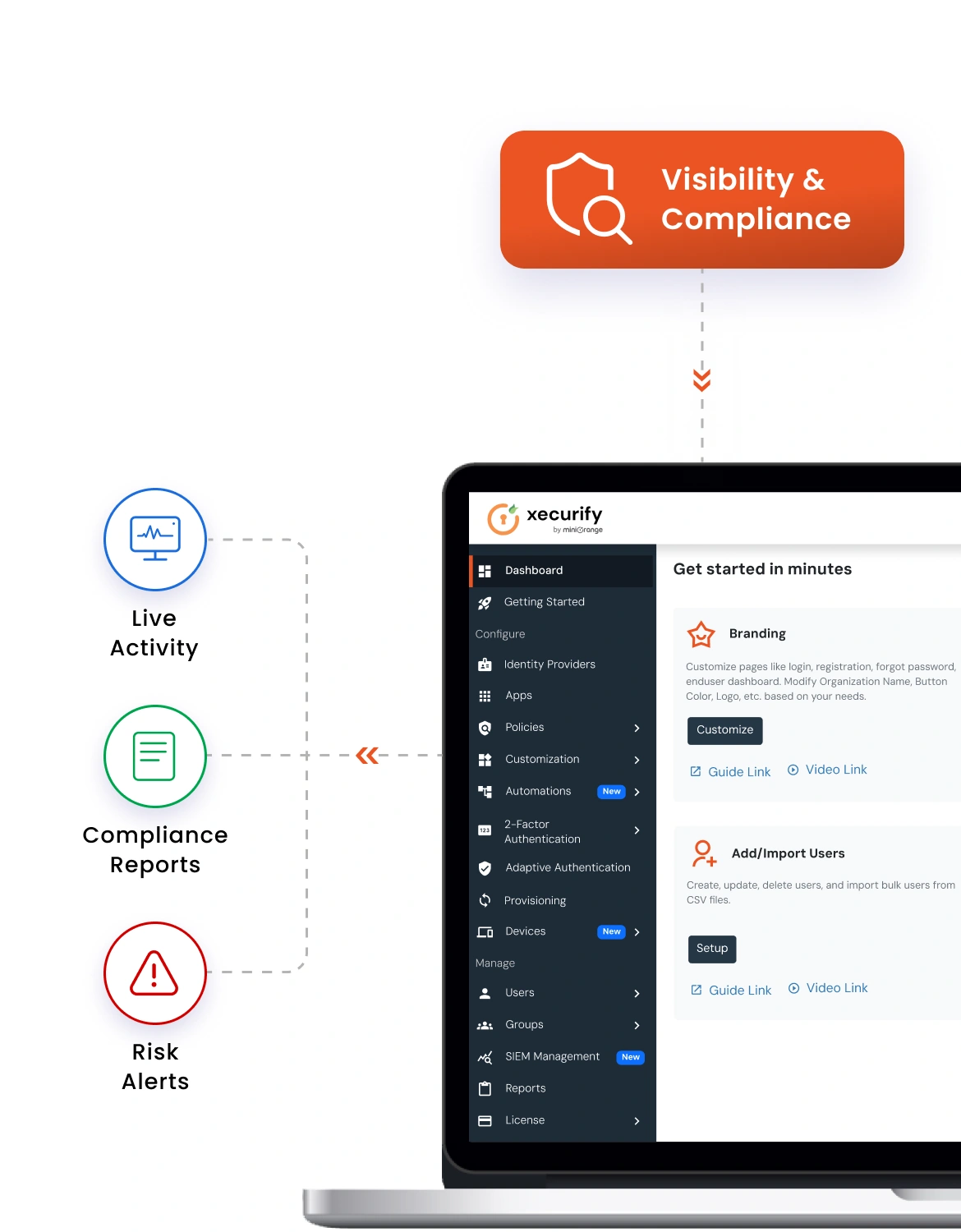
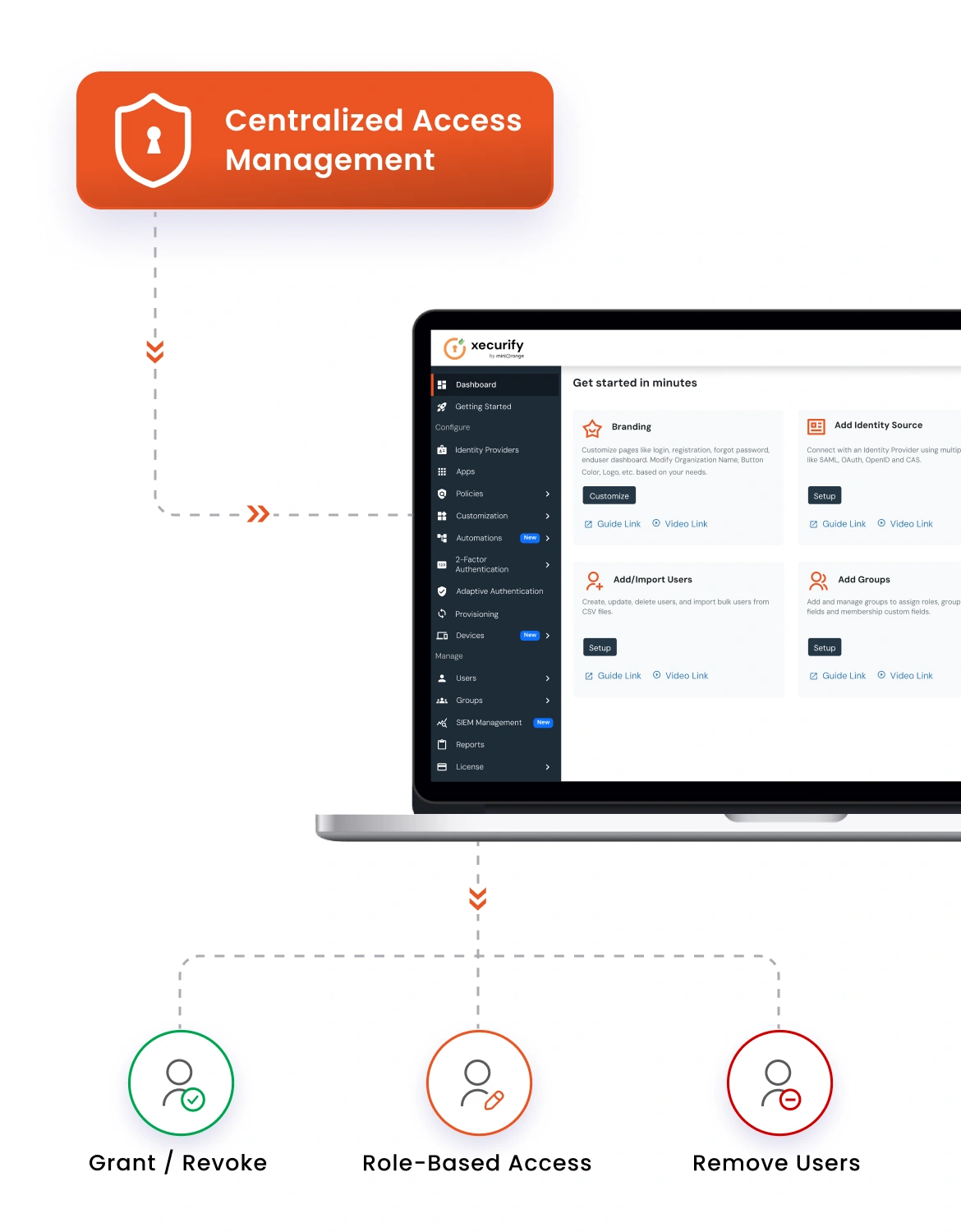
Scattered admin tools slow IT teams down. A central dashboard brings every permission, policy, and user account together.
Old VPNs expose your whole network after one login. Zero Trust remote access connects users to approved apps only.
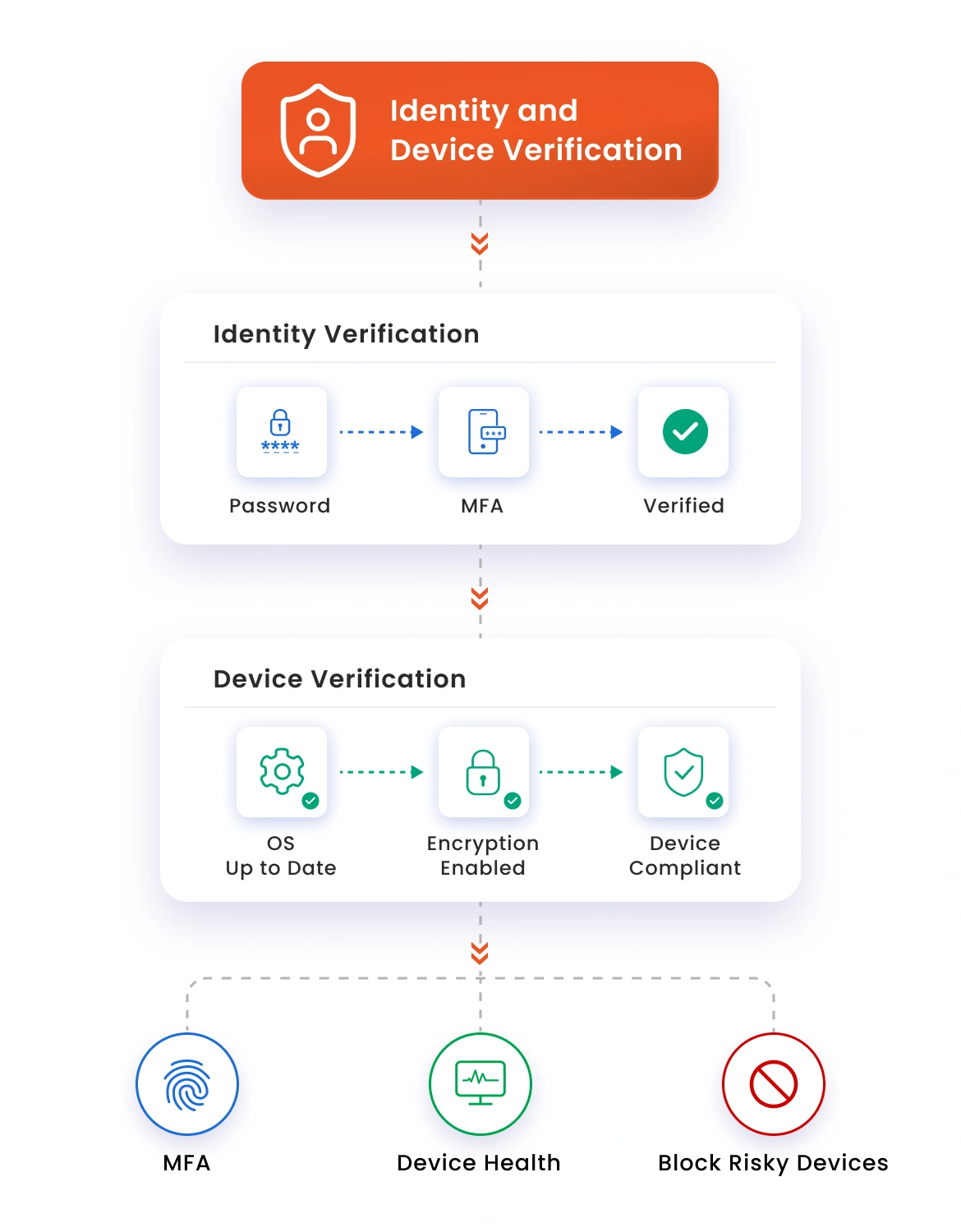
Nobody gets inside on a password alone. The Remote Secure Access platform verifies each identity and checks device health before allowing entry.
You always know who did what across your network. Detailed session logs keep audits simple and compliance teams happy.
Meet audit rules with full logs and strict access policies. Protect sensitive data and pass compliance checks with ease.
Control who accesses personal data remotely and keep your organization aligned with GDPR requirements.
Secure remote access to cardholder data environments and meet PCI DSS control requirements.
Protect digital personal data with governed remote access that supports DPDP compliance.
Show how your remote access environment meets rigorous trust service criteria for security, availability, and confidentiality.
Meet international standards for information security management across your remote access infrastructure.
Protect patient data and meet HIPAA requirements for secure remote access to healthcare systems.
Every remote access request passes through multiple security checks.
Initiate a secure session with MFA, identity verification, and trusted device checks.
Validate the user, device, location, and risk before granting access.
Establish an encrypted SSO connection to the required application.
Track user activity, detect threats, and maintain audit-ready logs.
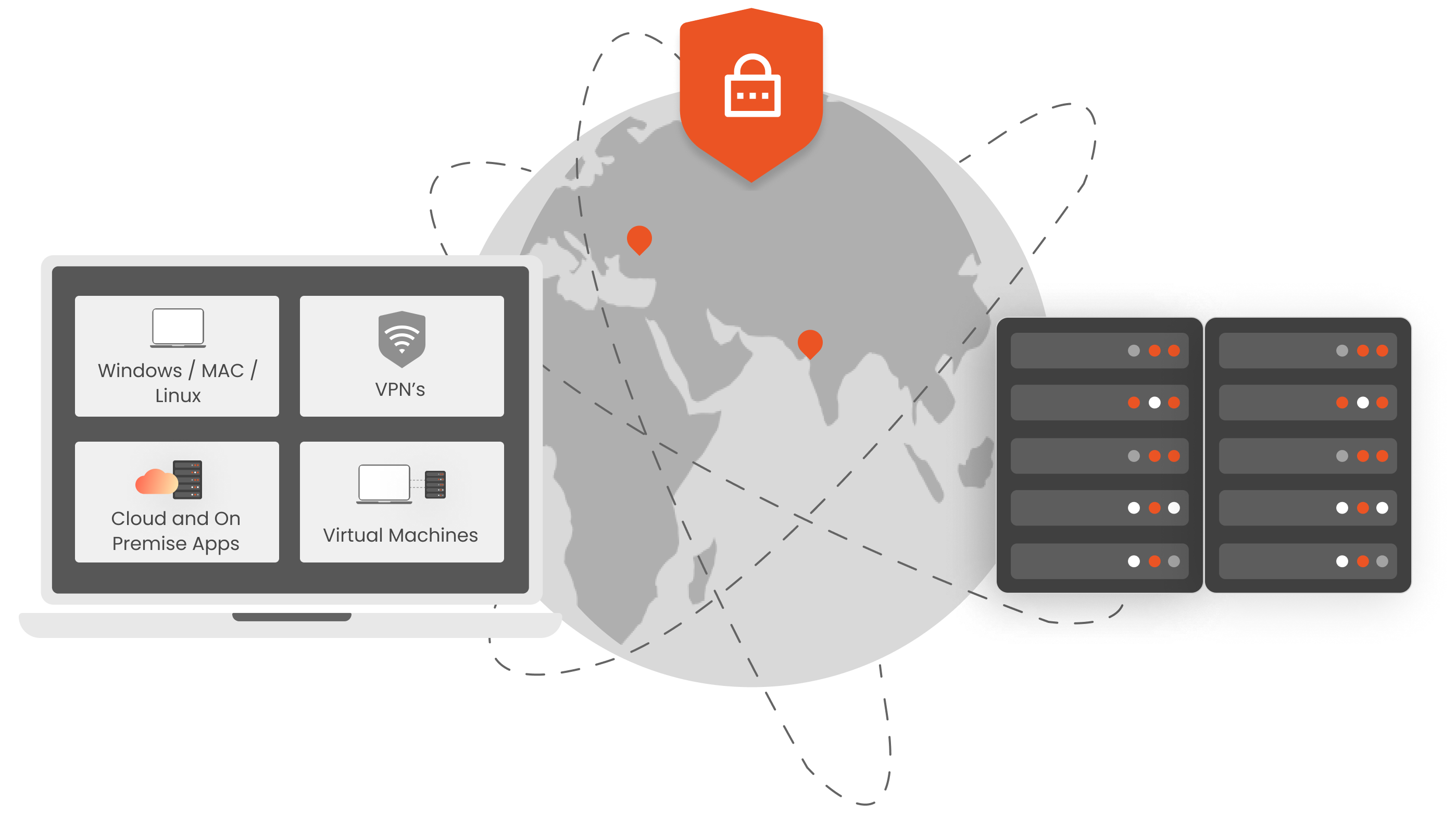
Whether you're cloud-first, regulated on-prem, or somewhere in between, miniOrange fits your architecture, not the other way around.

Managed hosting with zero infrastructure overhead. miniOrange handles availability, updates, and patching while your team stays focused on access policy.

Full installation inside your own data center. Built for regulated industries and government organizations that require complete data residency control.

On-premise for your existing systems, cloud access for distributed teams. Both environments run under one unified policy engine with no gaps between them.
The miniOrange Secure Remote Access platform handles your employees,vendors, and support teams
under the same policy with different access rules for each.
Remote staff get role-based access to every application their job requires, from any network. Security controls apply identically whether they connect from home, a branch office, or anywhere else in the world.
External users get time-limited access to specific resources only. Sessions log independently, permissions expire automatically when the engagement ends, and your team never needs to manually revoke a vendor account again.
Support staff connect to end-user devices and servers through fully recorded sessions. IT managers can see who accessed which system, what actions were taken, and how long the session lasted, all in one place.
Organizations worldwide have relied on miniOrange for more than a decade, with audit-ready logging, access reviews, and policy controls that support GDPR, HIPAA, and other regulatory frameworks.
Get Zero Trust Network Access, SSO, MFA, and privileged access under one contract, one dashboard, and one support team instead of managing four separate vendors.
Roll out in hours across cloud, on-premises, or hybrid environments with controls shaped precisely to your setup, users, and policies.
Get expert help when you need it. Our teams work across time zones to resolve issues quickly, without long escalation chains.