
Hello there!

Need Help? We are right here!

miniorange Support~
miniOrange Email Support
success

Thanks for your Enquiry.

If you don't hear from us within 24 hours, please feel free to send a follow-up email to info@xecurify.com

Search Results:

×

WordPress Security Auditing

Verified Security
for every
WP Theme & Plugin

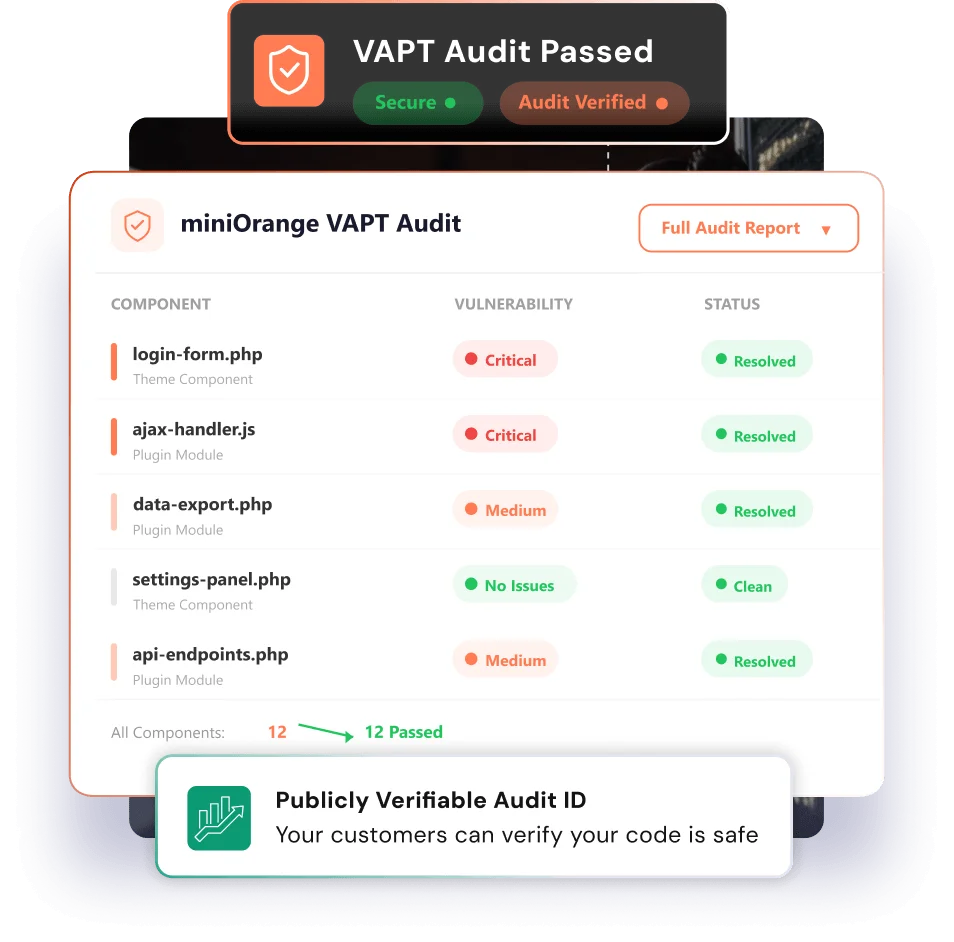
miniOrange conducts professional VAPT audits on WordPress themes and plugins — and issues a publicly verifiable Audit ID so your customers know your code is safe.

From submission to verified badge.

A six-step pipeline that takes your theme or plugin from raw code to a publicly verifiable security certificate.


Submit Your Code

Share your theme or plugin source along with the exact version number. We sign an NDA before review begins.

Automated scanning

SAST and DAST tools run against your codebase, checking for 10,000+ known vulnerability patterns.

Manual expert review

A certified engineer manually inspects logic flaws, authentication bypass, XSS, SQLi, and CSRF vectors.

Report & remediation

You receive a detailed report with severity ratings, proof-of-concept descriptions, and specific remediation guidance.

ID issued

Once issues are resolved, a version-locked Audit ID is generated and added to the miniOrange public registry.

Badge goes live

Embed the verified badge in your readme, marketplace listing, or product page. Anyone can verify it instantly.

Every attack vector. Thoroughly tested.

Our audits cover the full WordPress threat surface from input handling to privilege escalation and dependency risks.

Authentication & Authorization

Nonce validation, capability checks, privilege escalation, REST API permission enforcement, and subscriber-to-admin attack vectors.

Input Handling

SQL injection, stored and reflected XSS, CSRF, unsanitized inputs, and unescaped outputs across all user-facing fields and AJAX endpoints.

File Operations

Arbitrary file upload, path traversal, direct file includes using user-supplied paths, and MIME type validation gaps.

Third-party Dependencies

Bundled JS library CVE checks, insecure eval/unserialize usage, hardcoded credentials, and deprecated function calls.

One ID. Publicly verifiable by anyone.

Every audit produces a version-locked certificate. If a product updates, a new audit is required — keeping the trust signal honest.

1

Version-locked certificate

Each ID is tied to an exact product version. Releasing a new version means the old ID no longer covers the new code — keeping the registry honest.

2

Public verification page

Every ID resolves to a public page showing the product name, audit date, scope, pass/fail status, and auditor on record.

3

Embeddable badge

Paste a single line into your readme or product page. The badge links directly to the live verification record.

4

Searchable registry

Buyers and agencies can search the miniOrange registry by product name before purchasing or deploying.

Aligned to global security standards.

Every audit is conducted against internationally recognised frameworks — so your certificate means something beyond our word.

Security suite representing full control and visibility over Microsoft 365 applications

Web Application Security

All OWASP Top 10 categories covered including injection, broken access control, cryptographic failures, and security misconfiguration — mapped to WordPress-specific attack patterns.

Data protection shield for securing Microsoft 365 sensitive information

Common Weakness Enumeration

Findings are mapped to SANS/MITRE CWE identifiers so your engineering team can look up standardised descriptions and remediation guidance independently.

Compliance and regulatory standards for Microsoft 365 security including GDPR, HIPAA, and PCI DSS

Severity Scoring

Every vulnerability is assigned a CVSS v3.1 score — giving you an objective, industry-standard severity rating for prioritising fixes with your team.


Threat prevention and security monitoring for proactive Microsoft 365 protection

WP-Specific Review

We review against WordPress best practices: nonce handling, sanitization functions, capability checks, and plugin API usage patterns beyond generic web security.

Cost-effective pricing icon representing affordable Microsoft 365 CASB security solutions

Source Code Confidentiality

Every engagement begins with a signed NDA. Your source code is reviewed in an isolated environment and never retained beyond the audit window.

Zero Trust security model for Microsoft 365 access control and authentication

EU Cyber Resilience Act

Our audit reports are structured to support CRA compliance — relevant for any product with users in the European Union.


Built for the WordPress Ecosystem

Theme Developers

Plugins Developers

WordPress Agencies

Theme Developers

  • Free theme authors on WordPress.org

    expandable-arrow

    An audit ID on your repository page is a direct trust signal. Users choosing between similar themes will consistently favour the one with a verified security record — boosting active install counts.

  • Premium Theme Developers

    expandable-arrow

    Buyers of premium themes are investing real money. A verified audit ID reduces purchase hesitation and gives you a credible security story to include in your product marketing.

  • Child theme & starter theme builders

    expandable-arrow

    If your starter theme ships with custom template tags or AJAX handlers, those are attack surfaces. Give downstream developers peace of mind about the foundation they're building on.

  • Theme club & subscription authors

    expandable-arrow

    If you maintain a library of themes for paying subscribers, an Enterprise audit programme gives your whole catalogue security coverage and your subscribers a guarantee.
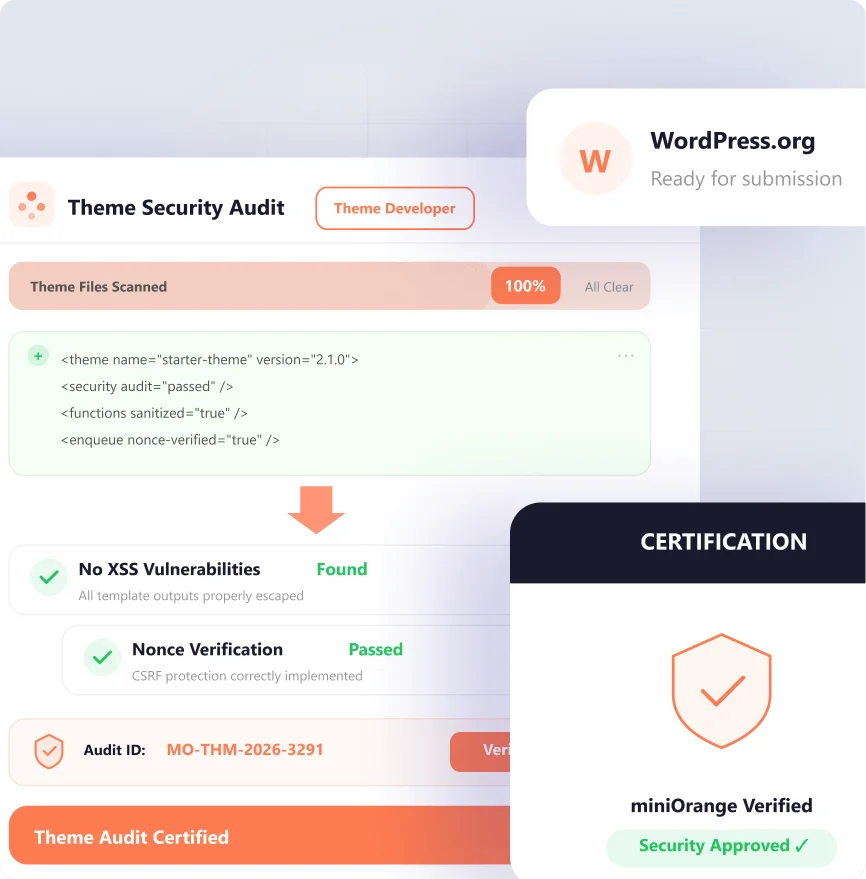
Illustration for theme developers

Plugin Developers

  • Free plugin authors on WordPress.org

    expandable-arrow

    Plugins have direct access to the database, filesystem, and WordPress internals. An audit ID on your plugin page demonstrates you take that responsibility seriously.

  • Commercial plugin developers

    expandable-arrow

    For paid plugins, an audit ID is a competitive differentiator. Enterprise customers will specifically look for evidence of third-party testing before approving a plugin for deployment.

  • WooCommerce extension developers

    expandable-arrow

    Extensions handling payments or customer data require a higher security bar. An audit certificate reassures store owners before they install your extension on a live shop.

  • API integration & SaaS connector plugins

    expandable-arrow

    Plugins connecting WordPress to external services introduce OAuth flows, webhooks, and API key storage — all areas that need specialist review beyond basic scanning.
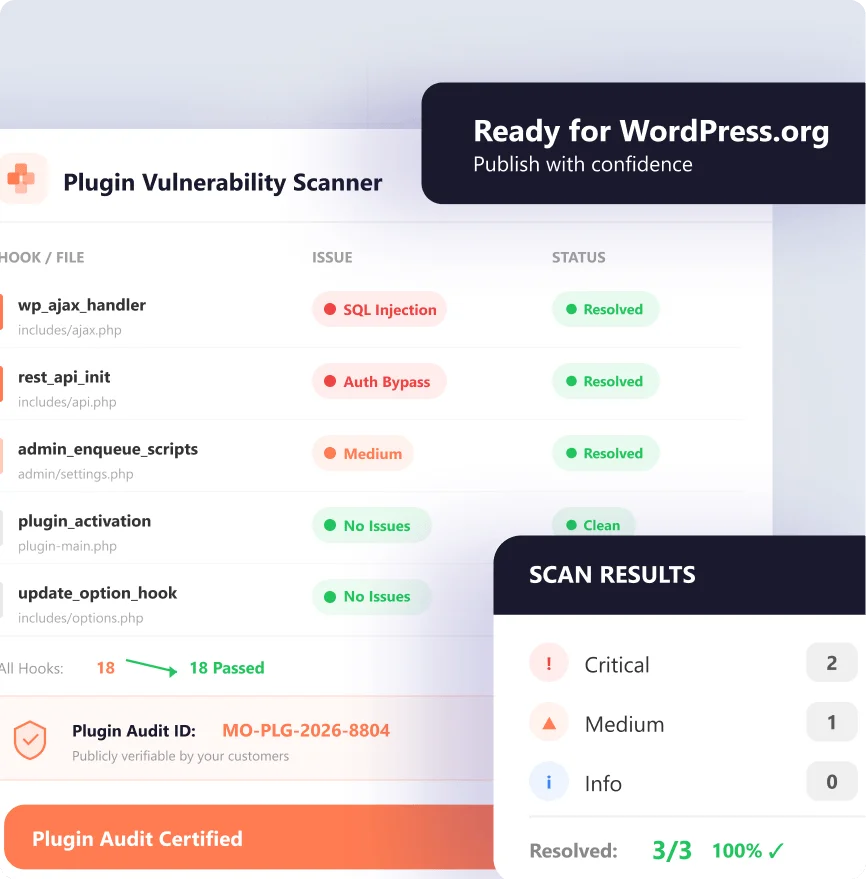
Illustration for plugin developers

WordPress Agencies

  • Full-service WordPress agencies

    expandable-arrow

    Audit the custom themes and plugins you build for clients. Deliver a miniOrange Audit ID as part of your project handoff — turning security into a billable, client-facing deliverable.
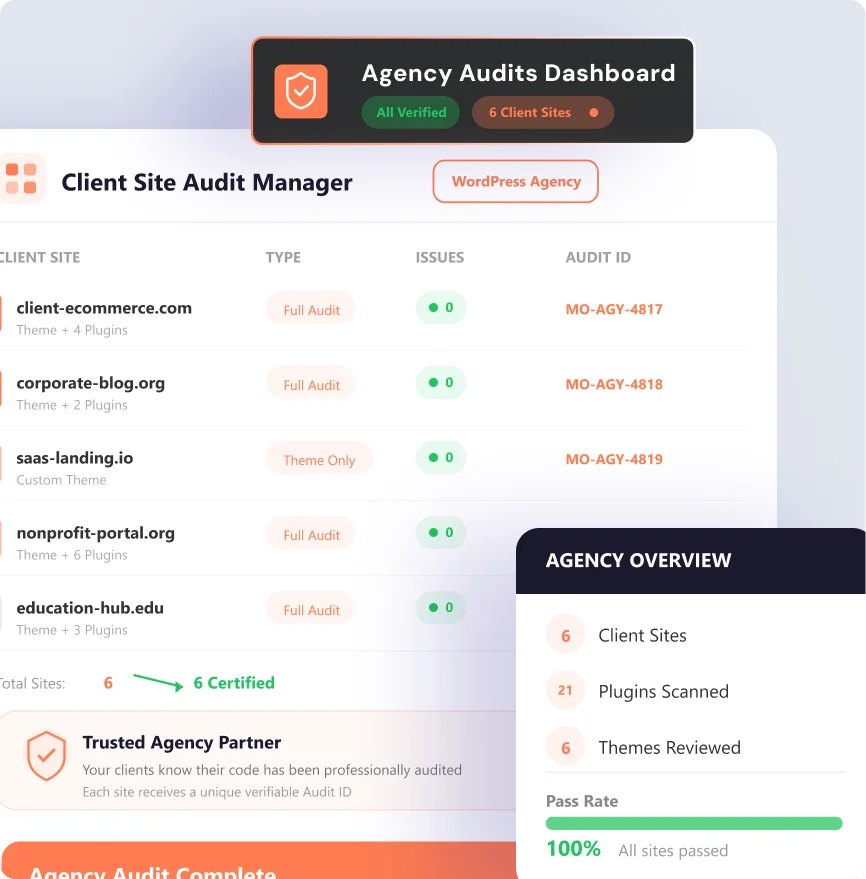
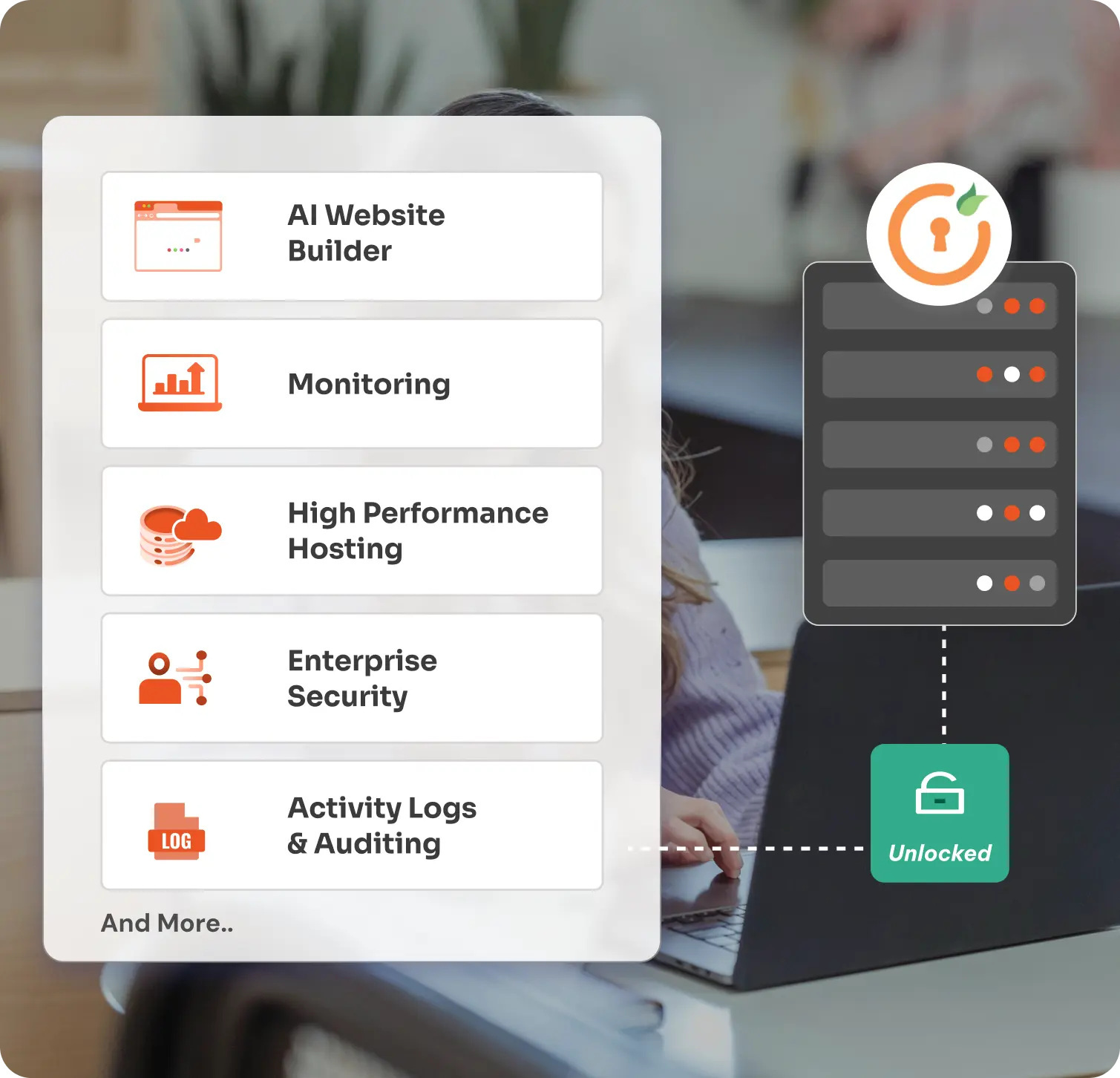
Illustration for WordPress agencies

Frequently Asked Questions


What happens if my theme or plugin fails the audit?

You receive a detailed report listing all findings with remediation steps. Once you've fixed the issues, you submit for a re-audit pass (included in every plan). The Audit ID is only issued after a clean pass.

Does the Audit ID expire?

The ID doesn't expire, but it is version-locked. If you release a new version that changes functionality, we recommend re-auditing on every minor or major version bump.

How long does a typical audit take?

Starter audits complete in 5 business days. Pro audits take 3 business days. Enterprise clients have SLA-backed turnarounds negotiated at onboarding. Re-audit passes typically complete within 2 business days.

Is source code kept confidential?

Yes. Every engagement starts with a signed NDA. Your code is reviewed in an isolated environment by a named auditor and is never retained after the audit window closes.

Can I audit a plugin I didn't write?

We only audit software that belongs to or was created solely for the requester. If you're an agency auditing a plugin built for a client, the client must authorise the engagement in writing before we begin.

What does the embeddable badge look like?

You receive an SVG badge and a Markdown snippet you can paste into your readme or product page. Clicking the badge takes visitors to your live verification page. A JSON endpoint is also available for dynamic badge generation.