Hello there!
Need Help? We are right here!

Need Help? We are right here!
Search Results:
×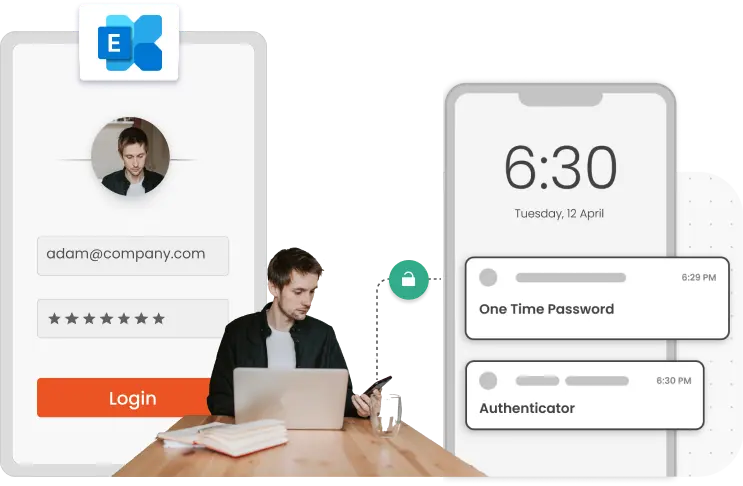
Microsoft Exchange Server and Outlook Web App (OWA) empower today's enterprises by centralizing communication, scheduling, and collaboration. However, these systems are targets for phishing and credential theft attacks. Implementing MFA for Exchange Server adds a crucial layer of identity protection, ensuring only verified users gain access, whether they log in from corporate networks or remote devices.
Secure OWA with any of the 15+ authentication methods, and protect ActiveSync and MAPI with push notifications and out-of-band SMS, to prevent data breaches, meet compliance, and maintain uninterrupted productivity.
Users self-enroll through the miniOrange portal, choose their MFA method, and set up a second factor. Admins can prompt enrollment at first login instead of manually provisioning users.
Eliminate password fatigue with secure passwordless MFA for Exchange Server and OWA. Support methods like authenticator apps, push notifications, FIDO2, passkeys, and more.
Use adaptive MFA and conditional access policies to evaluate each login by device, IP, location, time, and behavior, then apply the right challenge or block access.
Meet key compliance requirements such as GDPR, SOC, and PCI DSS, while accessing detailed MFA and user activity reports from a single centralized dashboard.
MFA for Exchange and OWA logins supports the following versions of Exchange:
Any modern web browser to access OWA for email, calendar, contacts, and tasks.
MFA solution offers critical in-depth defence for Microsoft Exchange Server and OWA to protect user, admin, and privileged accounts, including datasets.

With MFA, allow employees, partners, and vendors to securely access Exchange/OWA from any device or location.

Apply MFA for privileged users who can change configurations or access huge datasets, only to limit the attack surface.

Enforce strong authentication for critical accounts and shared mailboxes to protect sensitive data from being leaked.
Identity solutions from miniOrange can be easily deployed in your organization's existing environment.





I can't speak highly enough regarding miniOrange, I am totally satisfied with the process and results in every regard.
5.0

Awesome tech service, Awesome product. Overall Awesome people. This solution is very simple and easy to implement
5.0