Hello there!

Need Help? We are right here!

Support Icon
miniOrange Email Support
success

Thanks for your Enquiry. Our team will soon reach out to you.

If you don't hear from us within 24 hours, please feel free to send a follow-up email to info@xecurify.com

Search Results:

×

Thinkific Integration for WordPress


Connect your apps and automate workflows. miniOrange moves info between your web applications automatically by syncing Thinkific with Wordpress. This integration allows you to migrate WordPress content to your Thinkific site, allowing you to take advantage of the great capabilities of both platforms. With the integration of WordPress and Thinkific using Wordpress ~ Thinkific Provisioning, anyone who uses WordPress as a content management system will be able to migrate its users to Thinkific easily.
1. Download and Install Thinkific Provisioning Plugin for WordPress

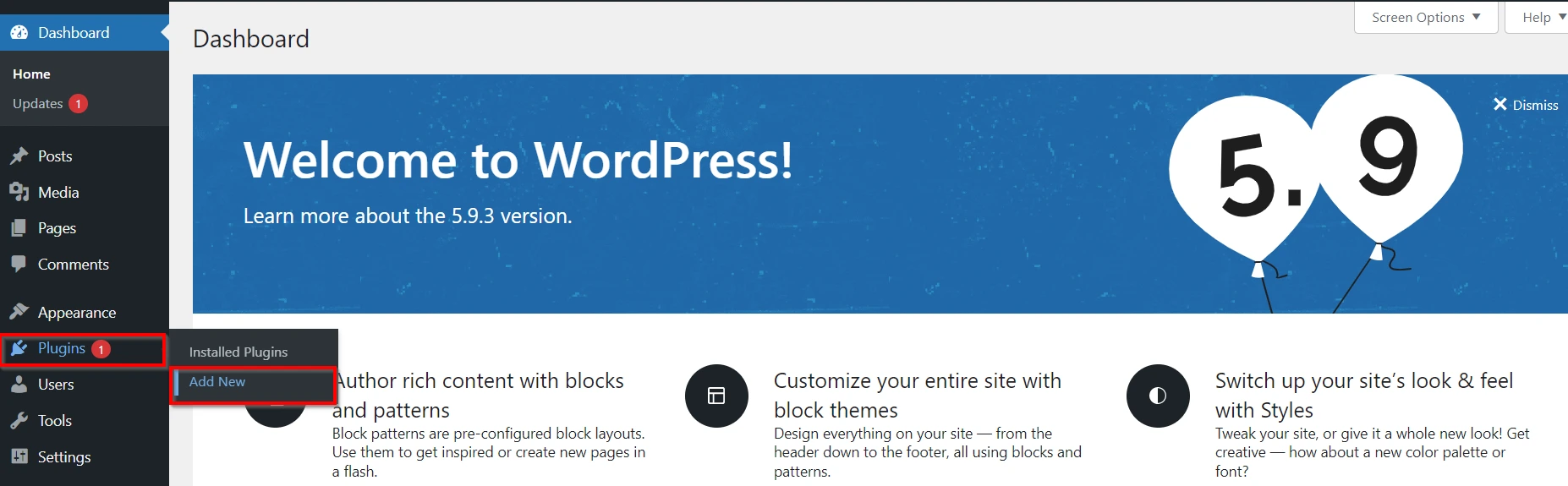
  • Go to Plugins >> Add New.
  • Plugins section

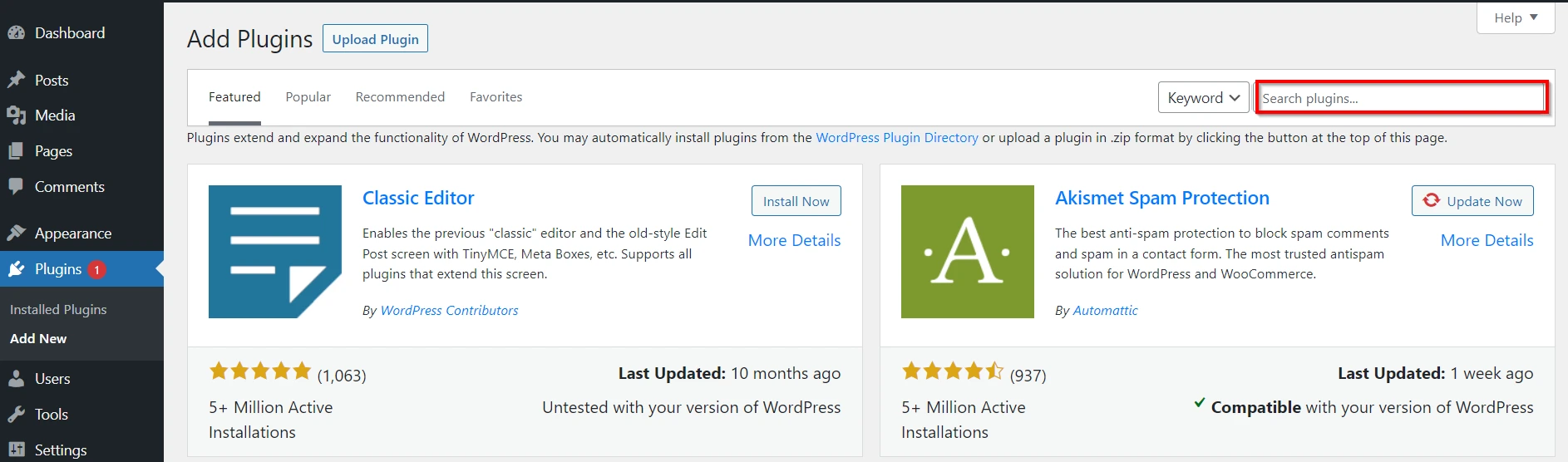
  • Search for Thinkific Provisioning Plugin for WordPress.
  • Search plugin

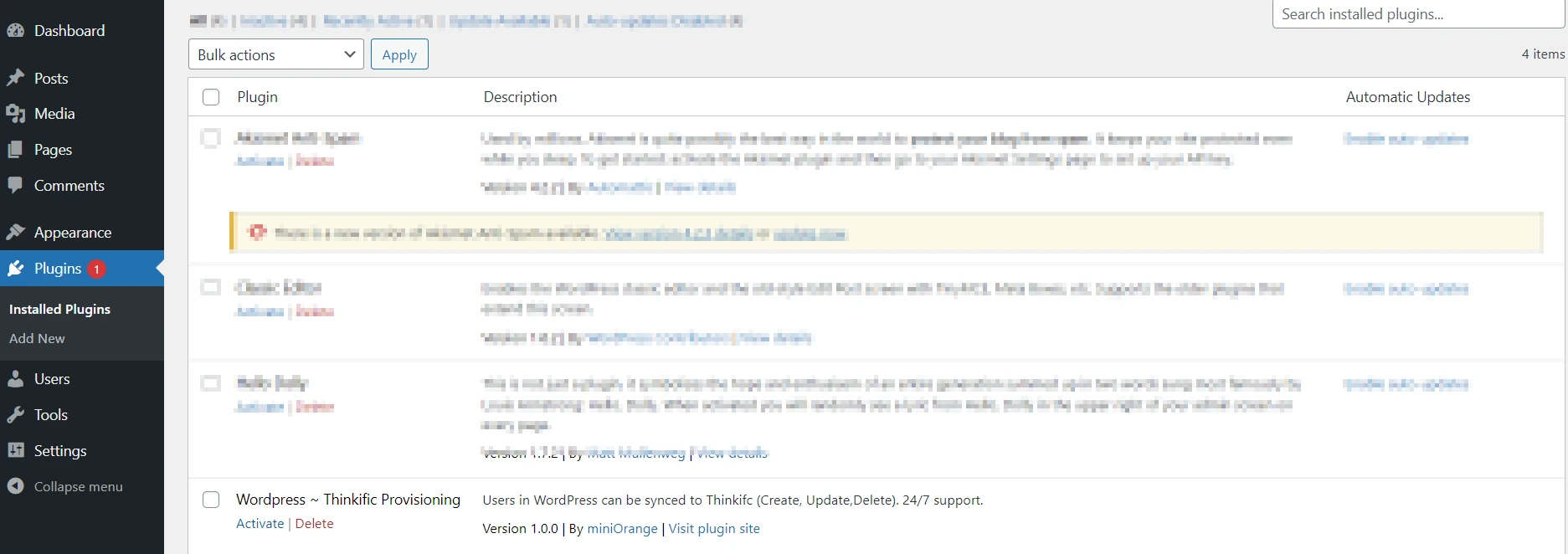
  • Now go to Plugins >> Installed Plugins.
  • Installed plugin

  • Activate the Thinkific Provisioning Plugin for WordPress.
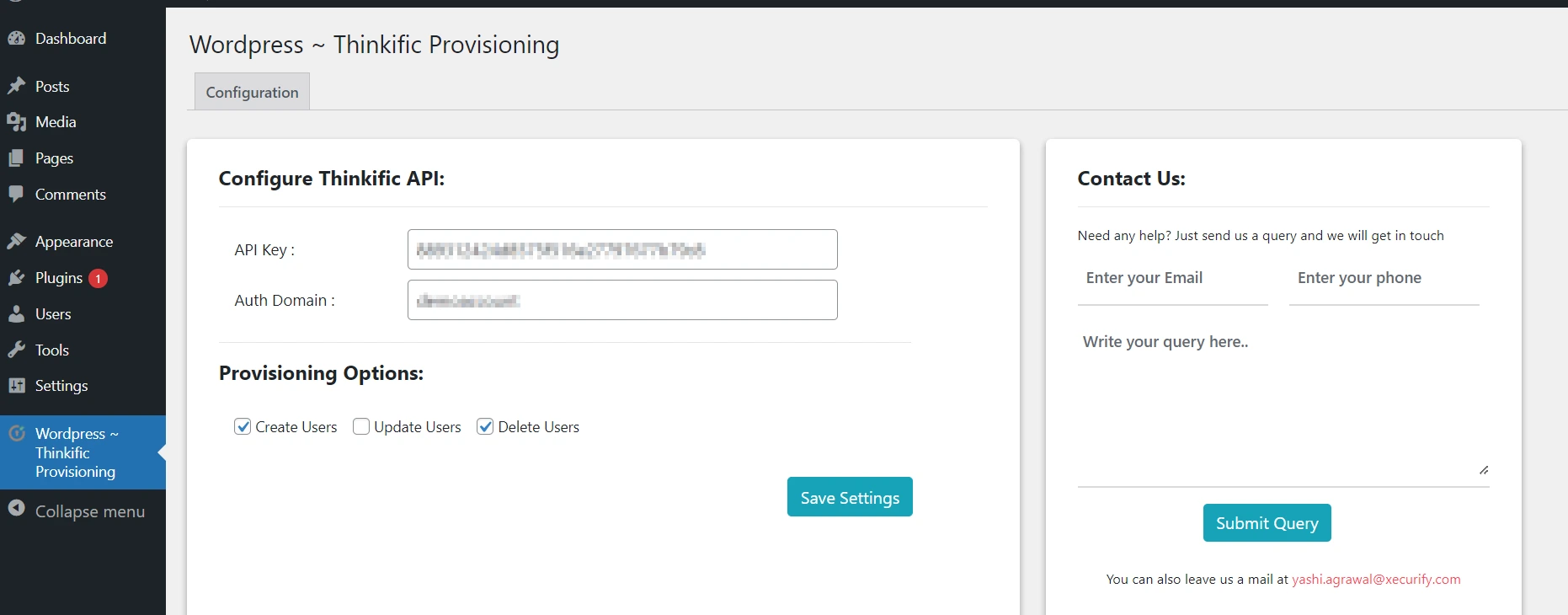
  • Your Thinkific Provisioning Plugin for WordPress will be activated and will be shown on the left side navbar of your Wordpress Dashboard.
  • Thinkific Dashboard for WordPress

2. Sync Wordpress with Thinkific

  • Login to your Thinkific site and enter your credentials.
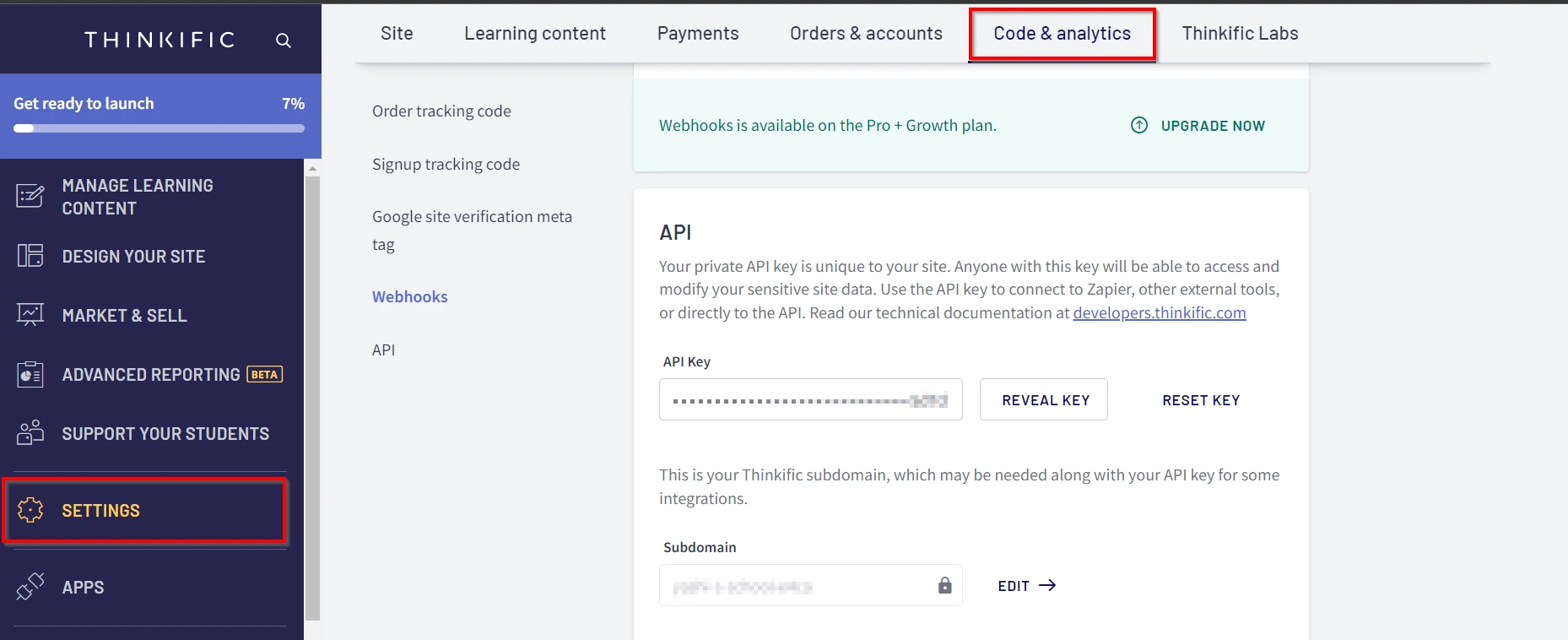
  • Go to Settings >> Code & Analytics and copy the API Key and subdomain for later use.
  • Thinkific details

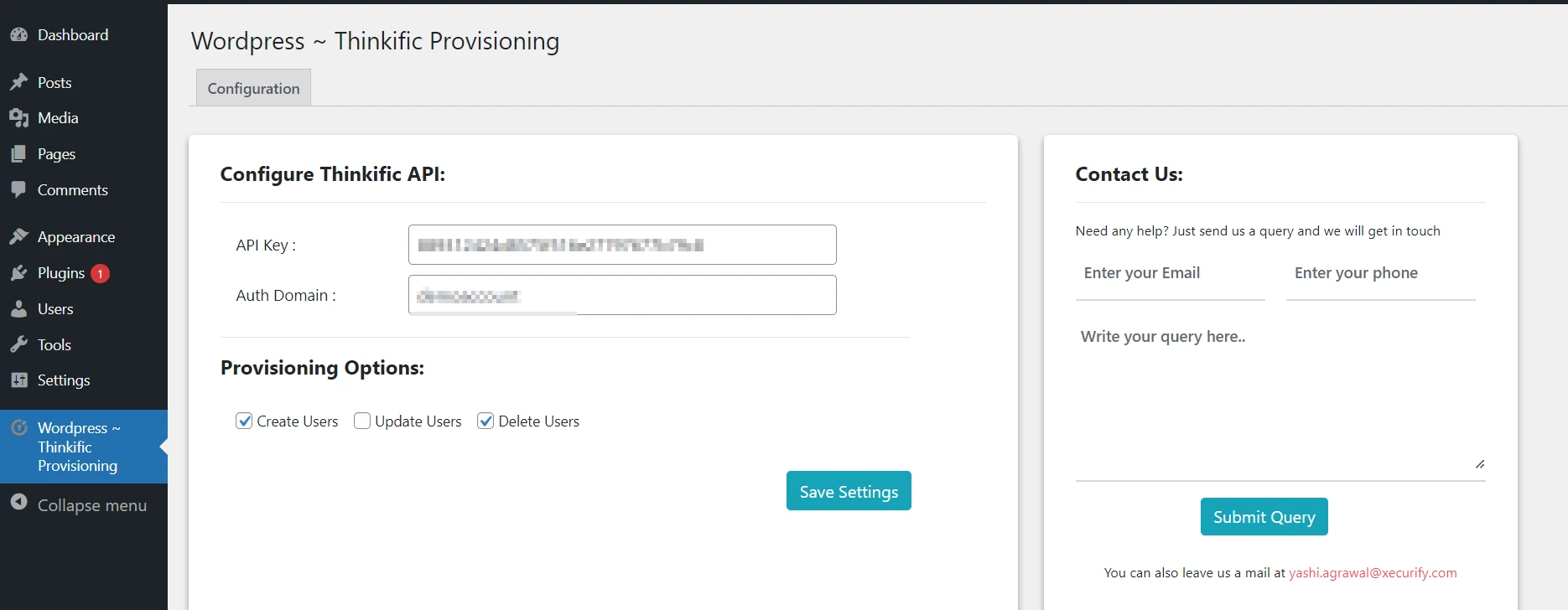
  • Now go back to your Wordpress dashboard and enter the API key and Auth domain that you got in the previous step and then, enable the provisioning options and Save Settings..
  • Configuration details

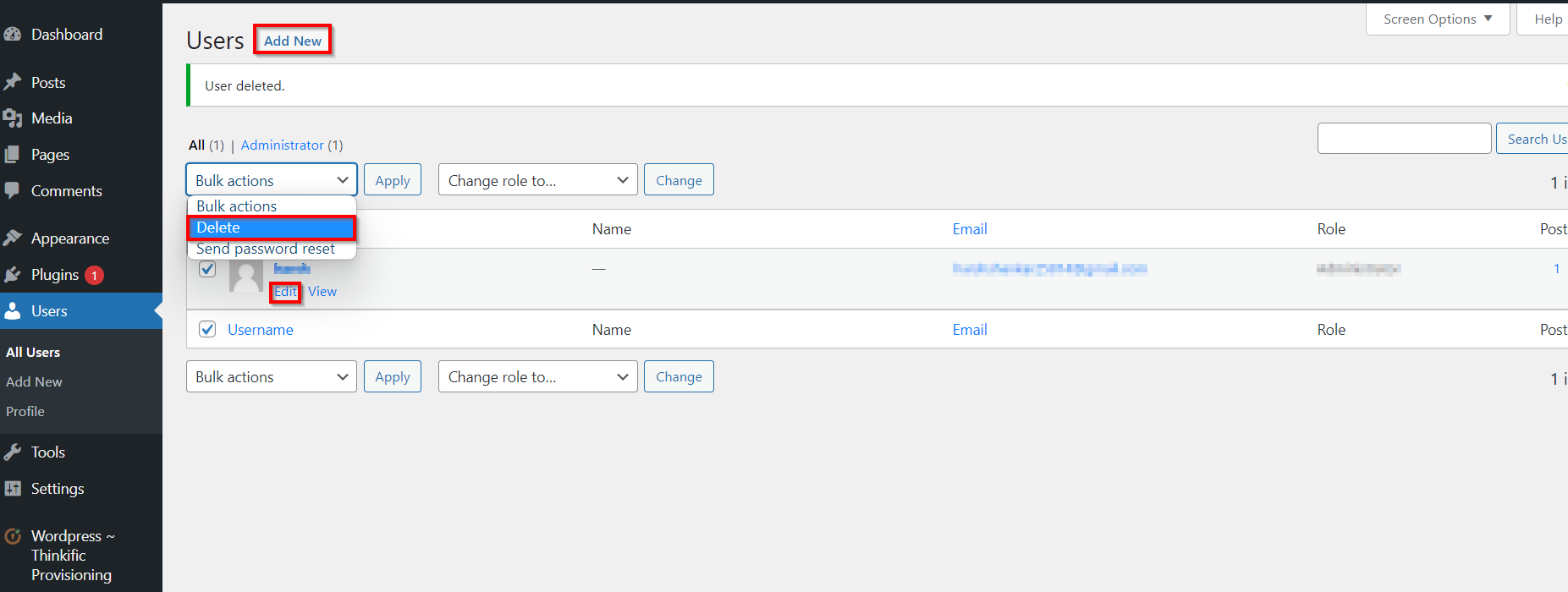
  • Go to Users. Here, you can add new user, update the user details or delete the user.
  • Users Section

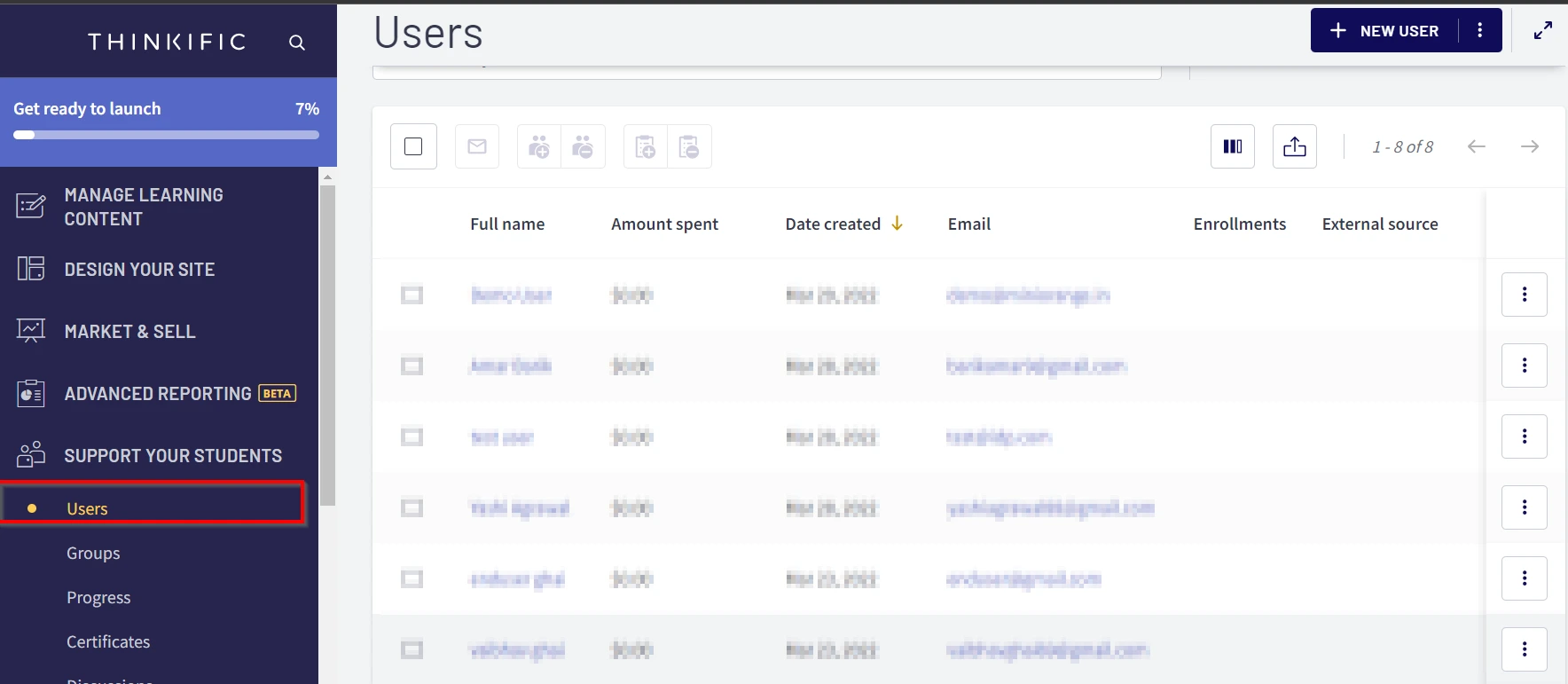
  • Now, you can check the updated users details in the Users section.
  • Users details

Want To Schedule A Demo?

Request a Demo


Our Other Identity & Access Management Products