















































Maintain Application Behavior
Keep the underlying software, business logic, and established workflows intact while changing how users authenticate.
Need Help? We are right here!

Search Results:
×
Older desktop software often has authentication built into the application itself, making security upgrades harder than they should be.

Users may need individual usernames and passwords for applications that operate outside the organization's primary identity environment.

Older software depends on basic username-and-password authentication without support for stronger authentication standards or additional verification.

Applications designed before MFA became standard may have no native mechanism for introducing an additional authentication factor.

Application accounts can remain separate from employee identities, making access harder to manage when users join, move roles, or leave.

Source-code limitations, proprietary architectures, vendor dependencies, and business-critical workflows can make application changes risky.

Replacing a mature desktop application can involve migration, retraining, integration changes, and significant operational disruption.
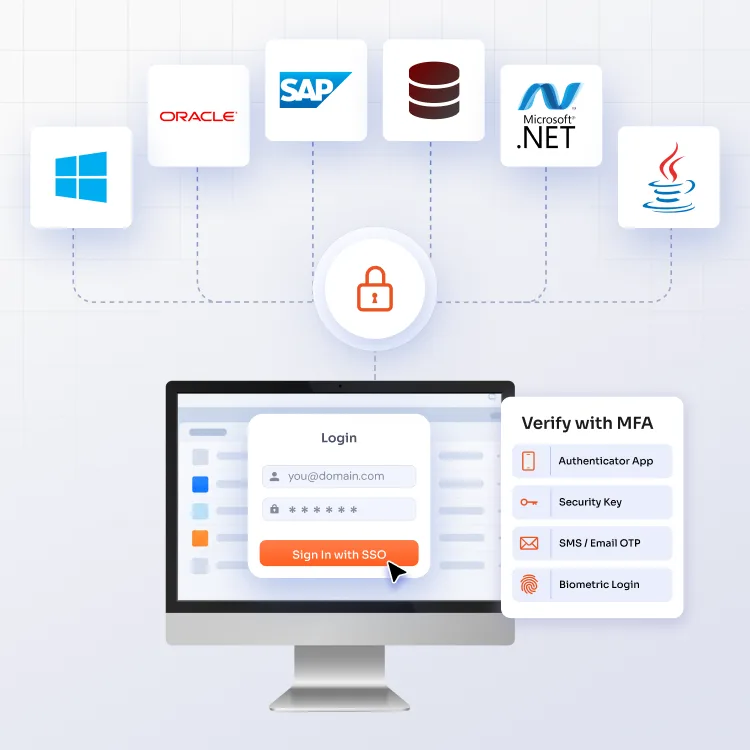
An authentication layer connects established desktop software with the identity infrastructure your organization already uses.
Place an authentication layer between the desktop application and enterprise identity systems to handle authentication externally.
Use your organization's identity provider as the source for user authentication rather than maintaining another credential store.
Require MFA during the authentication process based on your organization's security policies and access requirements.
Keep the underlying software, business logic, and established workflows intact while changing how users authenticate.
Manage authentication requirements through defined identity policies rather than configuring security separately within every application.
Reduce the number of application-specific credentials users need to remember, maintain, and reset.
See how an existing desktop application's login connects with enterprise identity and stronger authentication.
The user opens the desktop application as usual, starting the existing authentication flow.
The authentication request connects the user with the configured identity provider for centralized credential verification.
The user completes the required MFA step using the authentication method configured by the organization.
Once authentication succeeds, the user is granted access and continues using the application with the existing workflow.
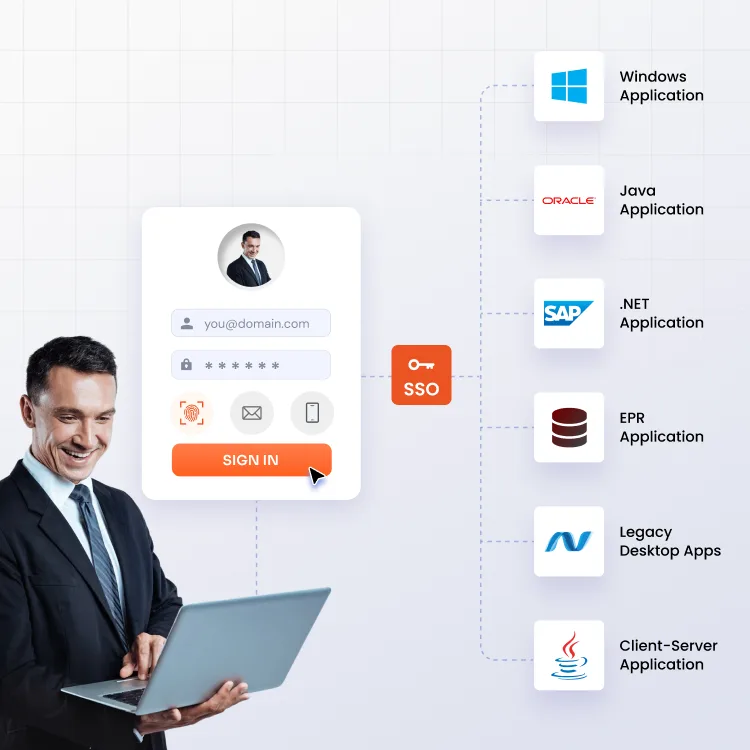
Support authentication for established desktop software across common development frameworks, architectures, and business environments.
Secure installed Windows software that relies on local or application-specific credentials for employee access.
Extend identity controls to Java-based software that was not designed around contemporary enterprise authentication.
Protect established .NET applications while retaining their existing functionality, interfaces, and operational dependencies.
Apply stronger access controls to desktop clients that communicate with servers across on-premises enterprise environments.
Secure desktop-based ERP clients and related business utilities used for finance, operations, supply chain, and administration.
Address authentication gaps in internally developed software built around specialized business requirements and long-standing workflows.
The right authentication approach depends on where the software sits in your business and how difficult it is to change.

Protect financial systems with consistent identity controls while avoiding disruption to accounting, reporting, and transaction workflows.

Strengthen access to clinical, laboratory, administrative, and operational software while preserving established healthcare workflows.

Improve access security for long-running systems where modernization projects can be constrained by budgets, dependencies, or procurement cycles.

Secure production, engineering, maintenance, and design workstations where specialized applications remain essential to daily operations.

Apply enterprise identity controls to internally developed software without rebuilding applications that already support critical business processes.

Secure desktop clients connected to on-premises infrastructure while reducing dependence on application-specific usernames and passwords.
Equip established desktop environments with the identity controls expected across modern enterprise applications.
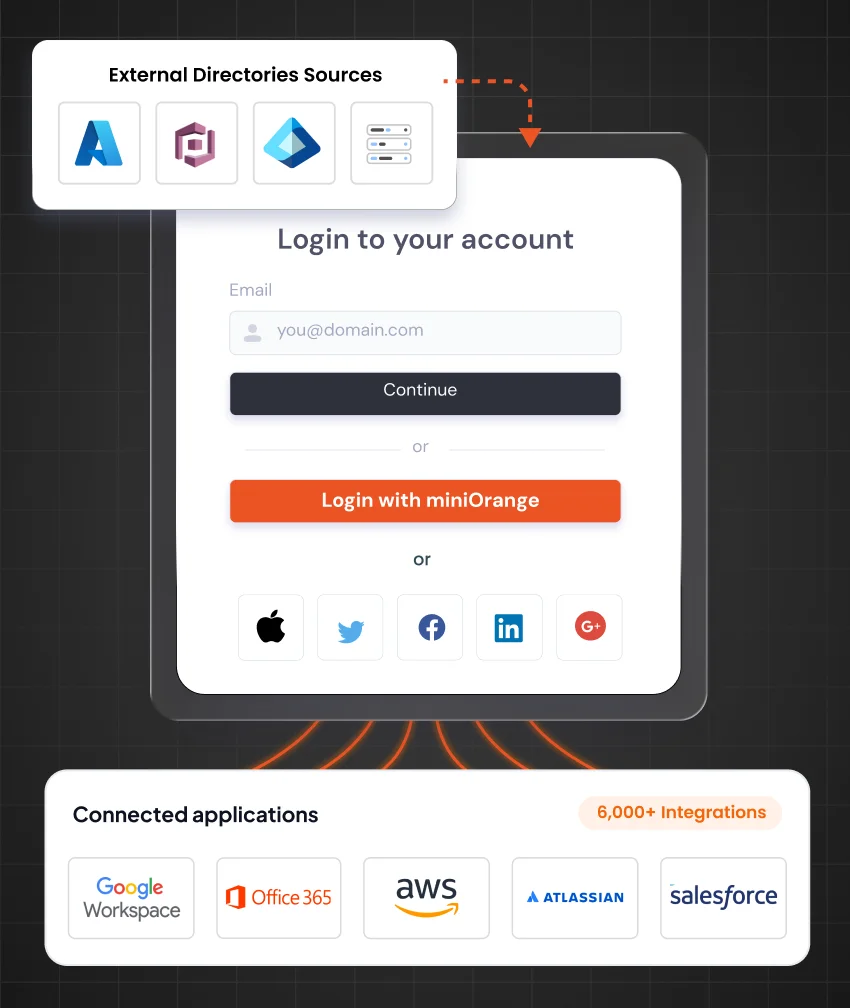
Give employees a consistent authentication experience across supported desktop applications and enterprise resources.
Know More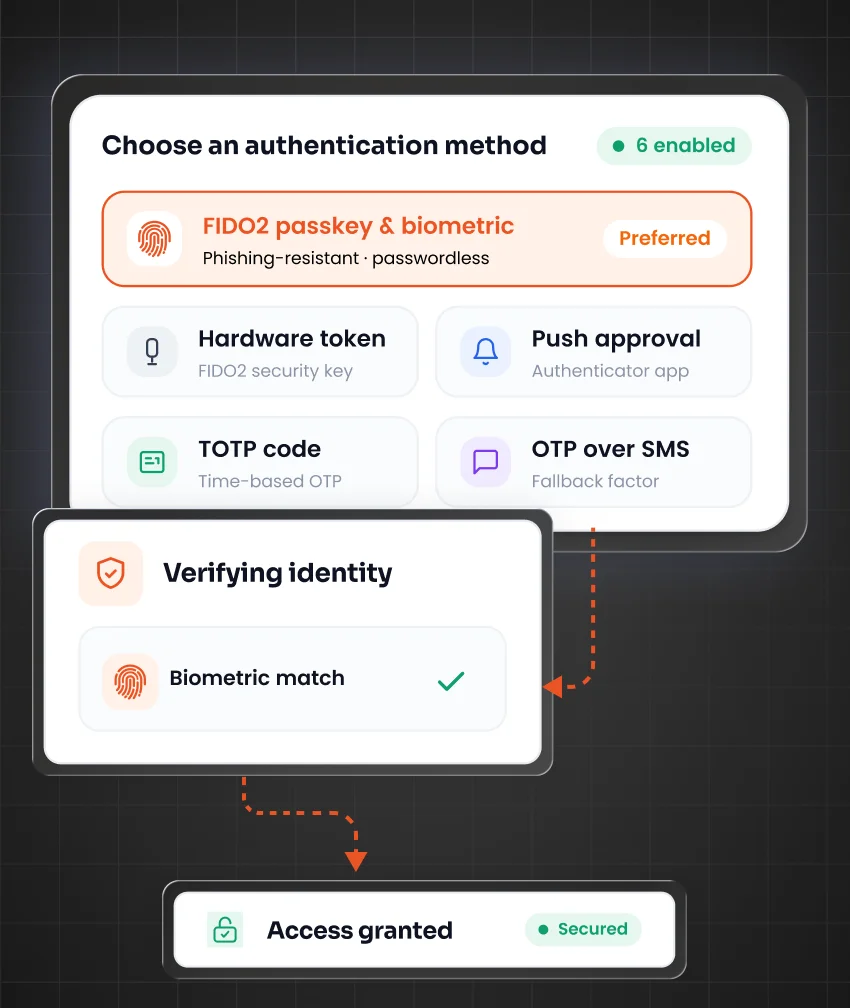
Add an independent verification step to protect application access when passwords alone aren't enough.
Know More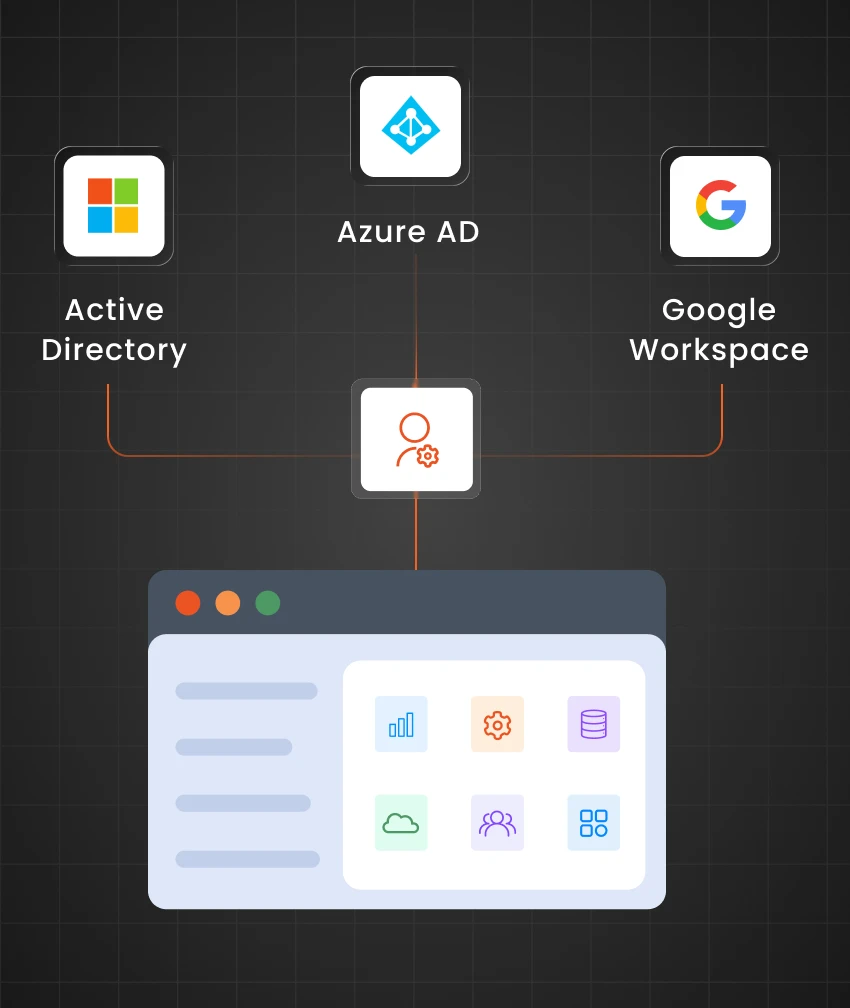
Connect authentication with the identity systems already used to manage employee identities and access.
Know More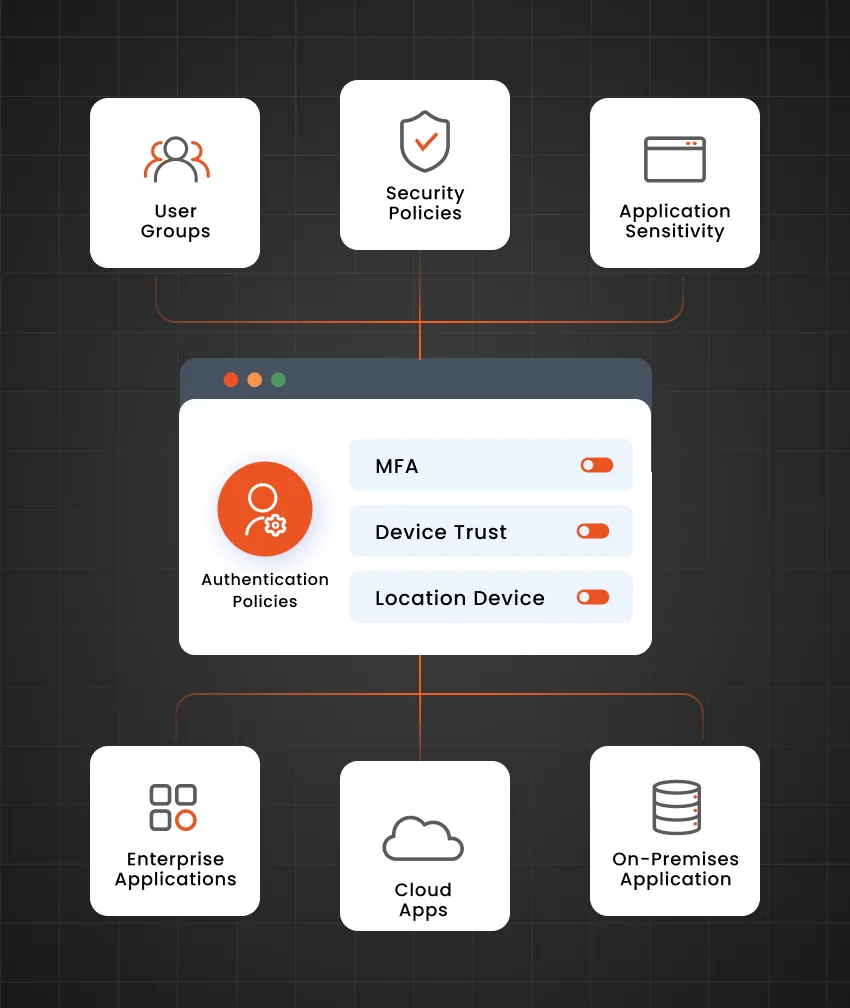
Define authentication requirements centrally according to organizational security standards, application sensitivity, and user access conditions.
Know More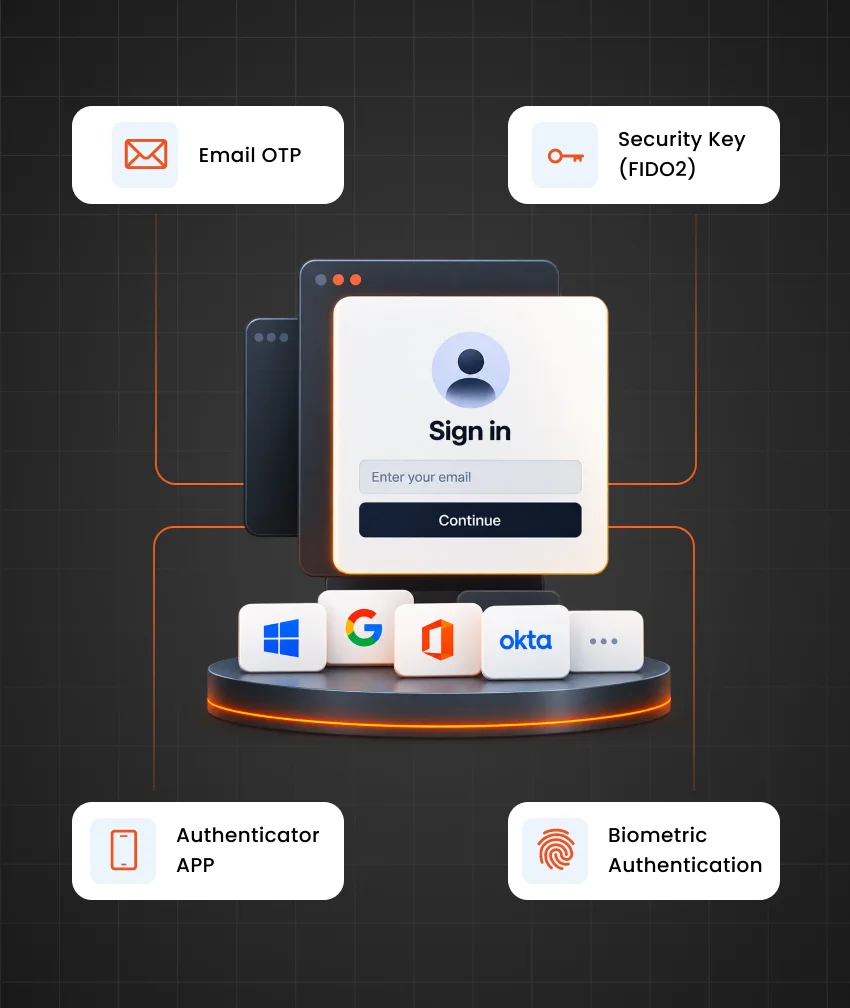
Support different verification approaches to accommodate security requirements, user populations, and application access scenarios.
Know More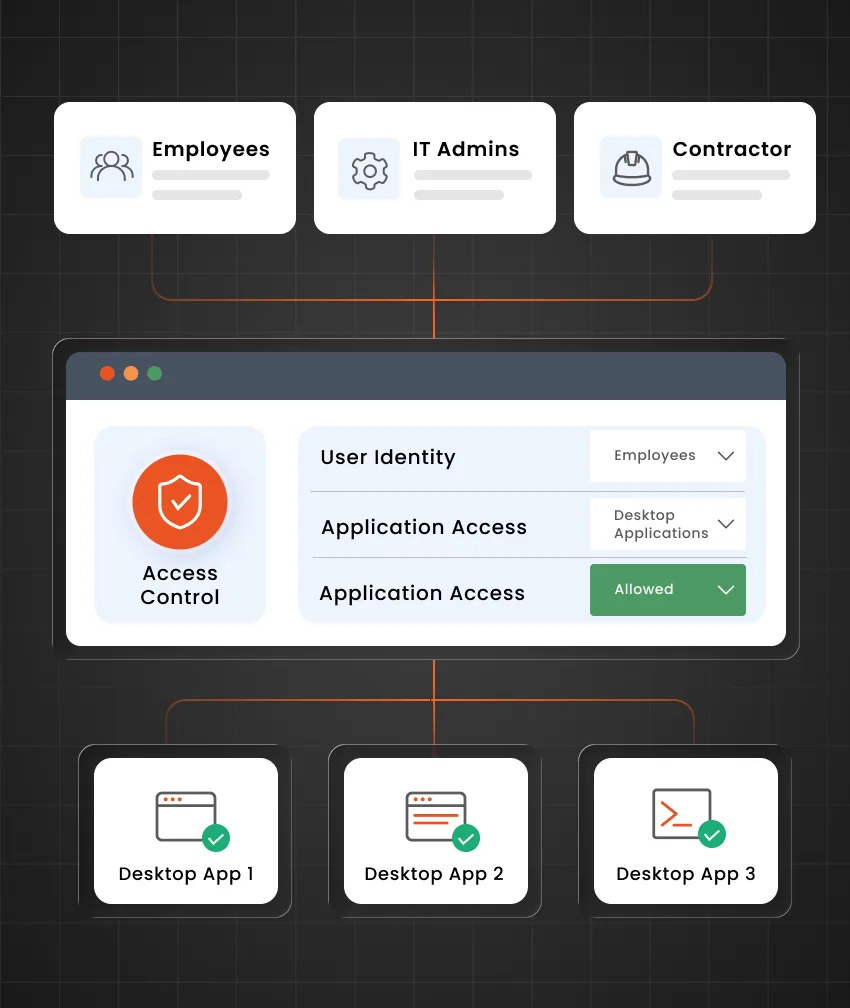
Apply identity-based controls to determine who can authenticate and access protected desktop applications.
Know More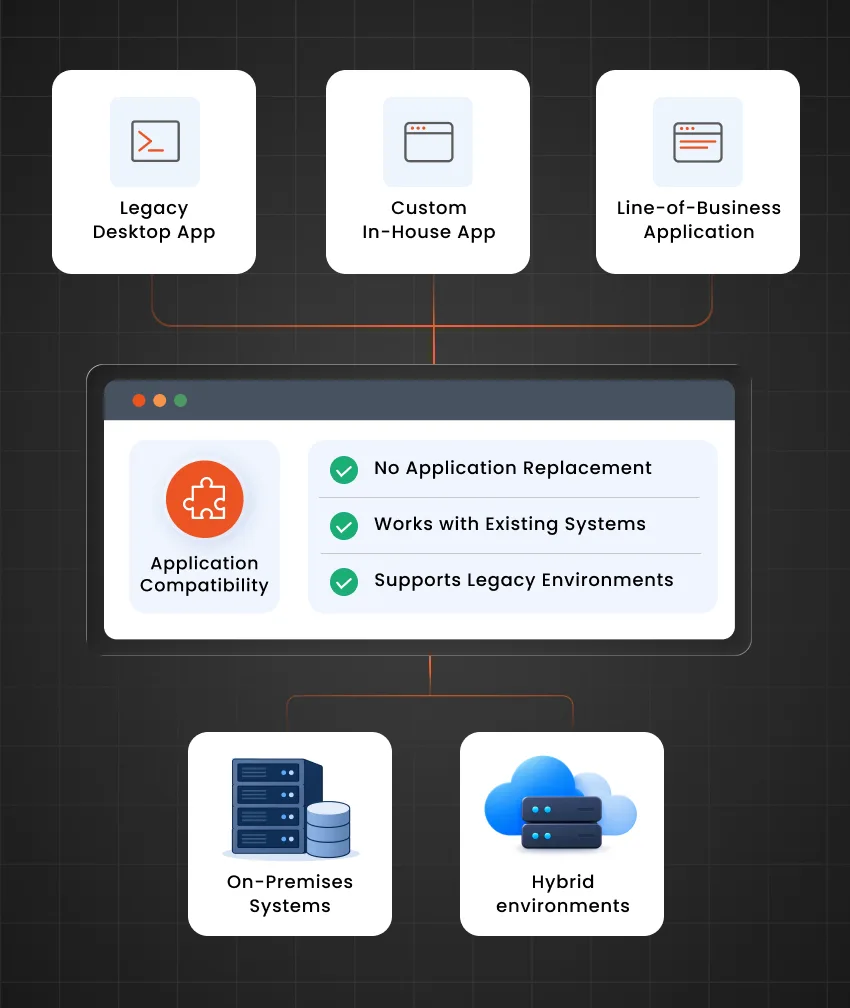
Support established desktop environments without requiring organizations to make application replacement their immediate modernization strategy.
Know More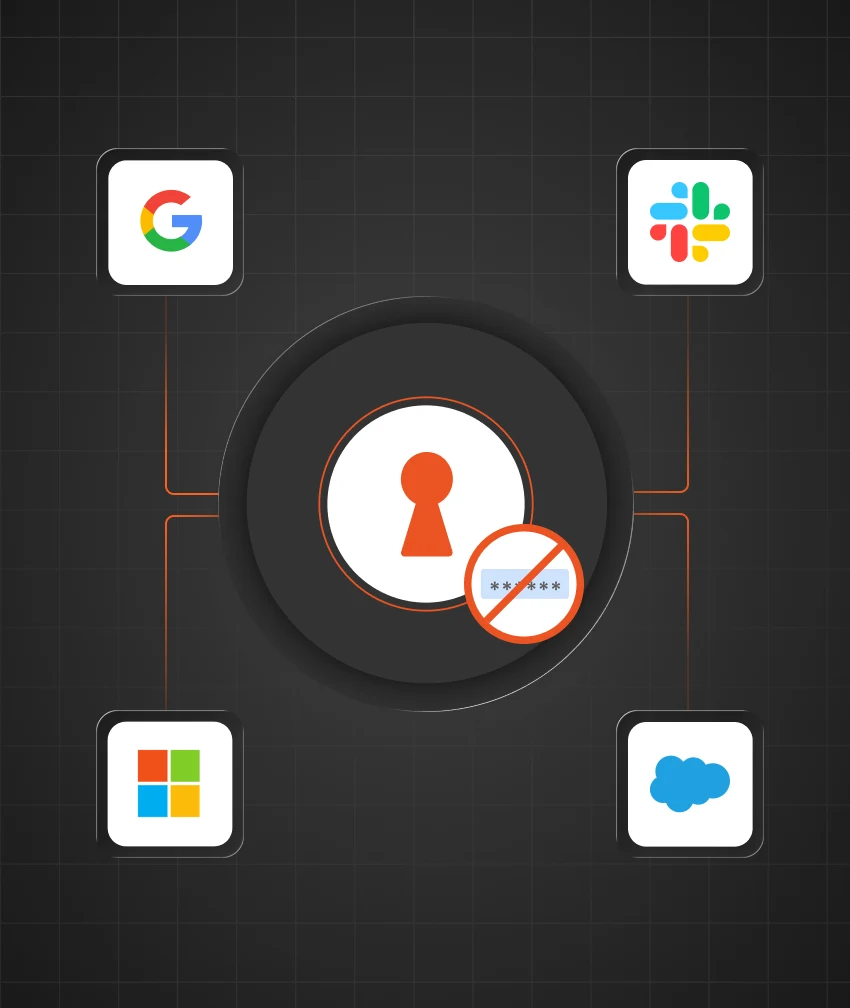
Decrease reliance on separate application credentials and simplify authentication management for users and IT teams.
Know MoreSee the difference between application-specific logins and centralized identity-driven access.
Area
Traditional Authentication
miniOrange Authentication
Separate credentials for each application
Enterprise identity for application access
Password-based authentication
SSO with MFA verification
Application-specific authentication policies
Centrally managed authentication policies
User accounts remain separate from enterprise identity
Access tied to enterprise identities
Password resets create recurring IT overhead
Fewer application-specific credentials to manage
Legacy applications remain outside modern identity controls
Existing applications become part of the enterprise identity strategy
Connect desktop applications to SSO and MFA while keeping the software and workflows your business depends on.
Yes. Windows applications can be connected to enterprise authentication through an identity layer that handles authentication outside the application's native login mechanism.
Yes. Thick-client software, including Windows, Java, .NET, ERP, and client-server applications, can be supported and secured.
Yes. Java desktop applications can be connected to enterprise identity and additional authentication controls even when their original architecture lacks native support.
Yes. Established .NET applications can use an external authentication layer to connect application access with enterprise identity.
Yes. An authentication layer can introduce additional verification while the desktop client continues communicating with its existing server infrastructure.
No. Authentication can be modernized without making application replacement a prerequisite, allowing organizations to preserve software that still supports important business processes.