Hello there!
Need Help? We are right here!

Need Help? We are right here!
Search Results:
×
Competitive Pricing
A solution that is tailored to your specific needs
24 * 7 Worldwide support
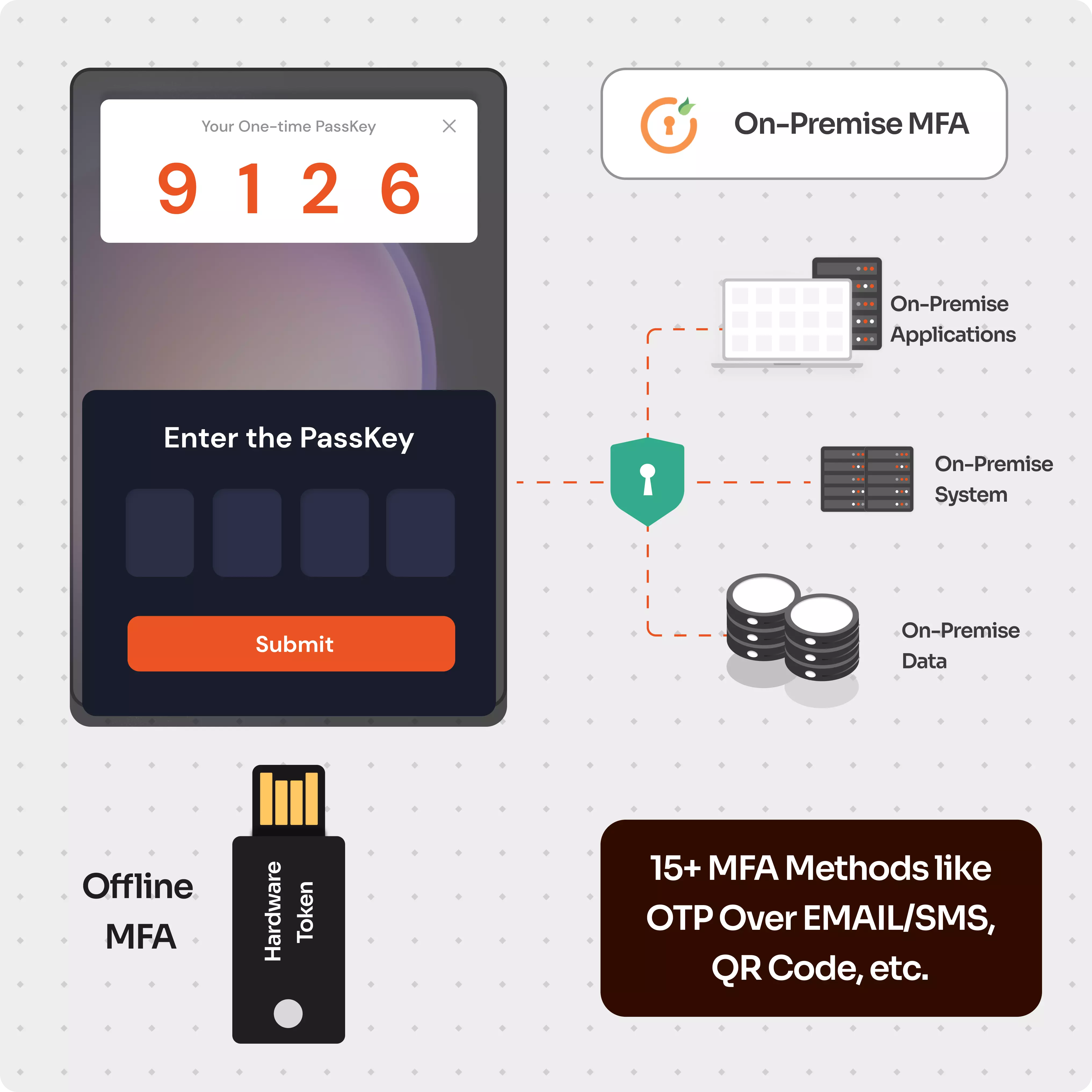
When an MFA or Multi-Factor Authentication mechanism is implemented within an organization's local infrastructure and network rather than relying on external cloud-based MFA services, it is called an On-premises Multi-Factor Authentication (MFA) solution. On-Premise MFA is a security mechanism that requires users to provide two or more different authentication factors to gain access to any on-premise application, system, or data. These factors typically include something the user knows (e.g., a Security question), something the user has (e.g., a hardware token), and something the user is (e.g., biometrics).
Most MFA solutions for On-Premise have some degree of dependency on cloud components, but the miniOrange On-Premise MFA solution works without any cloud dependency, ensuring hardcore and robust security. Offline MFA through authenticator apps ensures that the MFA solution can work without requiring an internet connection.
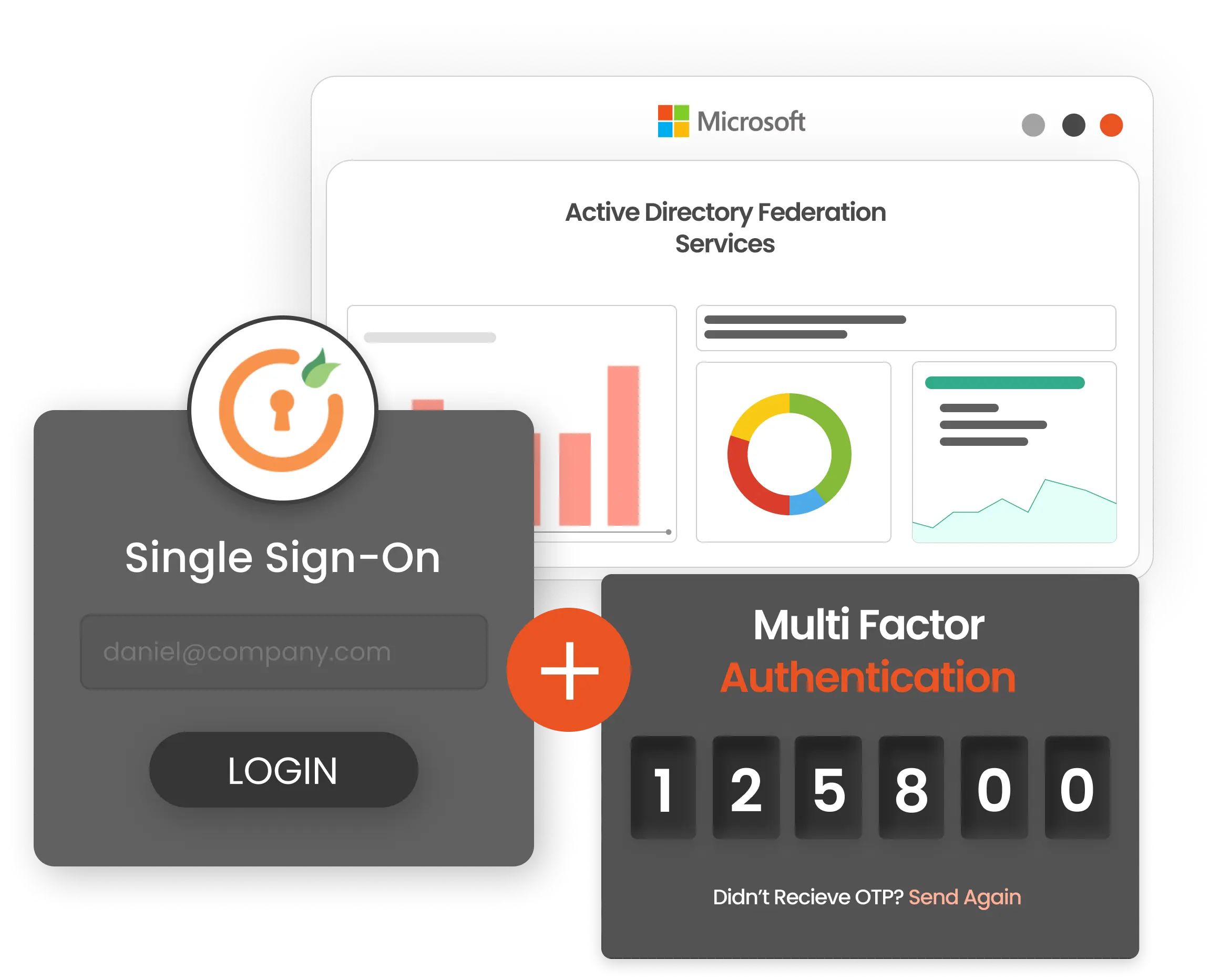
Active Directory is a commonly used directory service that many organizations like yours use for validating login information for accessing On-Premise Windows Systems. However, if a hacker manages to obtain an employee's login credentials, they can access the account and any sensitive data it may contain.
It is strongly recommended to use the miniOrange On-Premise MFA solution to secure Active Directory logins and prevent unauthorized access. This is particularly crucial for privileged accounts because a security breach could have severe consequences.
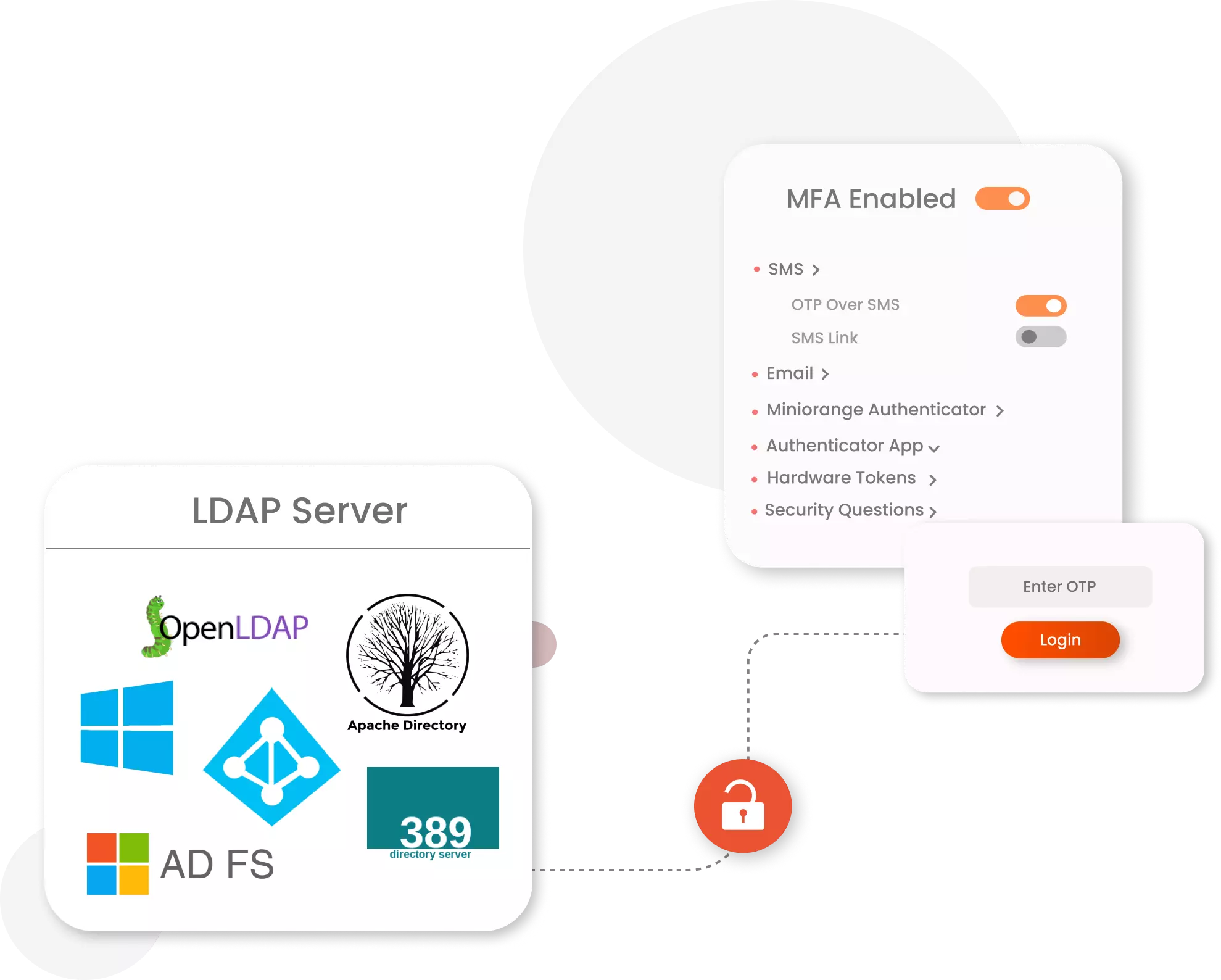
When your employees log in to an on-premise work application, the authentication service verifies their login credentials like username and password. This service is typically provided by an LDAP directory, which is commonly used for user authentication.
However, relying solely on passwords can leave your on-premise systems vulnerable to security threats. To enhance the security of LDAP user authentication, your organization can add an extra layer of protection by using miniOrange's On-Premise Multi-Factor Authentication (MFA).
On-premises MFA enables organizations to maintain control over authentication data, ensuring compliance with data sovereignty regulations like GDPR, HIPAA, and many more.
Many Legacy apps and systems are not compatible with cloud systems. Hence, Organizations using Legacy applications require a fully On-Premise MFA solution that is independent of any cloud component.
Many organizations prioritize local network usage over internet connectivity. miniOrange offers offline MFA capability for on-premises apps and systems, where MFA is prompted without requiring an internet connection.



Protect all Active Directory logins with MFA Security. Prevent unauthorized access to all servers by enabling MFA.
Secure your Windows RDP logons, RD Gateway & SSH logins with Multi-Factor Authentication.
Enable MFA on your VPN connections Like Fortinet, Cisco, SonicWall, PaloAlto, etc.
Prevent unauthorized access to OWA (Outlook on the Web) & RD Web connections.
Enable SSO/MFA for all Office 365 apps on the cloud (Supporting SAML, OAuth, JWT, etc.)
Secure your Windows, Mac & Linux systems with a single solution with offline MFA support.
On-premise MFA provides complete control over data storage and security, making them essential for sensitive data and regulatory compliance.
You get a customized solution aligned with the specific user requirements of your organization for maximum effectiveness with the miniOrange On-premise MFA solution.
On-premise MFA solutions are typically faster and more reliable than cloud-based systems, as they are not dependent on internet connectivity or other external factors.
Fulfill cyber insurance compliance requirements by implementing the miniOrange On-Premise MFA solution. Qualify for policies with greater coverage and lower premiums.
With the miniOrange Cloud MFA solution, secure your entire Cloud Infrastructure, all SaaS apps, and many more. A robust security solution specially designed for Cloud Environments.


I can't speak highly enough regarding miniOrange, I am totally satisfied with the process and results in every regard.
5.0

Awesome tech service, Awesome product. Overall Awesome people. This solution is very simple and easy to implement
5.0

