Unified Endpoint Management Admin Handbook
miniOrange Unified Endpoint Management (UEM) is a powerful, all-in-one platform that enables administrators to enroll, manage, and secure a wide range of corporate endpoints, including Windows, Android, macOS, and iOS devices, from a single unified console.
The platform brings together industry-leading Mobile Device Management (MDM) and Data Loss Prevention (DLP) technologies to ensure both device integrity and data security across your organization.
- With MDM, you can automate device onboarding, enforce security configurations, deploy applications, and perform remote troubleshooting or wipe actions to maintain operational efficiency.
- With DLP, you can discover and protect sensitive data across endpoints and network channels, preventing unauthorized leaks through content-aware policies, peripheral control (like USB blocking), and real-time activity monitoring.
Features of miniOrange UEM Dashboard
- The miniOrange UEM Dashboard provides a centralized interface for managing the entire device lifecycle and data security. It is primarily categorized into the following key modules:
- Endpoint Inventory & Monitoring: Get real-time visibility into all enrolled devices, their health status, OS versions, and compliance levels from a single pane of glass.
- Policy & Configuration Management: Create and enforce granular security policies, WiFi/VPN profiles, and system restrictions across Windows, Android, and Apple ecosystems.
- Application Management (MAM): Seamlessly distribute, update, and manage the lifecycle of both public store apps and private enterprise applications.
- Data Security (DLP): Protect sensitive business data by enforcing content-aware policies, controlling peripheral access (USB/Bluetooth), and monitoring file activities.
- Compliance & Alerts: Automatically detect out-of-compliance devices and receive real-time alerts to take proactive security measures.
How to login to the Dashboard
- The miniOrange UEM dashboard can be accessed directly using this link: https://www.endpointdefence.com/login/.
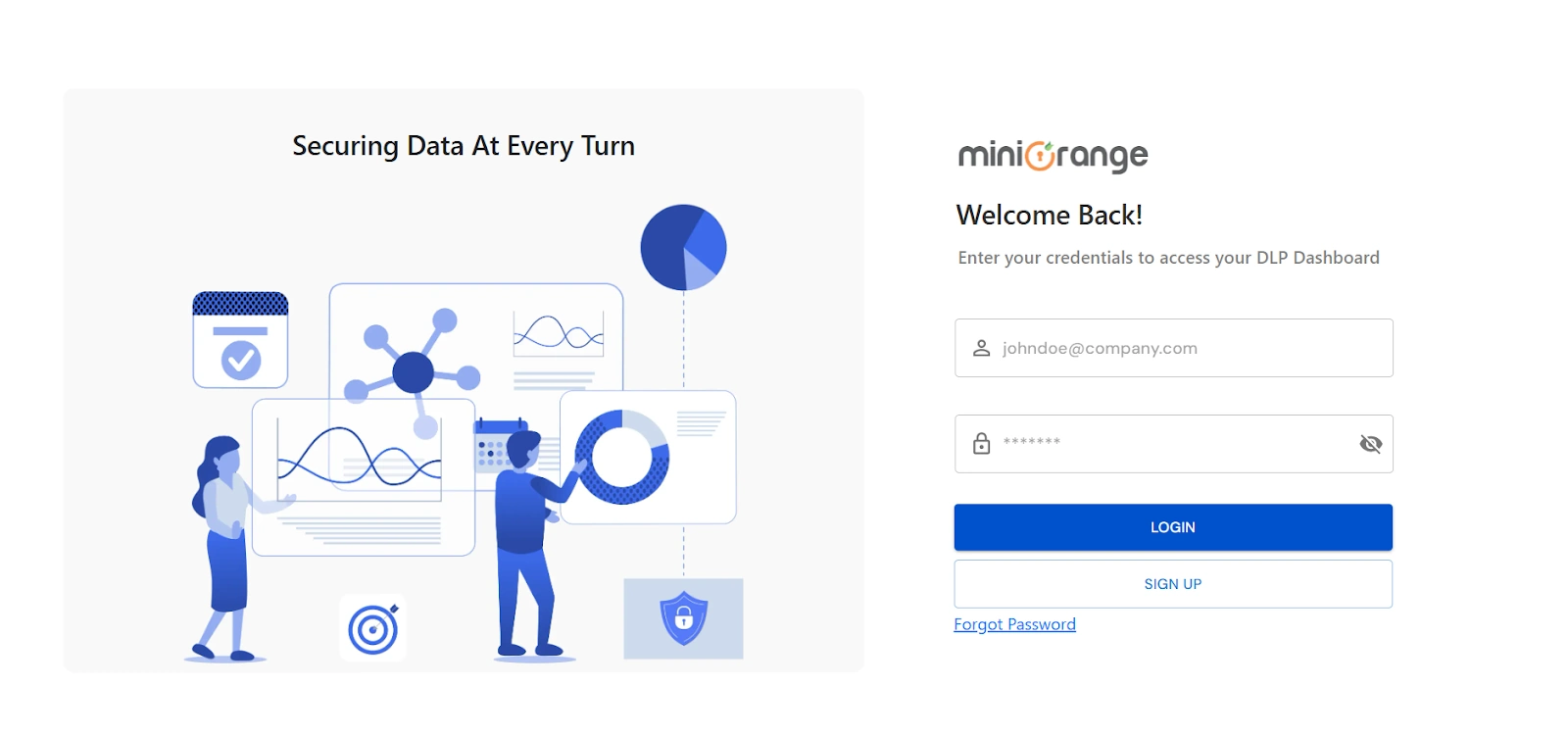
- For additional administrators or users, login must be performed through your organization's branded URL:
https://example.endpointdefence.com/ (where "example" is the Organization Name you configured during signup).
- If you are already logged in to the dashboard, you can review or modify your access settings within the Settings section of the console.
- For any queries, technical issues, or login assistance, please reach out to our support team at uemsupport@xecurify.com.

