Hello there!
Need Help? We are right here!

Need Help? We are right here!
Search Results:
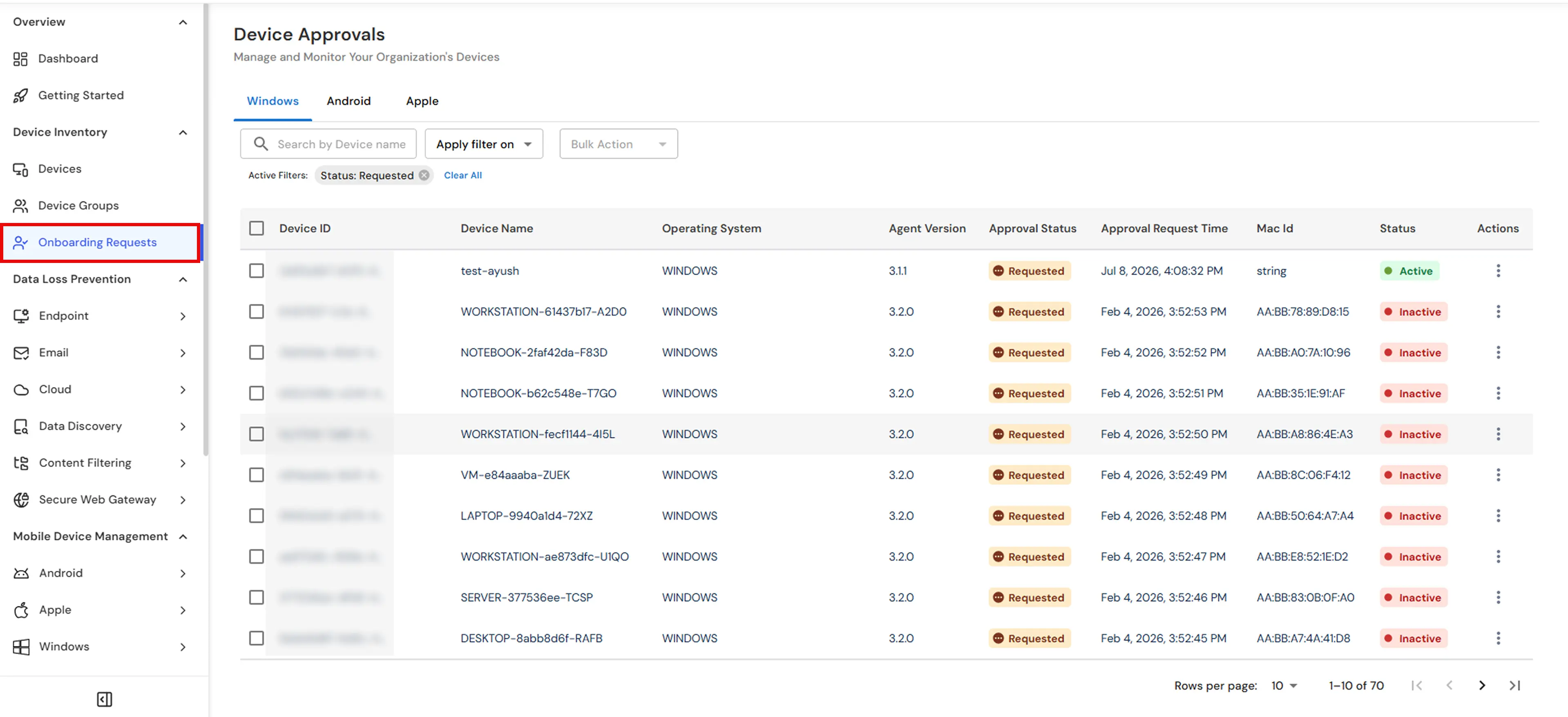
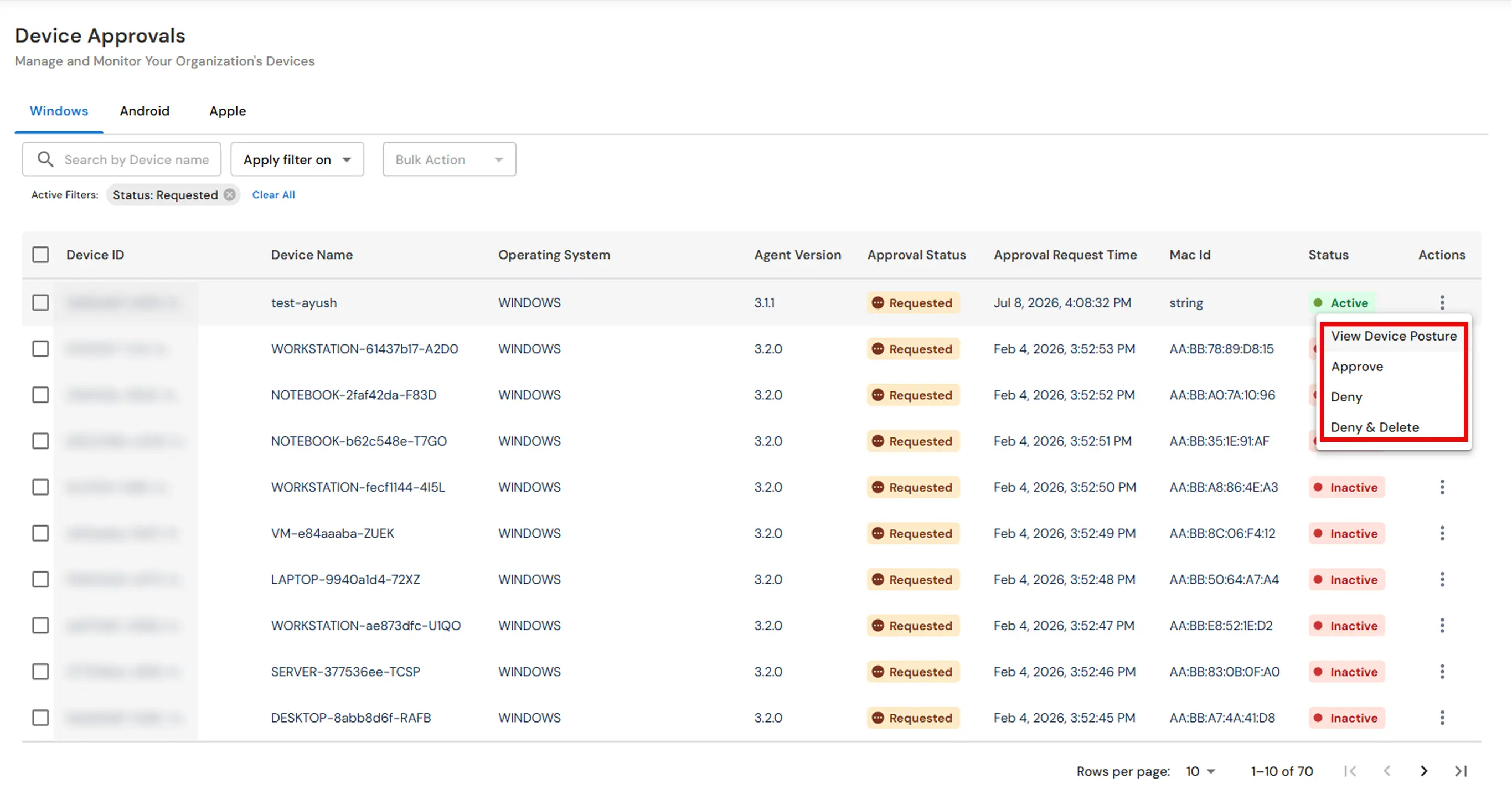
×In this guide you can register Windows devices with miniOrange Unified Endpoint Management (UEM): we walk you through obtaining the Windows agent installer, binding the Windows DLP agent to your organization, completing onboarding and approval where required, and using the admin console to apply DLP Policies, Device and Website Controls, application restrictions, and Monitoring Rules to enrolled PCs.
What you are setting up
Follow the steps below to download the miniOrange UEM Agent, install it on the Windows endpoint, and complete registration in your organization:
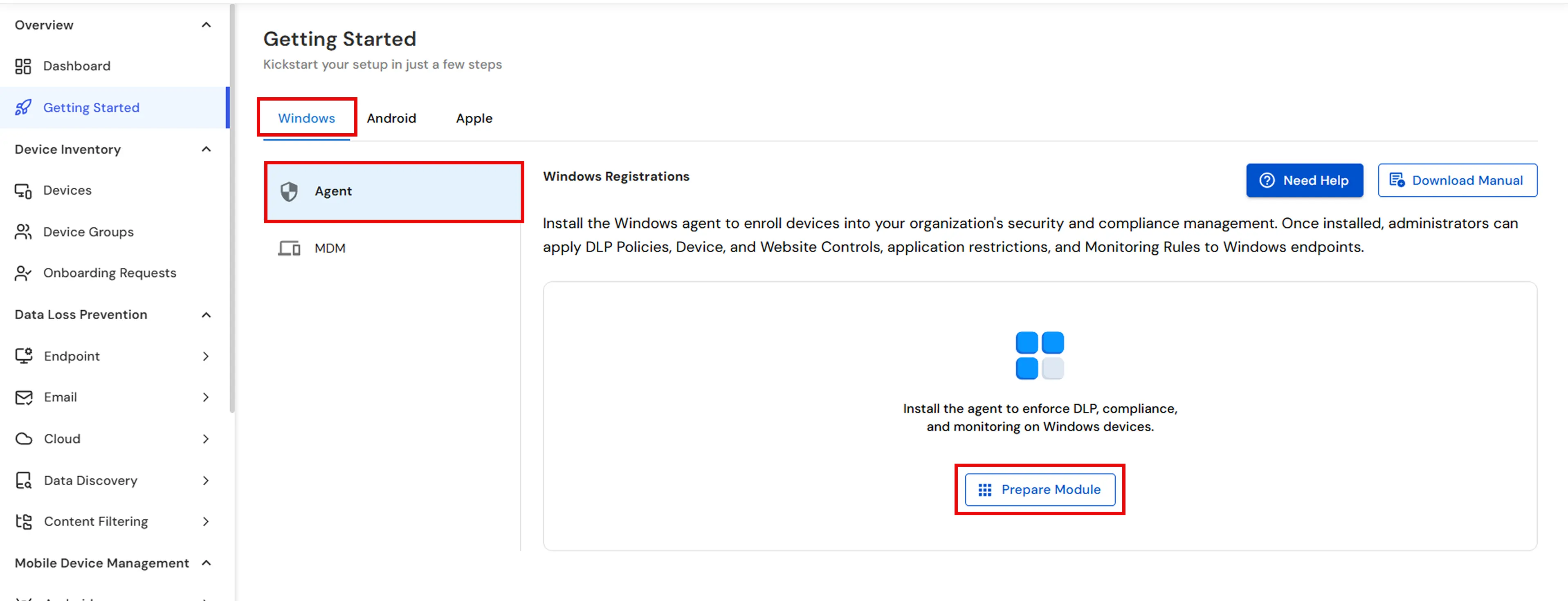
Note: For bulk deployment across multiple devices, you can install the agent using GPO. Click here to refer to the guide.
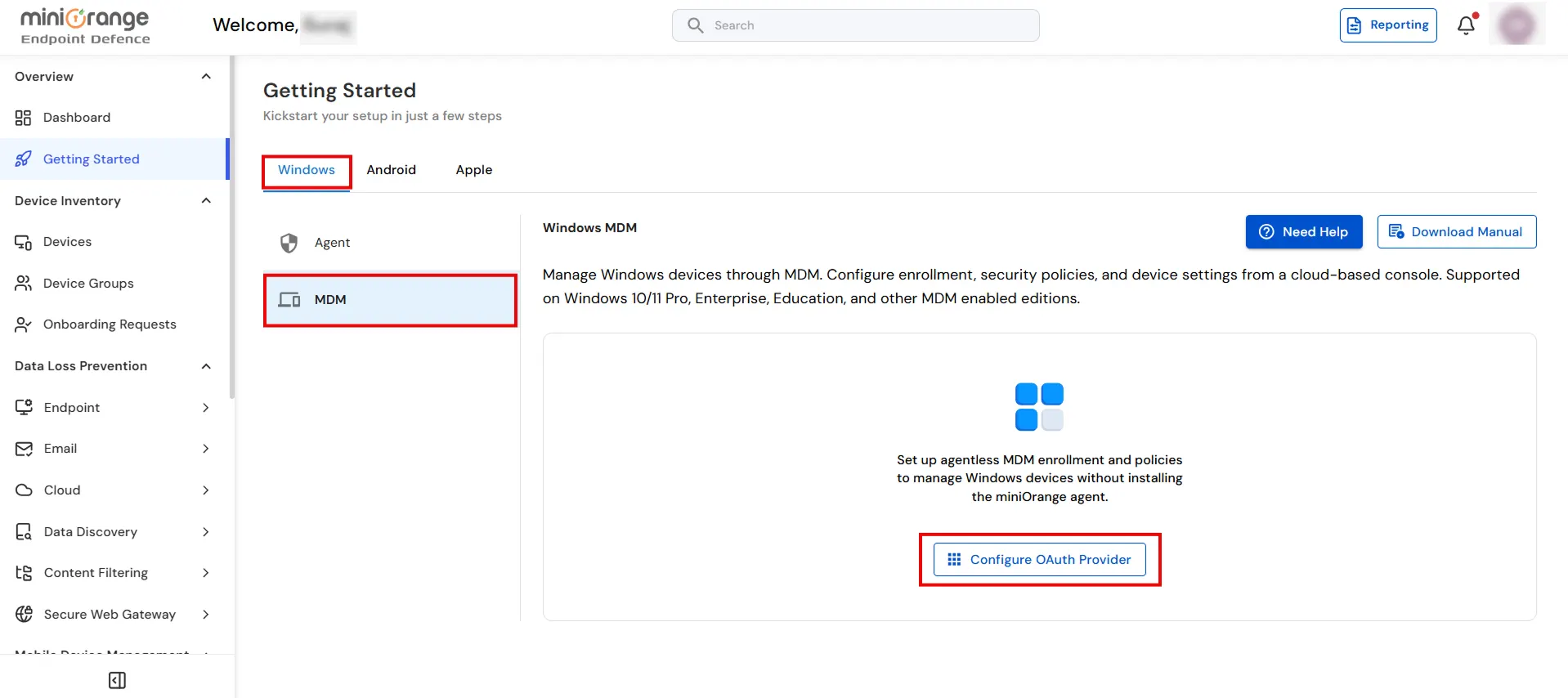
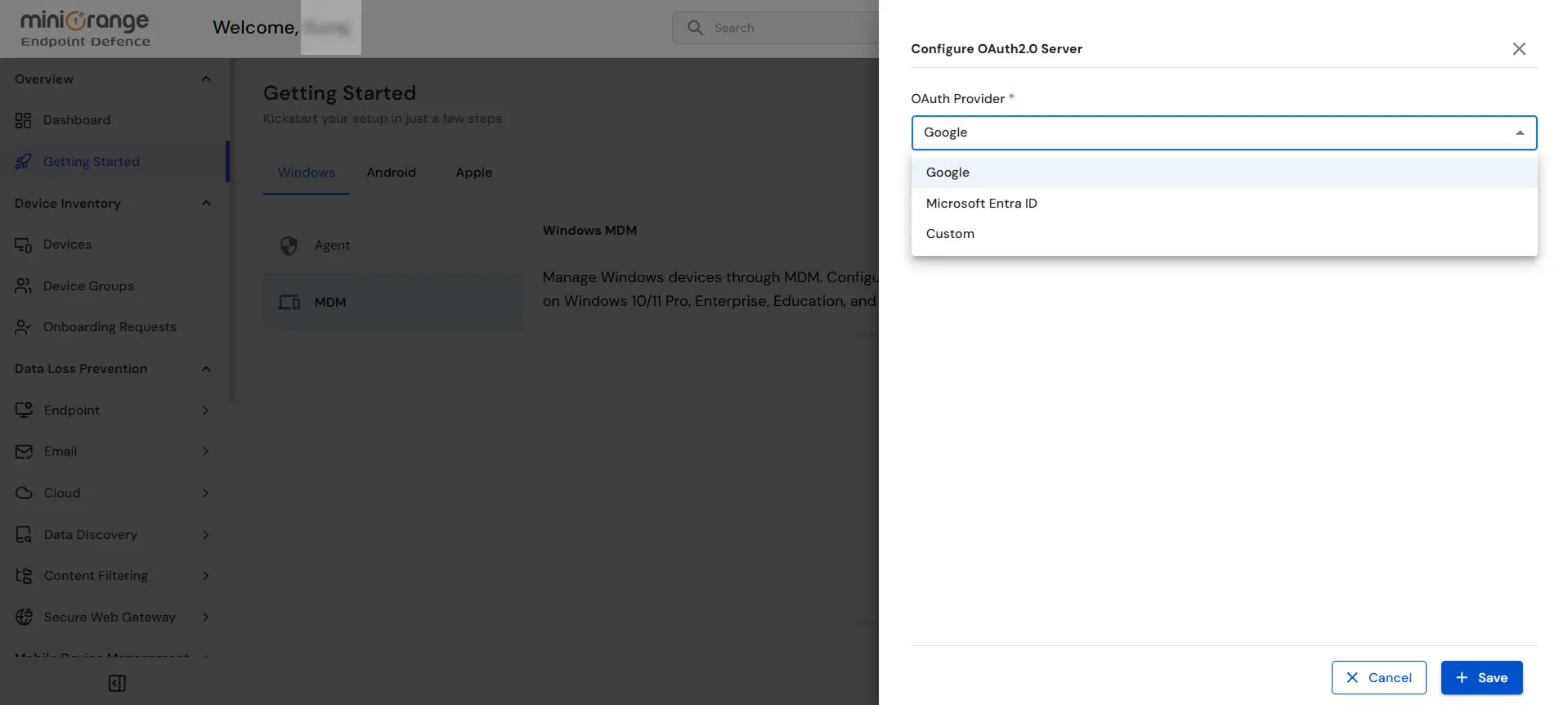
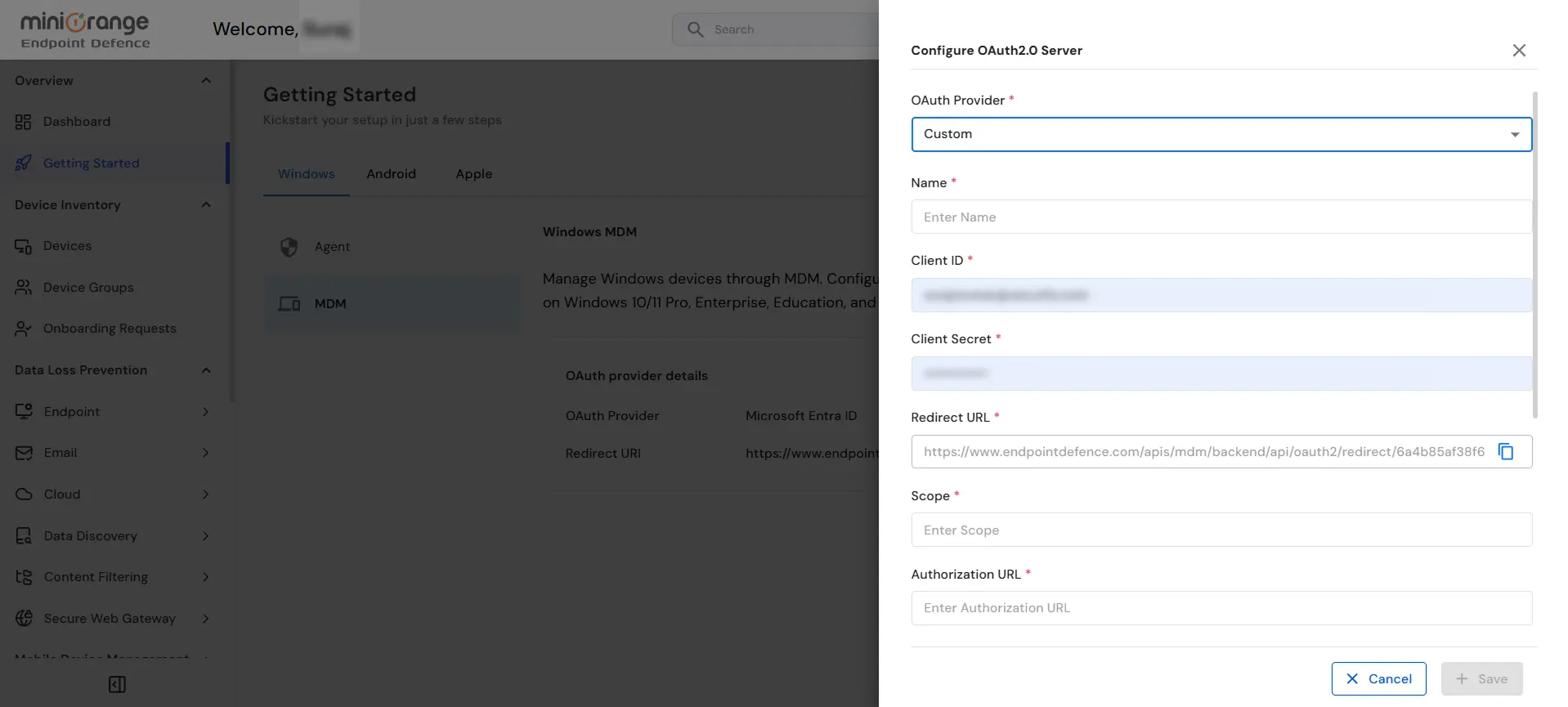
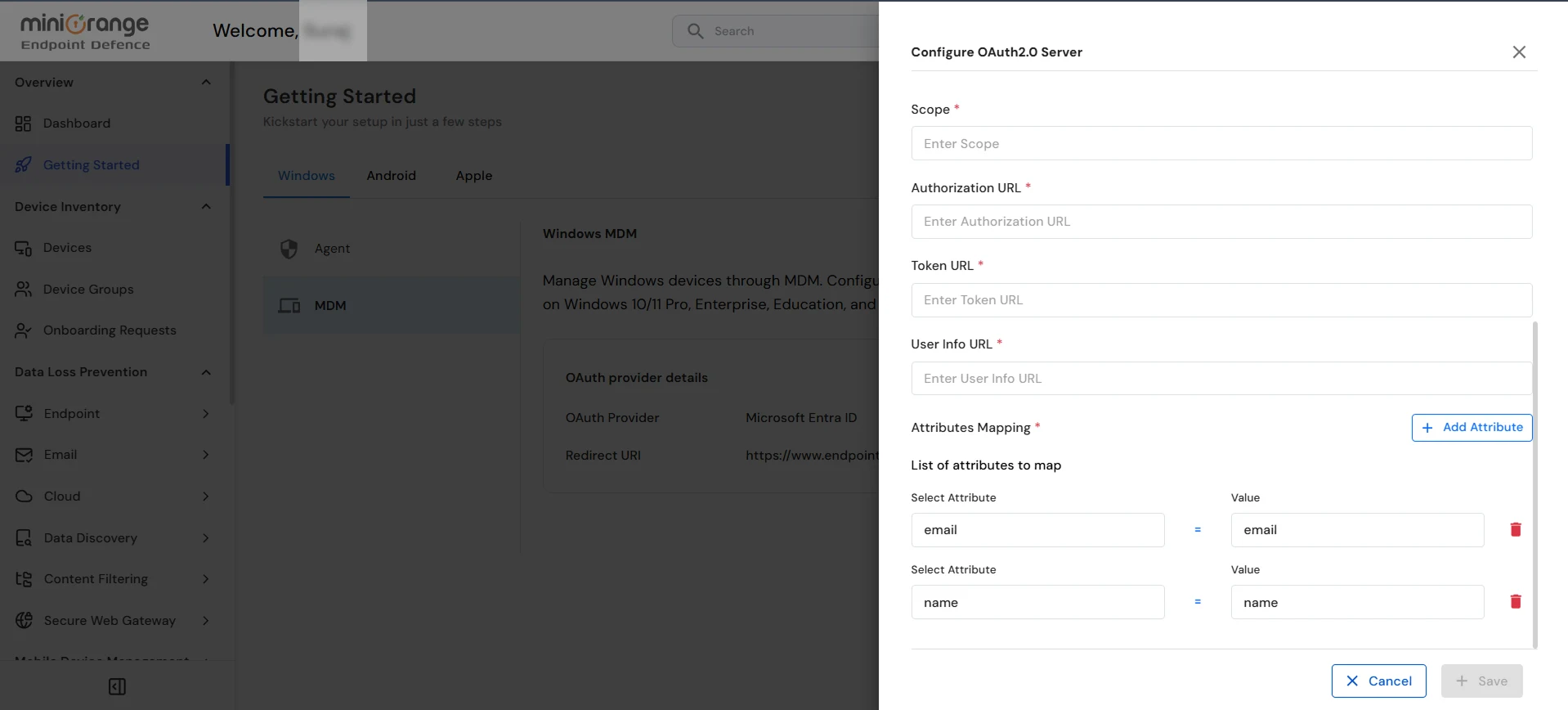
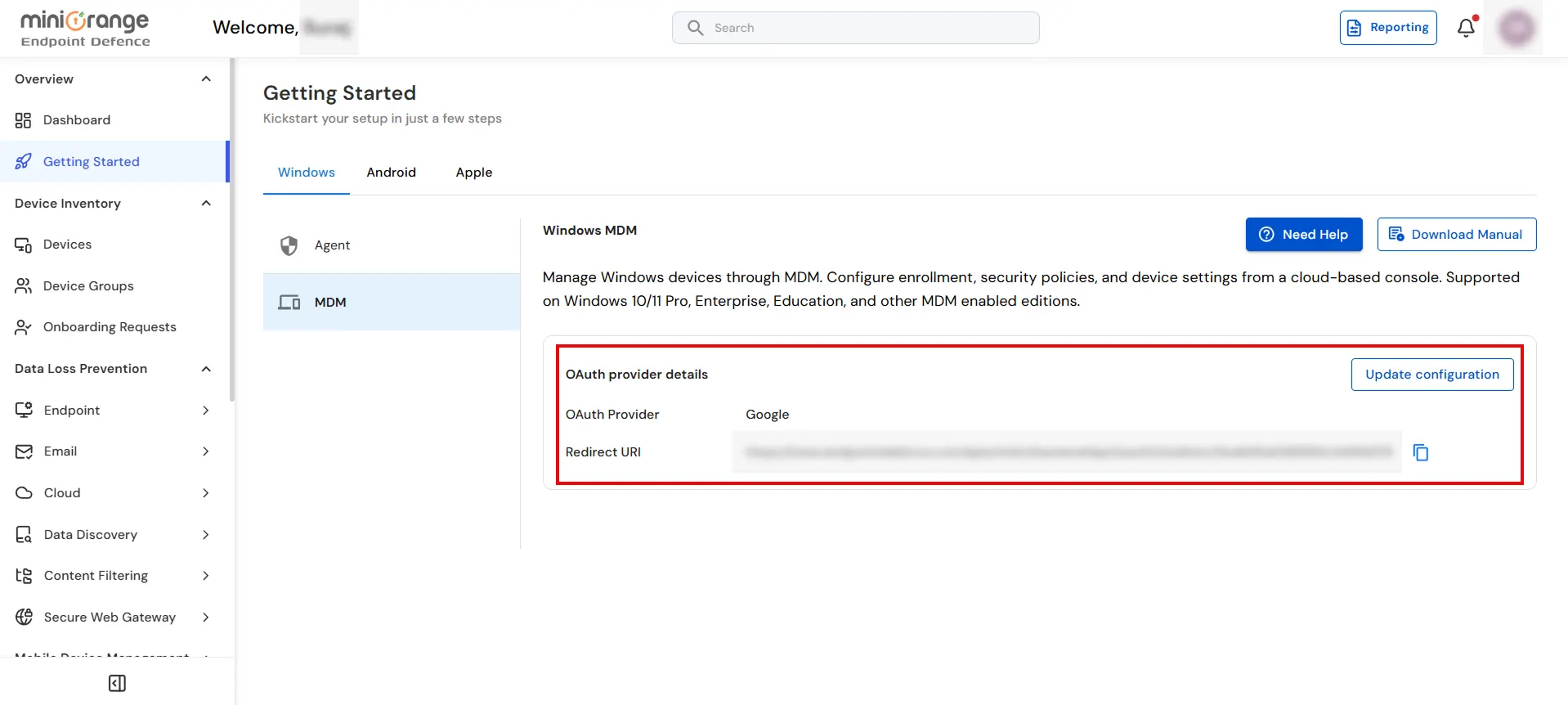
Follow the steps below to configure the OAuth Provider and enroll Windows devices using Mobile Device Management (MDM):