Hello there!
Need Help? We are right here!

Need Help? We are right here!
Search Results:
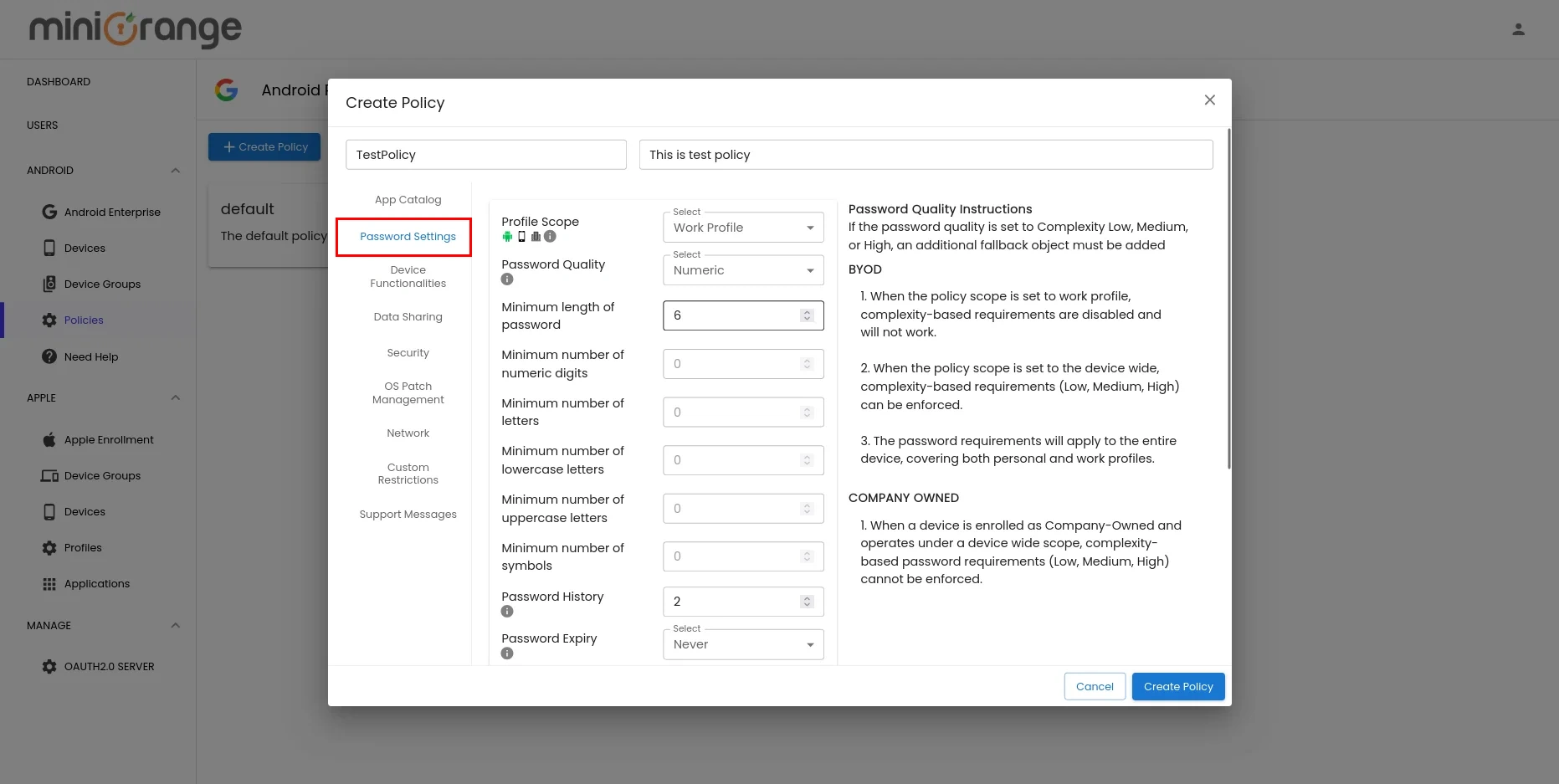
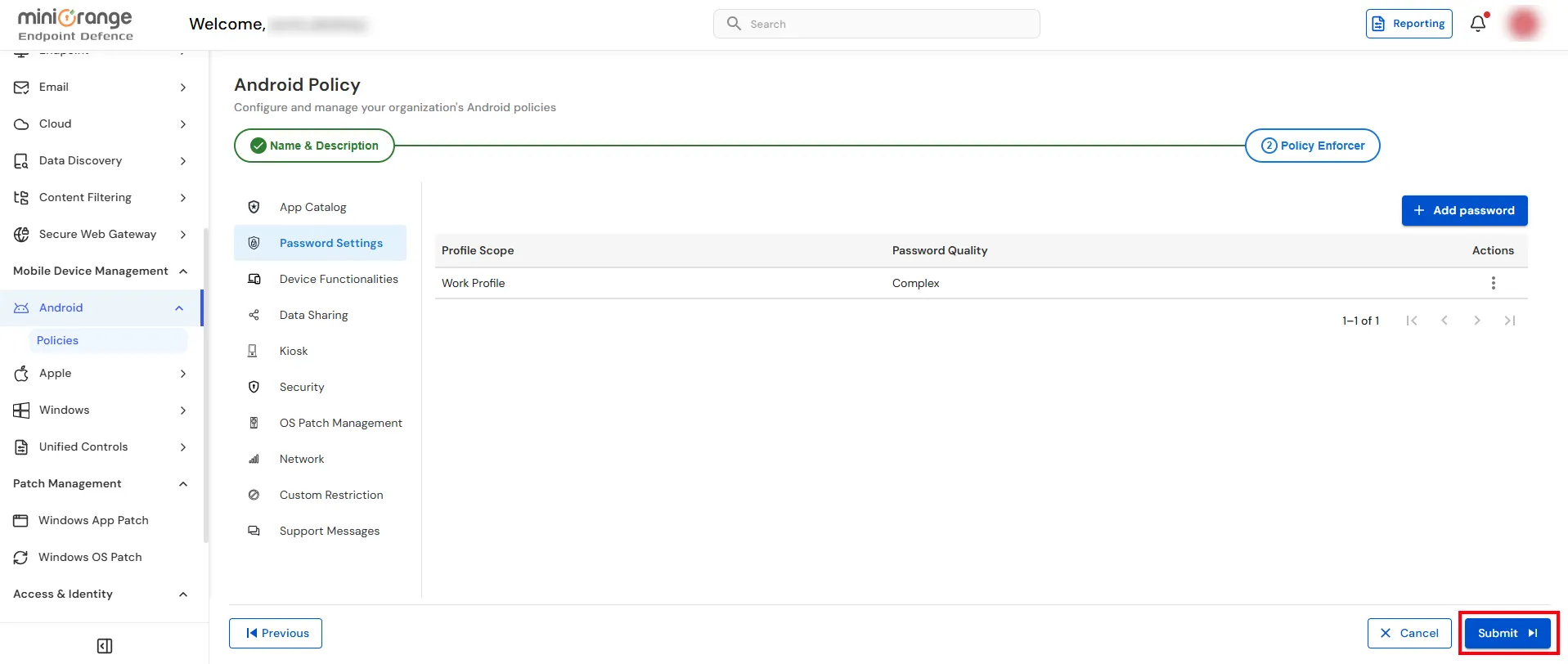
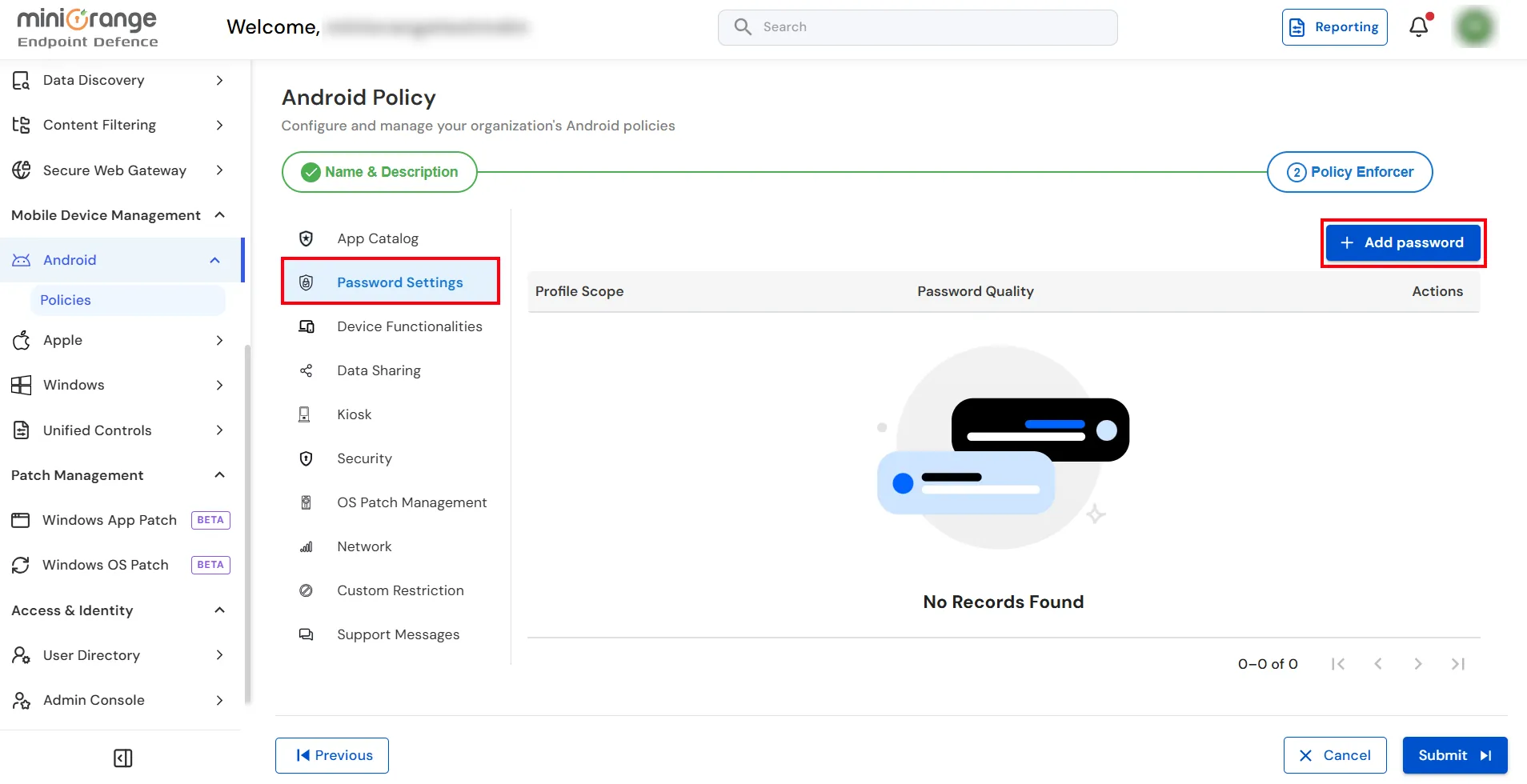
×The Password Settings tab allows you to define password policies for managed Android devices. You can enforce password requirements such as password quality, complexity, and security rules to help protect corporate data. Multiple password policies can be created and assigned based on your organization's security requirements. However, only the most restrictive (highest complexity) policy is enforced at a time. Therefore, it is recommended to create a single password policy that meets your organization's password complexity requirements.
| Setting | Description |
|---|---|
| Profile Scope | Select whether the password policy applies to the Work Profile or the Entire Device. |
| Password Quality | Choose the required password type, such as Complex, Numeric, Alphabetic, or Alphanumeric. |
| Password Expiry | Specify how often users must change their device password. |
| Device & Work Profile Lock Settings | Configure whether the device and work profile use a common password or separate passwords. |
| Require Password Unlock | Define how frequently users must enter their password to unlock the device. |
| Minimum Password Length | Set the minimum number of characters required in the password. |
| Minimum Numeric Digits | Specify the minimum number of digits the password must contain. |
| Minimum Letters | Specify the minimum number of alphabetic characters required. |
| Minimum Lowercase Letters | Define the minimum number of lowercase letters required. |
| Minimum Uppercase Letters | Define the minimum number of uppercase letters required. |
| Minimum Symbols | Specify the minimum number of special characters required. |
| Password History | Prevent users from reusing previously used passwords by specifying how many past passwords are remembered. |
| Maximum Failed Passwords | Specifies the maximum number of consecutive incorrect password attempts allowed before the device is wiped. Set 0 to disable this restriction (if supported by the device and Android version). |