Hello there!

Need Help? We are right here!

Support Icon
miniOrange Email Support
success

Thanks for your Enquiry. Our team will soon reach out to you.

If you don't hear from us within 24 hours, please feel free to send a follow-up email to info@xecurify.com

Search Results:

×

View Associated Users and Groups

[This will be released soon]


This feature allows administrators to view which users and groups are associated with a selected application. The data is derived based on group membership and application access policies.

Login into miniOrange Admin Console.

The feature is accessible from the Applications listing page >> Actions menu >> Show Associated Entities.
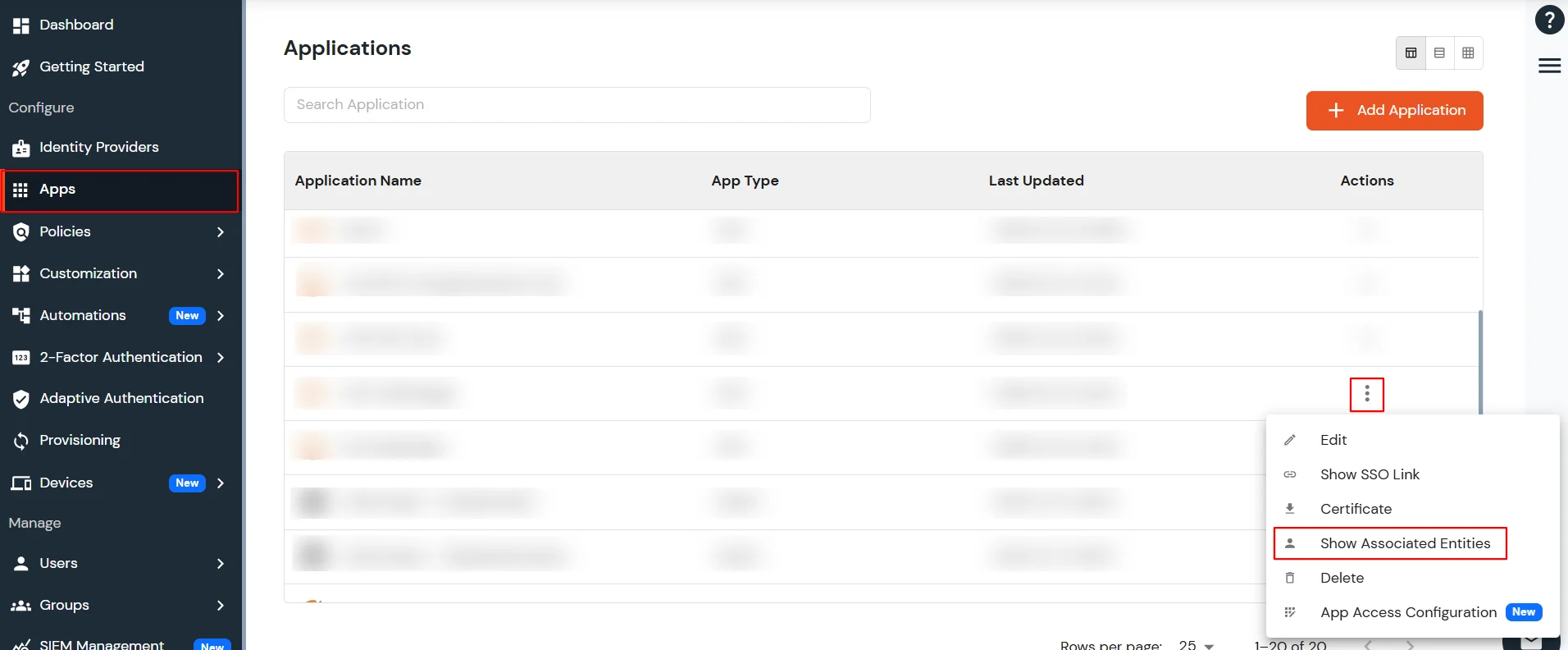
miniOrange Identity Platform Admin Handbook: Show Associated Entities

1. Associated Users Tab

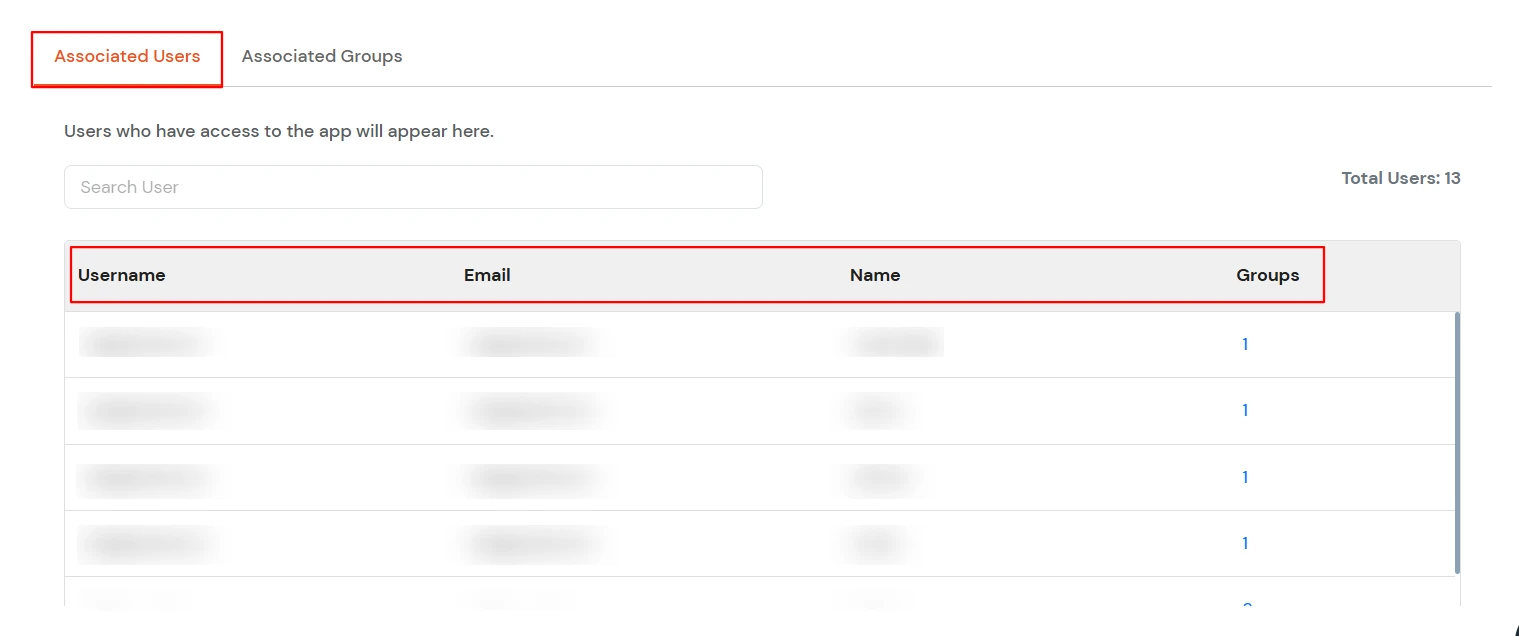
  • The Associated Users section shows details of all users who have access to a particular application. Access is granted based on group membership and configured Application Policies.
  • It includes basic information for each user—such as username, email and name along with the Count of Groups users have access to that application.
  • miniOrange Identity Platform Admin Handbook: Associated Users Tab

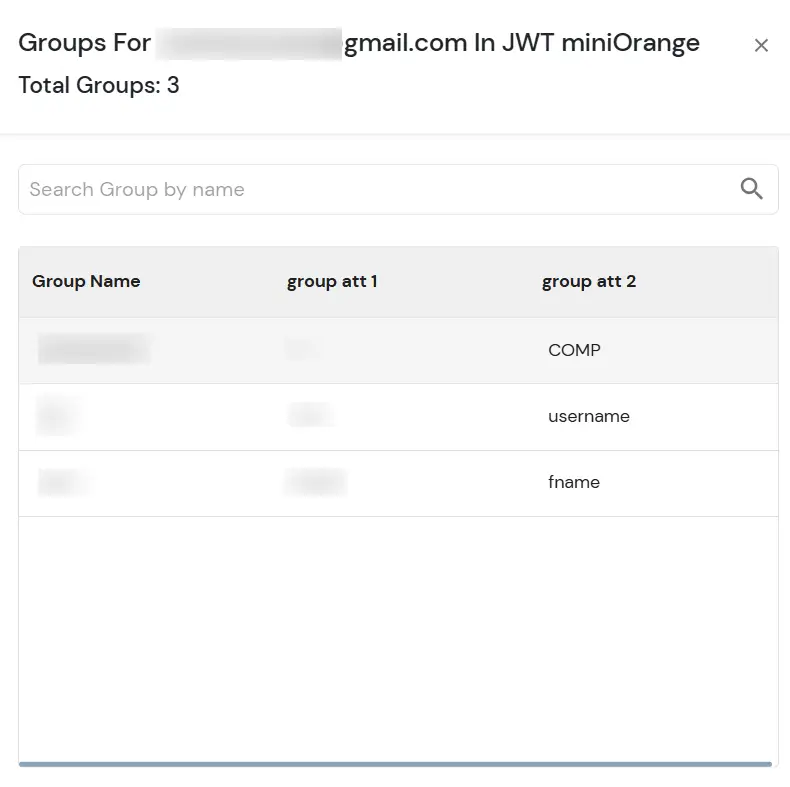
  • Click on the Group count for a specific user.
miniOrange Identity Platform Admin Handbook: On click groups count

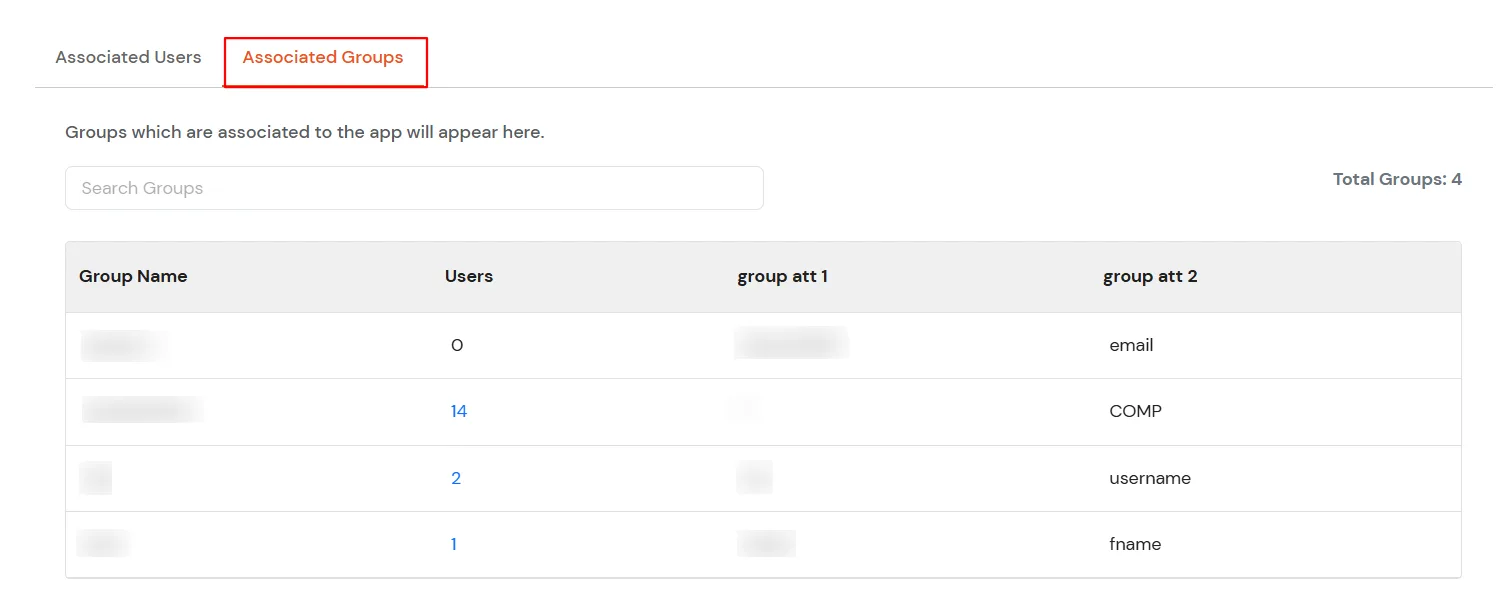
2. Associated Groups Tab

  • The Associated Groups section shows details of all groups that are linked to the application through configured policies.
  • miniOrange Identity Platform Admin Handbook: Associated Groups Tab

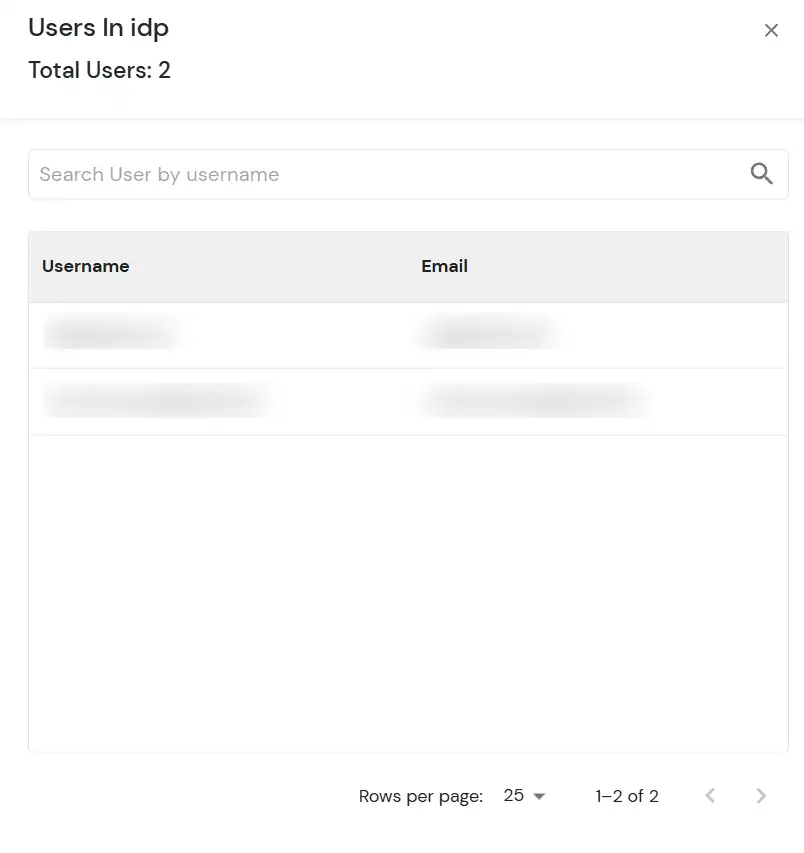
  • Click on the Users count for a specific user.
miniOrange Identity Platform Admin Handbook: Click On User Count